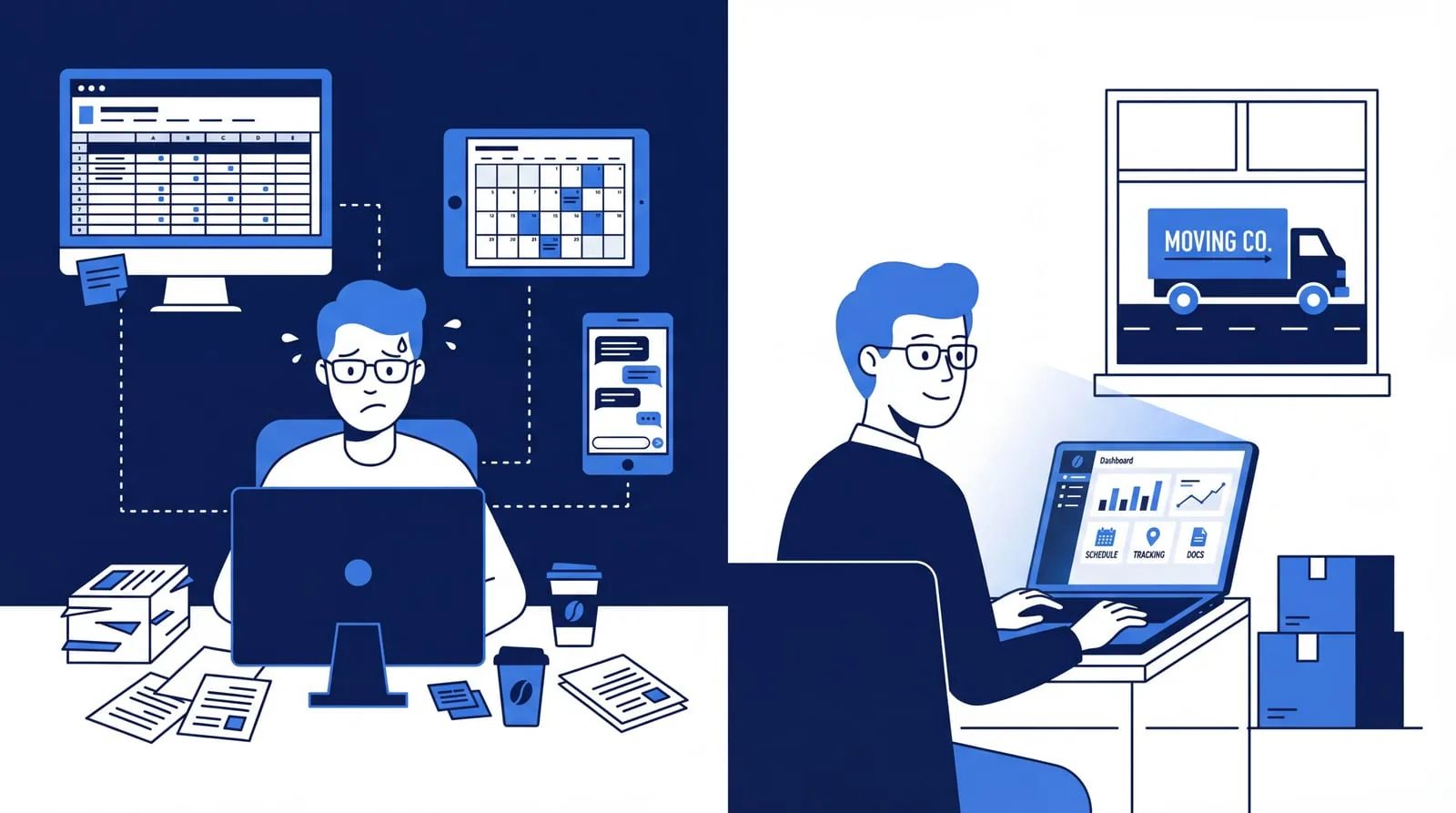
CRM from provider A, planning from provider B, invoicing from C and then a spreadsheet to hold it all together. Does it work? Yes, technically it does. But is it also efficient? That is an entirely different question.
This article is not about whether standalone tools can work. They can. The real question is: how much time, energy and money does it cost you to keep everything running? And what would change if all those systems actually talked to each other?
The reality: five systems, zero integrations
Quotes in Word. Planning in Google Calendar or on a whiteboard. Customer data in a CRM. Invoices in your accounting software. Communication with your crews via WhatsApp. Sound familiar?
Each system does what it is supposed to do. The problem lies in what happens in between. Because those systems do not talk to each other. There are no API integrations, no automatic data flow. You are the integration. Or your admin. Or that one colleague who "has the overview".
According to Statistics Netherlands (CBS), more than 60% of SMEs in the Netherlands work with three or more standalone systems. That is not a problem in itself. It only becomes a problem when you realise how much manual work is needed to make those systems come together.
Standalone tools: the advantages
To be fair: there are good reasons to work with standalone software.
- Low entry costs. Per tool you pick the cheapest option. A spreadsheet costs nothing, a basic CRM is available for just a few euros per month.
- Flexibility. Not happy with a tool? Switch without bringing the rest of your business to a standstill.
- Best-of-breed. For each component you can choose the best tool, regardless of the vendor.
- No major transition. Your team already knows the tools. Everyone continues working as they are used to.
These are real advantages. But they say nothing about how efficiently your daily operations actually run.
The price you pay (without realising it)
Standalone tools work. But they do not work together. And that has consequences you do not always see directly, but that do cost your business real money and time.
Retyping customer data, over and over
A customer accepts your quote. Now you type the same address, the same date and the same volume into your planning tool. Then again into your invoicing system. Three times the same data entered manually. With ten moves per week, that quickly adds up to hours of duplicate work. Not because it is necessary, but because your systems are not connected.
Searching for information instead of finding it
A customer calls with a question. Where is their quote? In the CRM? In your inbox? In the shared folder? Your colleague created it, but in which system? Without a central customer overview you lose minutes searching for information that should be instantly available.
No flow from sales to planning
Your salesperson closes a deal in the CRM. Your planner works in a separate system. Someone has to pass that on manually. Forget to do so? Then there is a move in the CRM that is not in the schedule. Or the other way around: a crew showing up at a location the customer was never told about.
Managing by gut feeling instead of data
How many quotes are open? What is your conversion rate this month? If that data is spread across three systems, it takes you half a day to pull it together. By that time the numbers are already outdated. Making data-driven decisions becomes difficult.
Errors caused by manual work
Every manual step is an opportunity for mistakes. A wrong address on the job sheet. An invoice with the wrong amount because the hours were incorrect. A confirmation with the wrong date. Not because someone is careless, but because the system invites errors.
"The question is not whether standalone tools work. The question is how many hours per week you spend filling the gap between those tools."
All-in-one ERP software: what changes?
An ERP system combines CRM, planning, time tracking, invoicing and reporting in one platform. The biggest difference: everything is connected. Data flows automatically from one step to the next.
- Enter once. Customer data, addresses and volumes are entered once. From quote to invoice, every component uses the same source.
- Automatic flow. An accepted quote directly becomes a scheduled move. Registered hours flow automatically to the invoice. No retyping, no forgetting.
- Always up-to-date overview. At any moment you can see how many quotes are open, which moves are scheduled and how your revenue is developing. Without first opening three systems and updating a spreadsheet.
- Less error-prone. No manual intermediate steps means fewer places where things can go wrong. That saves not only corrections after the fact, but also dissatisfied customers.
- Scales with you. Whether you have three or thirty crews, the system grows with you without needing to bolt on extra tools.
The downside of all-in-one
An ERP system also has disadvantages. Hiding those would be unfair.
- Higher initial investment. A complete platform costs more than a standalone spreadsheet. You pay for modules you may not fully use for a few months.
- Transition period. Your team needs to get used to a new system. That takes time and attention, especially in the first weeks.
- Vendor dependency. Putting everything with one provider makes you dependent on that provider. Always check whether your data is exportable.
- Not the best at every component. An all-in-one package is rarely better at every component than the best standalone tool. But the strength is in the integration, not in the individual parts.
The comparison at a glance
Standalone tools vs. all-in-one moving software
| Criterion | Standalone tools | All-in-one ERP |
|---|---|---|
| Entry costs | Low | Medium to high |
| Total cost (incl. time lost) | Often higher than expected | Predictable |
| Data retyping | Yes, at every step | No, automatic flow |
| API integrations | Arrange yourself (if available) | Built-in |
| Error susceptibility | High (lots of manual work) | Low (automated) |
| Overview and reporting | Manually compiled | Available in real-time |
| Scalability | Becomes more complex with growth | Grows with you |
| Flexibility | High per tool | Within the platform |
| Implementation time | Quick per tool | Longer, but one-time |
Signs that your current approach is holding you back
This does not only apply to growing businesses. Even if your team is stable, these signs may indicate that your setup is not working efficiently enough.
Do you recognise three or more of these situations?
- You retype customer data multiple times across different systems
- Customers have to repeat information because you cannot look it up quickly internally
- You have no up-to-date overview of open quotes or scheduled moves
- Errors regularly creep into invoices, job sheets or schedules
- You cannot tell within 30 seconds how your business is doing this month
- You wish your systems would automatically talk to each other, but they do not
Three or more? Then the question is not whether your setup works. It does. The question is how much it costs you to keep it working.
What to look for when choosing?
Regardless of which direction you choose, these points make the difference.
- Built for your industry. Generic software always requires customisation. A system built for the moving industry understands the process from quote to invoice without you having to set everything up yourself.
- Integrations and APIs. Working with standalone tools? Check whether they offer API integrations with your other software. Without integrations you remain the human bridge between your systems.
- Mobile working. Your drivers and movers are on location, not in the office. Software that does not work well on a phone is unusable in this industry.
- Scalability. Choose software that grows with you. What works now for three crews must also work for ten.
- Support during the transition. How quickly can you be productive? Is there support for setup? Especially when switching from standalone systems, good guidance makes the difference.
Conclusion: it works, but is it powerful?
Standalone tools are not bad. They do what they promise. But the combination of standalone tools delivers less than the sum of its parts. You pay in time, in manual work, in errors and in the overview that is missing.
An all-in-one ERP system solves that by connecting everything. You enter data once and it flows through automatically. You always have an overview. Your team spends less time on administration and more on work that truly matters.
Is that the right step for every business? Not necessarily. But if you honestly look at how many hours per week you spend filling the gaps between your systems, the answer is often clearer than you think.
Bas is an example of moving software that combines sales, planning, HR and invoicing in one platform. But regardless of which system you choose: the most important step is honestly looking at what your current setup truly costs you.
Shall we grab a coffee?
Let us talk about how things can be done smarter in your business.
Online or on-site - you choose.
CBS - ICT usage in businesses 2024, Gartner - ERP Market Guide for Midsize Enterprises 2025.