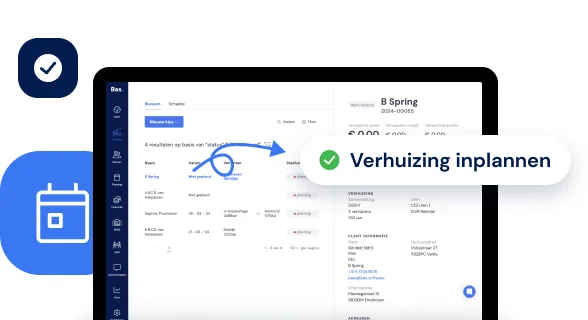
Your invoices are ready and waiting
Every job and storage period is automatically prepared as a draft invoice. Reminders and reconciliation run on their own — saving you time every week.
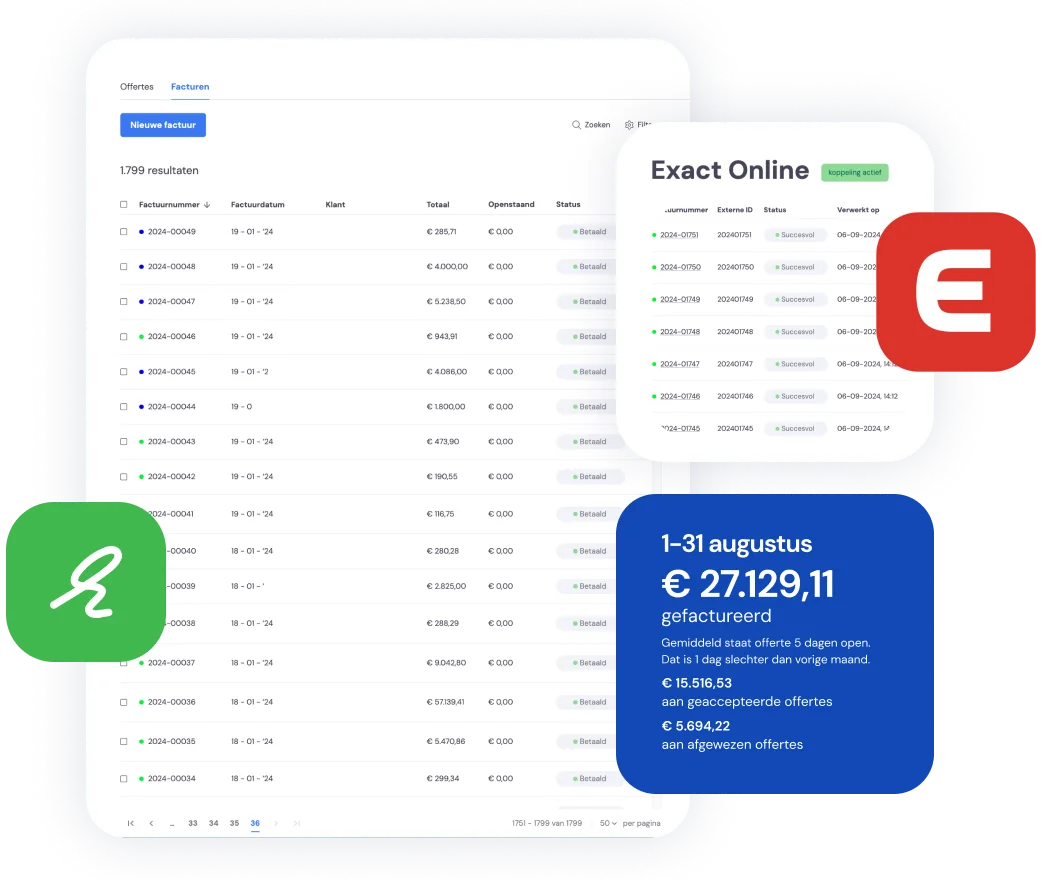
Invoicing is an important but labour-intensive process.
With Bas, it becomes much clearer and faster.
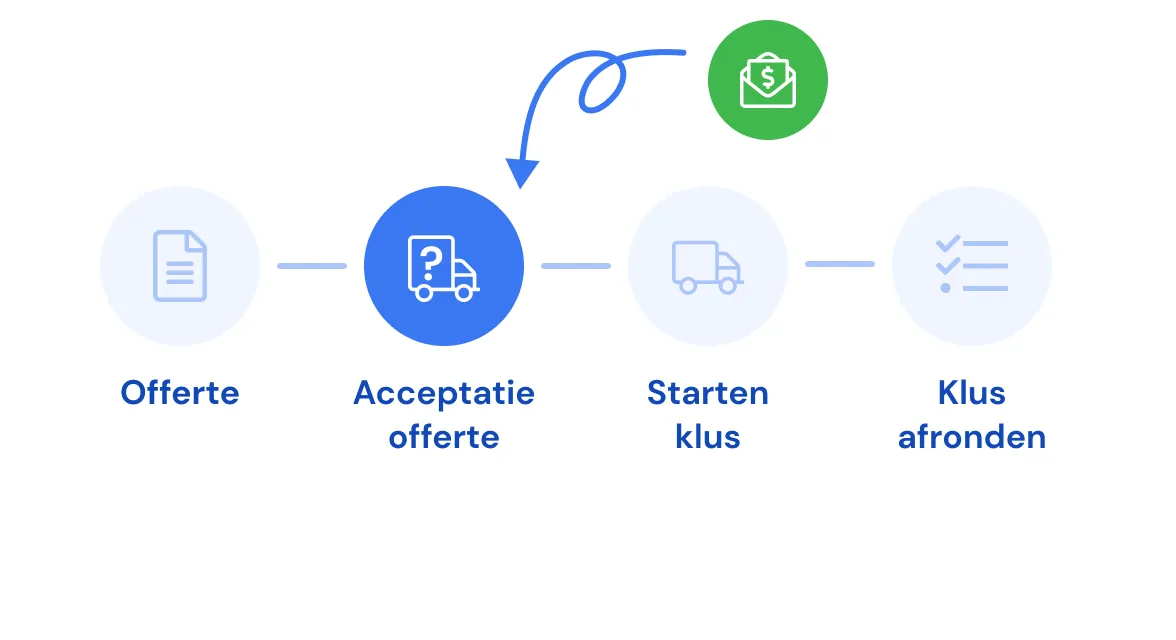
Automatically generate invoices.
In the standard workflows you use, you can define which stages of the job trigger an invoicing moment.
For example, you can create a deposit invoice immediately after confirmation if needed, or issue the final invoice upon completing the last appointment of the job.
In any case, invoices are automatically generated, saving you a lot of time.
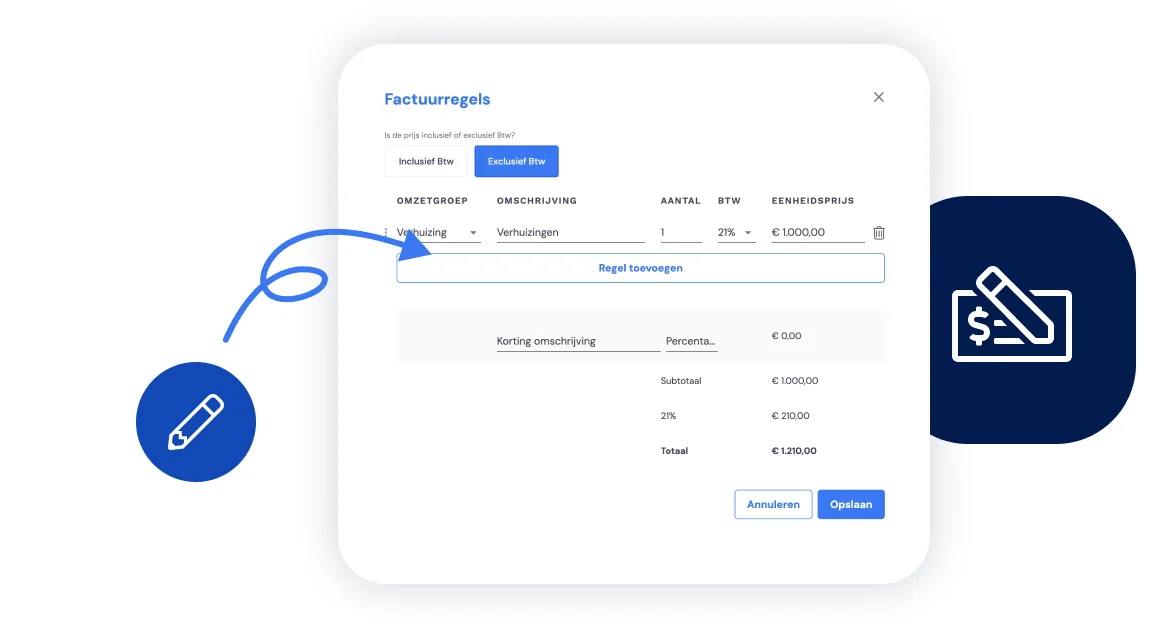
Review, adjust, and send
In Bas, invoices for jobs and storage are prepared as drafts. You review, adjust, and send them.
This way, you always have full control over your invoicing.

Never miss an invoice
Once invoices are created and sent, you will want to check which ones have been paid and which have not.
You can find this at any time in the invoice overview. If needed, you can send a reminder directly from there.
Want to track how the customer interacts with the invoice? You can see everything in the activity overview.
Set payment terms per customer
You can set the payment terms you want to use - globally or per customer. Whatever works best for you.
Send automatic reminders
If an invoice is not paid within your specified term, you can automatically send reminders.
Process payments automatically
Paid invoices are automatically reconciled in Bas when you have an integration with your accounting package.
Following up on invoices is something many employees find frustrating.
Bas helps you with insights, payment terms, and automatic reminders.
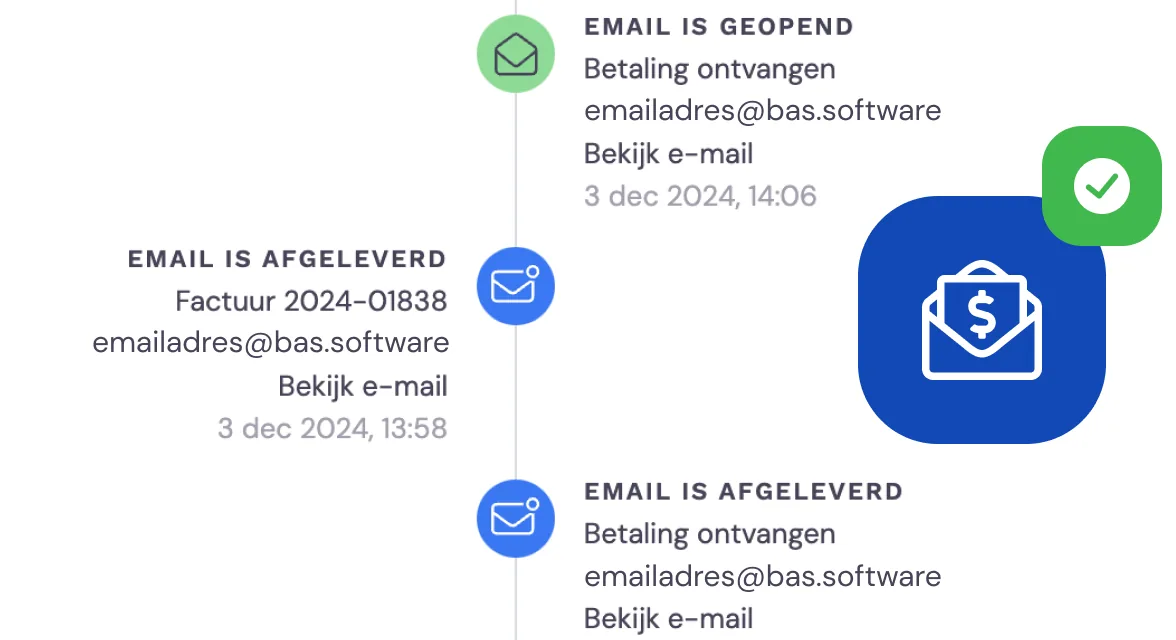
See exactly what the customer has done
You can track exactly what has happened for each customer.
You can see whether a customer has received the invoice, whether the email was opened, and whether payment has been received.

Gain insight into revenue and payment terms
With invoicing, you always have an overview of your job revenues and the average payment term.
Frequently asked questions about invoicing
The questions moving companies ask us most often, with a short answer.
Bas connects to the most widely used accounting packages in the Benelux: Exact Online, Yuki, SnelStart, Reeleezee, Octopus and King Finance (iMUIS). Invoices you create in Bas are forwarded to your accounting software automatically. You do not have to copy anything over by hand; this saves time and prevents mistakes.
As soon as a move is finished, Bas generates a draft invoice automatically based on the agreed price and the additional work or extra services that were logged. You check the draft and send it with one click. Bas also sends payment reminders automatically when an invoice stays open too long.
Yes, Bas supports both deposits on order and final invoices on completion. Per customer or per type of move you set which percentage or amount is asked as a deposit. The final invoice is corrected automatically for the deposit already paid.
Yes, Bas supports Peppol for exchanging invoices electronically. Peppol is a European network through which invoices arrive straight in the recipient’s accounting system without manual entry. This is particularly useful for moving companies that work with business clients or government bodies.
Insight into your business performance
Manually keeping track of your numbers? Hiring expensive consultants to install a BI tool? Not with Bas.
The essential statistics are instantly available.