
Error in the synchronisation
Tasks are created to alert you to errors in the link. You can click through to the link directly from the task. The task is:
Invoice [invoice number] was not successfully synchronised with the accounting software
Error messages
If something goes wrong in the link with Exact Online, you'll find the error messages under Settings > Integrations > Exact Online.
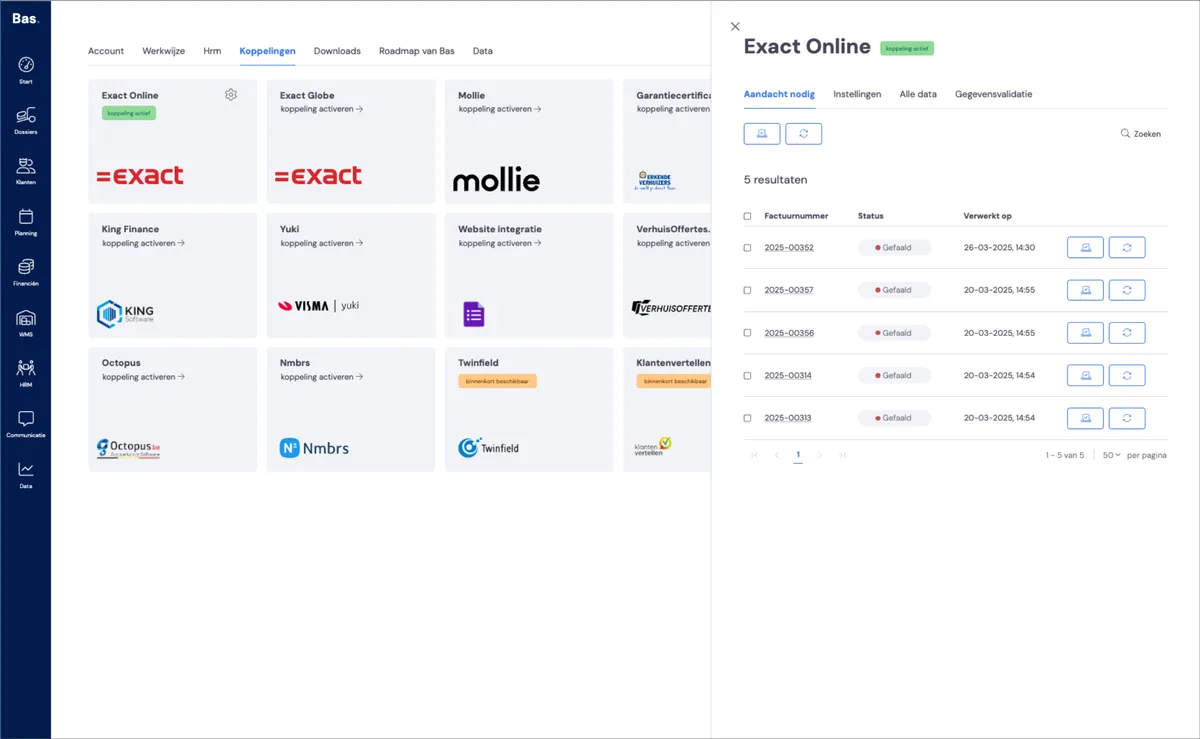
You can view more information about the error message by hovering over the 'pill' containing the error message; in most cases, you'll see the message sent directly from Exact Online here. This error message is the clue you can use to resolve the problem.
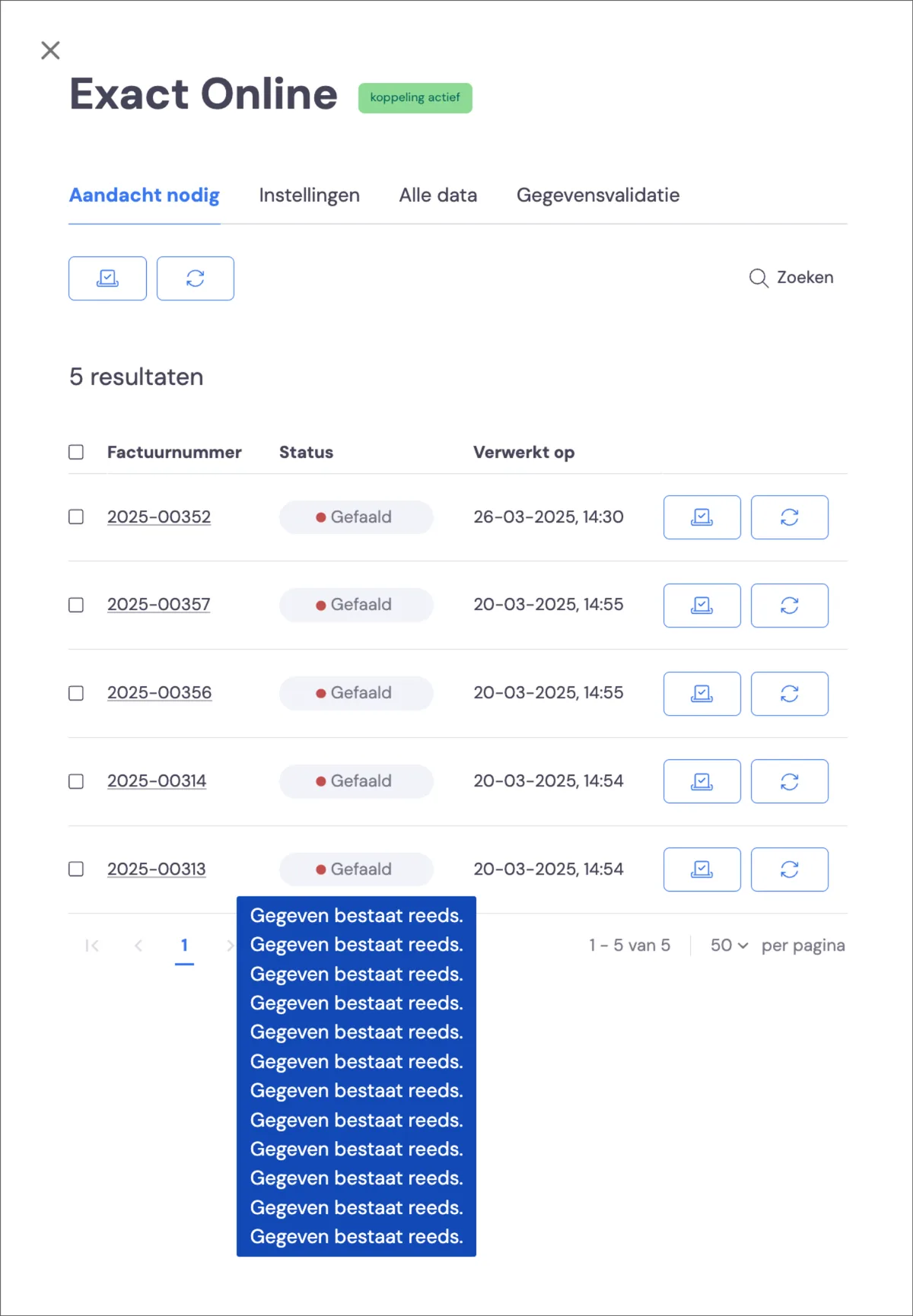
All error messages from Exact Online that occurred during synchronisation are shown here. If you synchronise an invoice multiple times and the error occurs multiple times as a result, you'll see the error message multiple times.
Quick fix for the most common errors
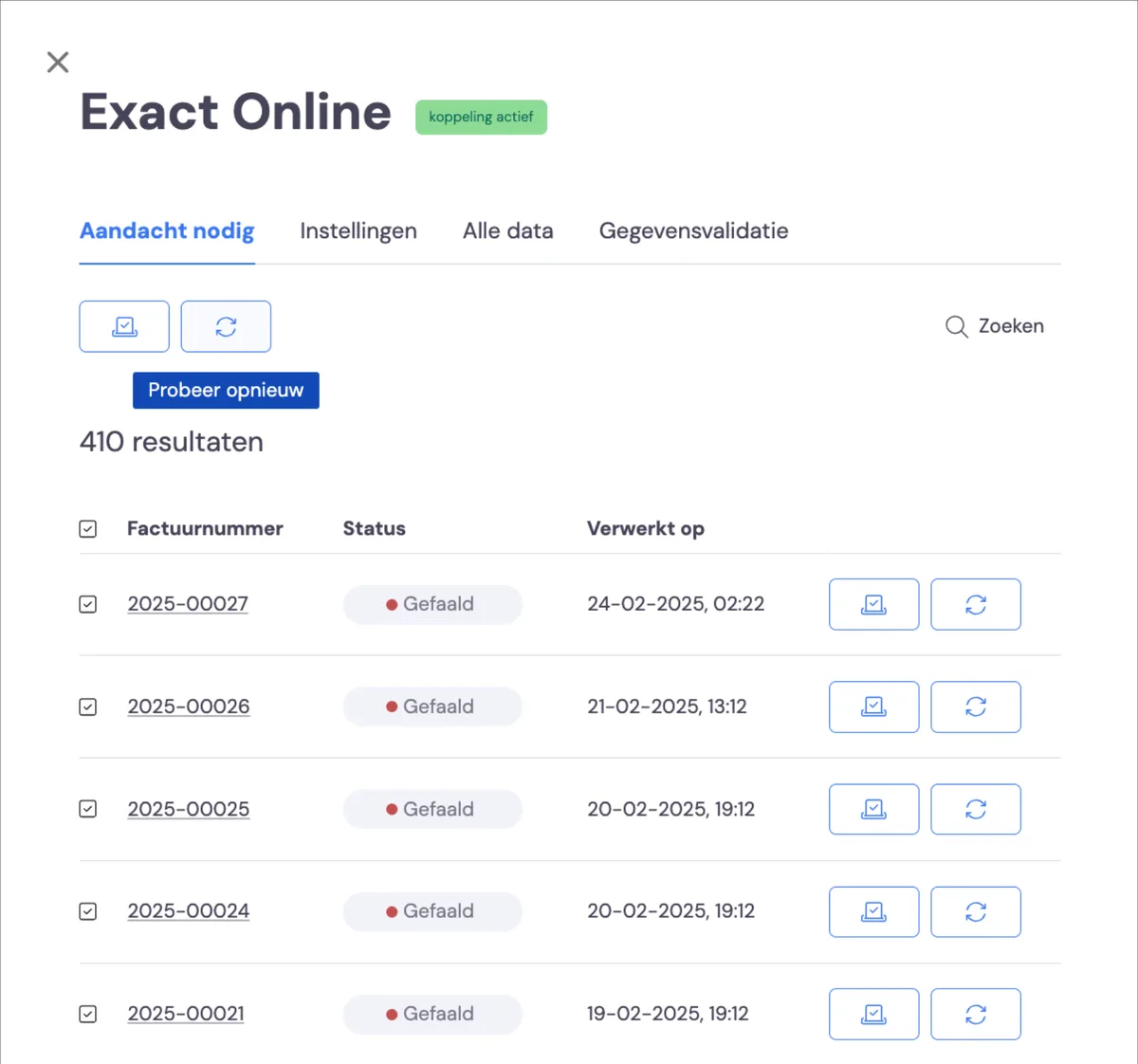
Most error messages arise from a temporary outage in the link between Bas and Exact Online. You can therefore resolve most problems by re-synchronising invoices using the 'Try again' button. You can do this per invoice or for all invoices you select.
Specific error messages and solutions
Below are error messages that have occurred previously, along with the corresponding solutions:
Problem with the link
In the cases below, there's a technical problem with the link, making synchronisation temporarily impossible:
'Koppeling verbroken' and 'Not connected'
There's no active link between Bas and Exact Online. If the link is broken, you can restore it yourself. It's possible the linked account has been changed; in this case, check that all required permissions are set before restoring the connection.
Sync of data was stuck
In this case, there was a hiccup during synchronisation. This can happen if a session between Exact Online and Bas was interrupted. You can resolve this by re-synchronising the invoice.
Failed to acquire the refresh [number]
In this case, a token has expired, which gives Bas access to the data in Exact Online. You can easily resolve this by re-synchronising the invoice.
Forbidden
There's a problem with the authorisation from Exact Online. This can be resolved by correctly setting the permissions of the linked user and then re-synchronising the invoices.
Problem with data
In the cases below, there's an error in the data, making synchronisation impossible
Data already exists
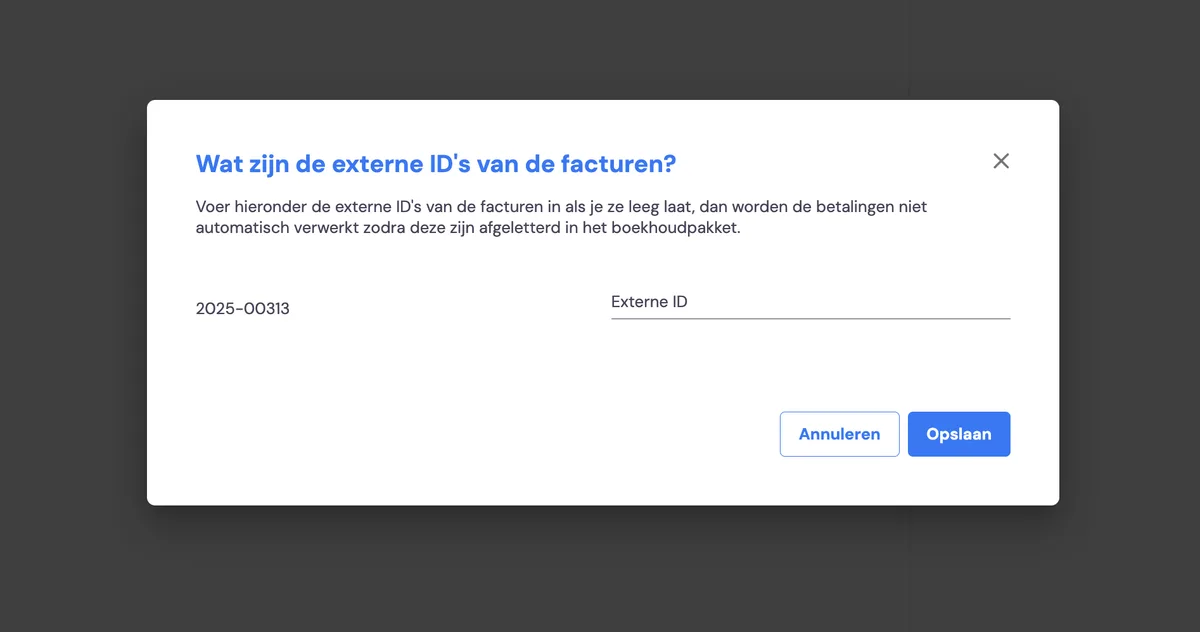
An invoice was submitted to Exact Online, but this invoice already existed in Exact Online. Check in Exact Online whether this is indeed the case. If so, click 'Mark as completed' next to the invoice.
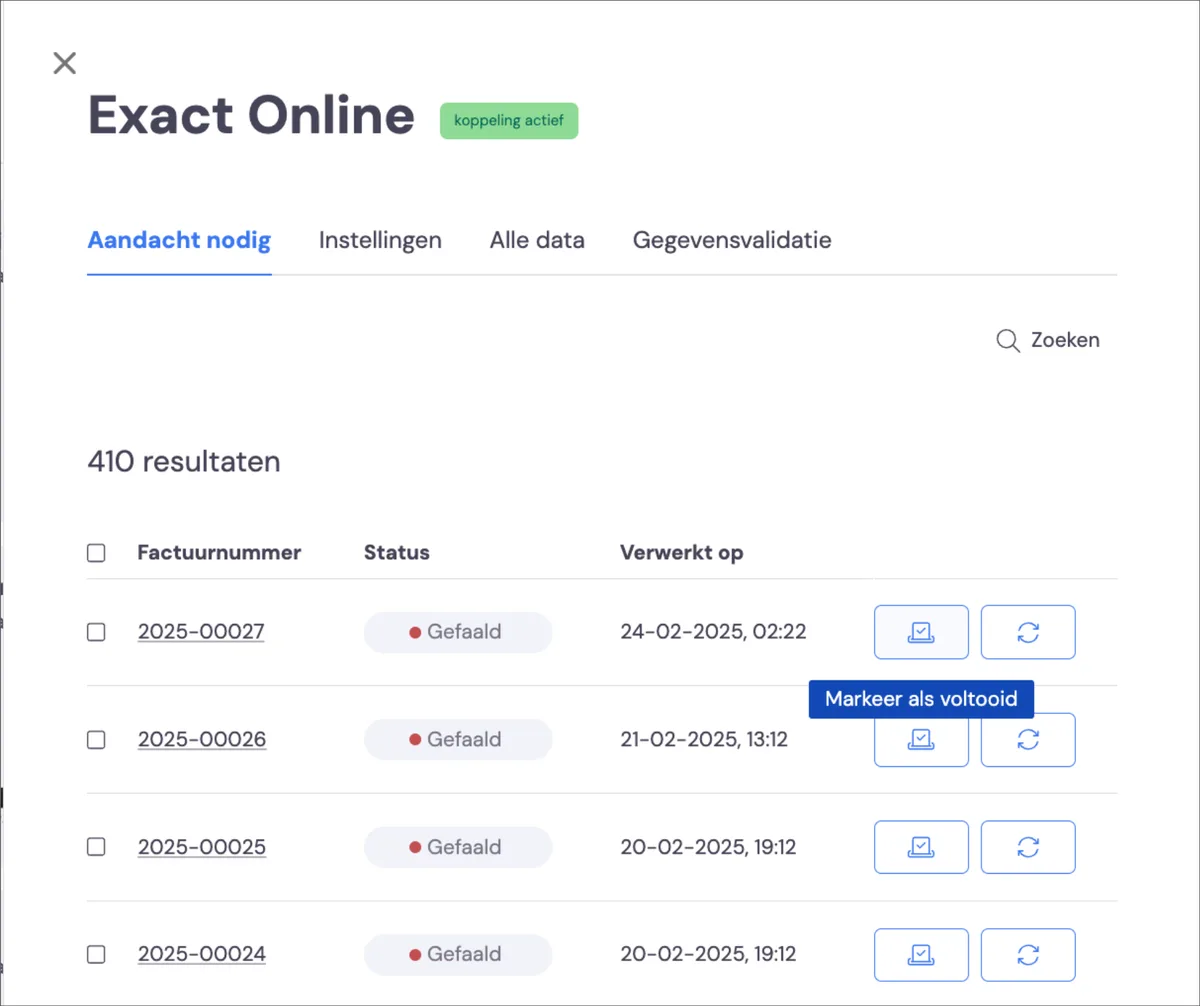
Then enter the external ID of the invoice. This should be the existing invoice number; check this in Exact Online, enter it, and click save.
Invalid reference: Customer
In this case, the (previously submitted) debtor is no longer available in Exact Online. This can happen if you've deduplicated a customer but deleted the debtor as it was known in Bas. You can resubmit the debtor by first deleting the debtor. Go to settings-integrations-find your link. Then click on all external customers, find the customer and delete them by clicking the bin icon. The debtor is now deleted, and you can resubmit the invoices, after which the debtor will be recreated.
No mapping found for []
In this case, a revenue group used in Bas on an invoice is not linked to a general ledger account in Exact Online. You resolve this by linking the revenue group to the desired general ledger account and re-synchronising the invoice.
General ledger [number] not found
This means a general ledger account linked in Bas no longer exists in the chart of accounts. You can resolve this by adding it to the chart of accounts, or by linking the revenue group linked in the package to a different general ledger account in Exact Online.
Period [] is closed
An invoice was sent to a period in Exact Online that is marked as closed. You can (temporarily) reopen the period in Exact Online and re-synchronise the invoice.
Invalid: General ledger account type
An invalid type of general ledger account is linked in Bas, causing you to try to link an invoice to a purchase invoice.
1 cent rounding difference
A common issue is a rounding difference arising in the invoice amount between Bas and Exact Online. As a result, when the customer pays, the wrong amount is synchronised with Bas, after which there's a 1 cent difference between the original invoice amount and the payment. This means an invoice isn't fully paid off in Bas, or there's an amount of 1 cent that's been overpaid.
The solution is to mark the invoice as 'paid' in Bas. This completes the invoicing process.