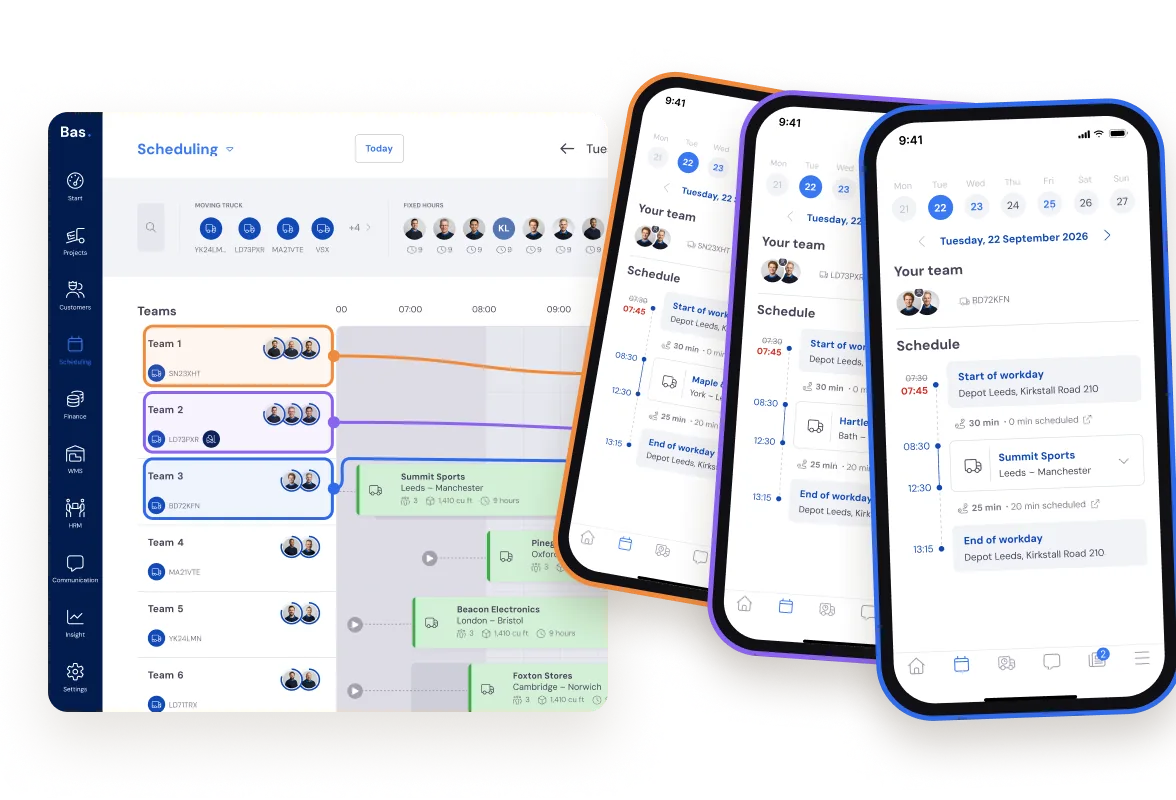
Scheduling in a few clicks
All job information is ready the moment the sale closes.
Drag employees and vehicles onto the job and see instantly whether that one extra job still fits.
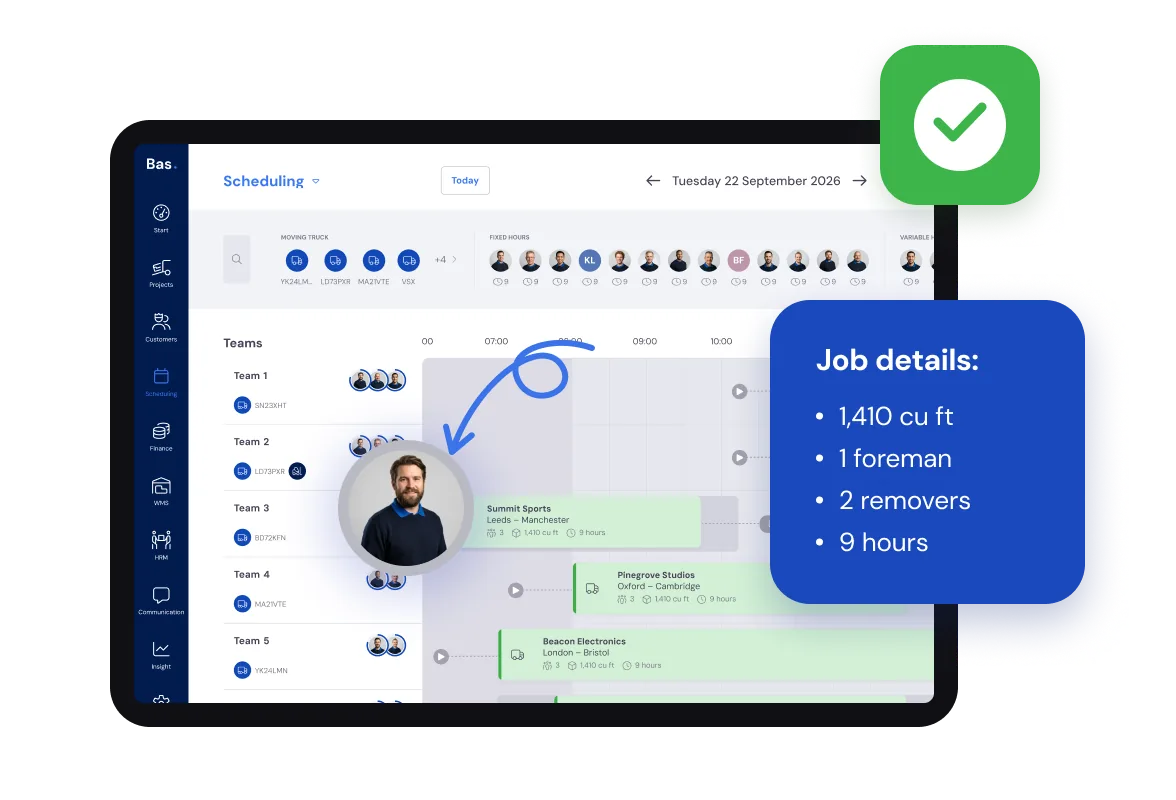
You have all the information about the job to be scheduled.
You can see the availability of staff and vehicles.
This makes scheduling simple.
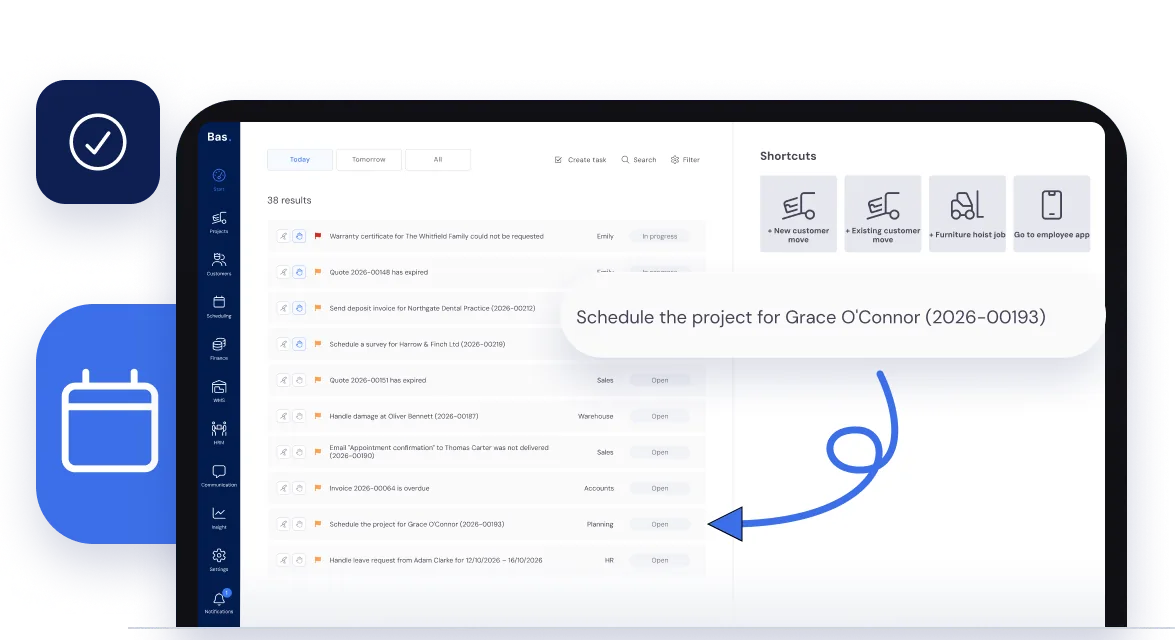
Clear insight into all jobs to be scheduled.
Bas gives you a clear overview of all jobs that need to be scheduled.
For every job that has been confirmed through sales, a task is ready to make it clear that you can start scheduling.
This way, all jobs are always under control and nothing gets forgotten.
Cubic meters, materials, services. Everything you need to know.
With the information collected during the sales process, you as a planner have everything at your disposal.
The desired dates provided by the customer, the required staff, materials, and services like assembling and disassembling furniture - it's all available when scheduling.
All that information comes from sales: the survey and the accepted quote.
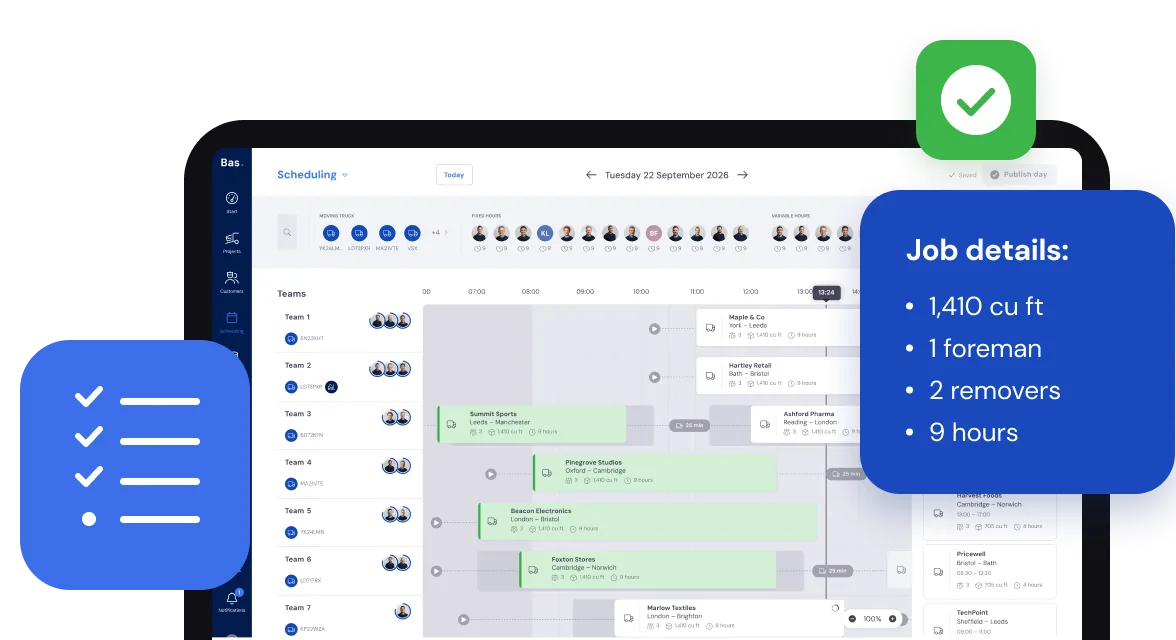
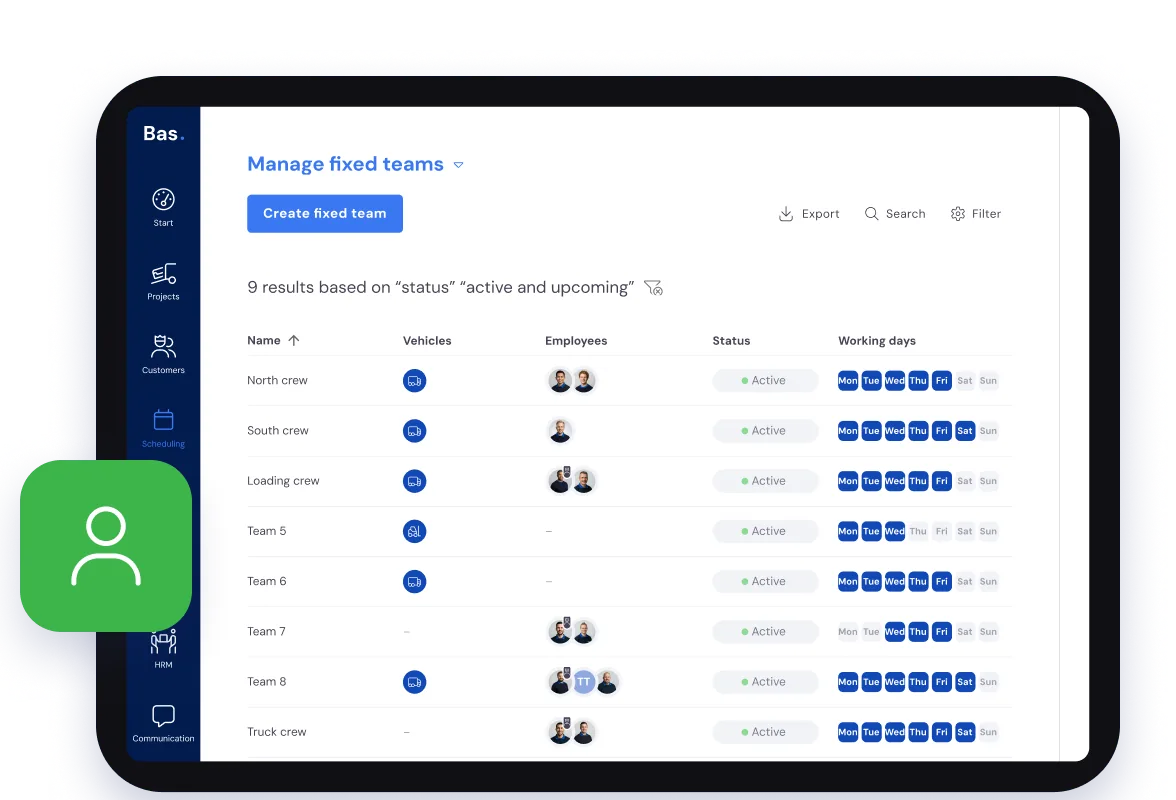
With fixed teams
If you work with fixed teams, you can schedule all your jobs even faster.
Handy when you run an SME removals firm with fixed crews.
Quickly check if that job still fits.
In the schedule, you can see exactly which jobs are confirmed and how many vehicles and staff are still available.
This way, you can quickly tell if that extra job still fits!
Always have capacity under control.
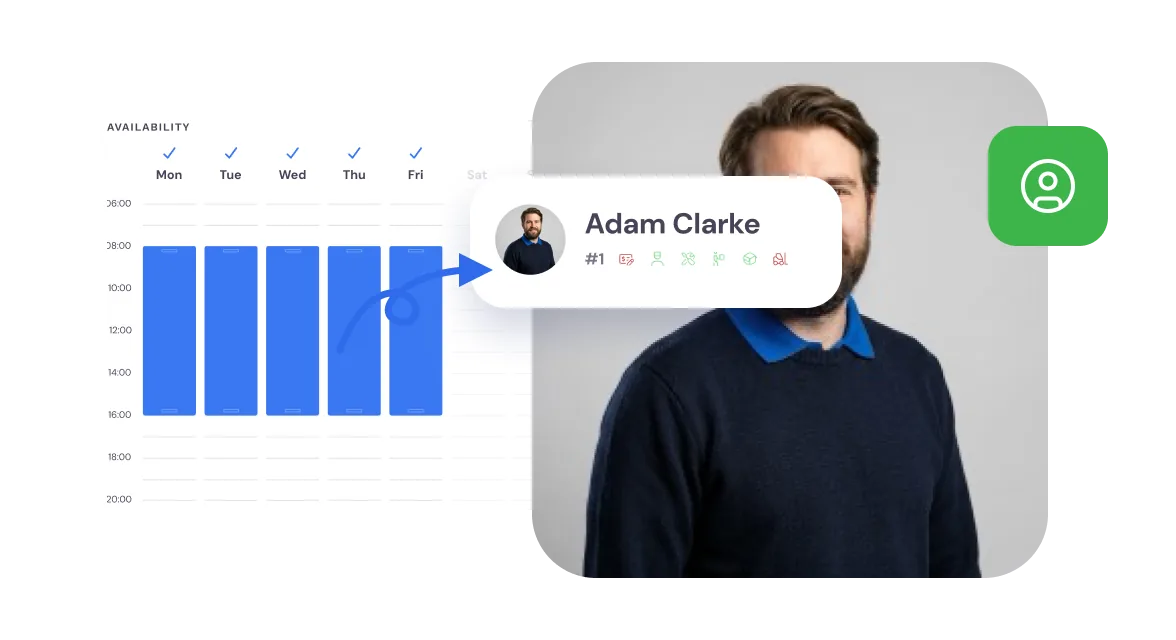
For all staff, you know when they are working, how many hours they are available, and whether they are on leave or sick.
This keeps your capacity always under control.
Permanent staff and temp workers.
In the schedule, you can see which permanent staff have not yet reached their contracted hours. You schedule these first. Need more? Use temp workers with the new staffing module.
You schedule at the lowest cost. You can see whether permanent staff have already reached their contracted hours.
You supplement with temp workers when needed.
Always insight into the availability of staff.
Via the HRM module, the available hours for each employee are known. Based on this availability, you schedule your staff.
Through the employee app, staff request leave, and sickness can be recorded via the HR module.
If a scheduled employee calls in sick, you immediately receive a task to find a replacement.
Who is off sick or on leave comes straight from HRM.
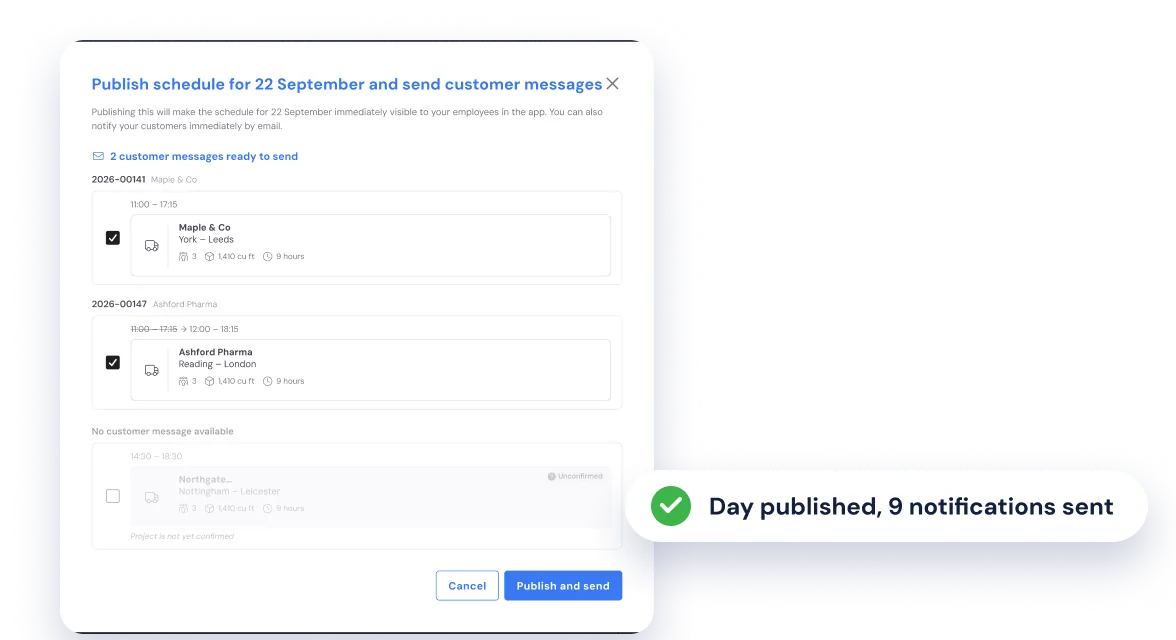
Share your schedule whenever you want.
You can keep changing the schedule until you think: now it’s done. Then you share it with your staff and with the customer.
Frequently asked questions about planning
The questions moving companies ask us most often, with a short answer.
In Bas you schedule crews and vehicles from one central dashboard with drag and drop. At a glance you see who is available, which vehicles are free and how much capacity you have on a given day. Skill filters help you match the right people to the right job, such as a forklift driver or a crew leader. Read more in Planning software for moving companies: what you really need.
Yes, Bas supports scheduling self-employed contractors and temporary staff alongside your permanent employees. You manage their availability and assign them to jobs just like permanent staff. That way you always have an overview of your total capacity, whether someone is on the payroll or external.
Employees submit leave requests through the Bas app. You approve or reject them in the planning overview. When someone reports sick, Bas adjusts their availability immediately, so you do not accidentally schedule someone who is not there. That keeps your picture of capacity realistic at all times.
In Excel your planning is static: you cannot see straight away who is available, which vehicle is free or what was agreed with the customer. In Bas, planning is connected live to the rest of the process. An accepted quote appears immediately as a job, employees see their schedule in the app, and changes are applied in real time without phone calls or messages.
All staff fully informed
Once you have finalised the schedule, all staff are informed about the jobs, materials, and everything needed to ensure jobs run smoothly.