Integrate Bas into your ICT environment
Bas is built to connect with software such as accounting packages, HRM software, online payments and environments specifically available for the moving industry.
Integrate Bas into your current ICT environment and connect Bas to third-party software.
This way, you work efficiently and keep all your systems easily integrated in one place.
Accounting
Connect Bas to your accounting software. This way, invoices and payments are processed automatically.
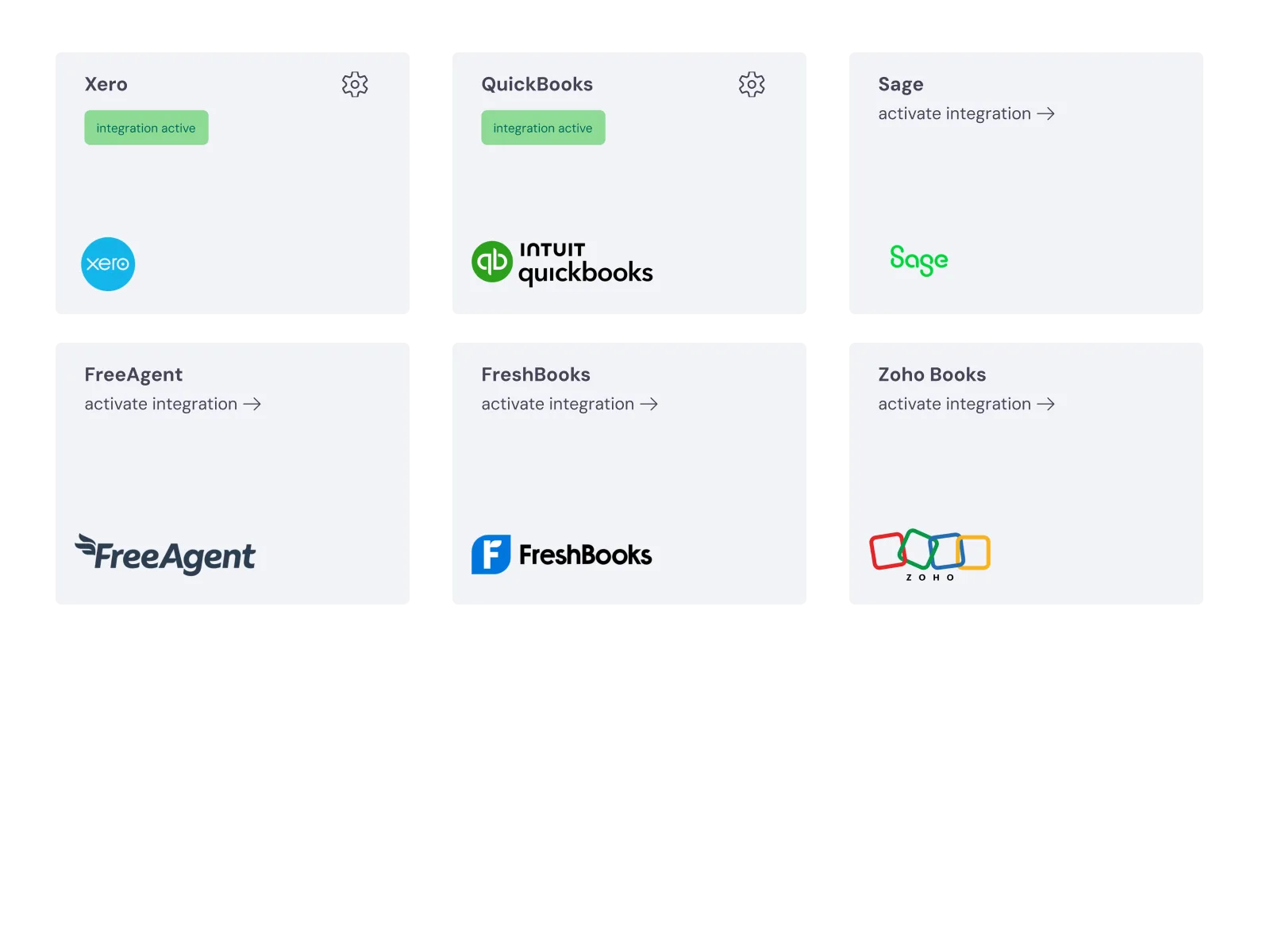
You can connect to Xero, QuickBooks, Sage, FreeAgent, FreshBooks and Zoho Books. Chances are your accounting package can be connected too.
So your invoices go on to your bookkeeping and the hours from HRM to your payroll.
Lead integration
Connect to removal quote sites such as Konnect You (formerly Compare My Move) or reallymoving. Or link to your own website via an embedded form. This way, you receive leads automatically!
Mollie integration
Want your customers to be able to pay online? You can add a payment link to the email you send. Payment via Mollie.
Payroll integration
Link your employee data to your payroll software, such as BrightPay. So hours and allowances go straight into payroll.
Frequently asked questions about integrations
The questions moving companies ask us most often, with a short answer.
Bas connects to accounting packages (Xero, QuickBooks, Sage, FreeAgent, FreshBooks, Zoho Books), removal quote sites (Konnect You, reallymoving), payment solutions (Mollie) and payroll software (BrightPay). An API is available for custom connections.
You connect Bas to removal quote sites such as Konnect You and reallymoving, or you place a Bas form on your own website. New requests arrive automatically as leads in Bas, without manual copying. Read more in More jobs from the same enquiries.
Yes, Bas connects to Mollie for online payments. Customers can pay deposits or final invoices online straight away through a payment link in the email. The payment status is updated in Bas automatically as soon as the payment comes in, so your view of your finances is always current.