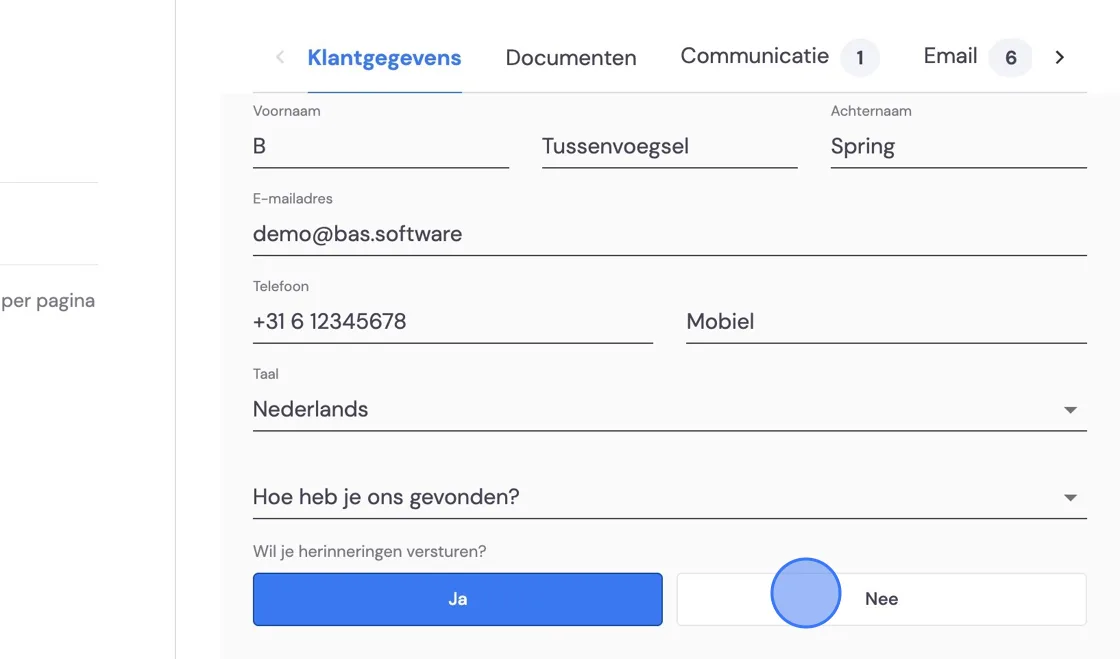
When setting up your Bas package, you can choose to send invoice reminders automatically. If you have this switched off, tasks will appear for you to process manually for all invoices that expire. If you want this switched on for most customers but not for a few, you'll find the instructions for disabling it individually at the bottom of this article.
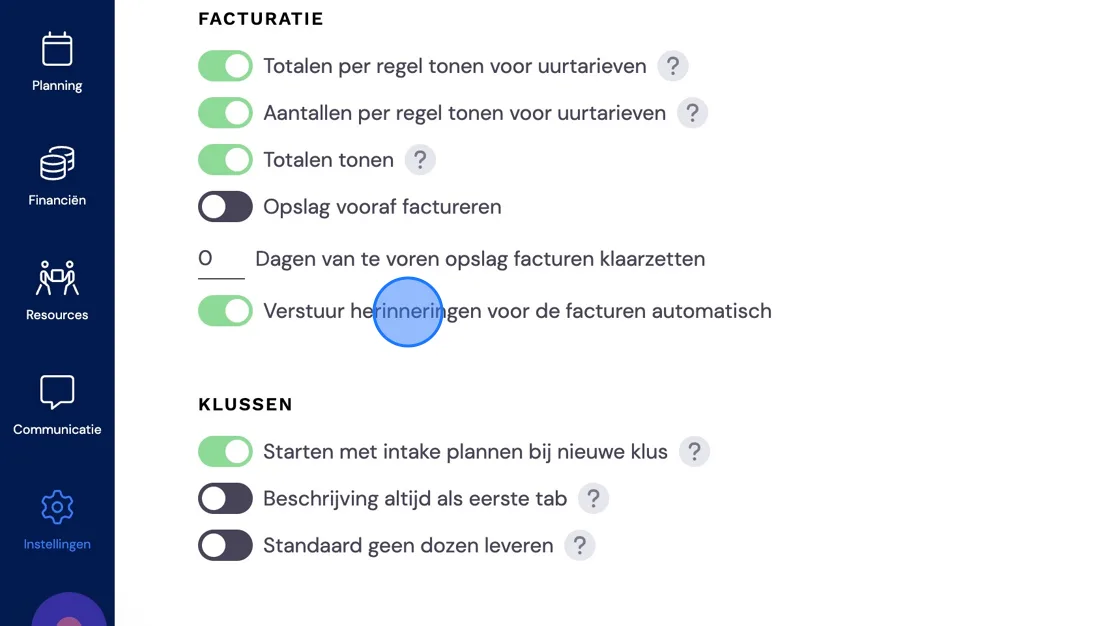
We'll now show you how to send a reminder. There are 2 options.
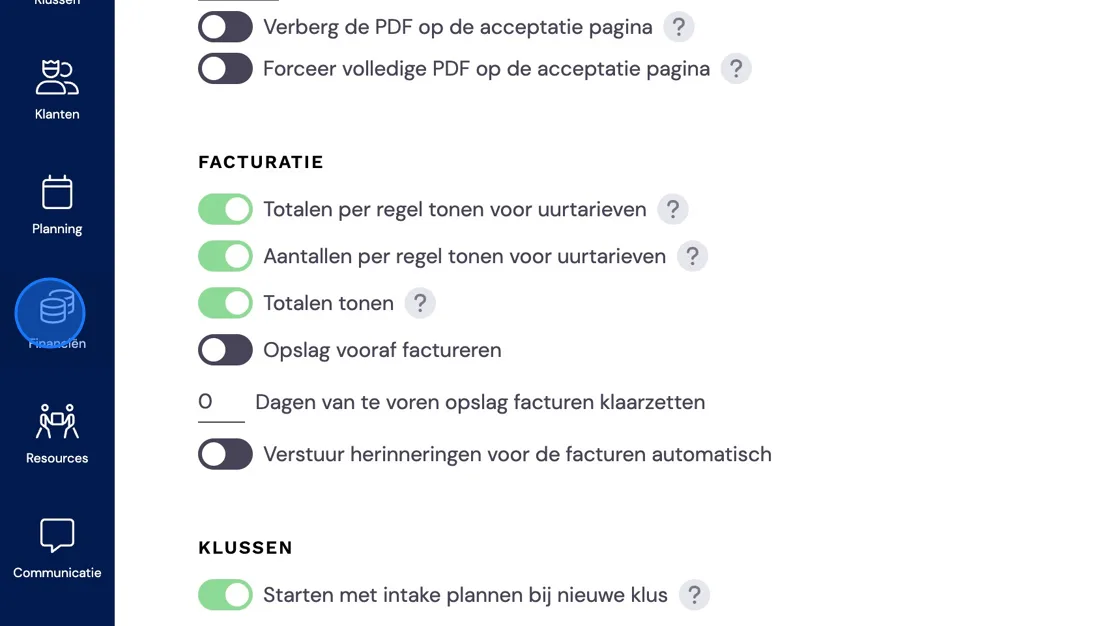
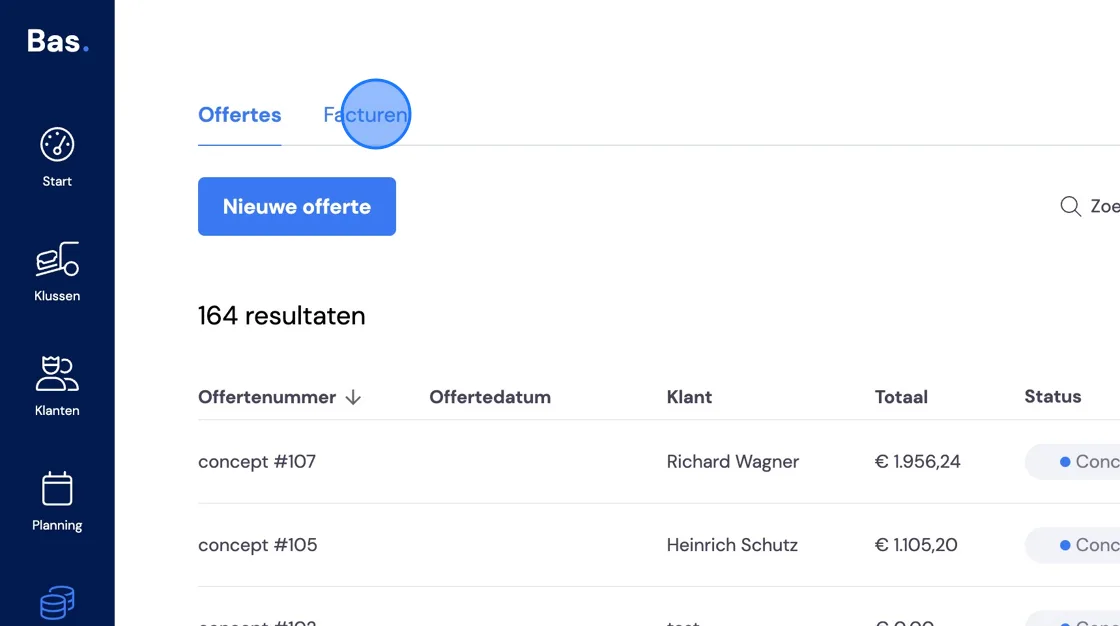
Find the invoice in question.
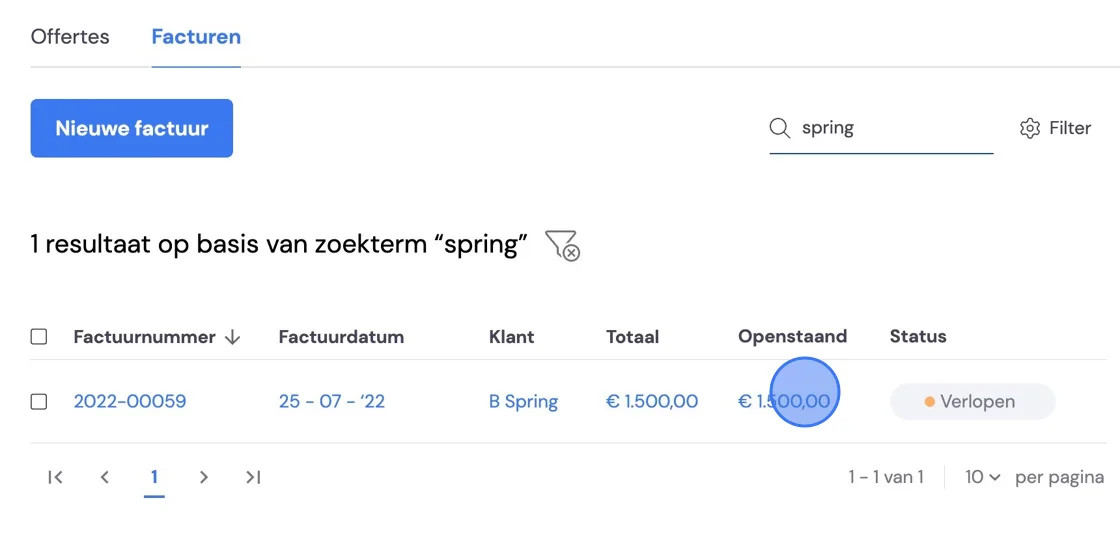
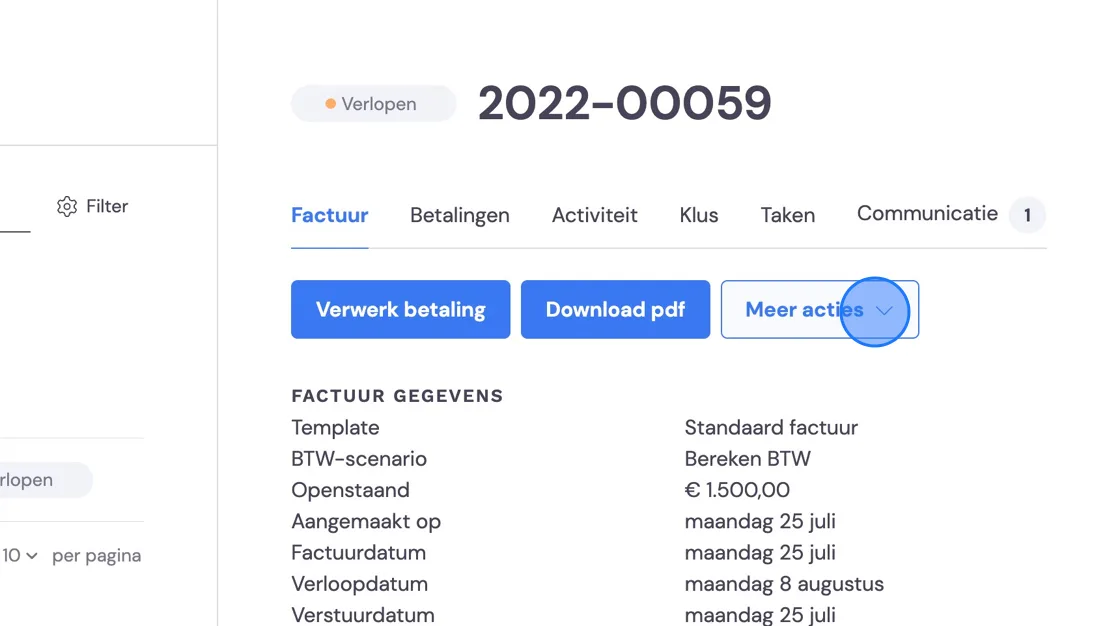
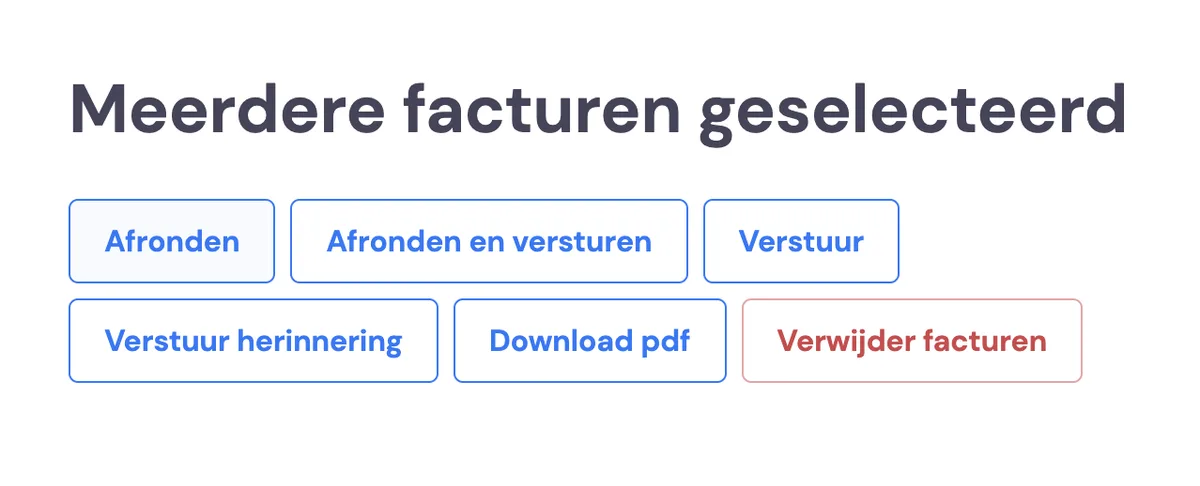
Below you can choose to, among other things, send the reminder manually
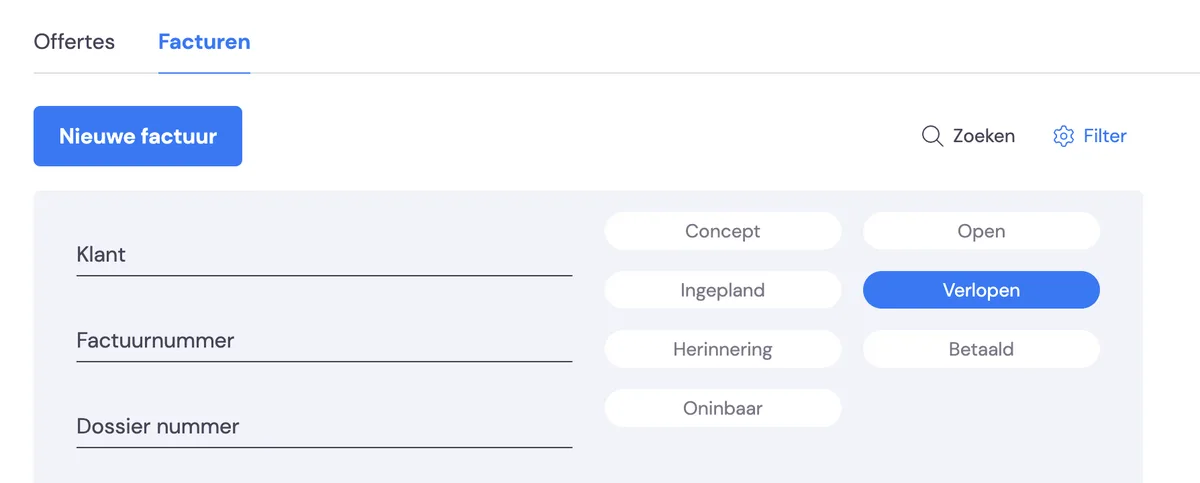
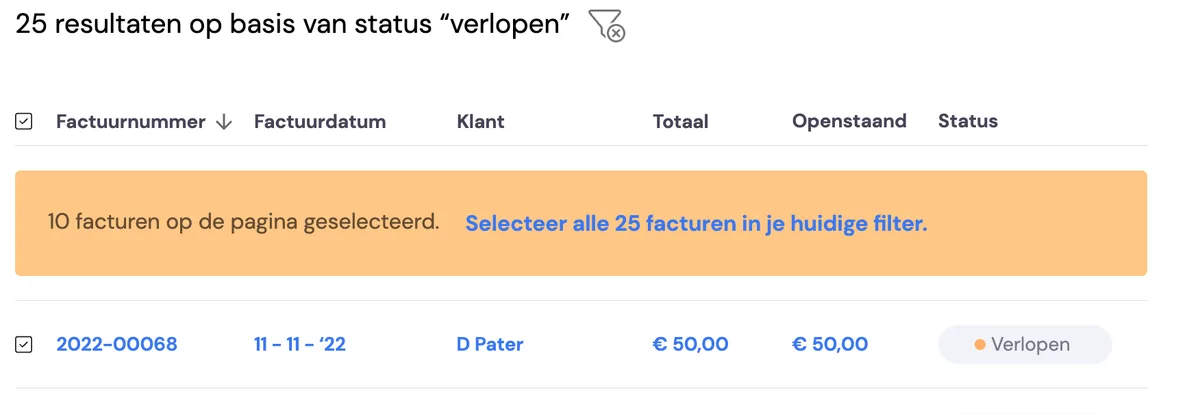
A second option is to send multiple reminders at the same time. Find all the invoices that need a reminder.
Here you can select the individual invoices you want to send, or right at the top, next to Invoice number, you can select them all.
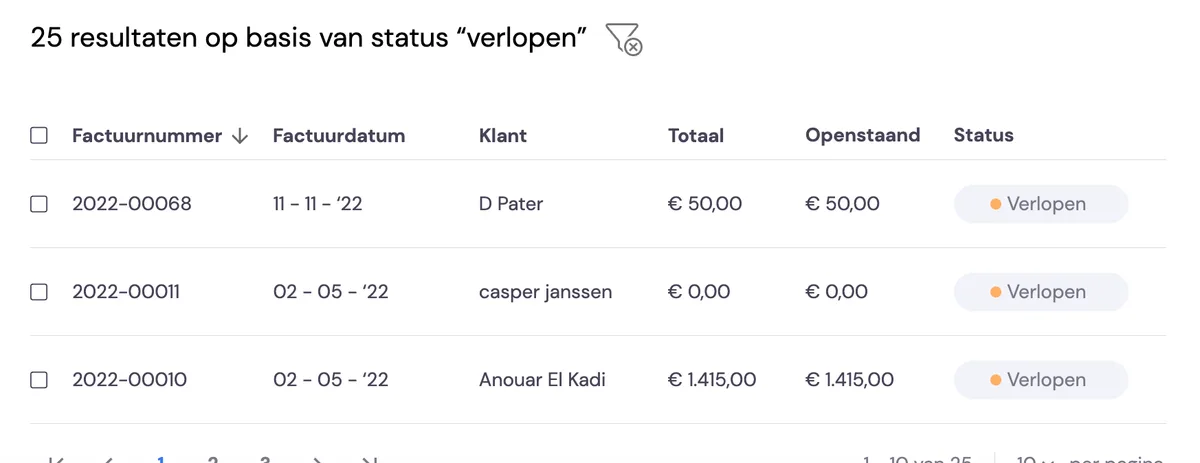
If you happen to have several pages of invoices, you can include all of these too by clicking select all invoices.
Next, you can choose from the options below on the right of your screen.
If you want to stop the automatic reminders for a specific customer, you can disable this action per customer. You do this under "Customers".
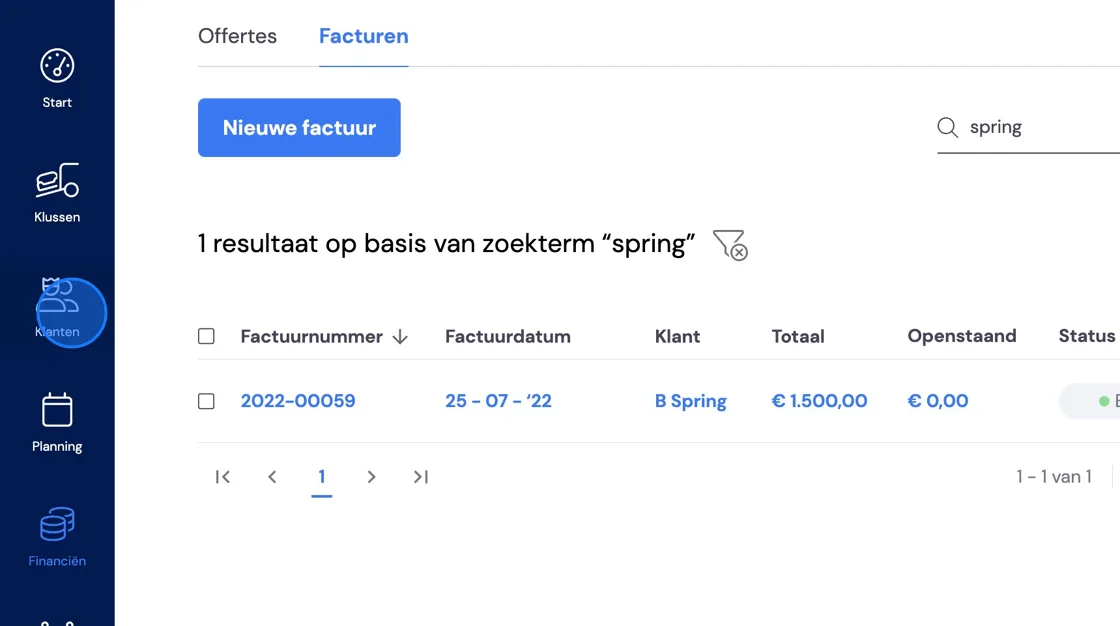
Find the customer.
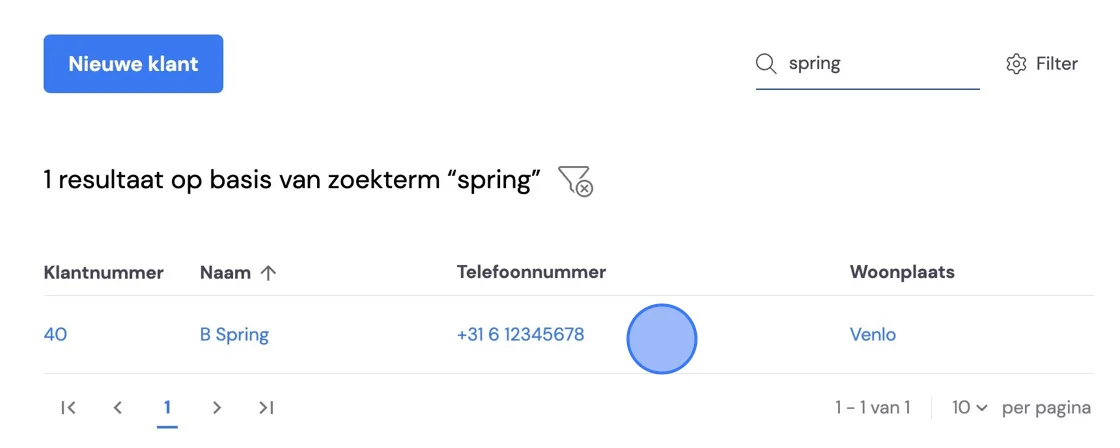
Edit the customer details.
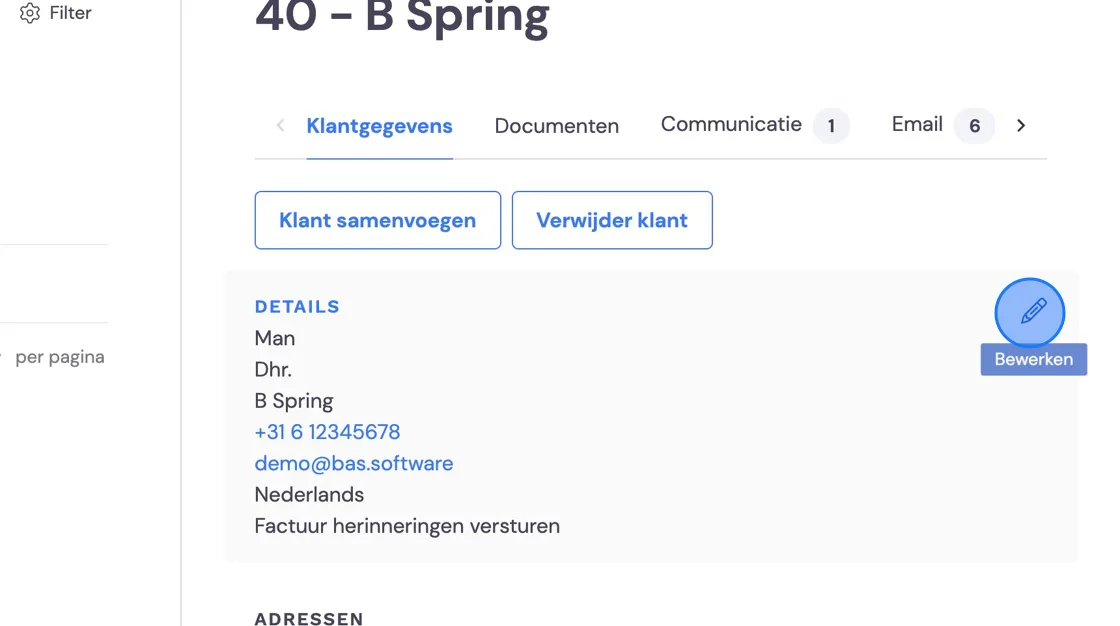
And turn off the automatic reminder.