Below you'll find the list of invoice statuses that exist and what happens, or what action you need to take.
Draft
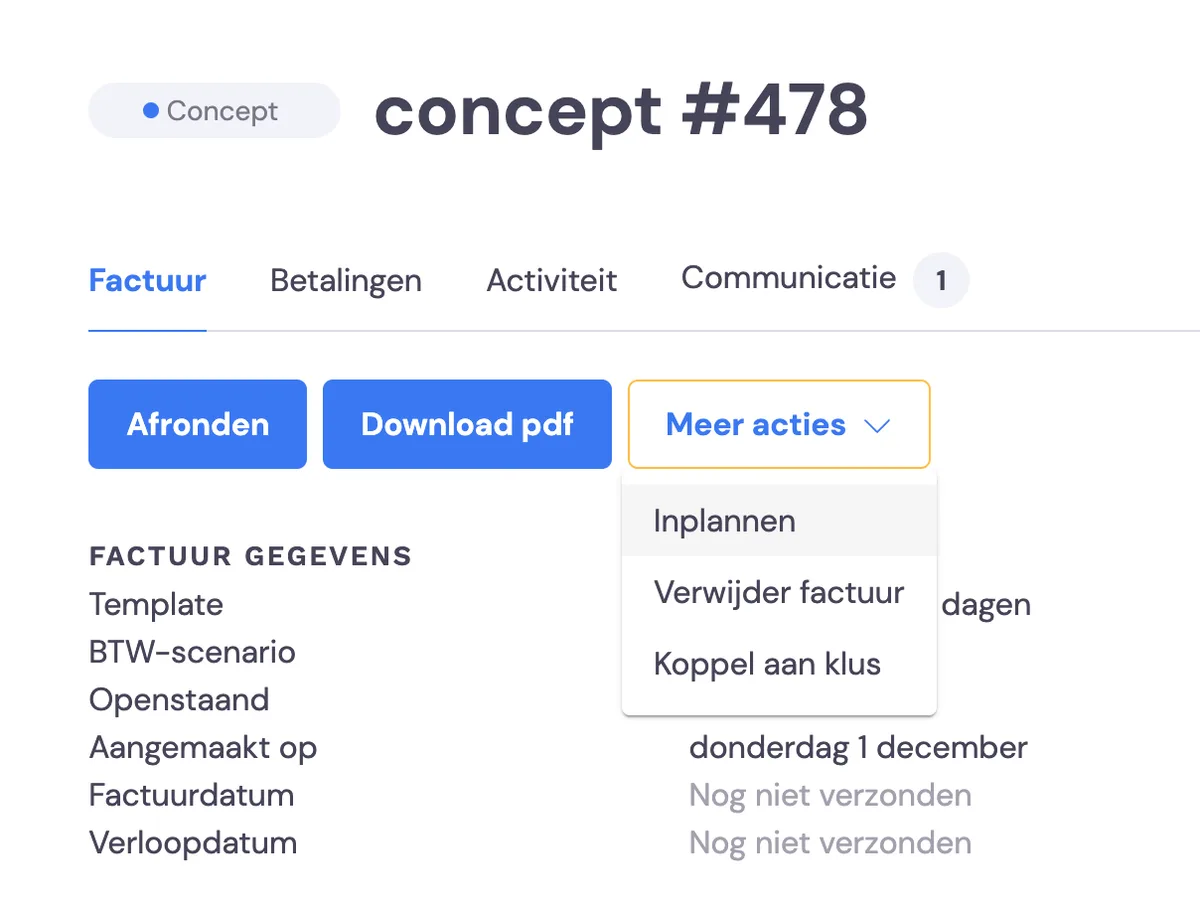
First, Bas will always prepare a Draft for you.
For every job, Bas prepares this as soon as a customer approves the quote or you skip the quote. The draft is copied from the quote drawn up by the surveyor, or from the rate list you've set up in your packages. A task is prepared a number of days before or after the move, so that you can check and send the invoice yourself. You can set this under Settings -> Features
For storage invoices, the drafts are prepared a number of days before the next period, which you can set yourself. Also under Features
Scheduled
You can have a draft invoice sent automatically in the future. You can do this under More actions. Please note this doesn't work with Bulk sending.
Open
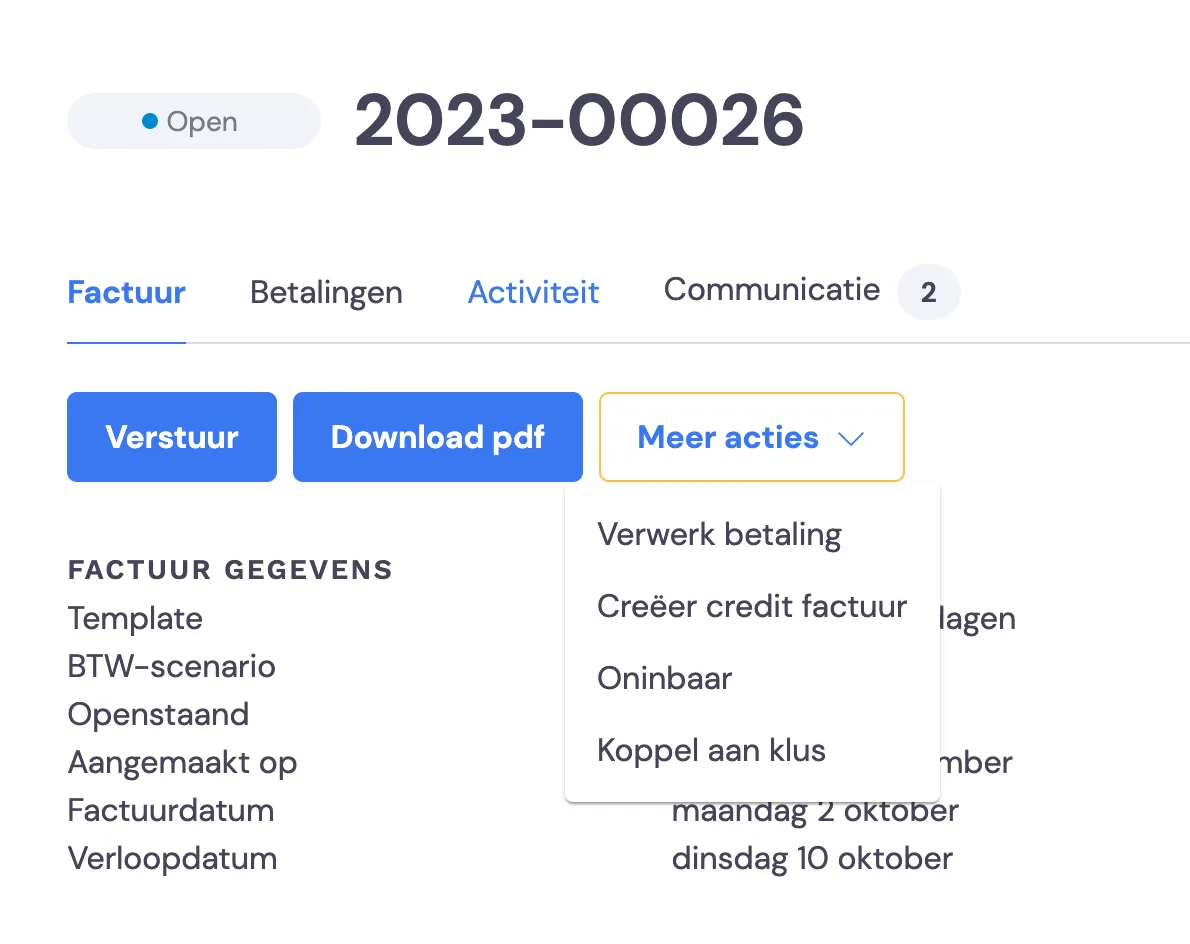
As soon as the invoice is sent, it gets the status Open. It will then also be synchronised with your accounting software at set times.
Overdue
If the invoice still hasn't been paid after the due date you've set, Bas will create a task to send a reminder. Please note that payments coming in via your accounting software will be processed as paid in Bas. You can also set under Features for reminders to be sent automatically. In that case, the Overdue status is skipped.
Reminder
A customer who has received a reminder gets the status Reminder. If you have automatic reminders enabled, Bas will keep sending Reminders at the frequency you've indicated.
Paid
As soon as a payment comes in, whether manually in Bas or via your accounting software, the invoice will be updated. It will only reach the status Paid once the payment has been made in full.
Uncollectible
It can happen that, due to circumstances, an invoice will (partly) not be paid. Here you can then mark the invoice as Uncollectible.