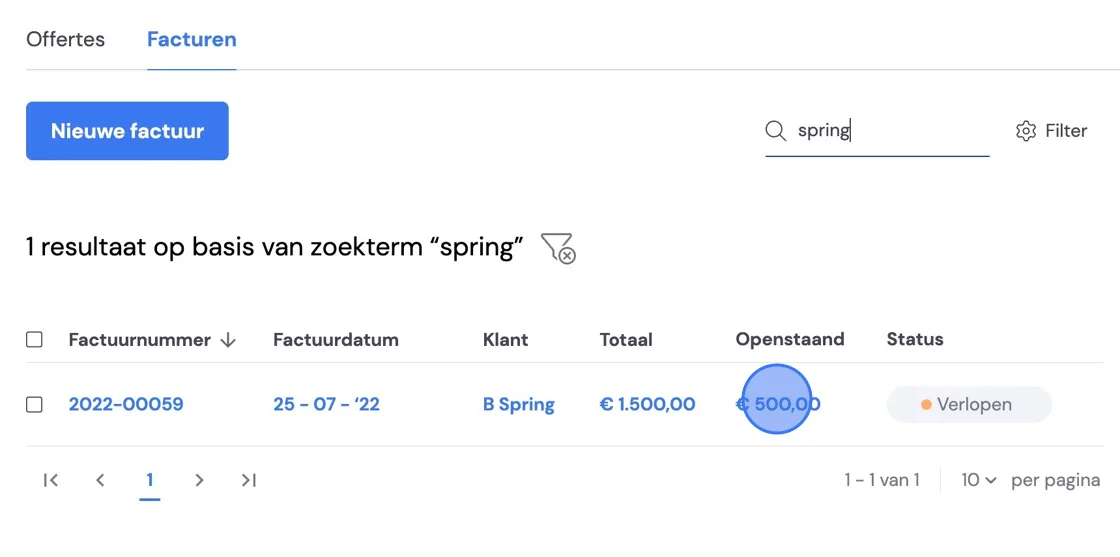
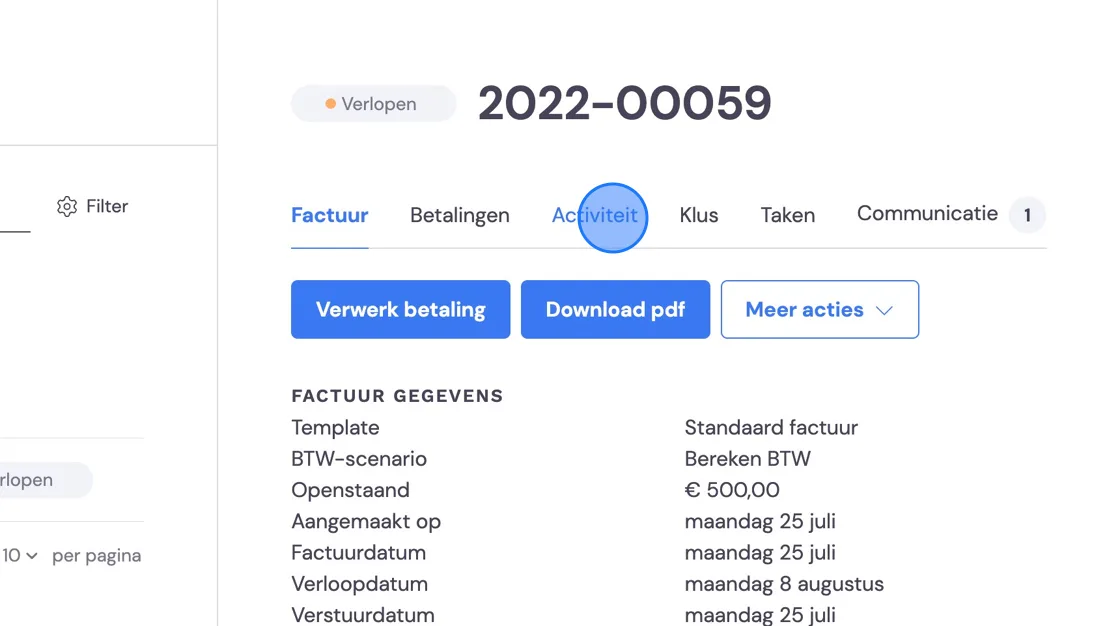
We'll now show you how to process a payment in Bas. If you have automatic reminders enabled and a customer hasn't (fully) paid yet, they'll still keep receiving reminders for the total invoice. Select the invoice that has been (partially) settled.
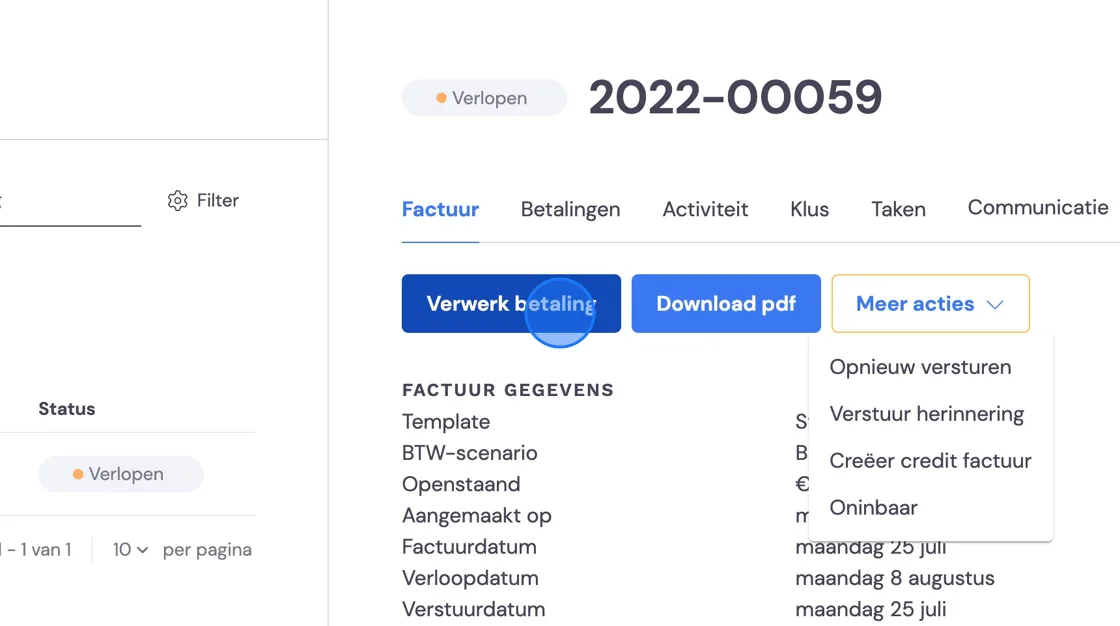
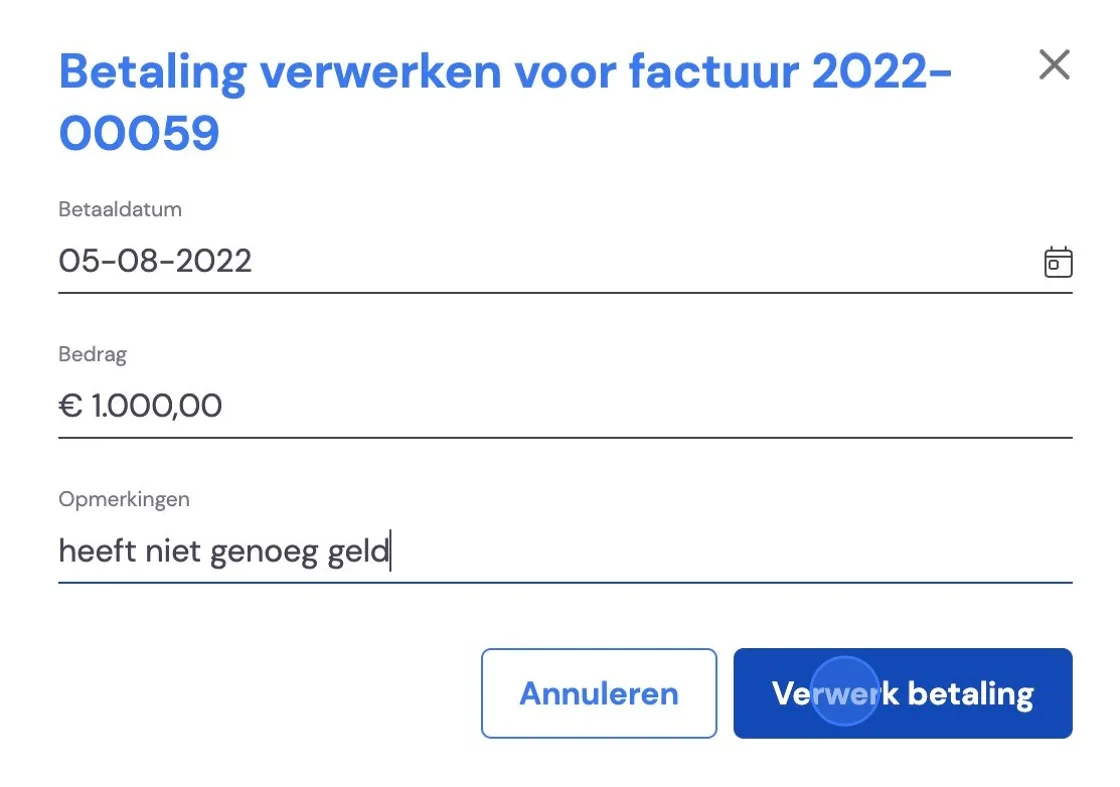
Again, as long as the invoice still has an outstanding amount, Bas will automatically send a reminder or keep creating a task. As you can see further below, this is always based on the total amount of the invoice and not the outstanding amount.
Here you'll find the emails sent, as well as the reminder(s). You can view each email.
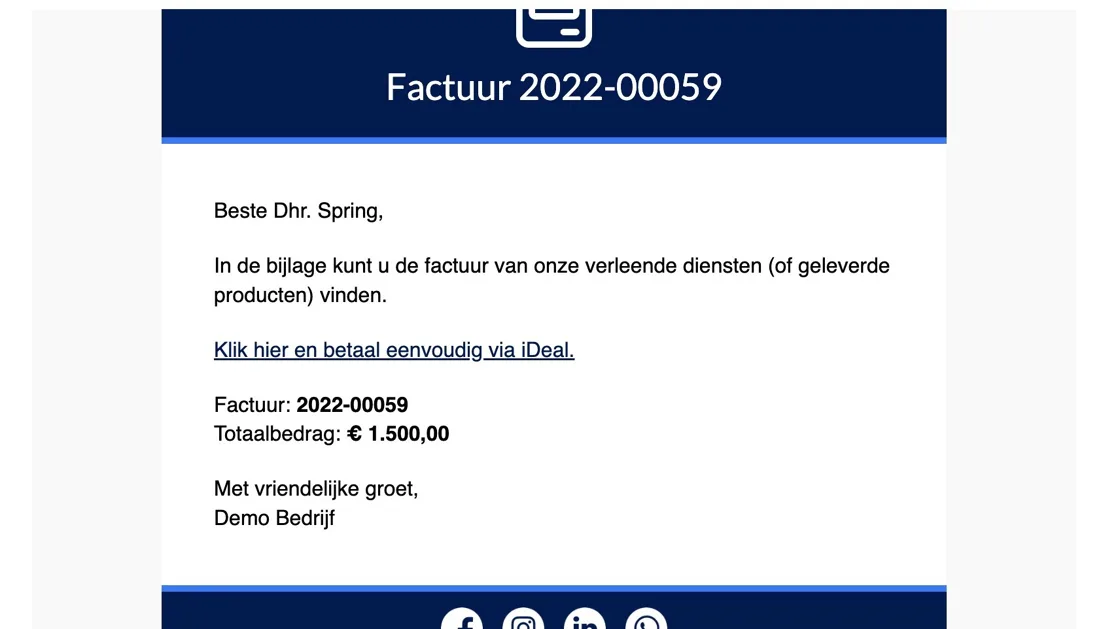
As you can see, the total amount remains shown here. If your company has an integration with Mollie and the customer clicks the link to pay, the amount already paid will already have been deducted from the total amount.
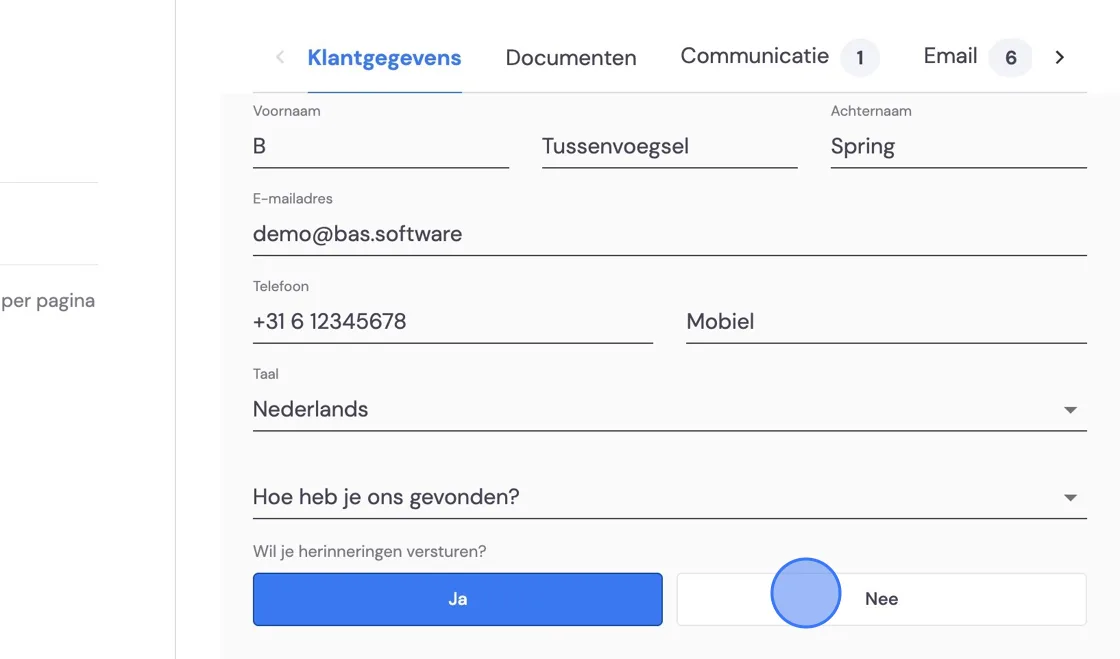
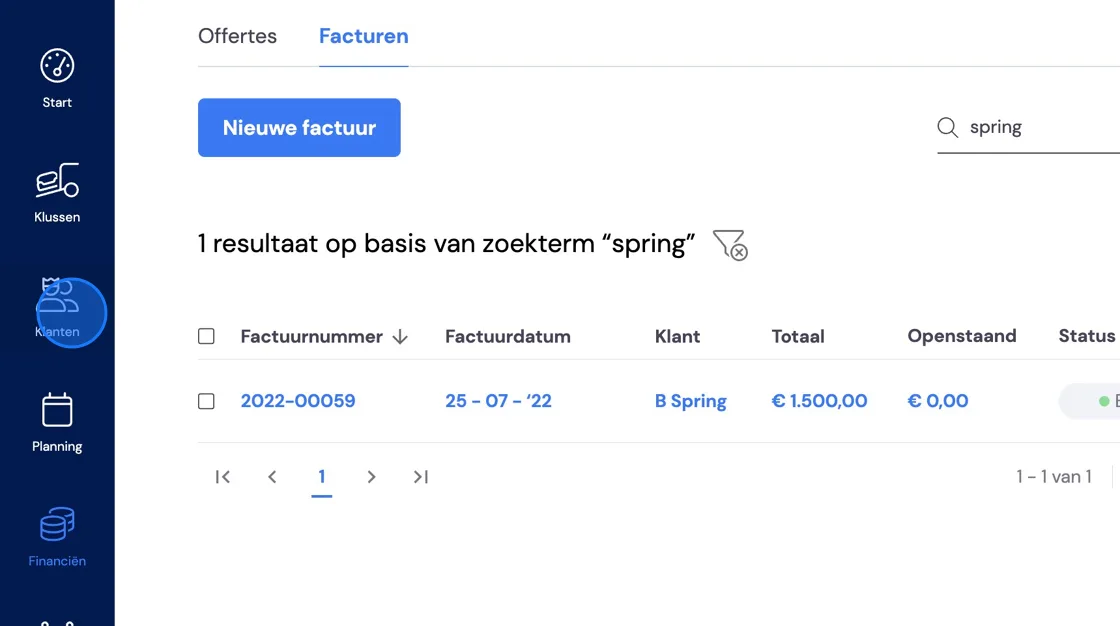
If you want the sending of reminders or the creation of tasks to stop, the outstanding amount needs to be settled, either through Payment, bad debt, or via a credit invoice. You can also turn off the automatic reminder per customer. You do this under "Customers".
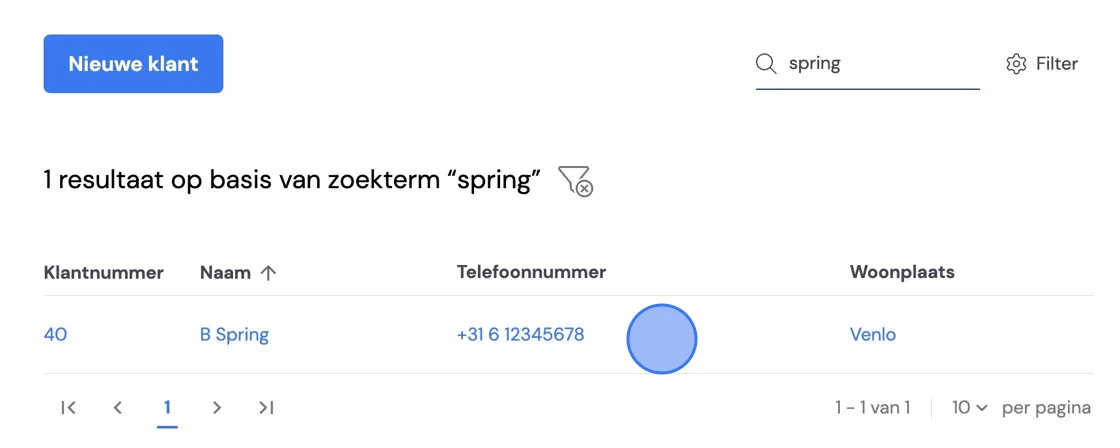
Find the customer.
Edit the customer details.
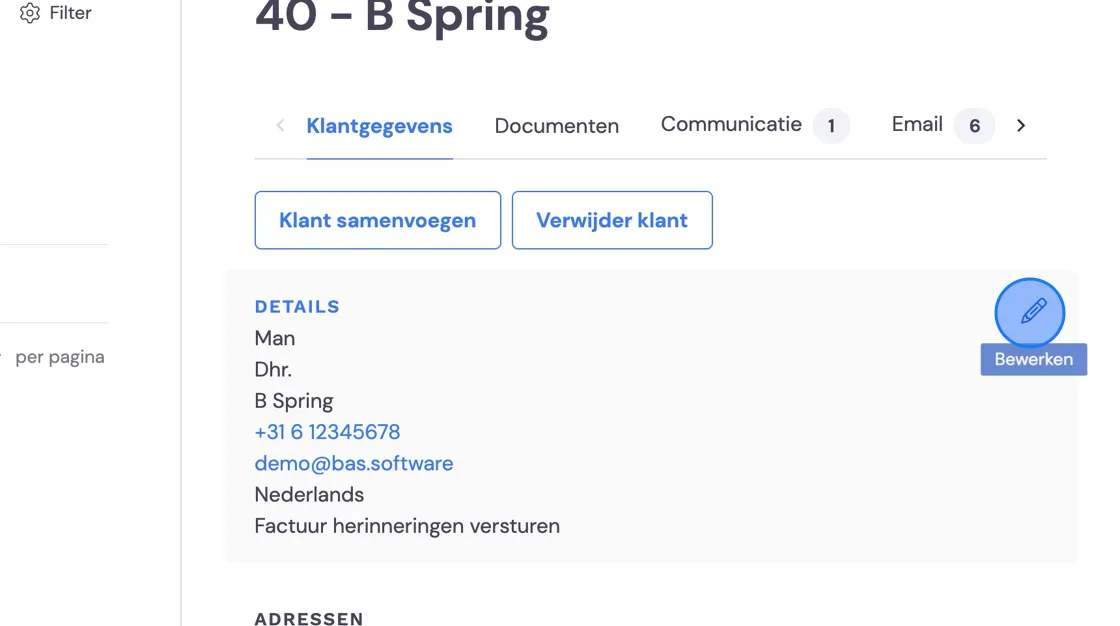
And turn off the automatic reminder.