1. If you've already created a package for a private move, we'll now guide you through creating a package without a job. These are intended for matters that don't require work orders. Think of counter sales of boxes or hiring out equipment. In this guide we'll cover creating a standard business rental agreement for hiring out dollies, vehicles, and the like.
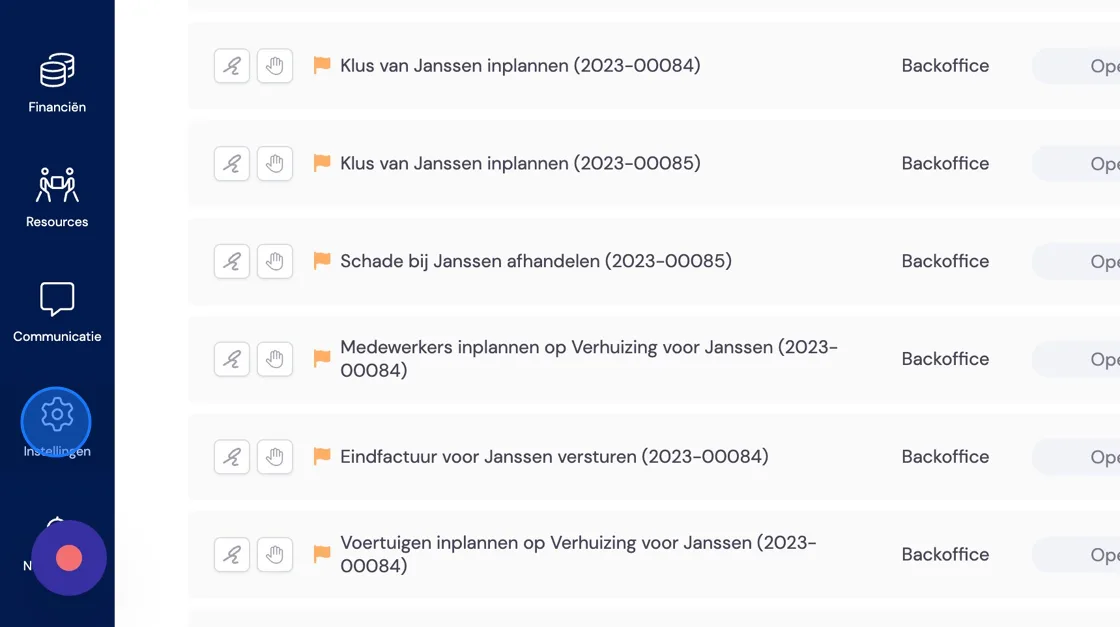
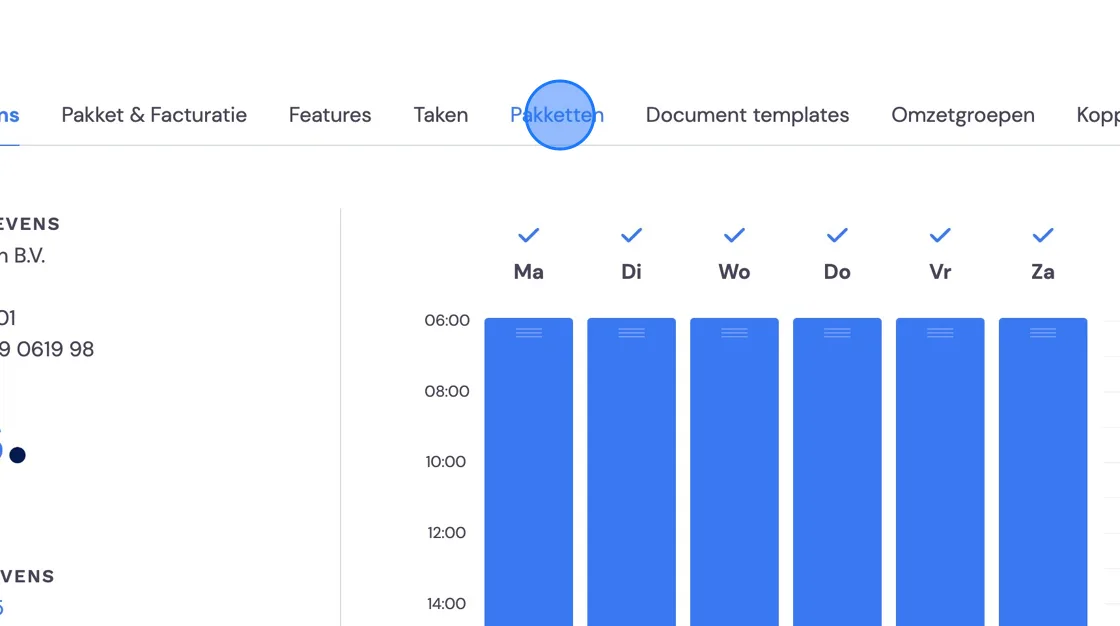
2. Click "Packages"
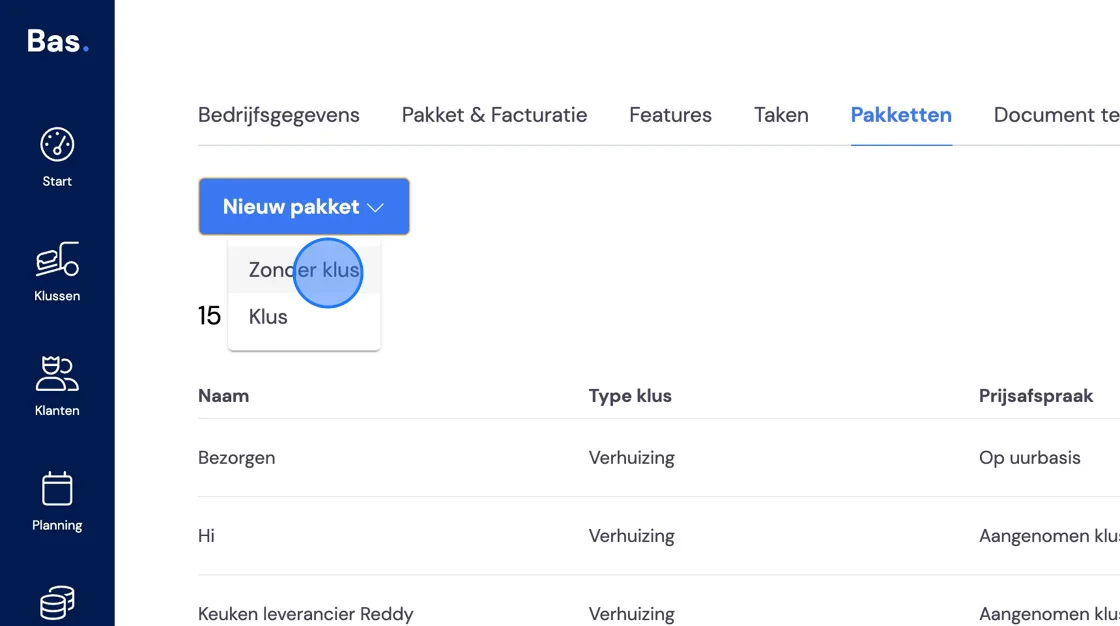
3. Under "New package" choose the option "Without job"
4. Here you see the workflow that will be followed. Give the package a name that you'll recognise.
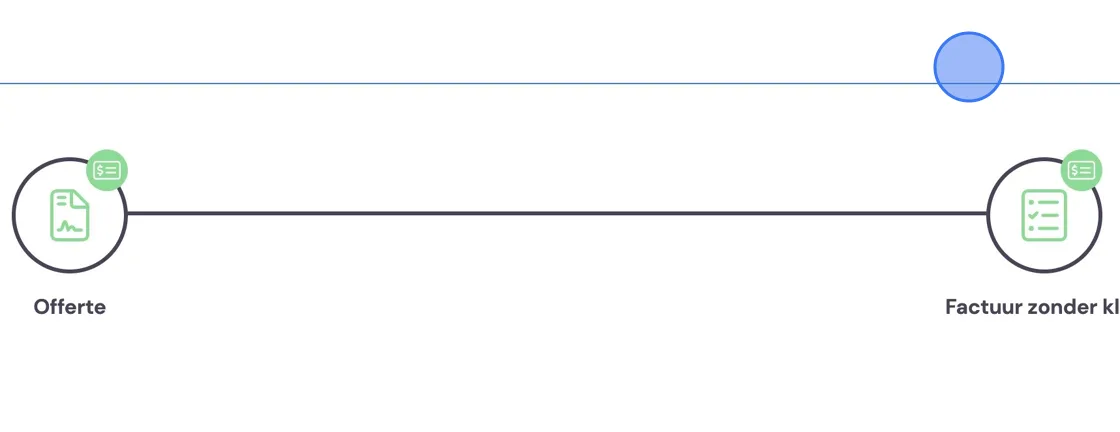
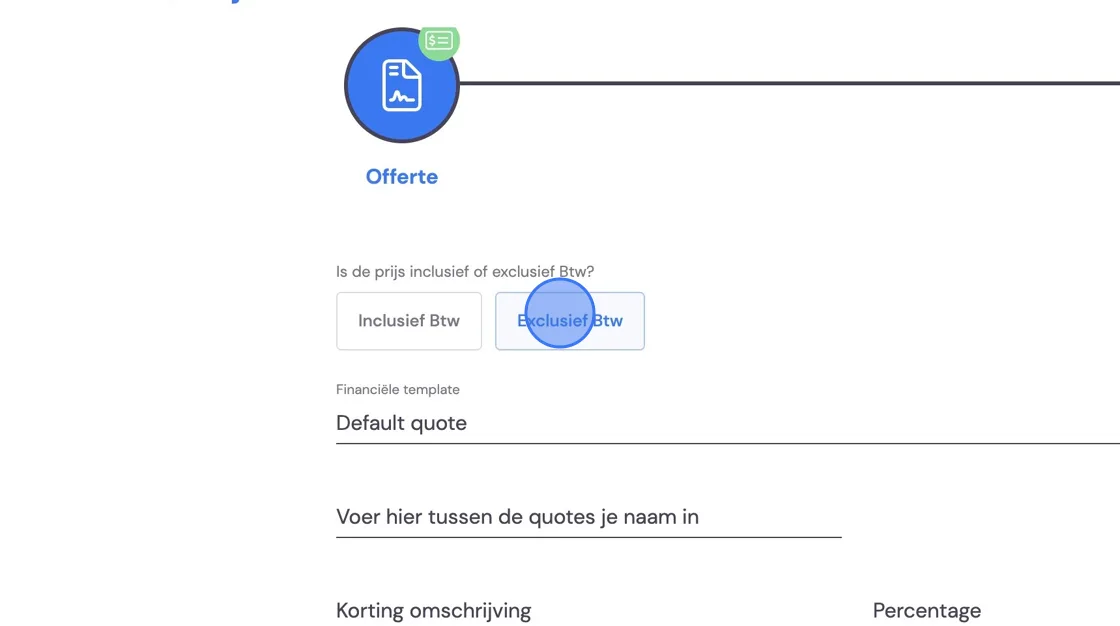
5. Under quote you can create an overview with rate agreements for a customer. At the bottom you can write down the prices. Note that these lines won't appear on the invoice. Also set your rates again under invoices in the next step. This is because you sometimes only give a customer an invoice. Sometimes a customer wants to know the prices in advance, and you can e-mail them a quote with your prices.
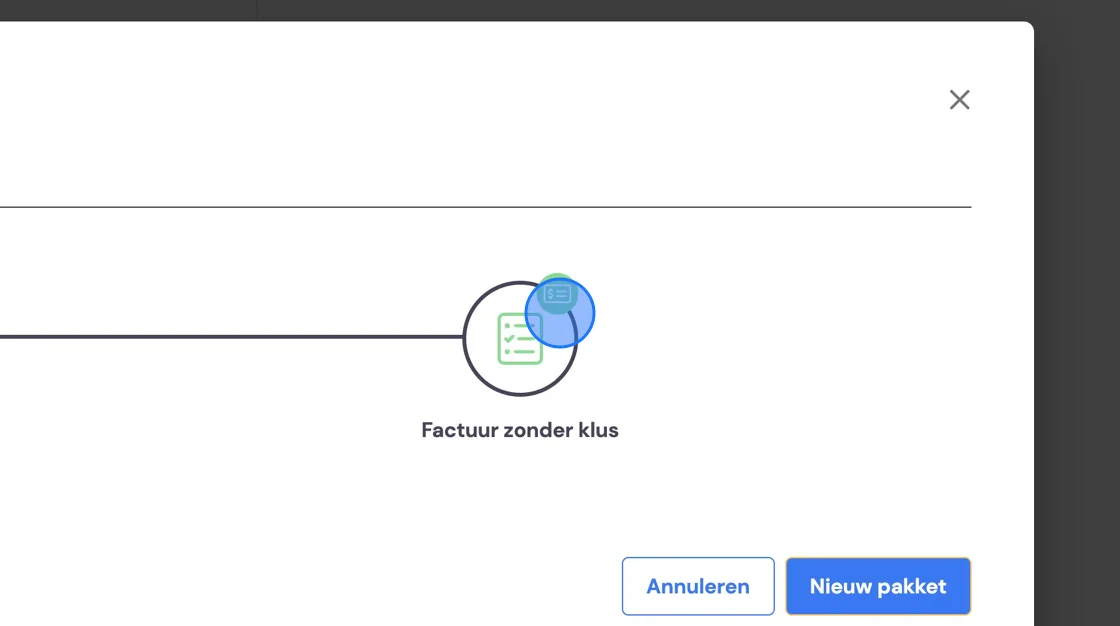
6. Now set up the invoice.
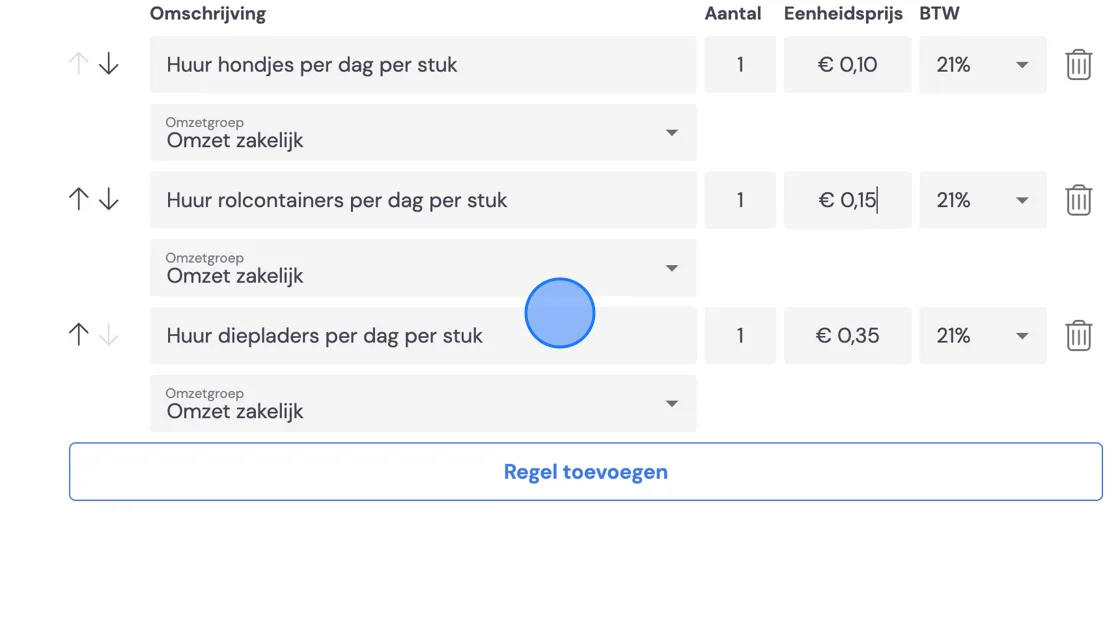
7. Here you set things like VAT, the template you should have already created, and any discount or third-party fee. Then fill in the standard lines that will come up when invoicing. Should rates change, you overwrite these when the time comes. All sent invoices remain unchanged. You can still manually adjust draft invoices. All new invoices automatically come up with the new rates. Note that you need to change rates on both the quote AND the invoice.
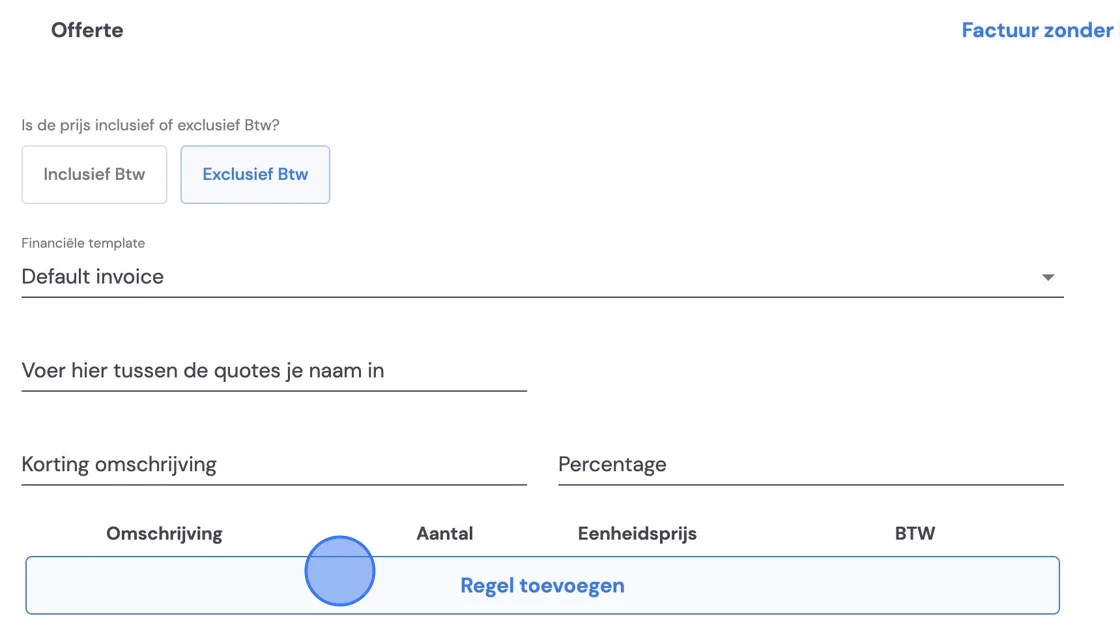
8. Don't forget to also correctly indicate the revenue groups here. Then click "Save" and you've set up your package. If rates change, again don't forget to also update this template (see point 7).