
Specific term for a specific customer
Many of our customers want to include a specific payment term for their customers in their process. You do this in two steps: first you create a new invoice template, and then you include it in a package for this specific customer.
First create a new template
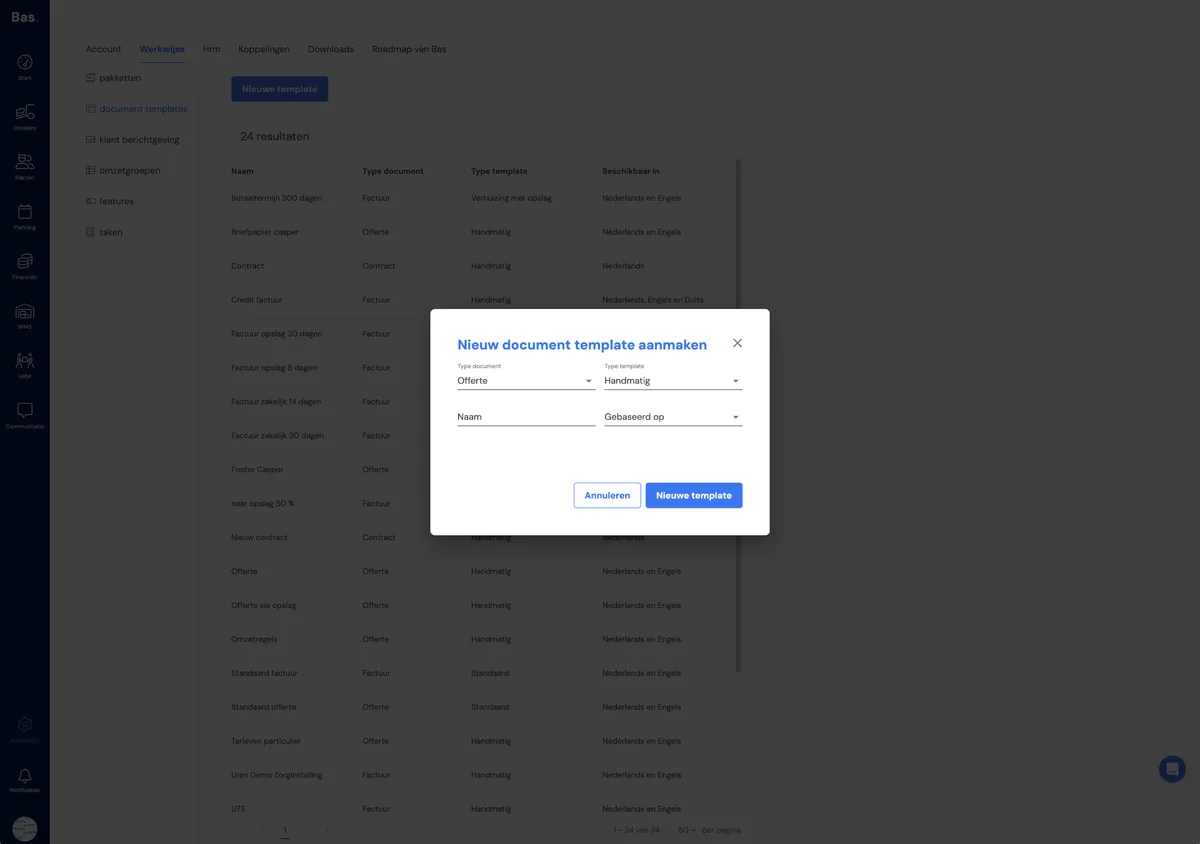
If you want to set a specific term for a specific business customer, you can create a separate template for this here. Under 'based on', choose a template you want to use for this customer.
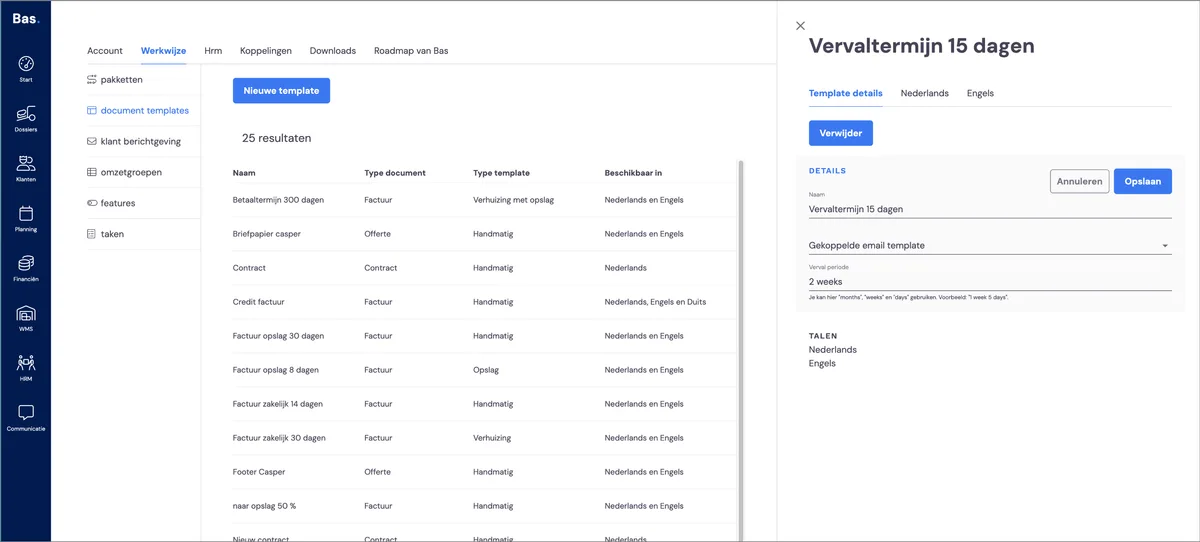
Create the new template, enter the desired term and click save. The template is now ready, but it still needs to be selectable for a job. You do this by including this template in a package.
Include this template in a new package
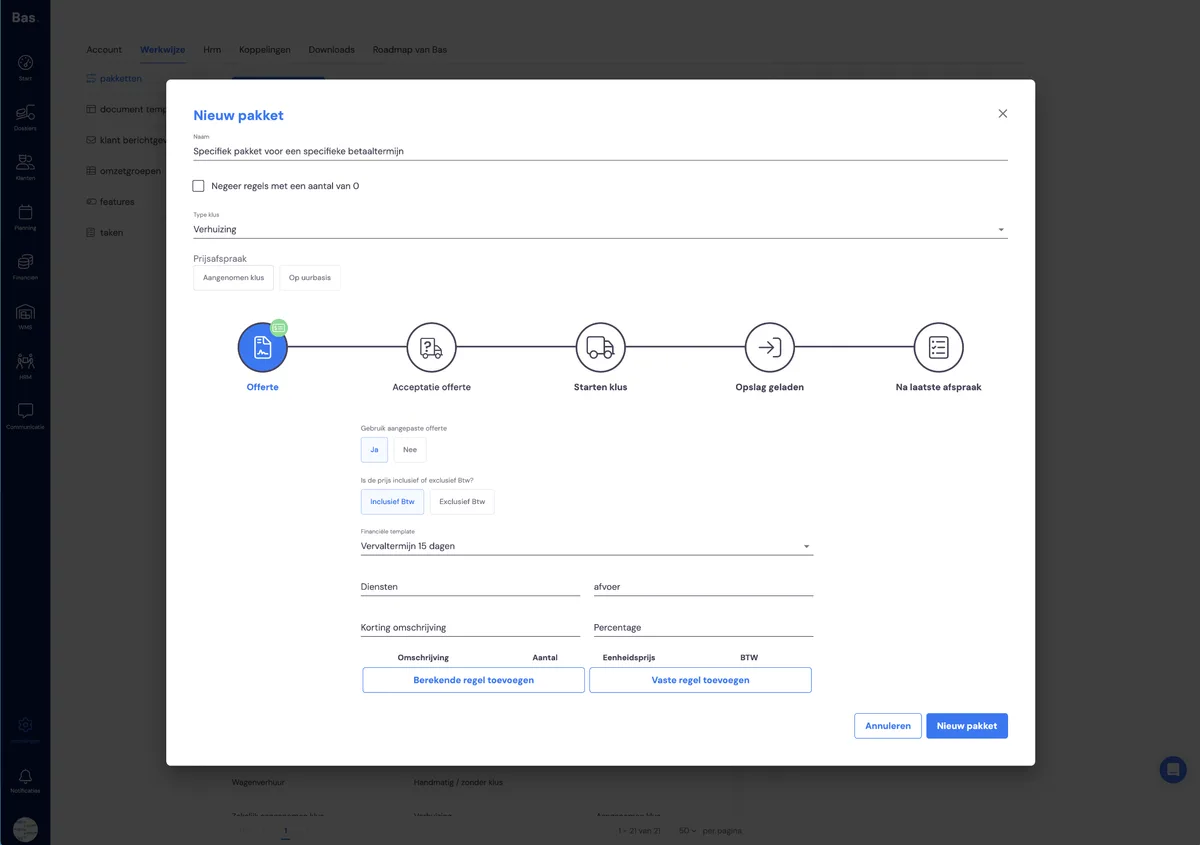
Go to way of working > packages. Create a new package in which you include the template you created earlier. For a payment term, choose to add it to the invoice moments.
Other changes
Of course, you can also make any other desired changes to the package or the template.