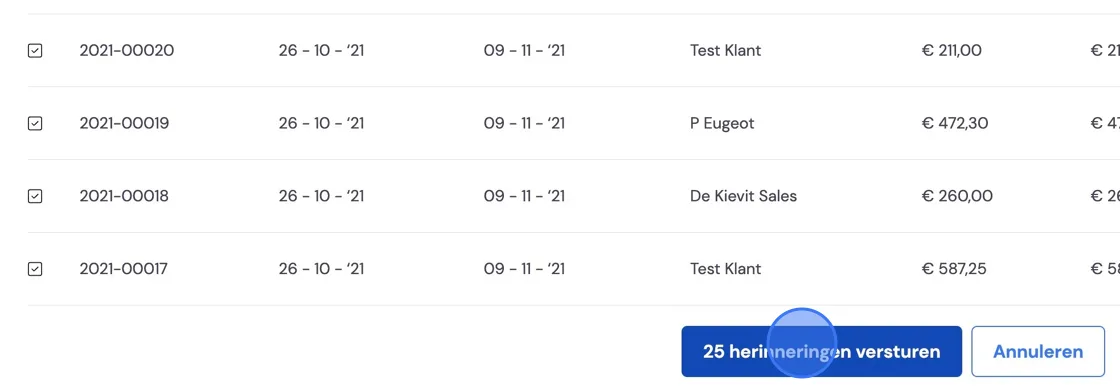
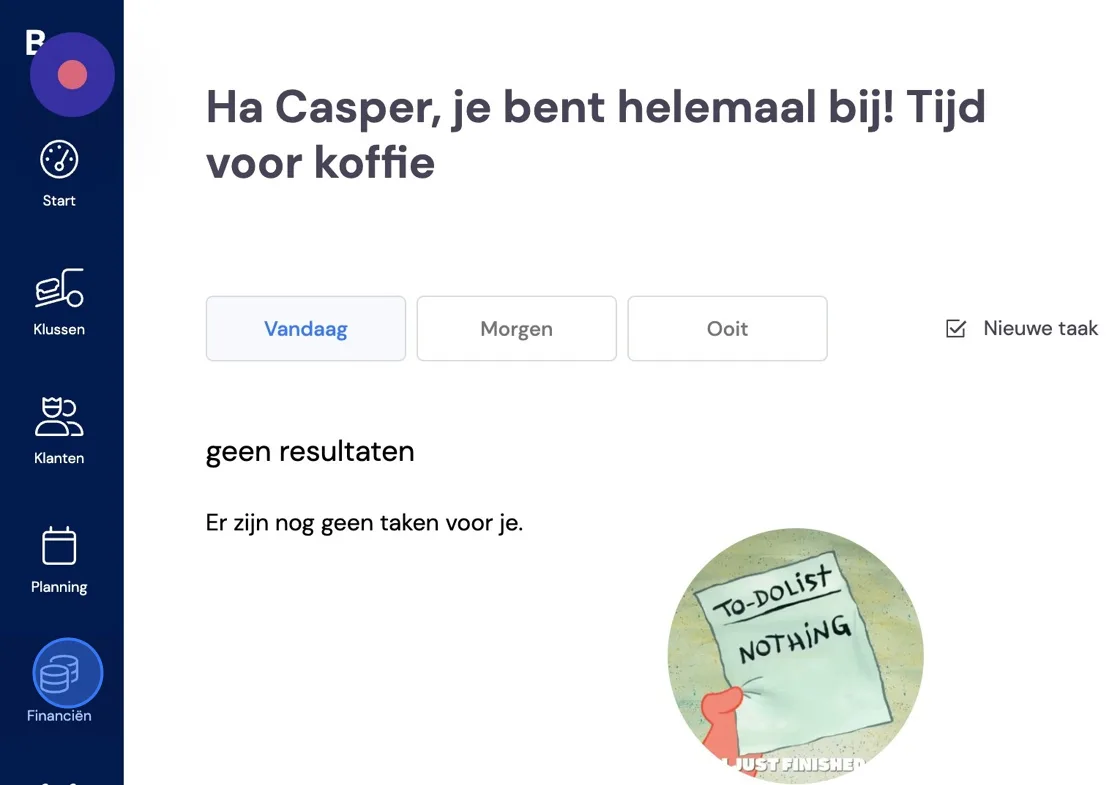
It can happen that you want to send several invoices at once. For example, several reminders or storage invoices. We'll show you how this can be done in Bas. Go to Finance.
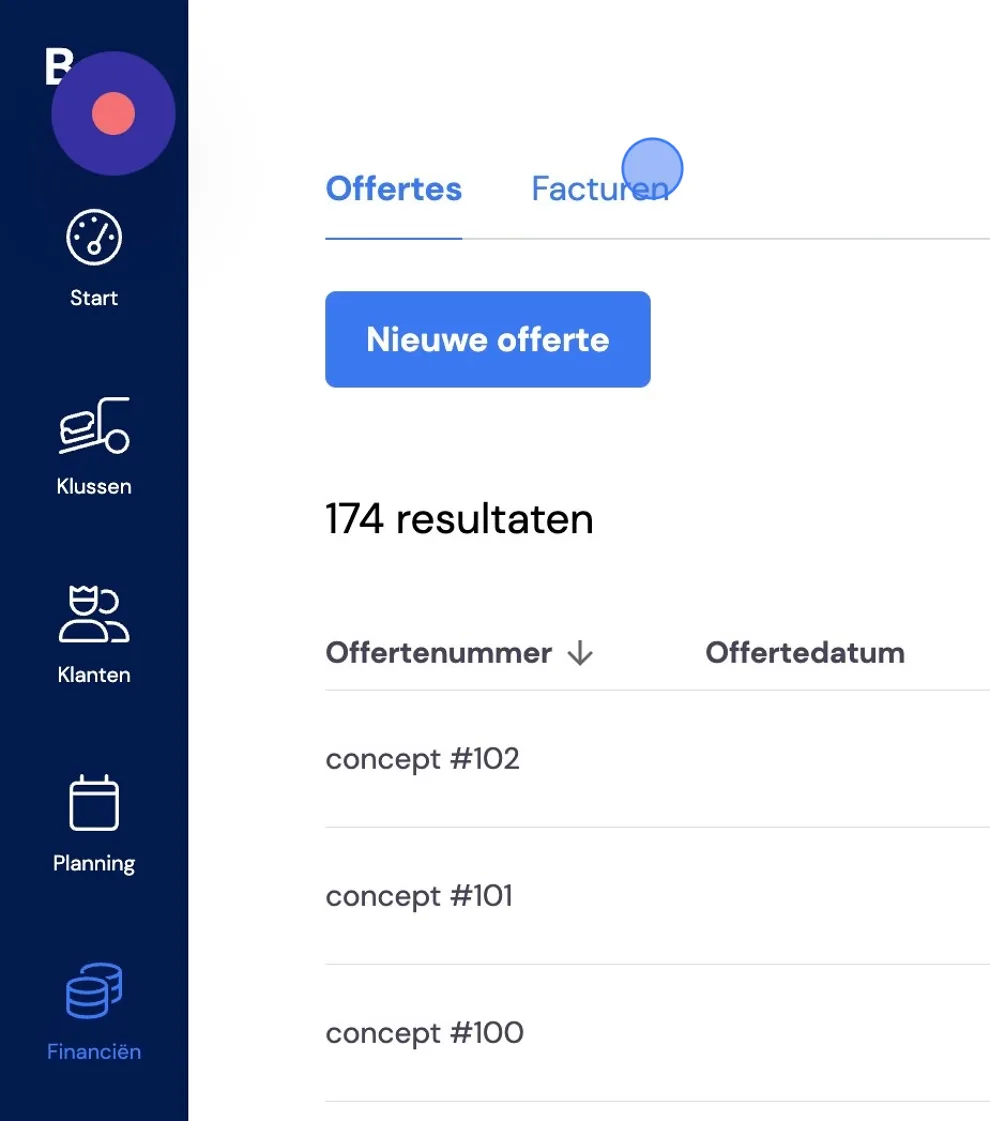
Go to Invoices.
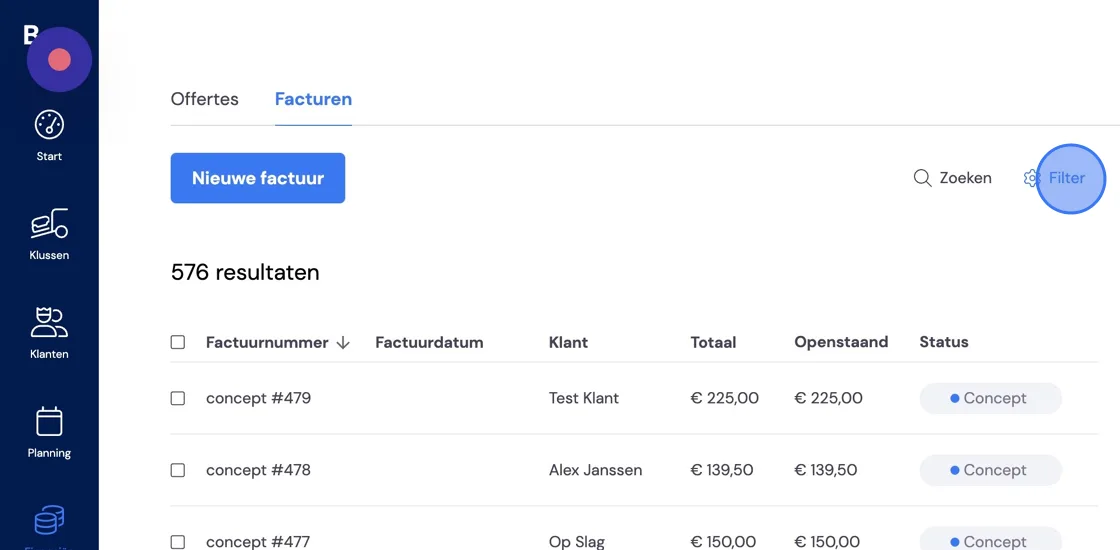
Open the filter function to select which type of invoices you want to send.
Storage invoices are prepared for you as drafts. You can set when this happens under Settings -> Features. For storage operations you want to include, please see: For your information, storage operations that take place after the draft has been prepared will not appear on the invoice.
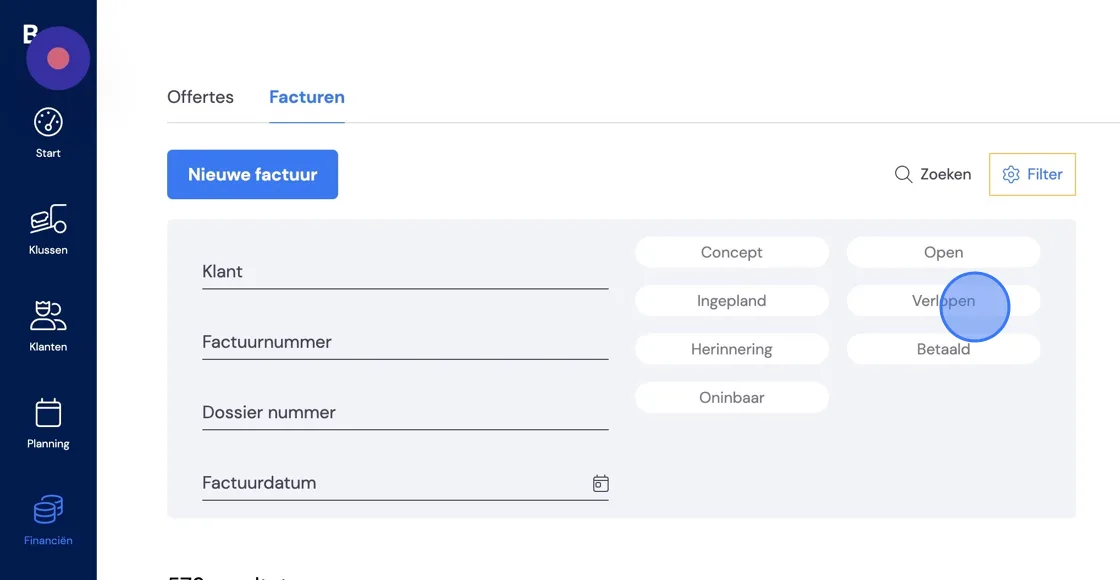
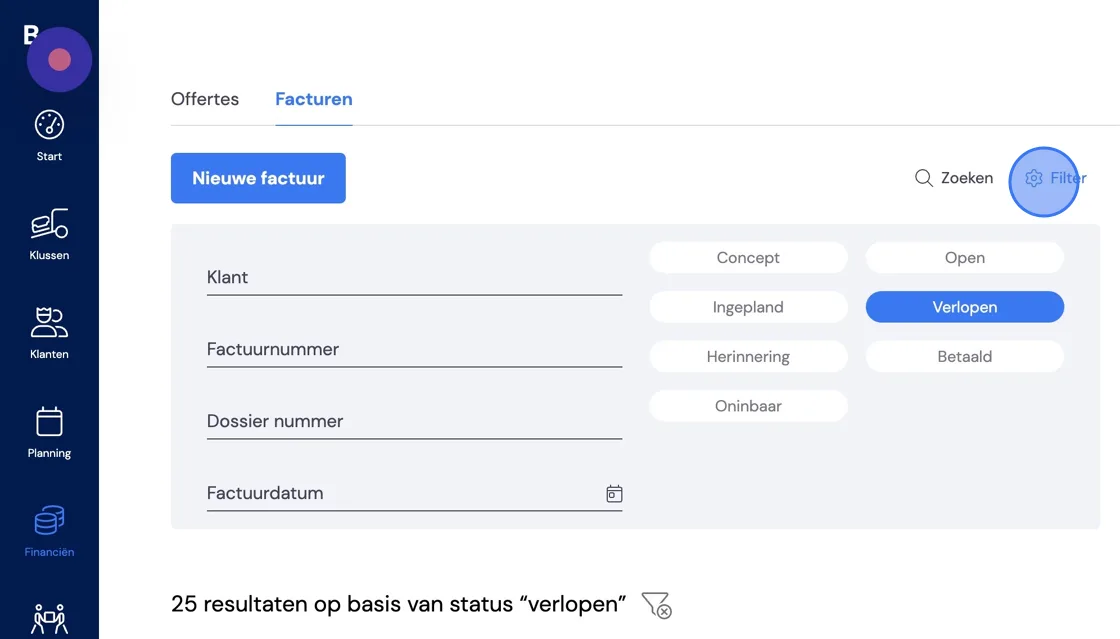
Once you've made your selection, you can collapse the filter tab by clicking filter again.
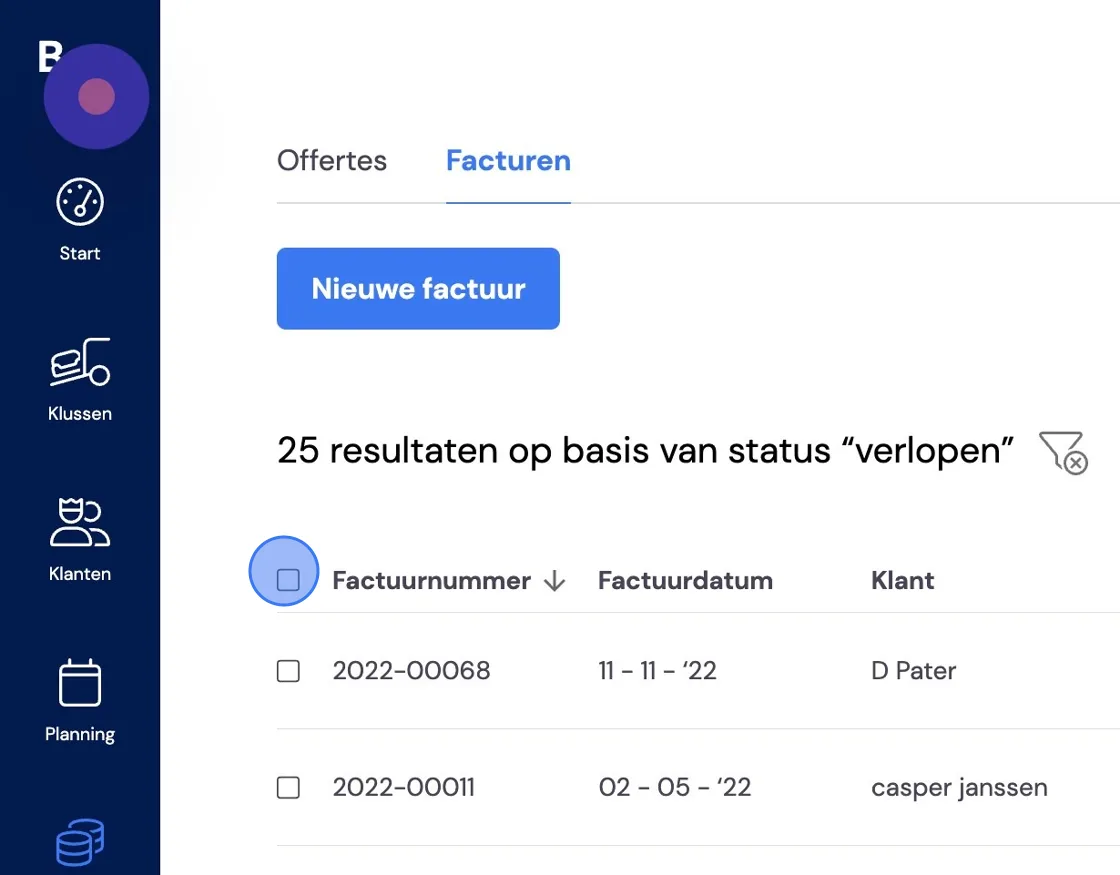
If you tick the checkbox at the top left next to Invoice number, you select all invoices on this list.
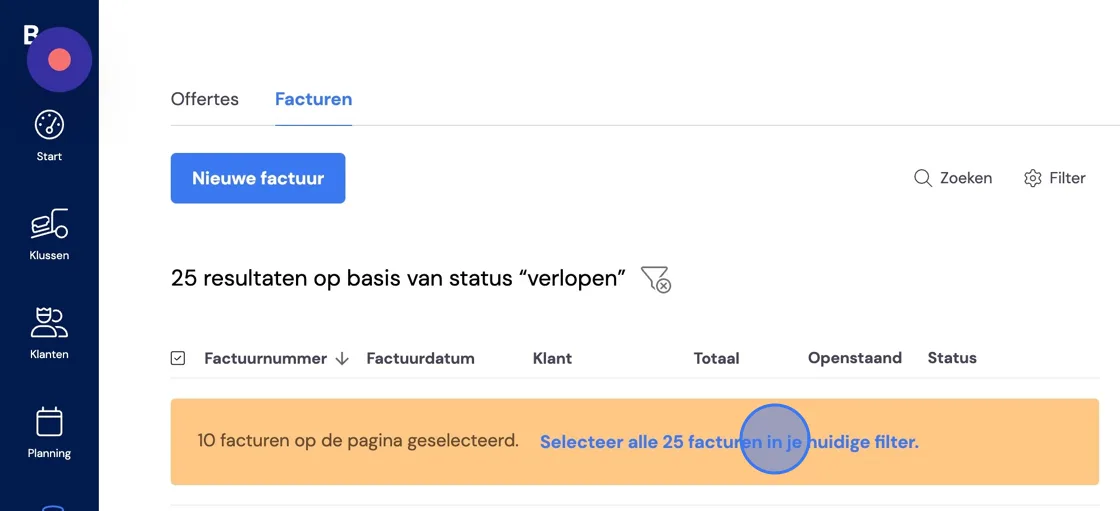
This list shows 10 items. You can also set this number under Settings -> Features. If you want to send all invoices, you can choose the option below for that.
On the right you'll then see all the options you can carry out with these invoices.
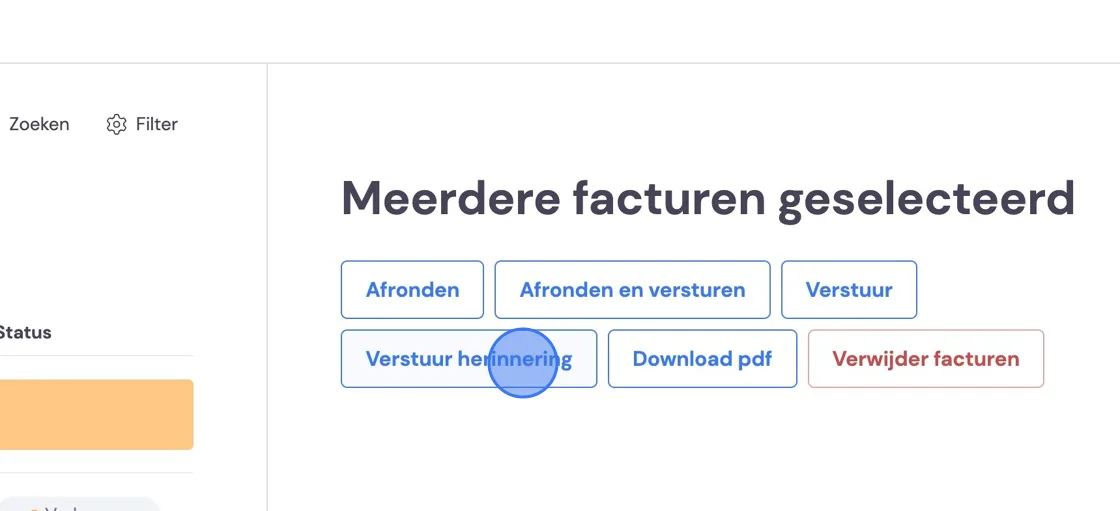
You'll then see one more overview. Here you can exclude some invoices from being sent, if you wish.
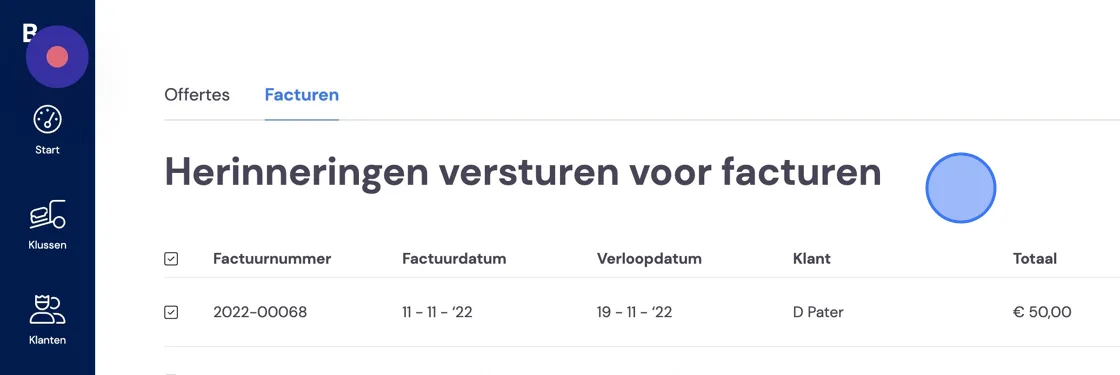
At the bottom of the page you can give final confirmation to send the invoices.