Suppose your customer would like to move via storage after all. What you need to do in that case is send a new quote and decline the old one. The explanation of this can also be found in:
To create the right workflow, correct information for the removal crew and proper invoicing, you'll have to start the survey again. Go to the quote that needs to change.
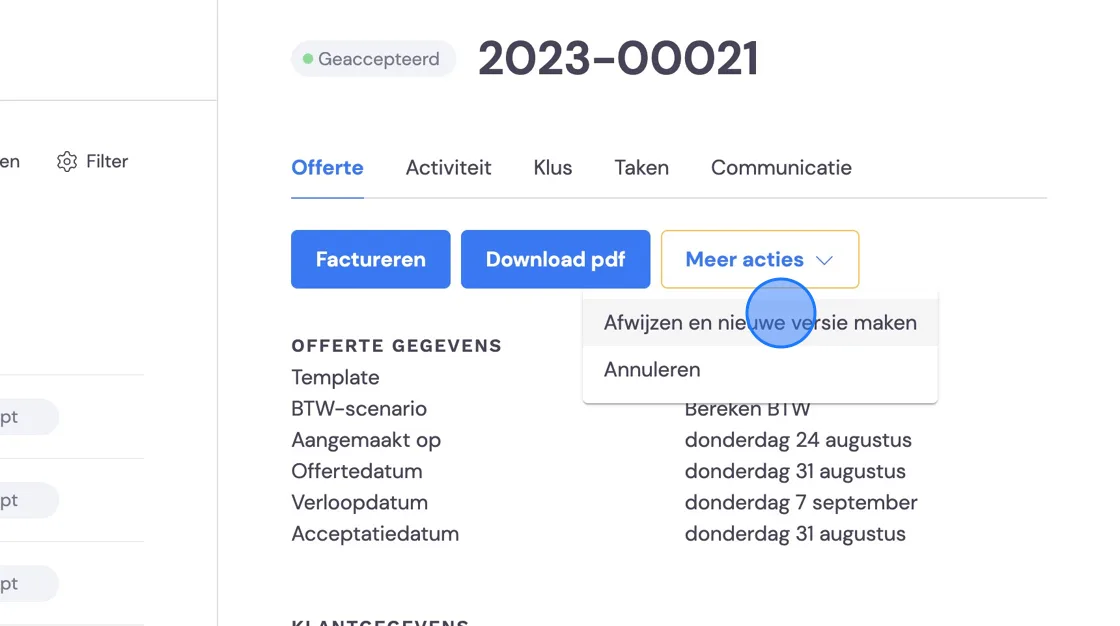
Decline the job.
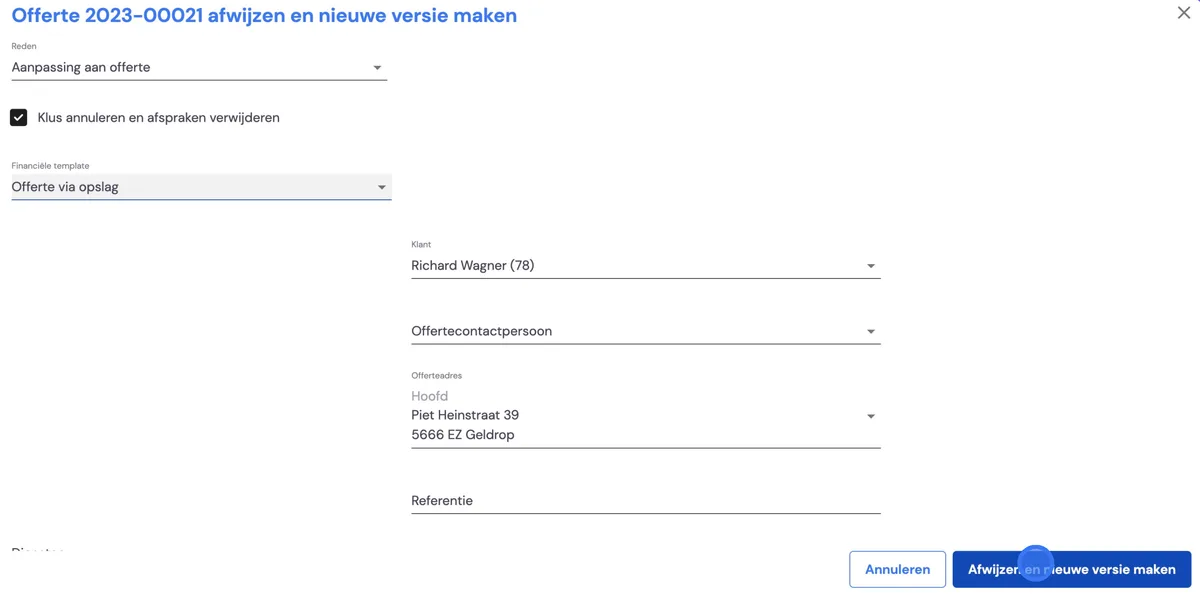
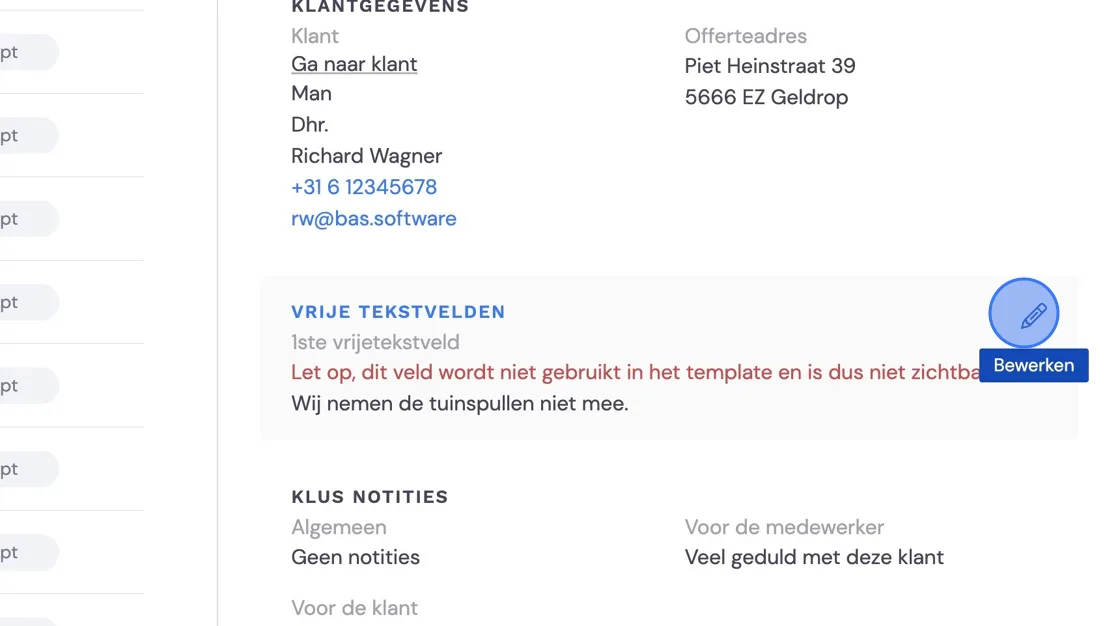
Note that any changes to the package may cause some text fields to no longer match. Copy and carry them over if necessary.
Look up the declined quote under Financial -> Quotes. and start the survey in the back office.
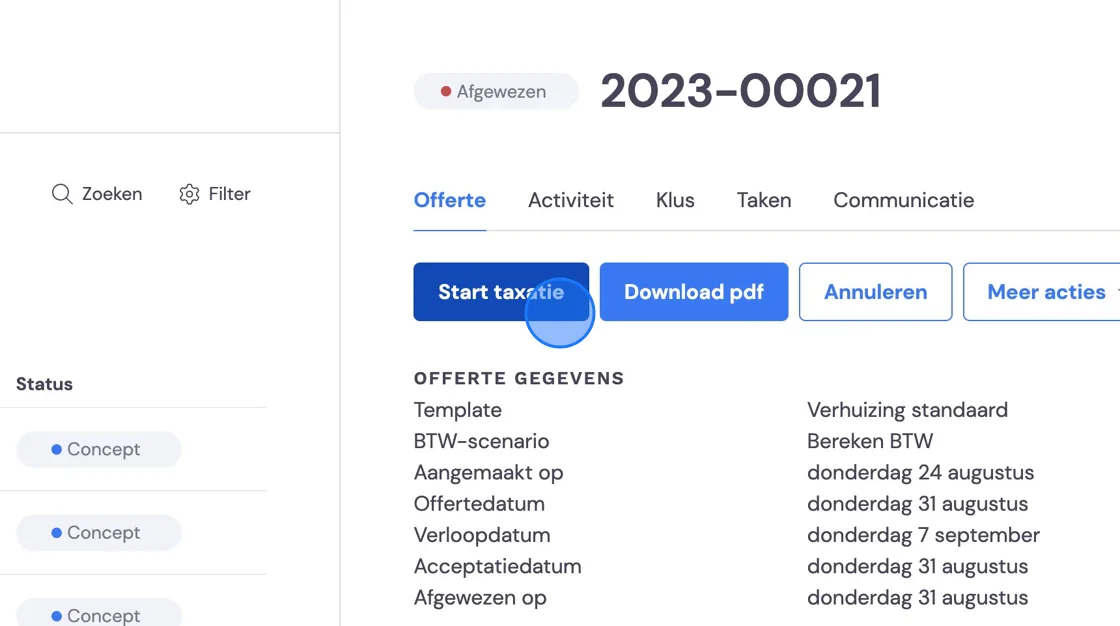
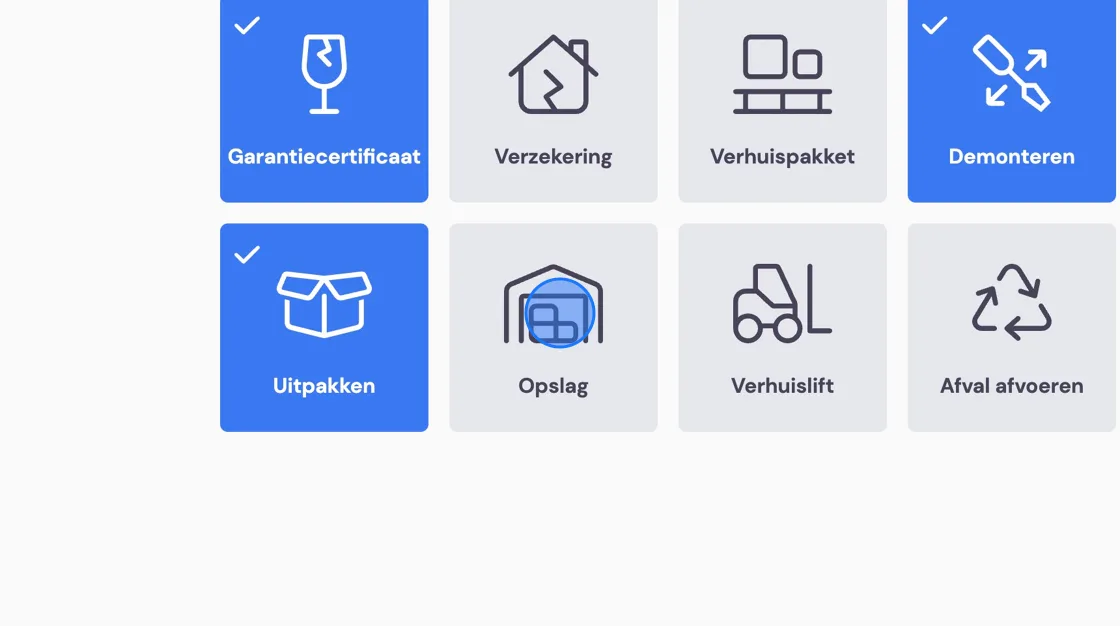
Click through the survey until you reach Services and add Storage.
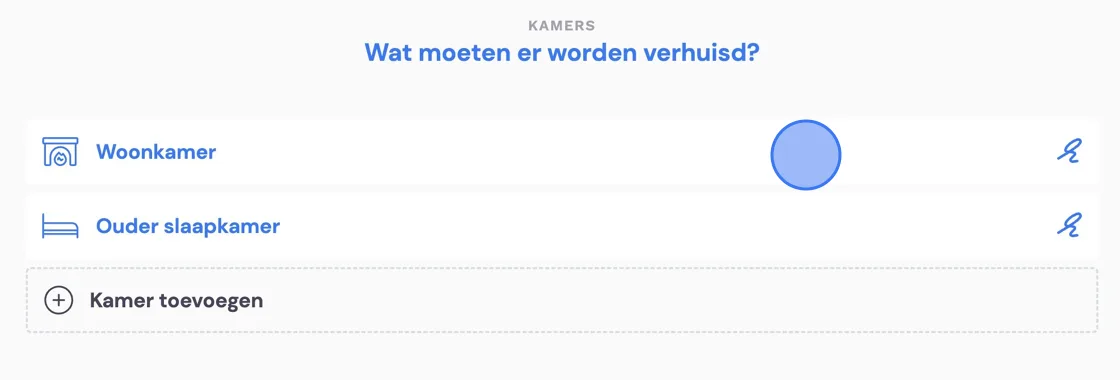
Continue and go through all the rooms to select the items going into storage
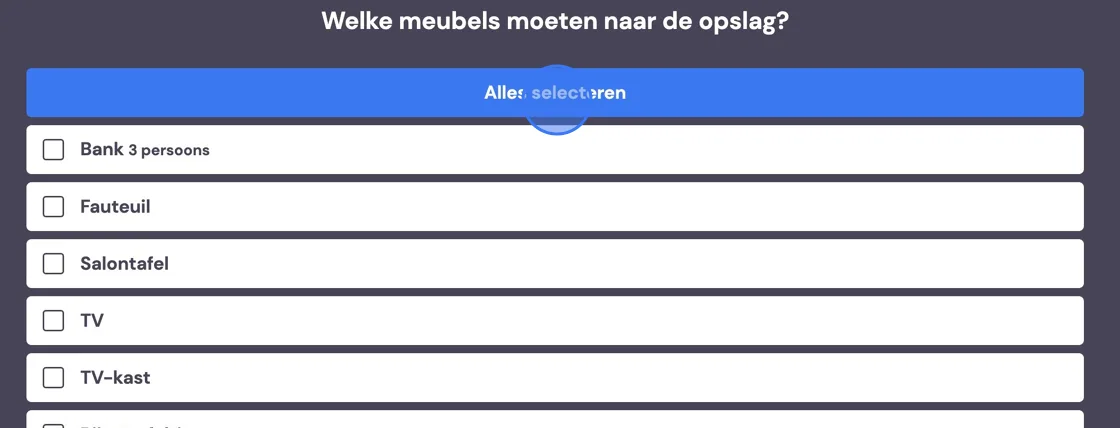
You can do that in one go.
Don't forget to include the boxes in the storage as well.
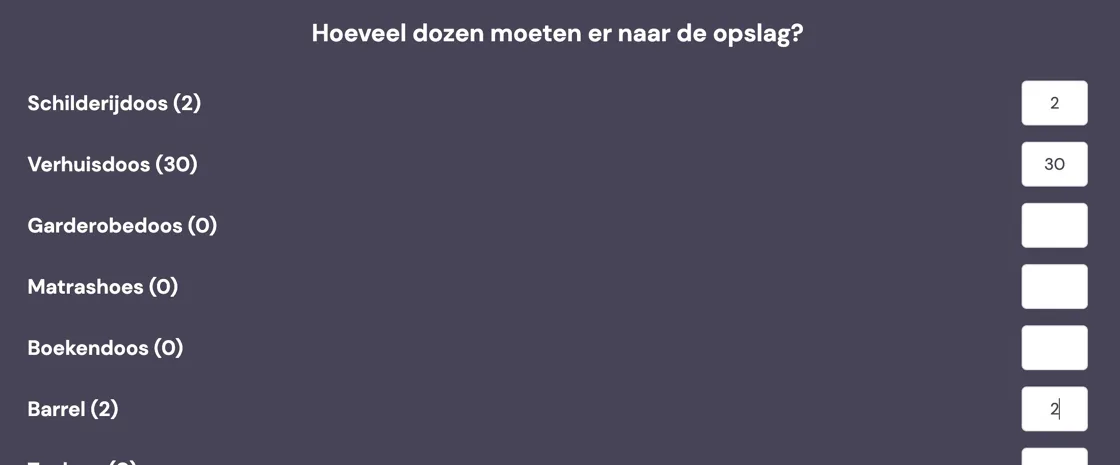
It may be that some belongings need to go along to a temporary address.
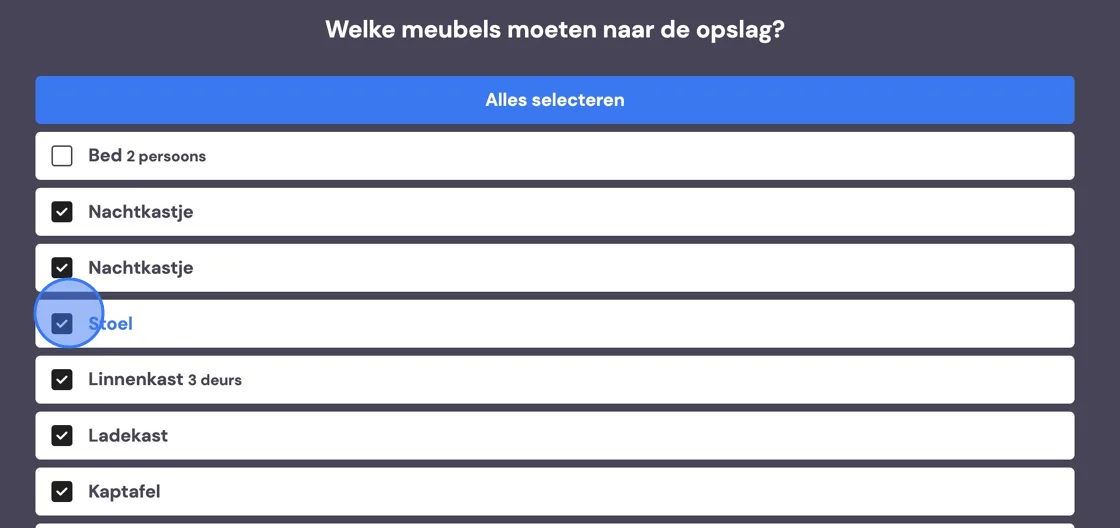
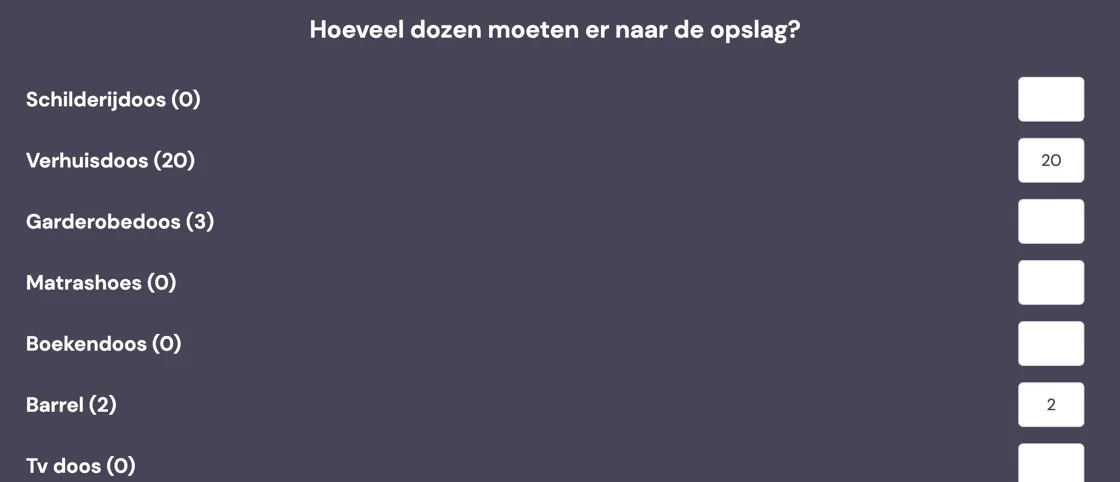
Indicate that for the boxes as well. This information is for the removal crew.
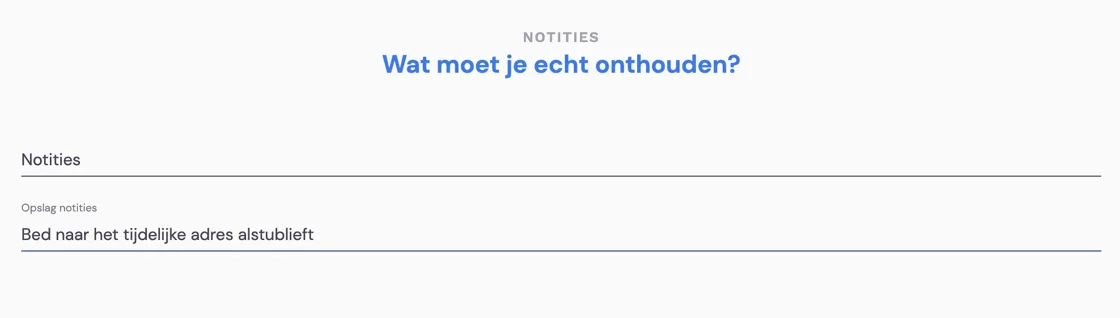
To be sure, write it down again for the removal crew if you wish.
Change the package in the following steps.
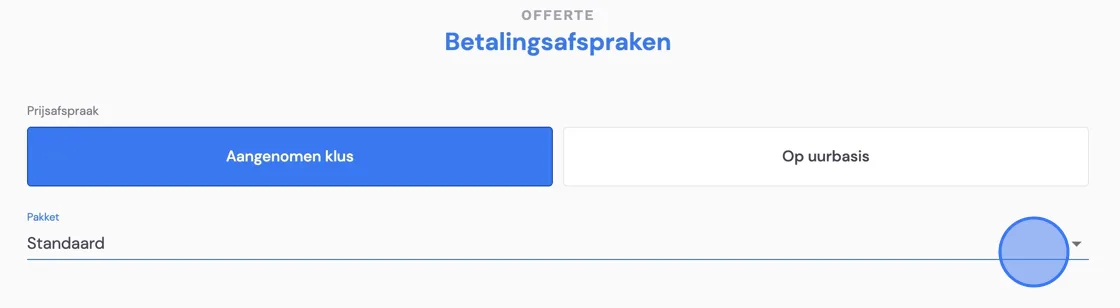
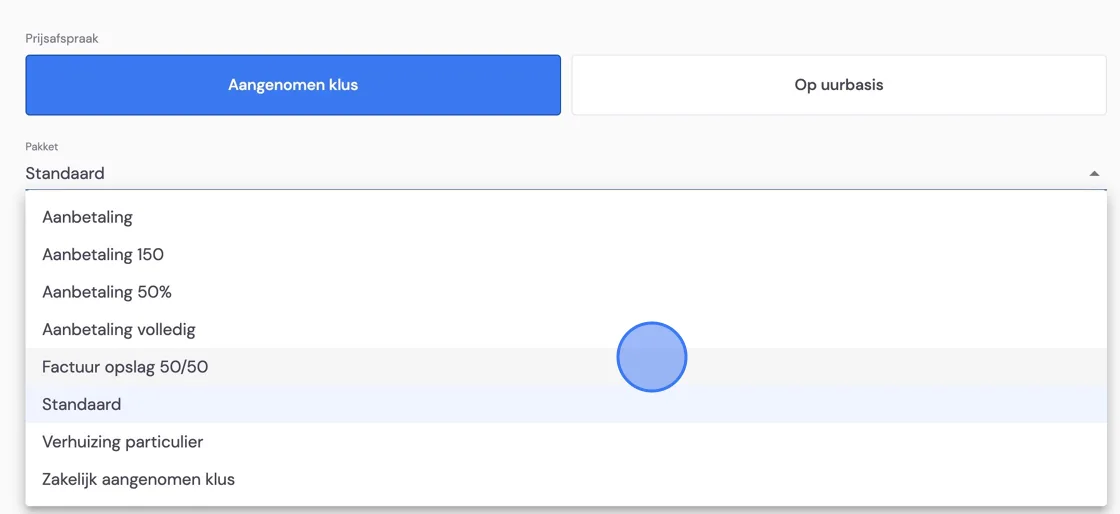
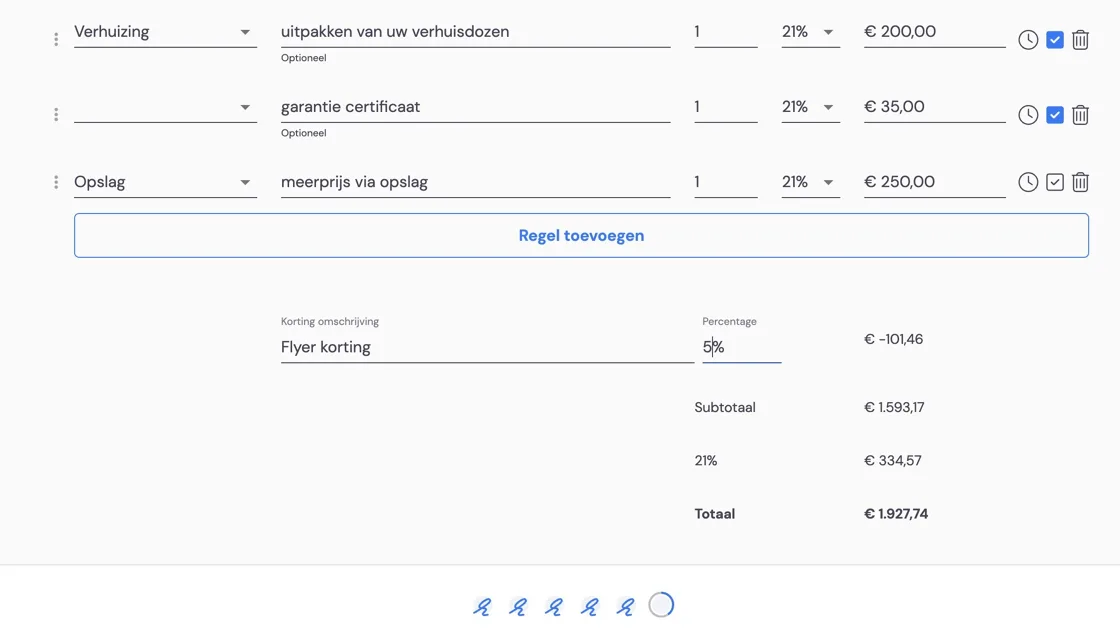
Important: enter the price for the storage costs here. Then it will immediately be set up correctly for the invoicing of the storage.
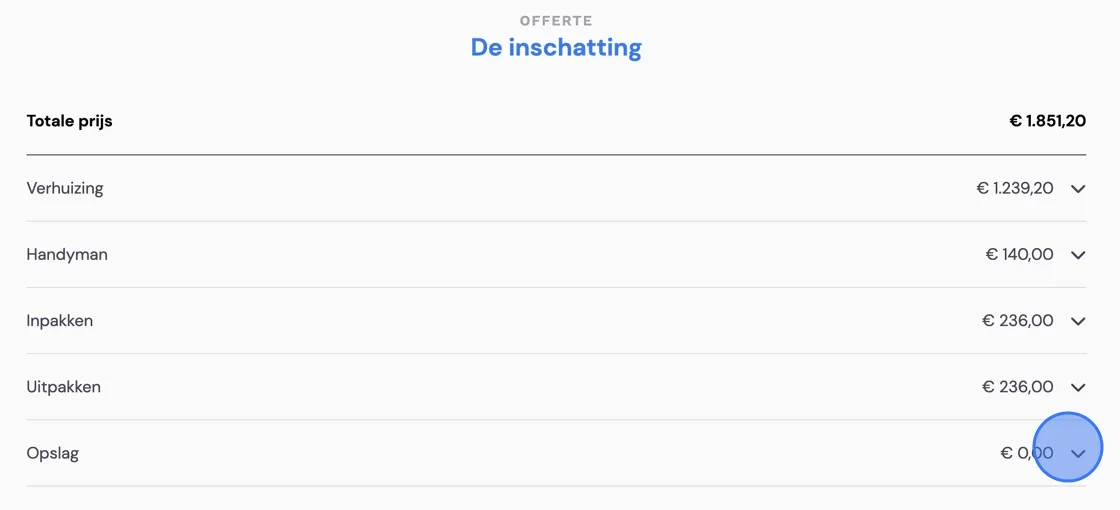
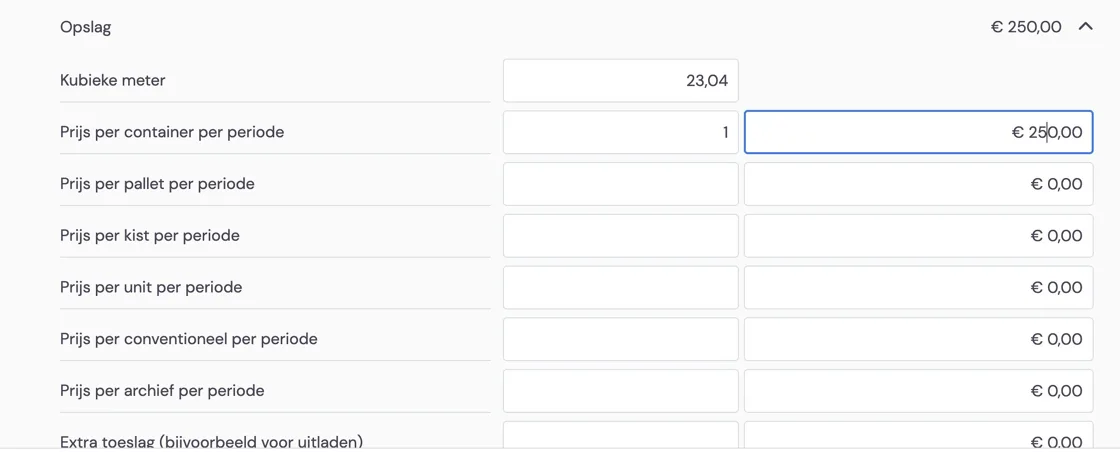
To pass the storage costs on to the customer, we recommend entering this in a free text field. To enable this option, we refer you to the following article.
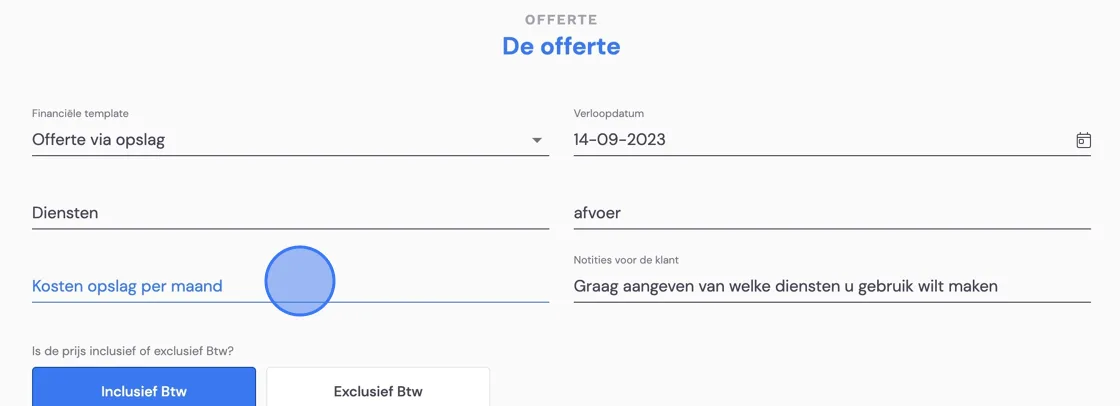
Check and, if necessary, add to your quote. You can now send the quote again like any other. The customer will have to accept again, but now with the new quote.