
Your customer wants changes to the quote: price, via storage after all (or not), moving more or fewer items, etc. We'll guide you through the working procedure. If only the moving date changes, it's best to do this via the job and adjust the dates. These are automatically sent to the customer. There are a few pitfalls when changing a direct move to a move via storage. There is a separate article for that.
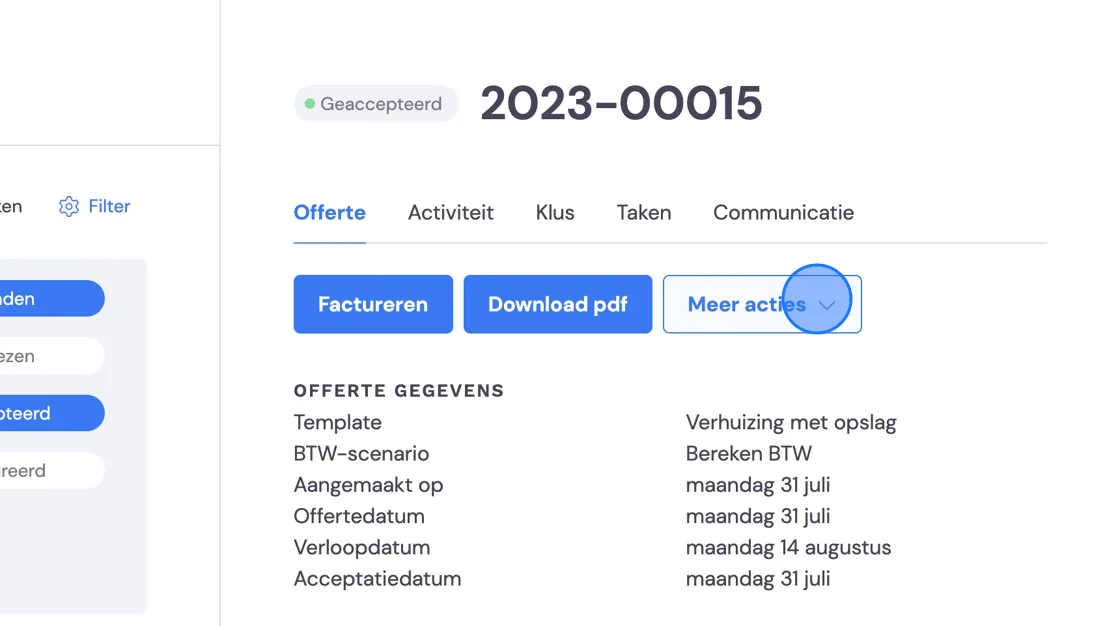
In essence, the customer does not agree to the quote you sent. To avoid misunderstandings afterwards, you need to decline this quote. You do this under "Finance" -> "Quotes". Find the right quote and then click "Decline" or "More actions".
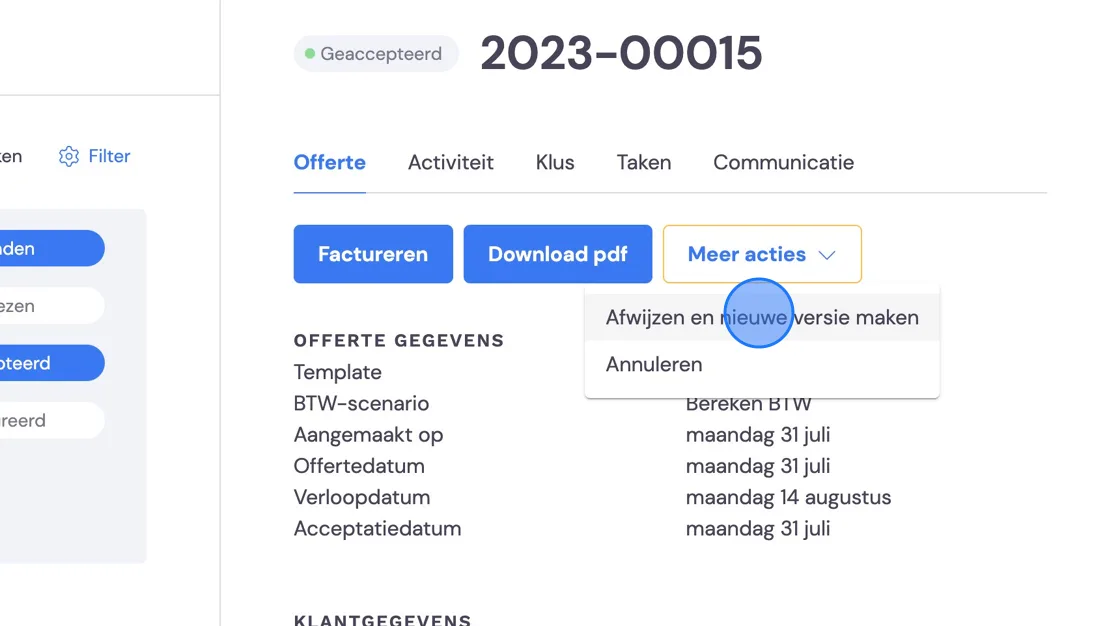
2. Here you can delete the job completely, but for a single change you choose the reason here.
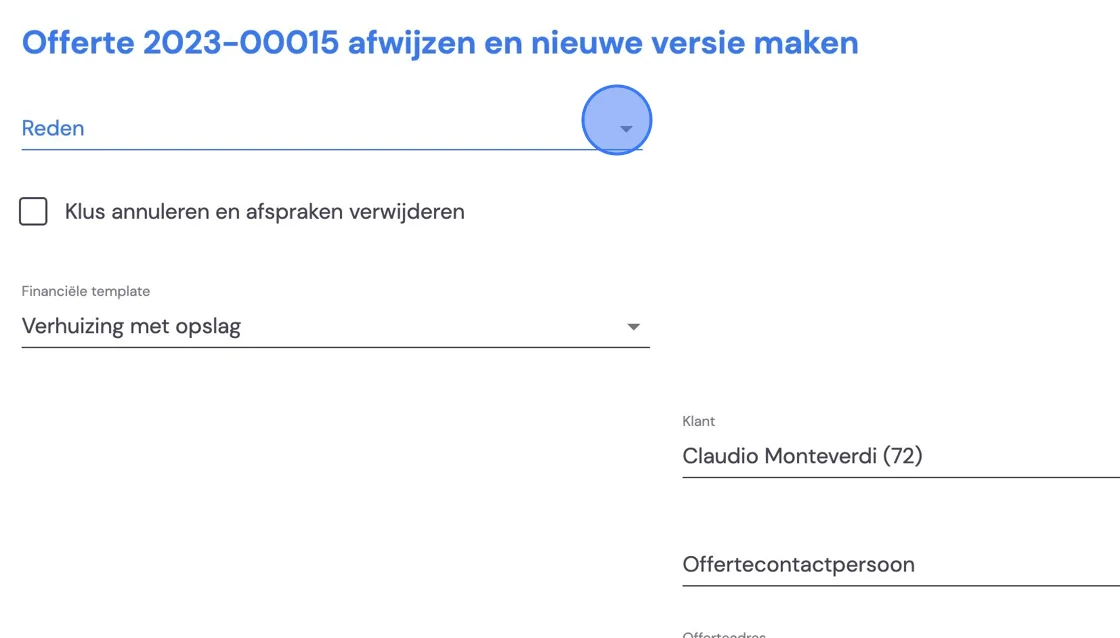
3. In this example, the customer is moving directly instead of moving via storage. Choose a suitable template.
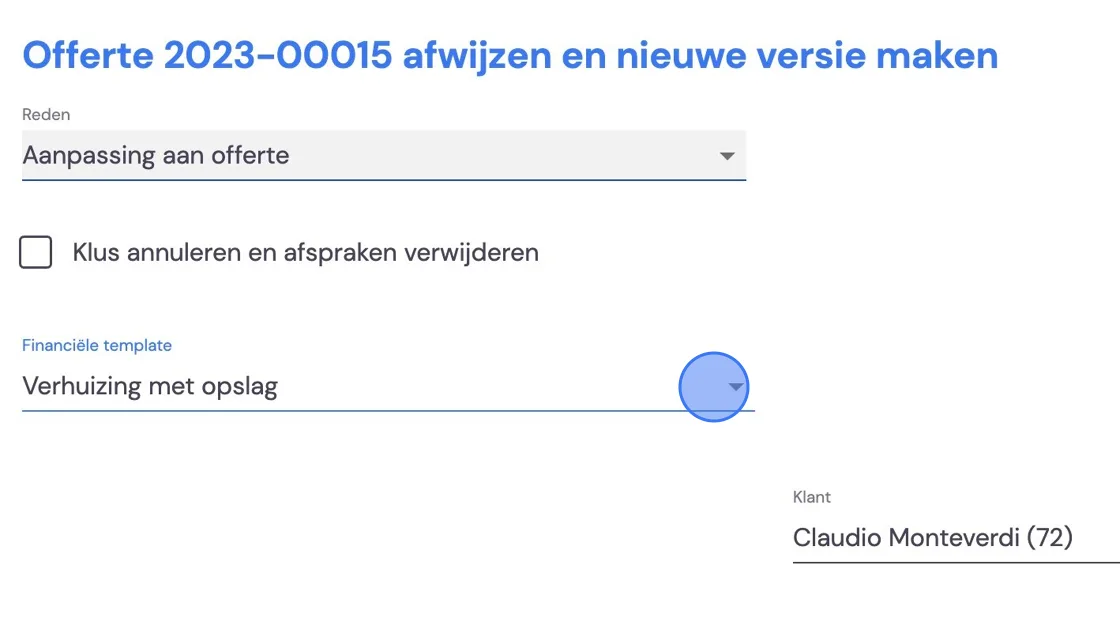
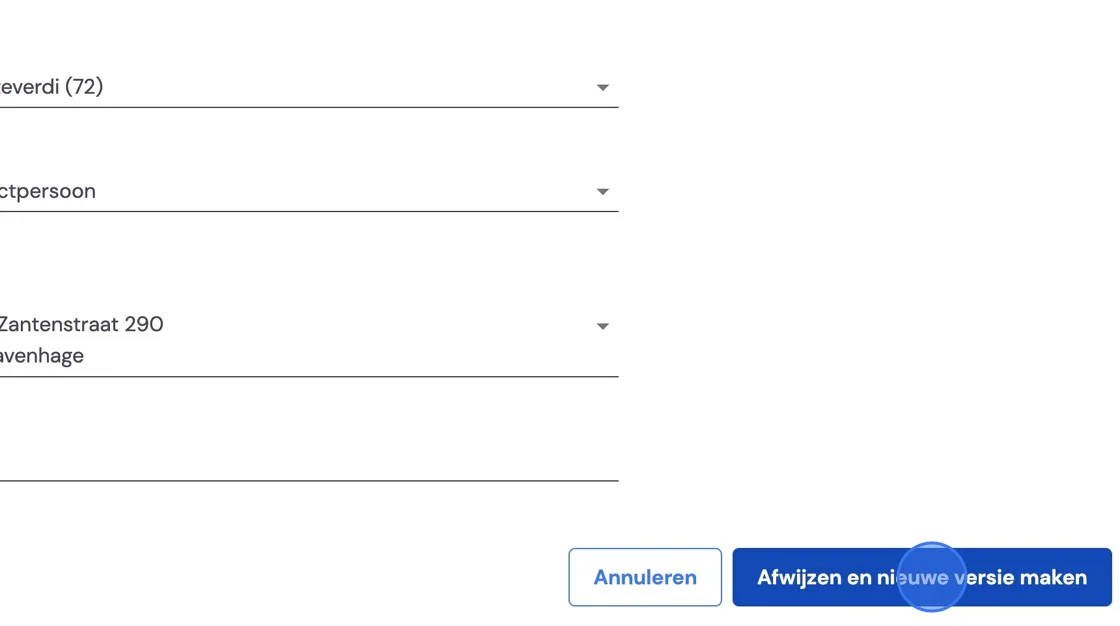
4. Decline, and we'll now create a new version.
5. There are several options, but we'd like to teach you to always go through the entire survey process again and adjust it where necessary. This way, a new draft quote is prepared. Your old survey is still fully in there.
There are 2 reasons for this.
-First of all, you get a completely new quote and the old one is kept. If you don't do this, the old quote will be overwritten. You can, however, look under Activities at the sent emails with the attachments of older versions of the quote you issued.
-Secondly, it's good for the removal crew to have an inventory list that is correct, so that no misunderstandings arise.
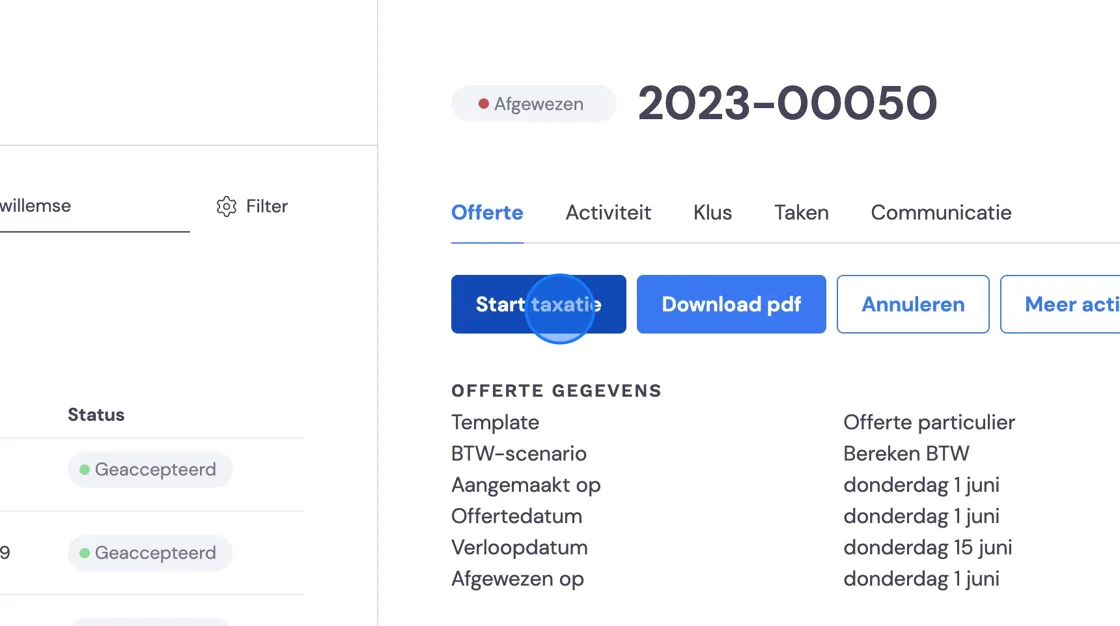
You will need to send your new quote to the customer again with all the changes, and the customer still needs to approve it.