
Sometimes you may receive a notification that a customer has sent an email to our environment. This happens when the customer actively copies the email address and creates a new email to reply to an automated email from our system. Normally, a reply to the automated email arrives at the address you specify.
Settings -> Features -> incoming email.
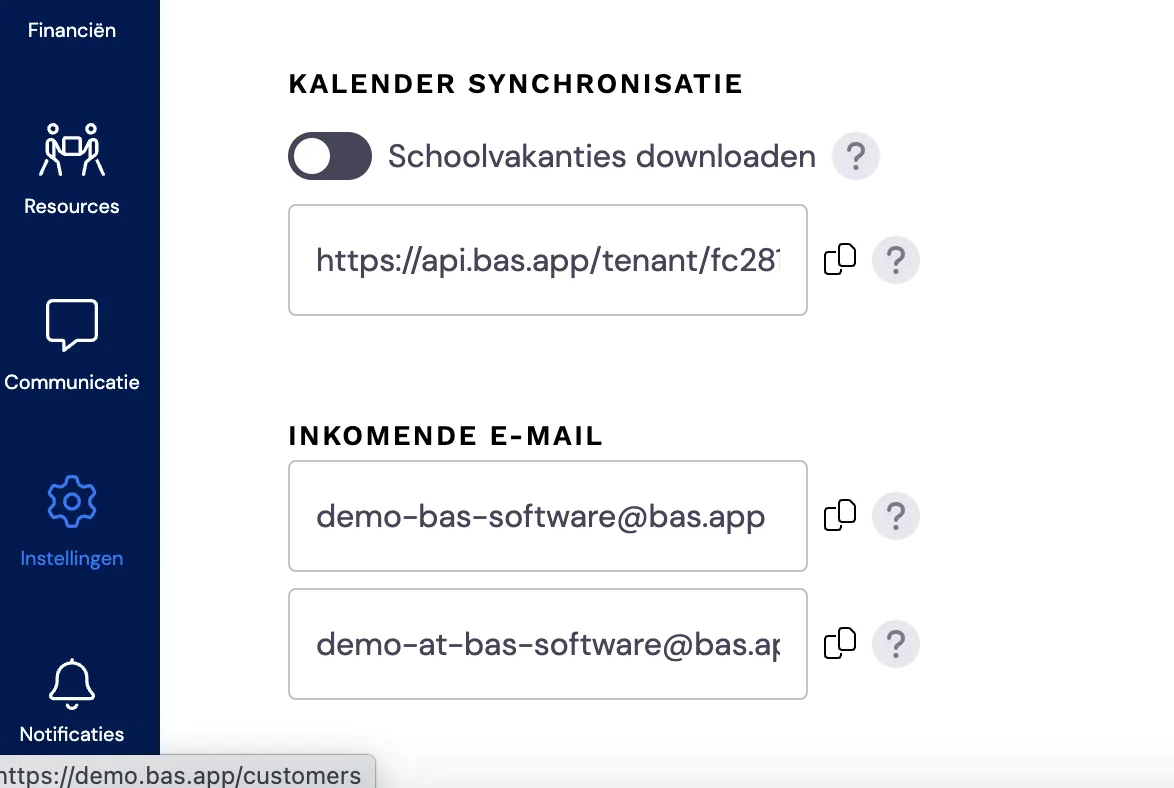
In case the customer copies the email address, the email arrives for you in: Communication -> Email
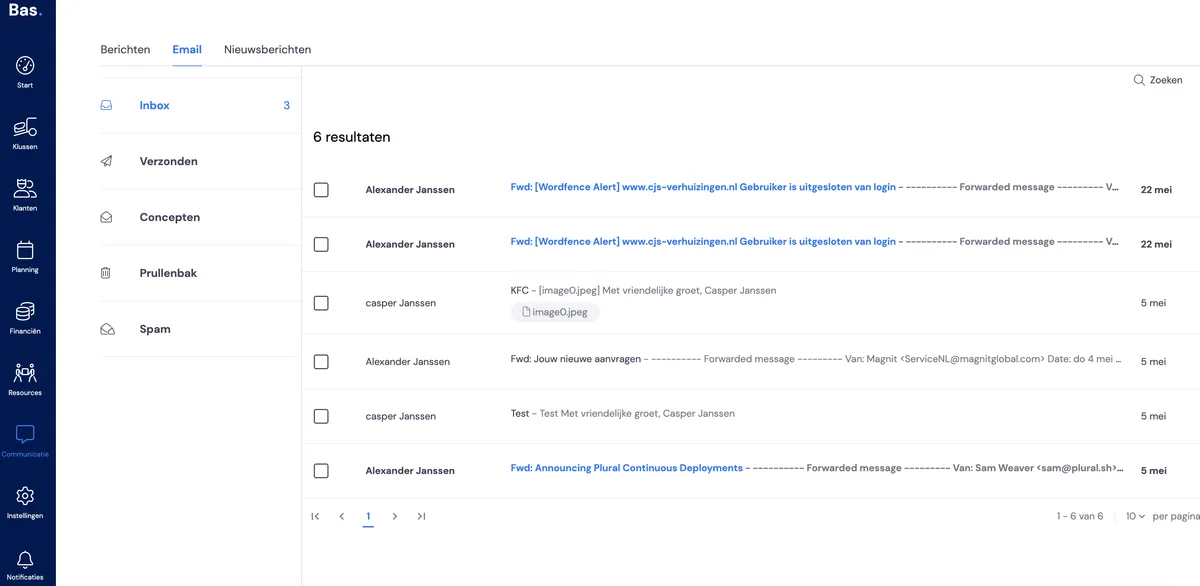
From this mailbox, it is not possible to send email to another email address or to forward it automatically. You can only copy and paste the content into your normal mailbox. This mailbox exists so that you won't miss any email contact with the customer in case they copy the address. So keep an eye on your tasks and you'll never miss any communication with your customer.