Hours, leave and sickness in one place. So your schedule is right.
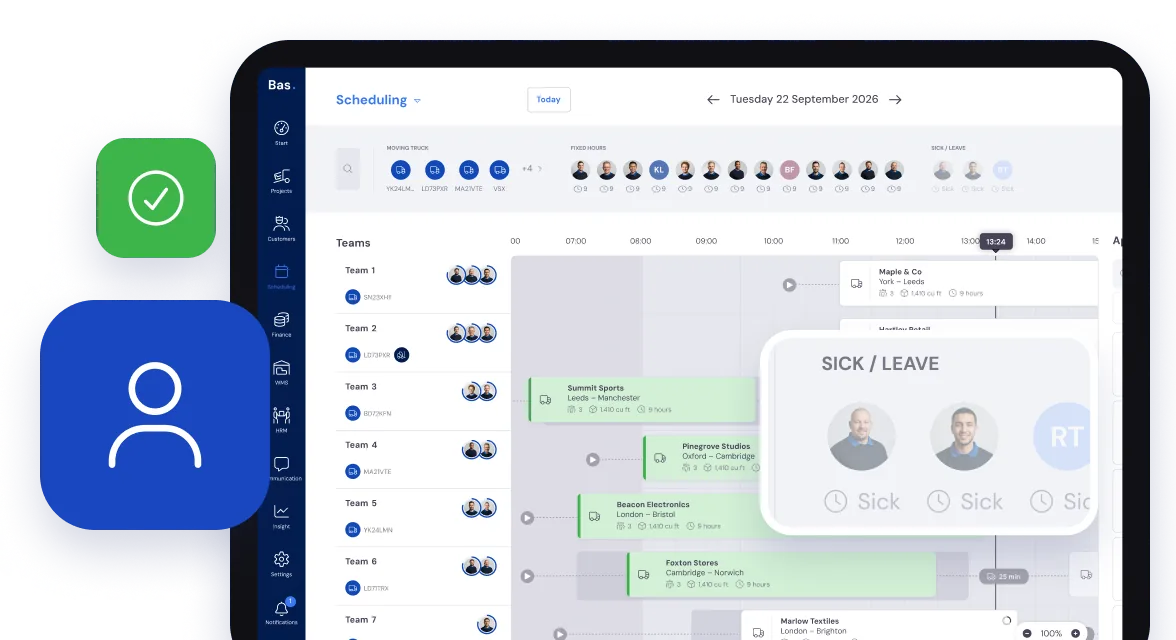
Your staff handle it in the app, you process it in the back office. Whoever is off sick or on leave is right there in the schedule.
Everything for your staff. Sorted quickly and easily.
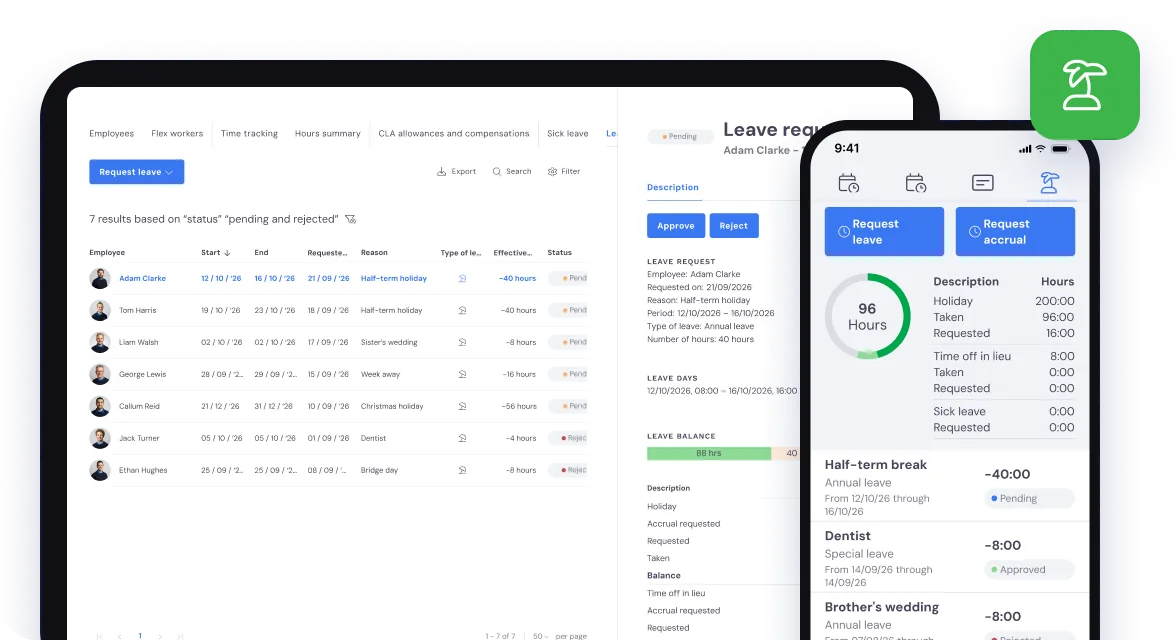
Leave
Staff request leave in the app, and you process the request straight away in the back office.
They get a push notification as soon as it is approved.
Sickness
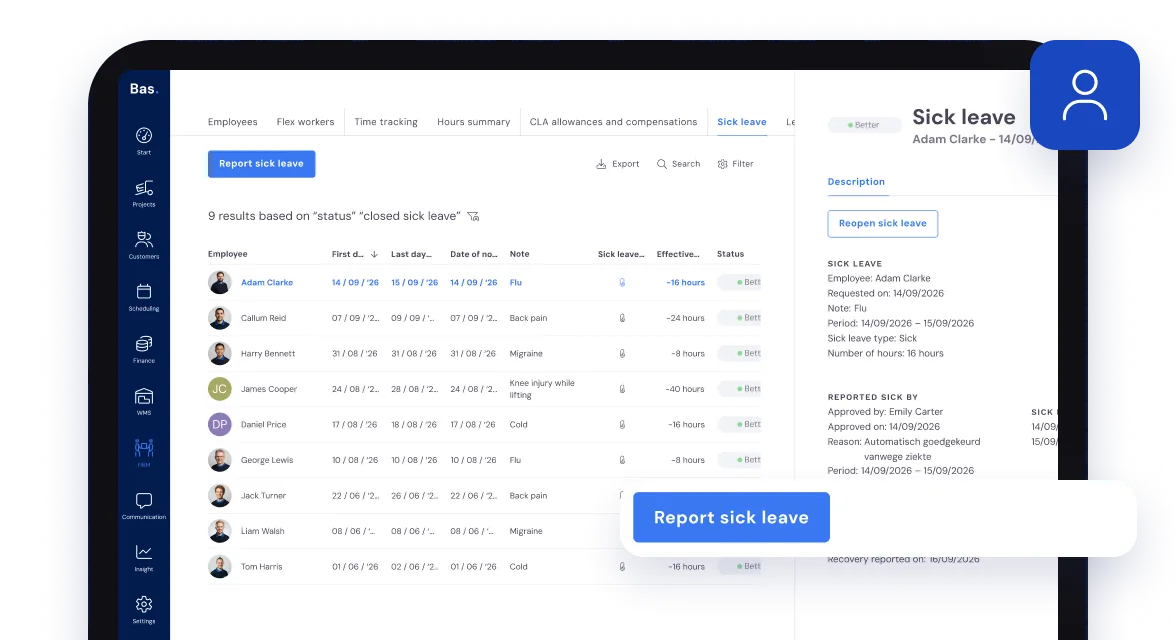
Record sickness easily in the back office, directly in the schedule or in the HR module.
In the schedule you take someone who is ill straight off their job.
So your planning board is always right.
Time tracking
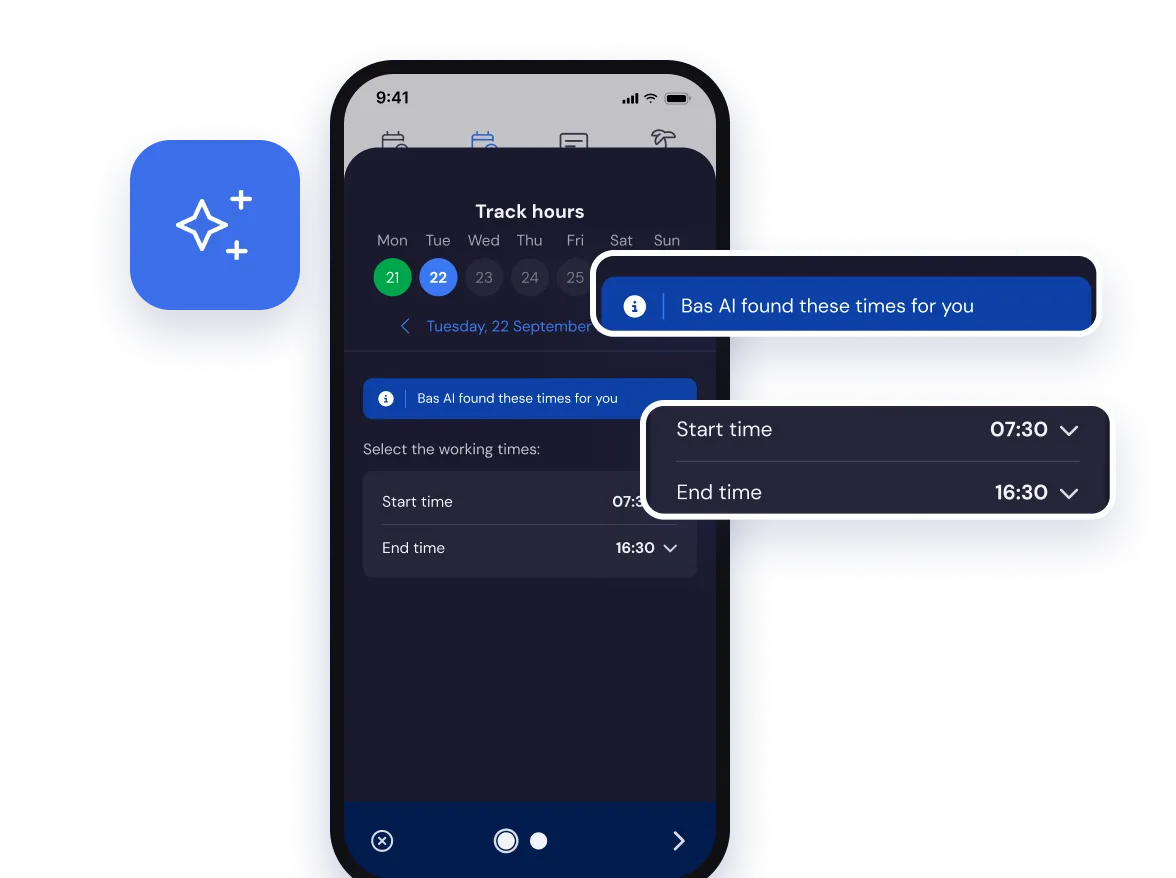
The app suggests the hours based on contract, working times, the schedule and the job details. Staff only need to check them and send them in.
After the job the foreman confirms the hours in the employee app.
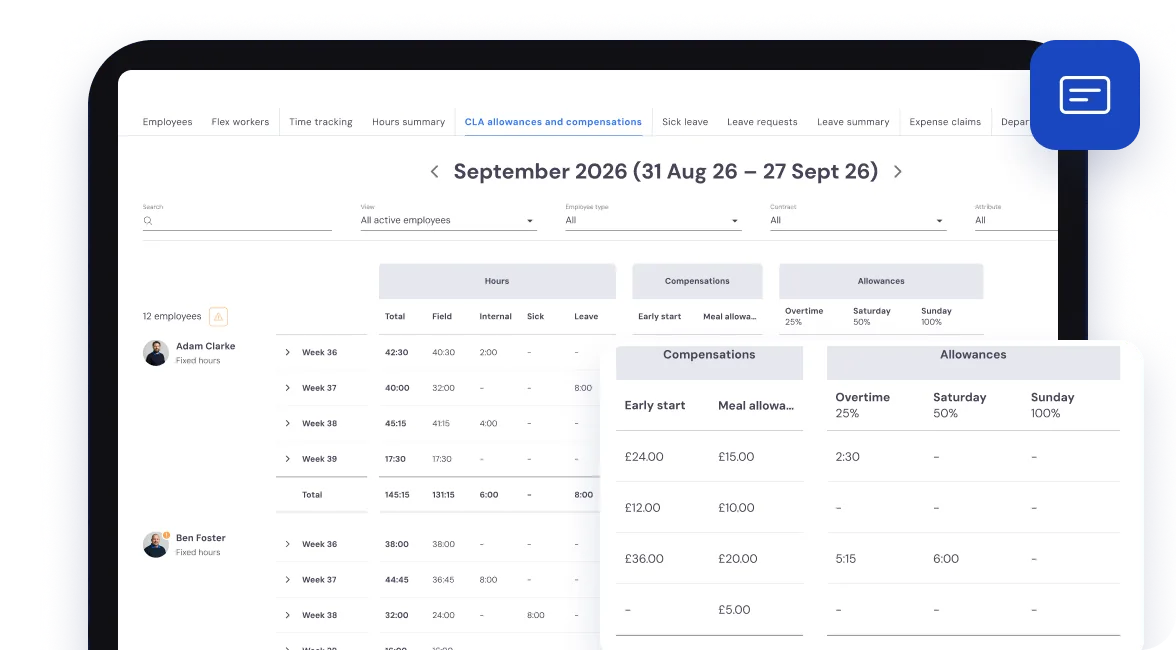
You set the rules for overtime rates and allowances yourself, so they match your own contracts.
Overtime rates and allowances
Based on the hours worked and the rules you have set, Bas works out the overtime rates and allowances.
See Allowances for what Bas works out and how you set the rules.
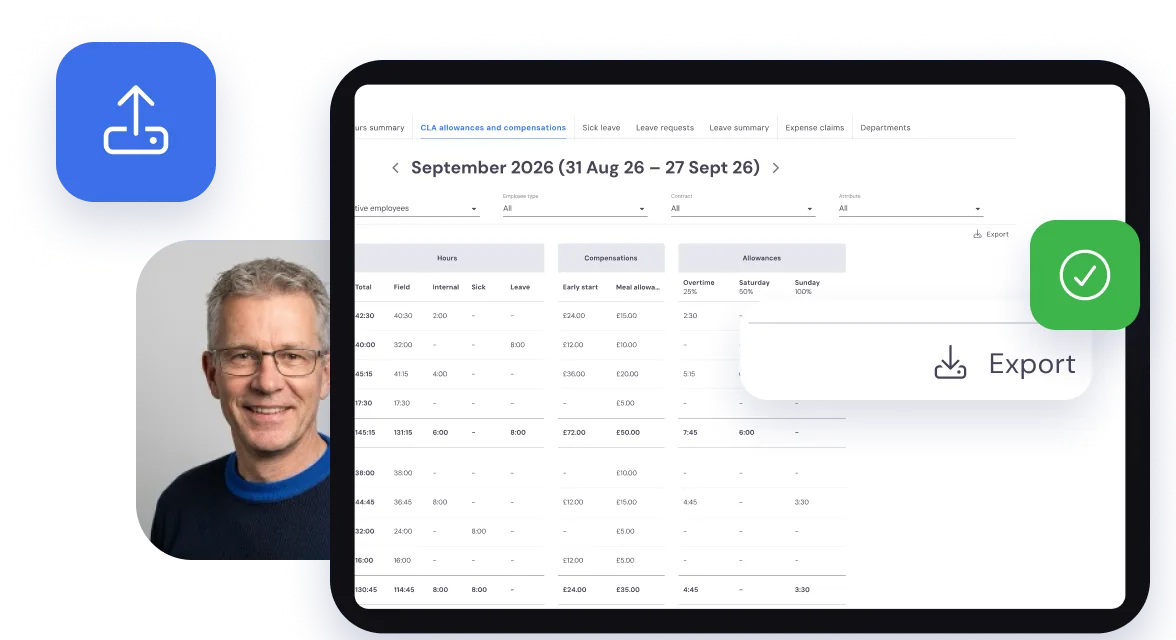
Export for your payroll
Export the rates and allowances in one click, ready for your payroll.
Frequently asked questions about HR
The questions moving companies ask us most often, with a short answer.
Employees request leave through the Bas app. You approve or reject it in the HR overview. When someone reports sick, their availability in the planning is adjusted immediately. Bas keeps the leave balance per employee and gives you insight into staffing over a longer period, so you see peaks coming in time.
Employees log the hours they worked through the Bas app, per job or per shift. Bas automatically applies the collective labour agreement rules you have set: overtime, allowances and supplements are calculated correctly. You export the hours, rates and allowances for each period to Excel for your payroll. Read more in Time tracking and CLA allowances: how to handle it in just a few clicks.
Yes, employees can submit expense claims through the Bas app, for fuel, parking or other costs during a job. You approve or reject them in the back office. Approved claims are included in the payroll run or paid out separately, depending on how you have set up the process.