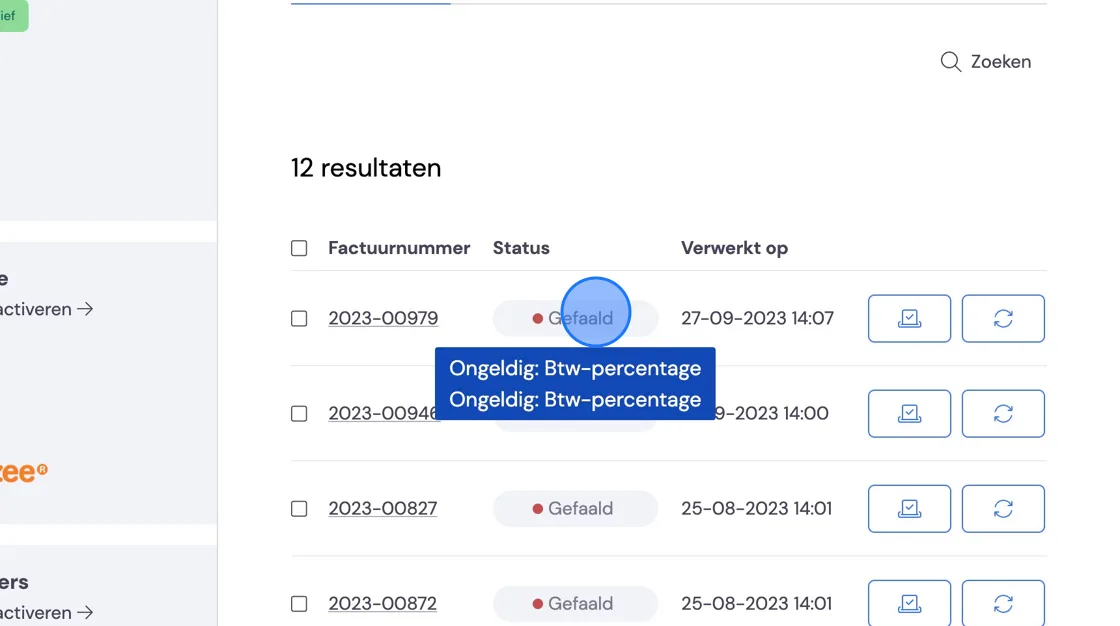
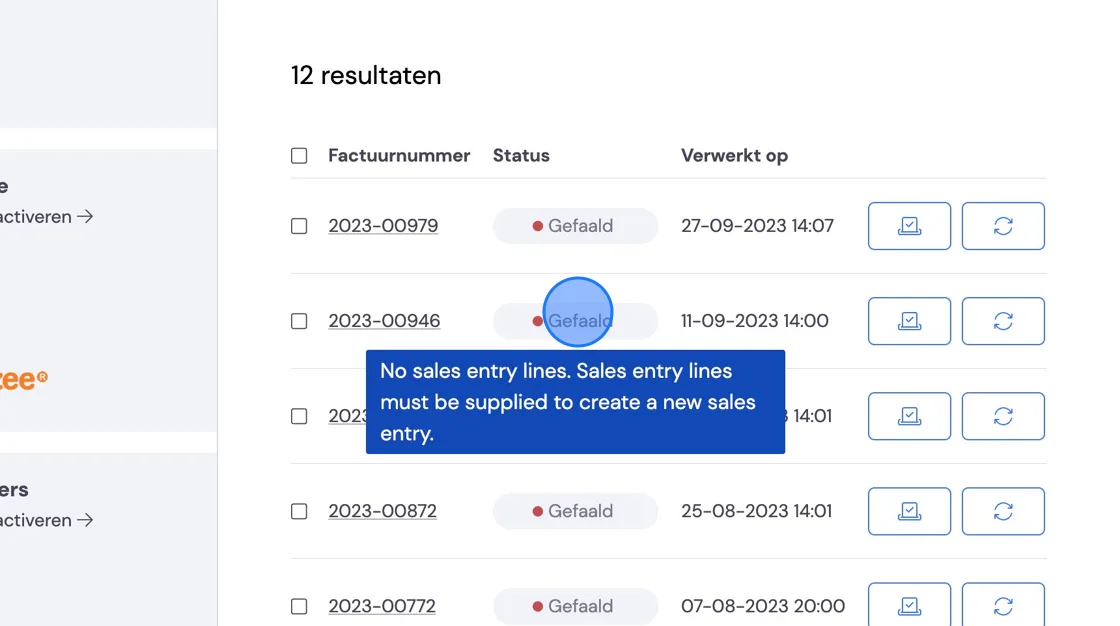
It may happen that an invoice is not synchronised correctly with your accounting package. To find out why and what to do about it, you can take the following 2 steps.
Consult the task itself.
Or investigate the integration
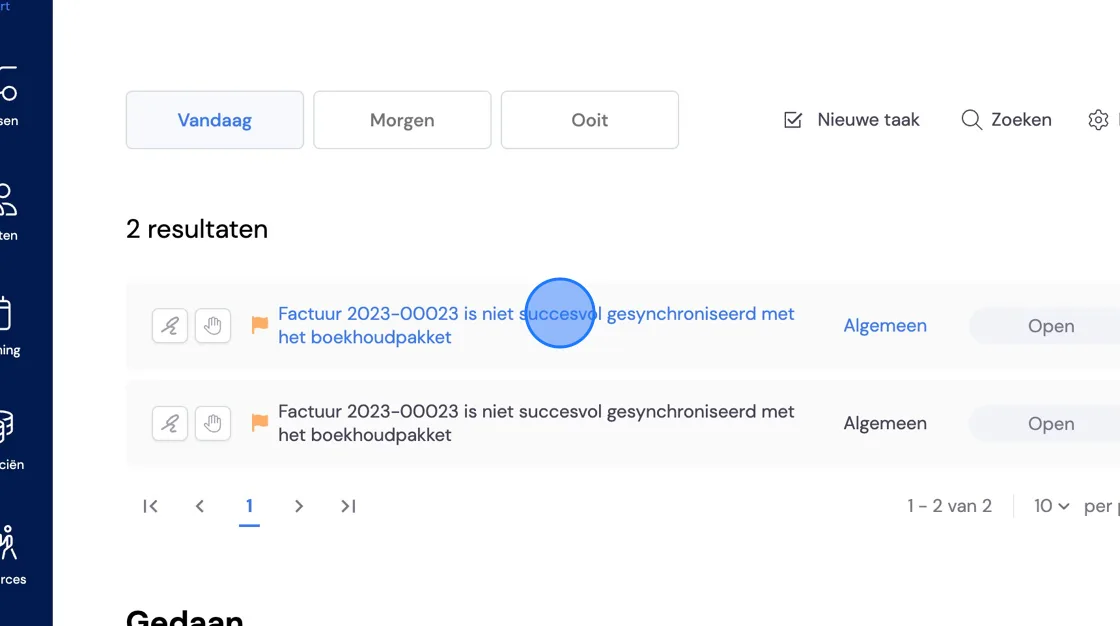
In the task itself, there is a link to the integration with an error code.
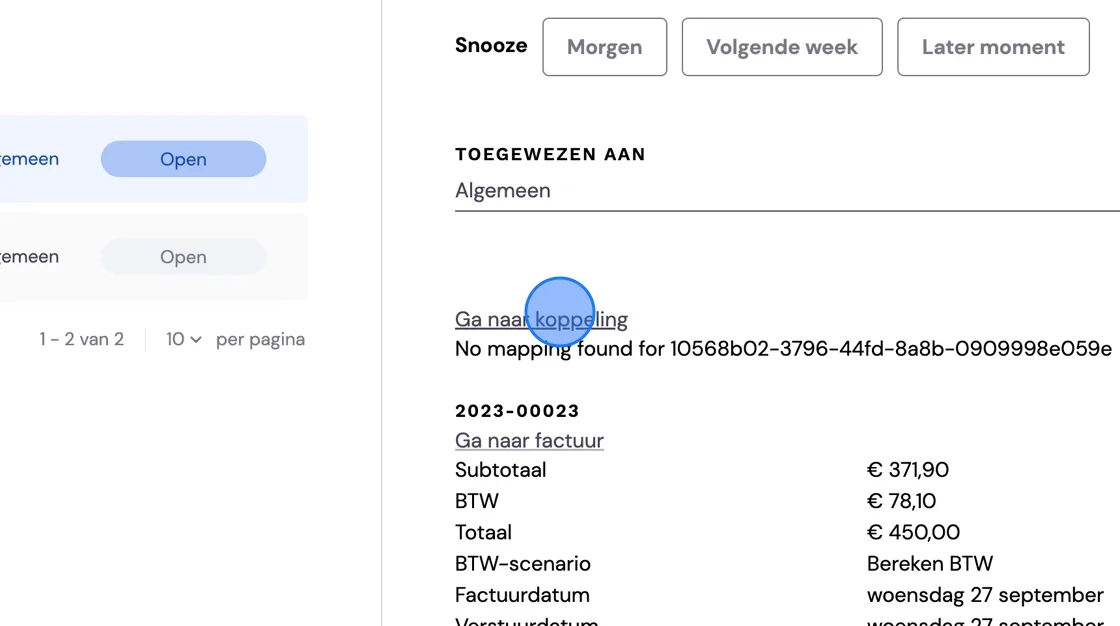
That takes you to the settings, which you can adjust if that is sufficient
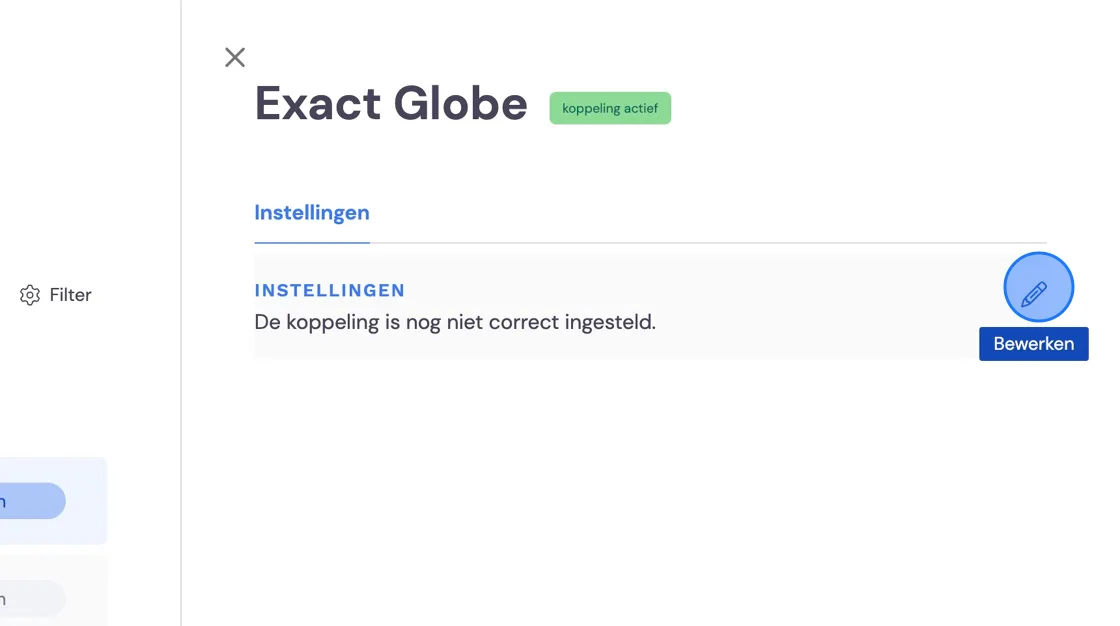
As another option, you can look at the integration itself via settings.
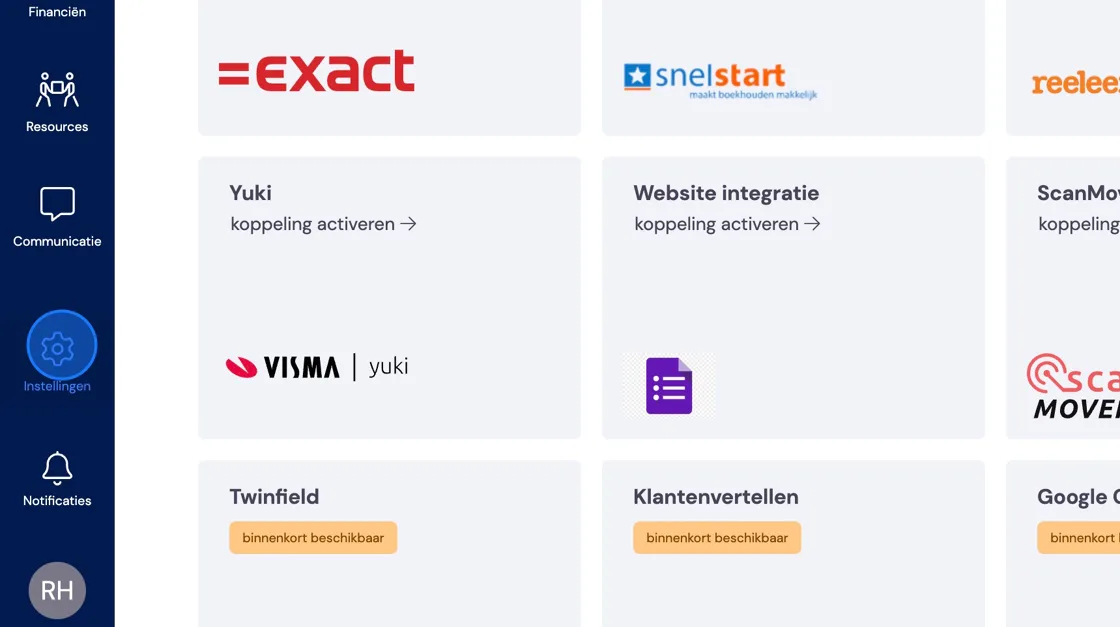
Go to Integrations.
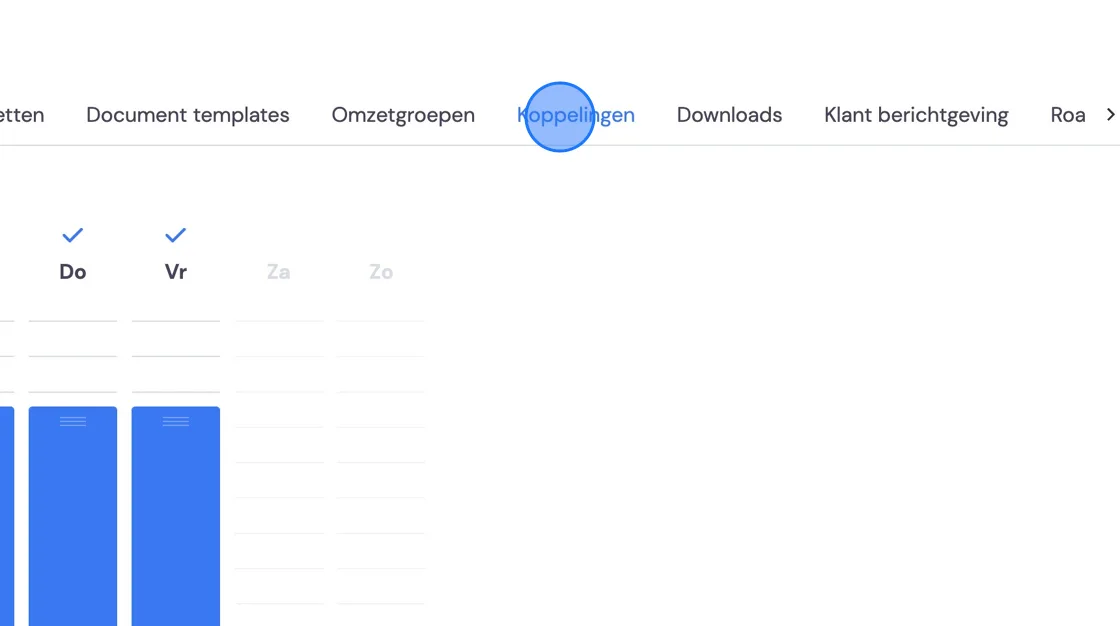
Open the integration with your accounting package
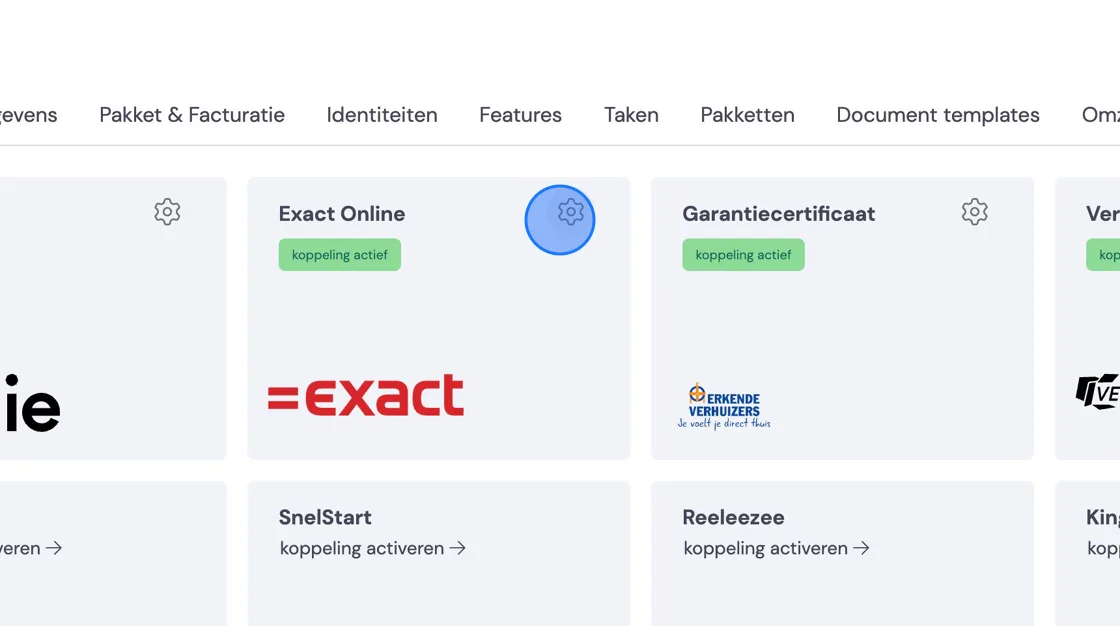
With the failed message, you'll see which data is either incorrect or which data is missing for successful synchronisation. Then resolve the problem.After this, you can also try to synchronise the invoice again. You do this with the small circle with arrows to the right of the invoice. If it still doesn't work, let us know via intercom.