
For a surveyor, it's good to know how many cubic metres he's entering when he ticks a 2-seater sofa during the survey. That's why at the bottom of this article you'll find a pdf with our list of items that are already in our system. On request, we can add more items to it.
In practice, you'll also come across items that are not so standard. you have the option of entering these manually in a quick and simple way. At the bottom of the list of standard items in a room, you'll find these two options.
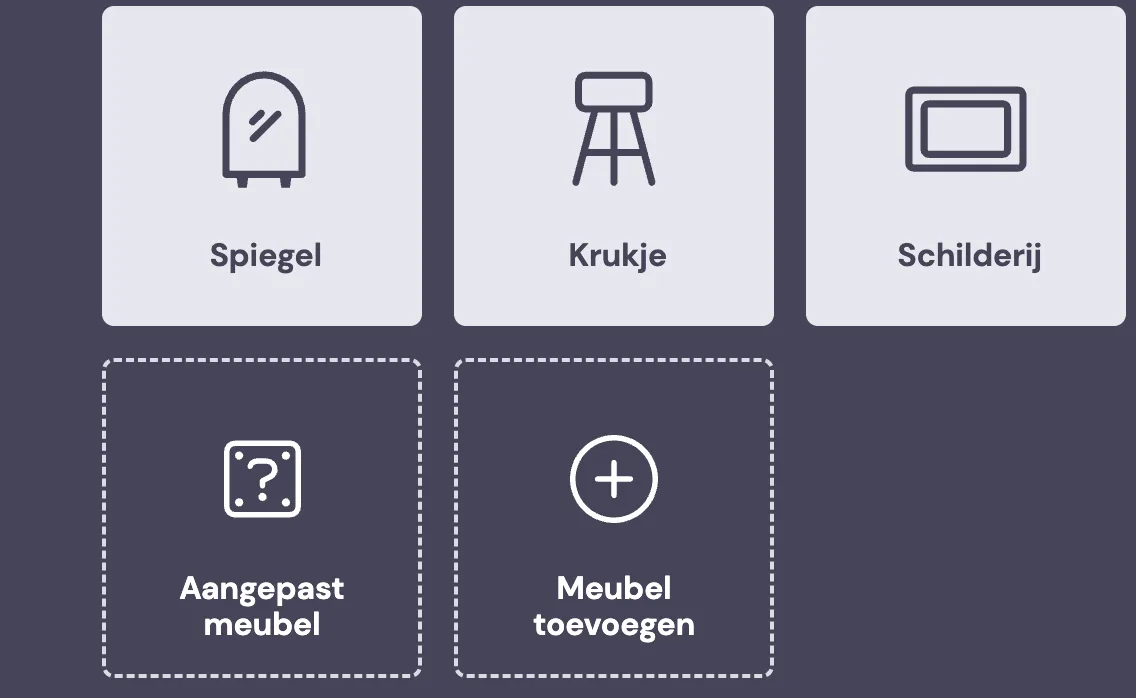
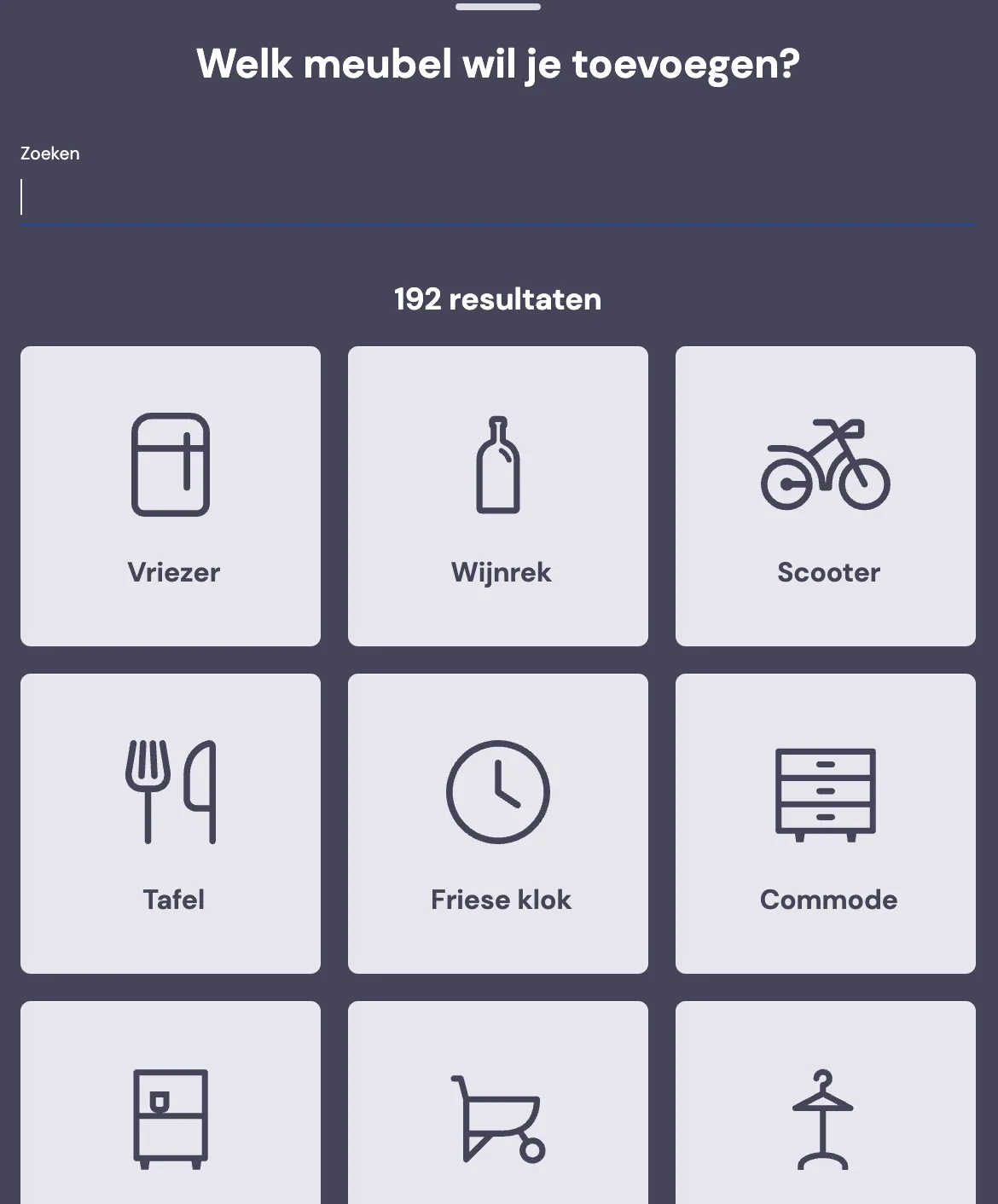
Under Add furniture, you get the full list of items we already have.
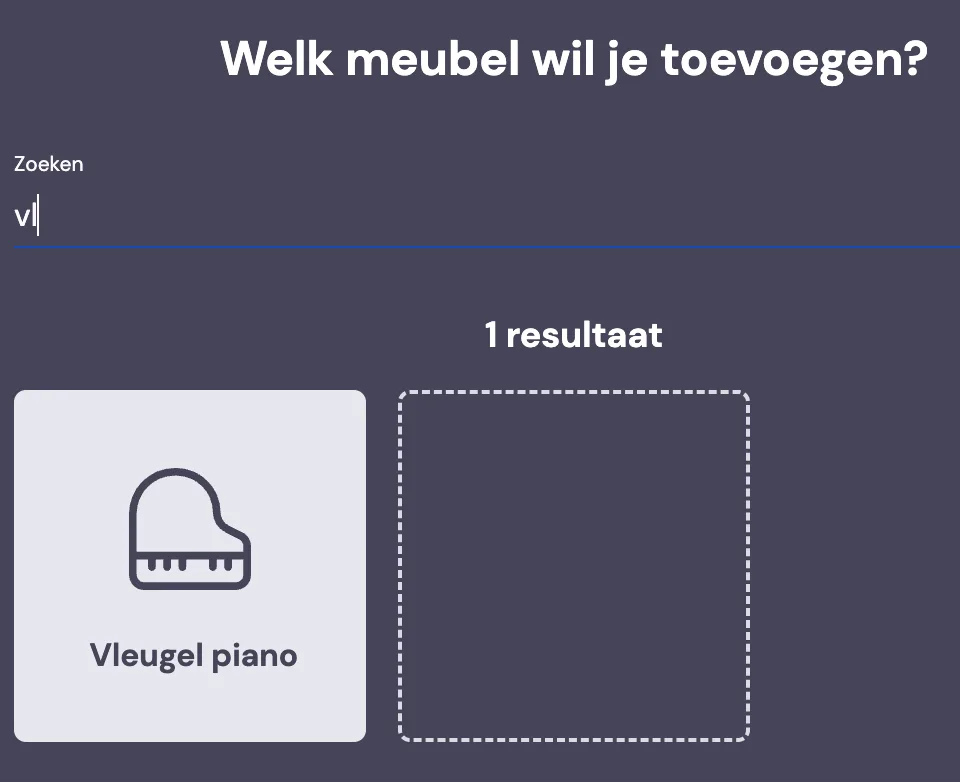
You can search by name.
Under custom furniture, you can enter whatever you think is needed.
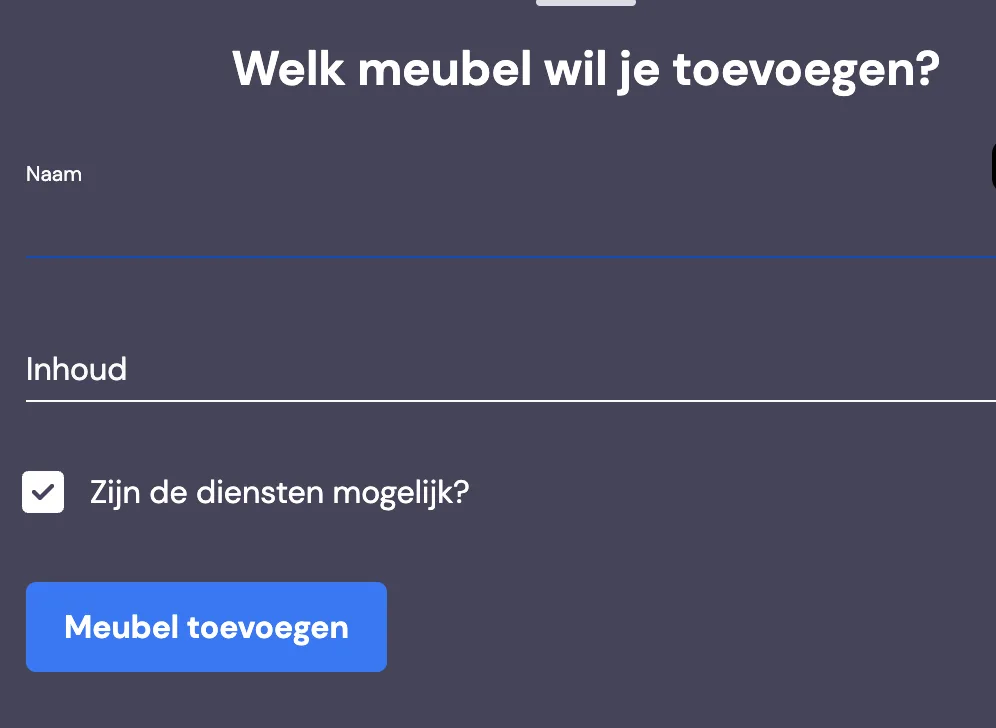
Here you give the item a name and how many cubic metres it is. You can also indicate whether the option to disassemble this furniture item should be on or off.