1. Many of the services you offer as a removal company will be standard, but there are things such as disassembly and reassembly, packing and unpacking, taking down lamps and disconnecting and reconnecting white goods for which you'll want to offer the customer options. In Bas, you can do that as follows: At the end of the survey, you'll arrive at the page below, where you can add wishes.
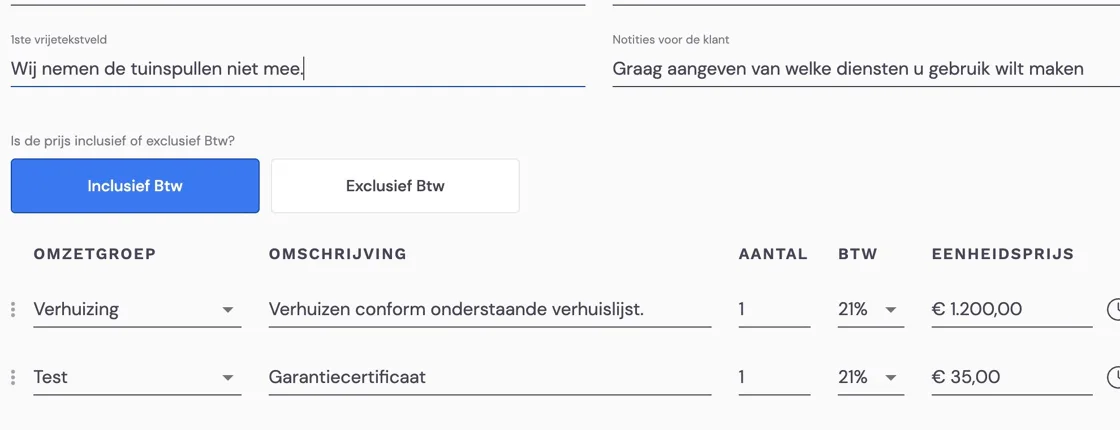
Much of this depends on the configuration of the packages and the quote templates. For more information about setting these up, I recommend having a look at the relevant articles. If you have a quote template with space for "Notes for the customer" and "1st free text field", you can enter anything you want to tell the customer there. If you'd like a free text field with a title for the back office, that's possible. You'll find an explanation of this in "Creating free text fields in templates".
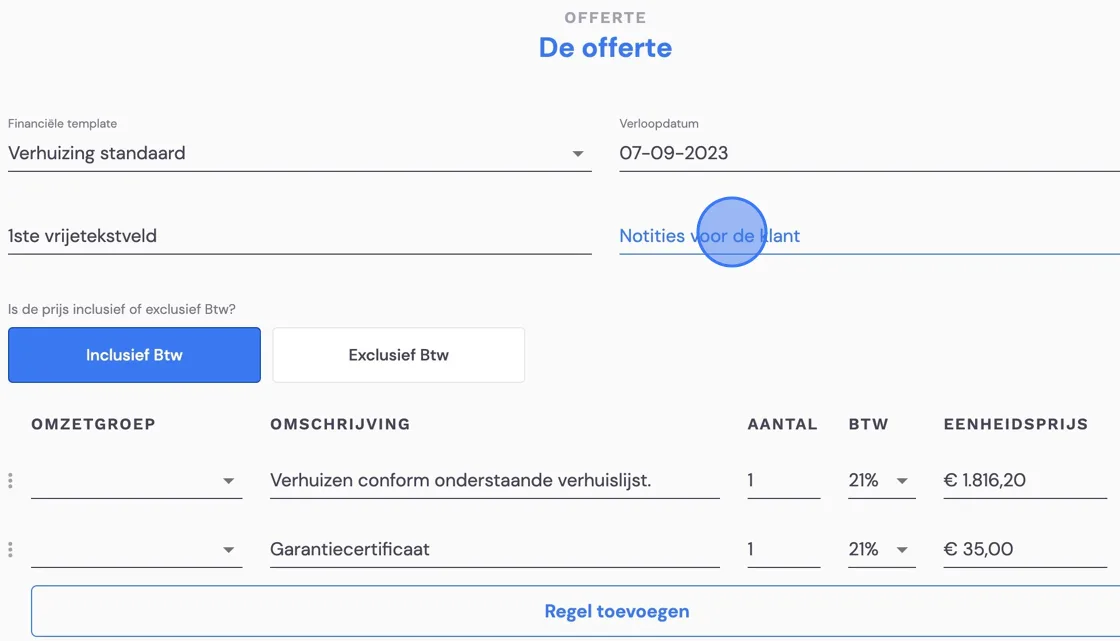
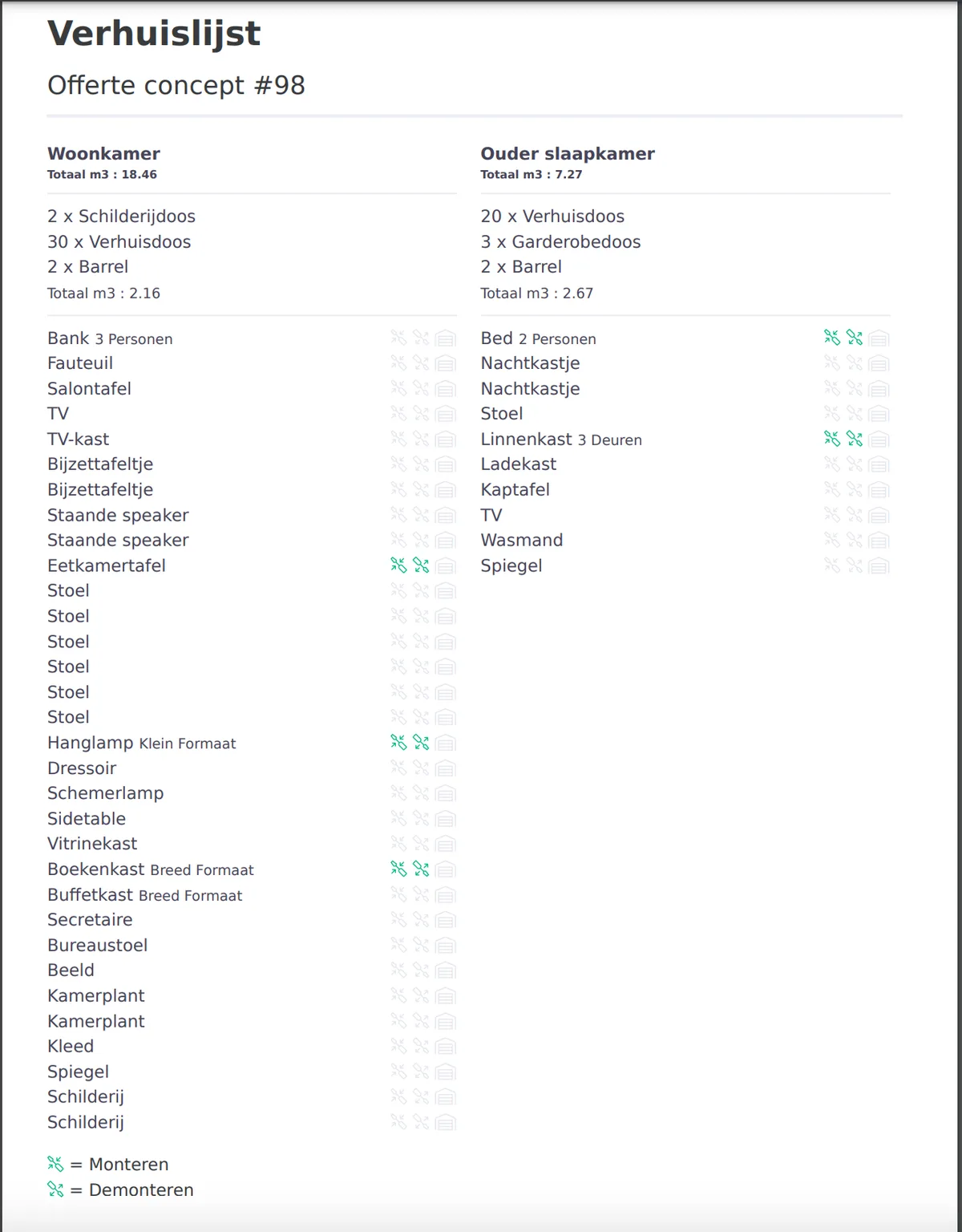
Suppose you've completed the survey and you want to offer the customer options. Then you can adjust the price. Please note that in Bas we assume you've carried out a survey in which you've already indicated which pieces of furniture need disassembly and reassembly. Taking down lamps or a TV and disconnecting white goods falls under disassembly. You'll find an example of how the customer will see the "moving list" at the bottom of this article.
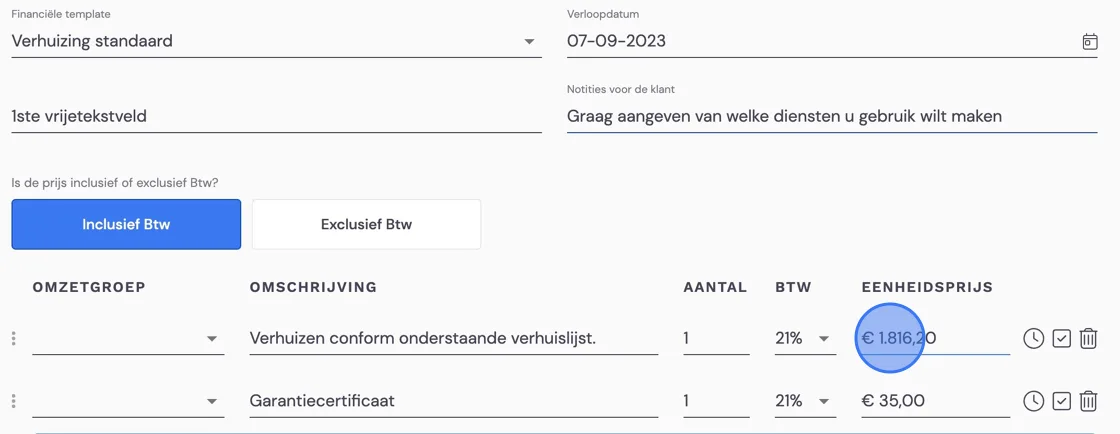
Add as many lines as you need.
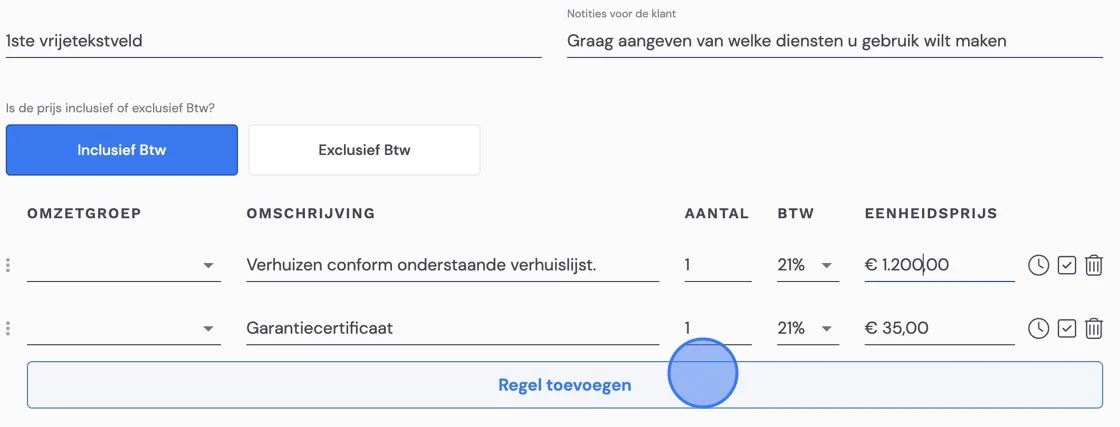
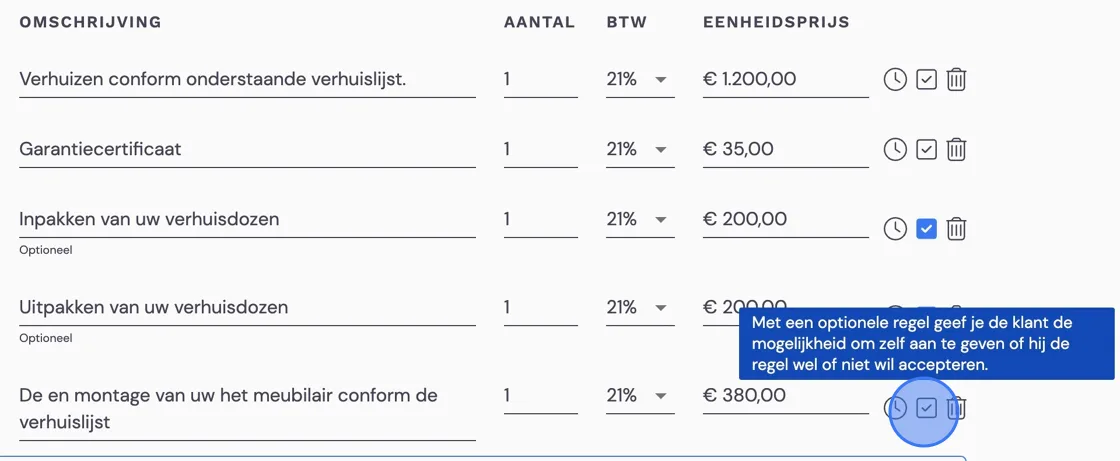
With the tick box below, you give the customer the option, in their offer via email, to choose which parts of your offer they want to agree to. They can do this in their email with a similar tick and then give their approval. The moving list gives the customer an overview of which pieces of furniture you've indicated will need to be disassembled.
Fill in the last details you want to pass on to the customer
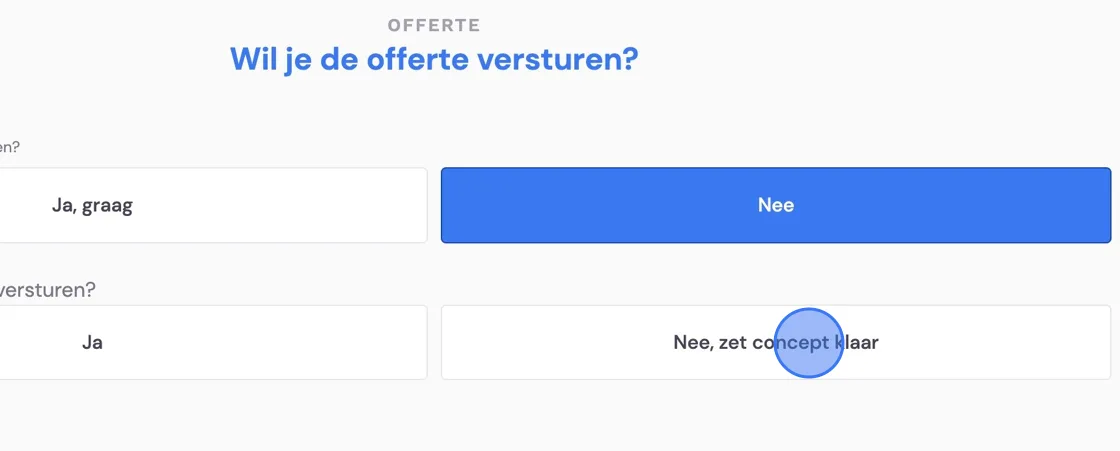
At the office, you can still make additions and changes via the "back office". In that case, only prepare the quote as a draft and don't send it yet.
Go to "Finances"
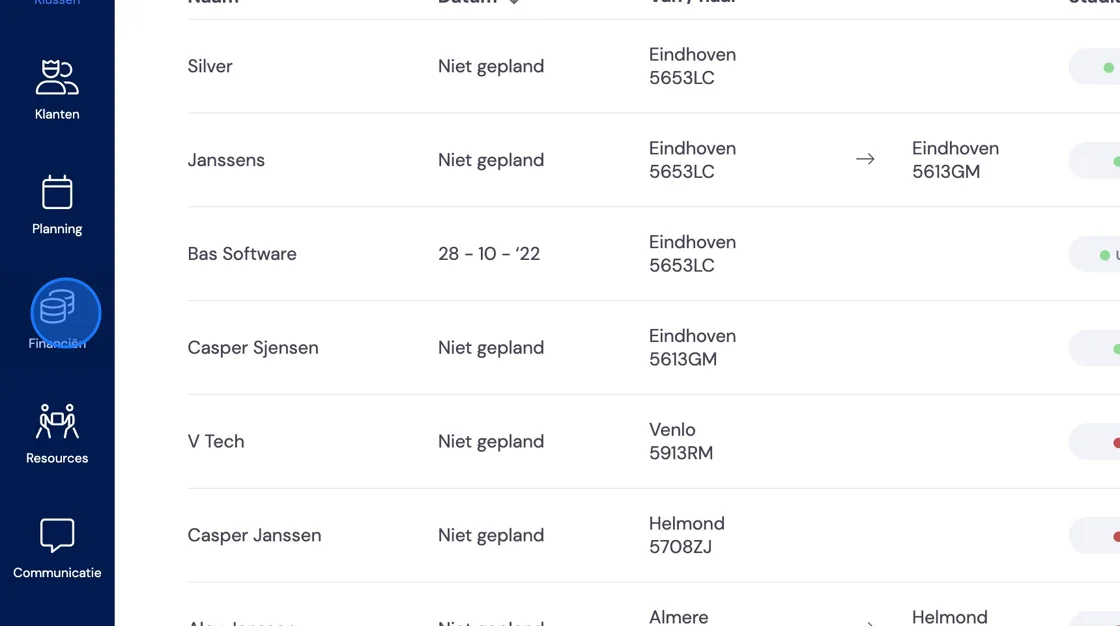
There, your draft quote will probably be waiting near the top.
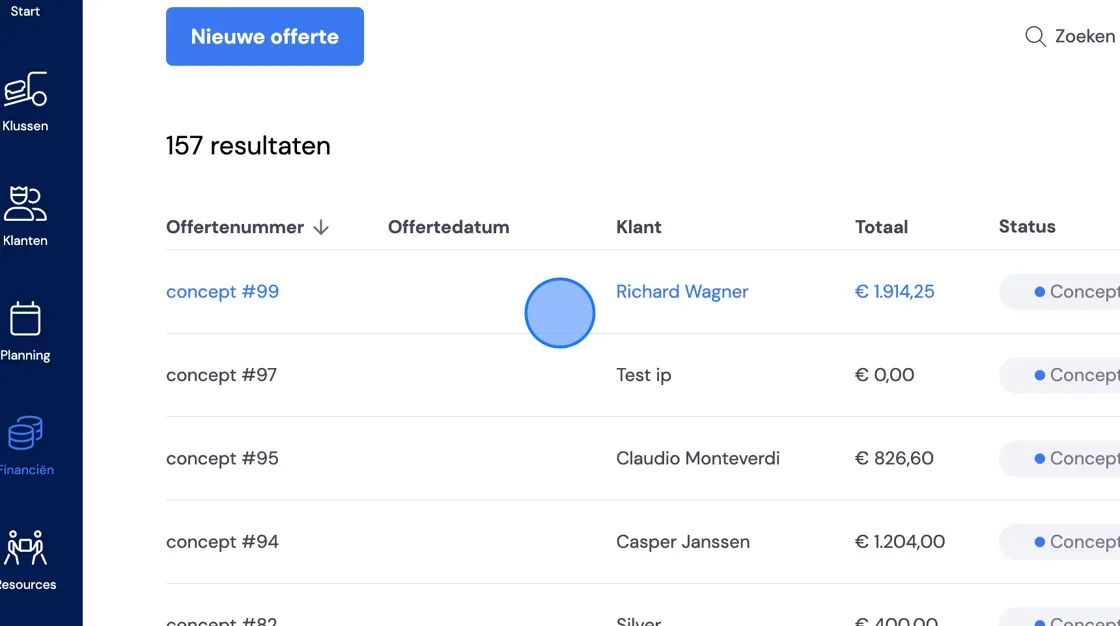
Here you can still adjust the notes for the customer and the free text fields. You can also add messages for the planning and the removal crew here. But you can create more options for yourself here. You do this by adjusting the template for the quote. How to do this is explained in the article "Creating free text fields in templates". Please note that you'll then change all future quotes you create with that template. Any extra text fields you create in the template can only be filled in here. At the moment, this is not yet possible in the mobile app.
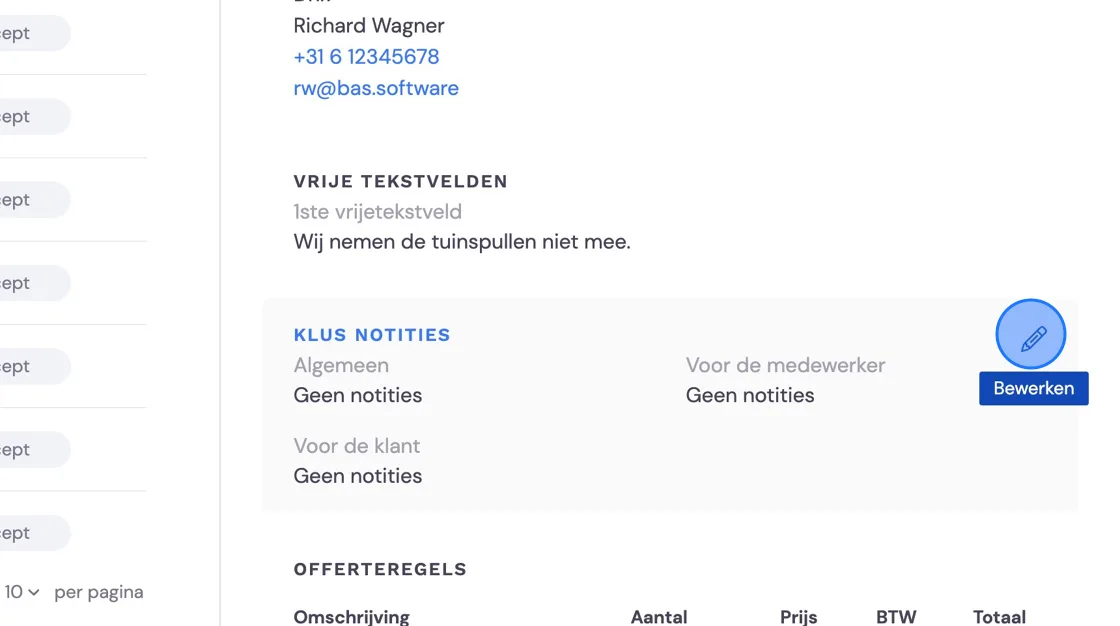
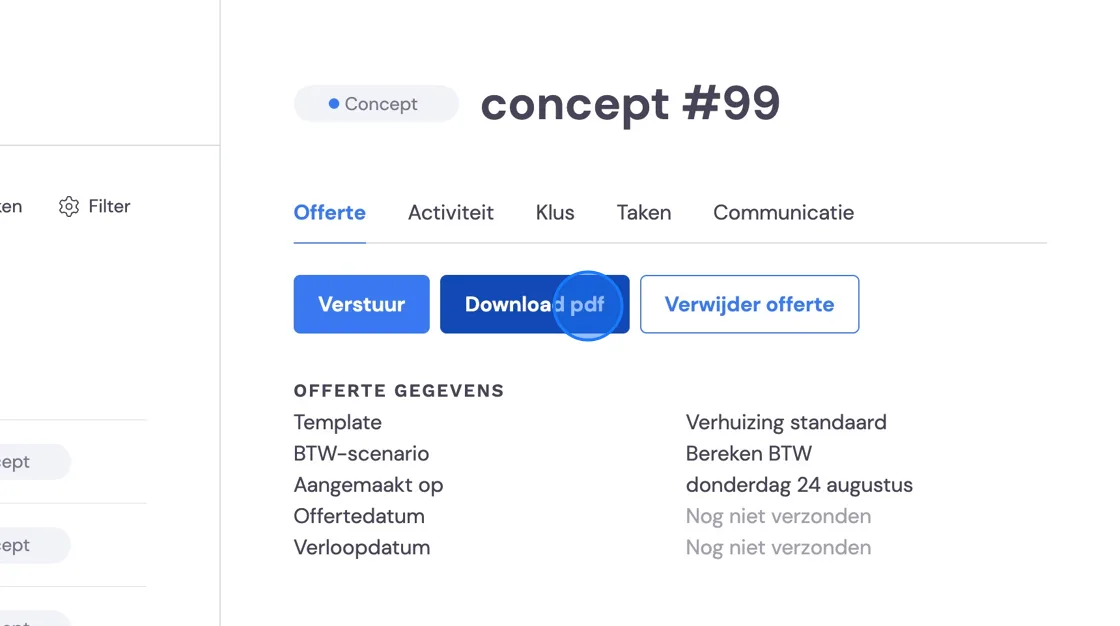
Before you send the quote, you can quickly check the moving list. Here you'll find the list you created during the survey. It indicates which furniture you've said needs to be disassembled, reassembled and, in the case of storage, taken to storage. Clear information for the customer and the removal crew who will carry it out. Do you want to make changes to this list? Then you'll have to create the quote again. In that case, delete it using the button on the right. You can then start the survey again. Everything is still in there except the changes to the price specification.