
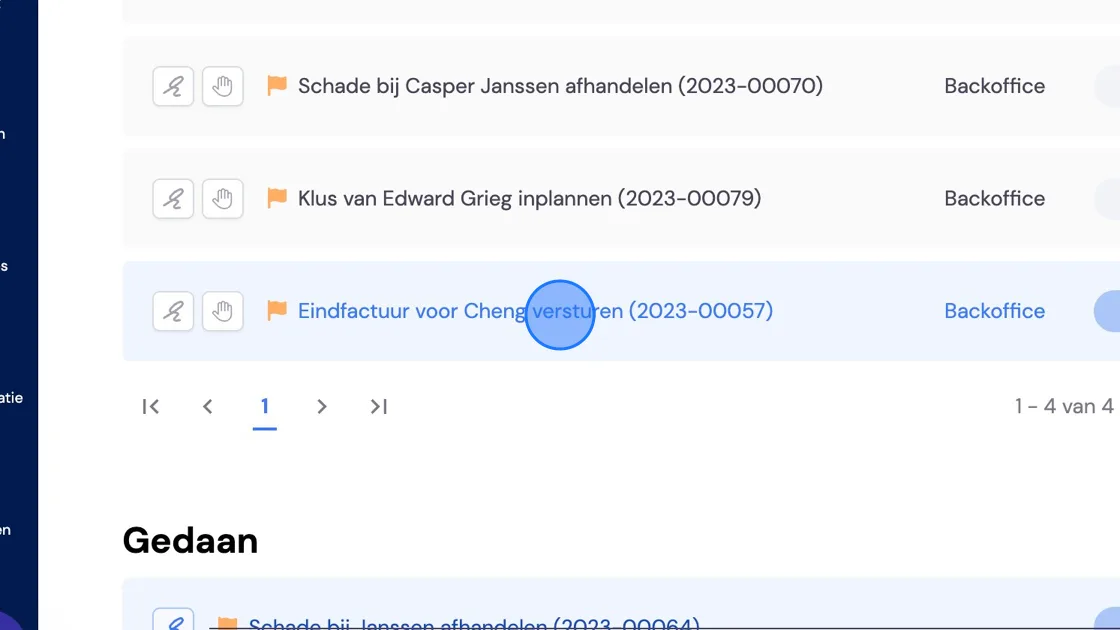
1. You want to carry out a task at a later moment. You can schedule the moment this task comes back up. Here's how. Select the task you want to postpone.
2. Choose one of the three options at the top right.
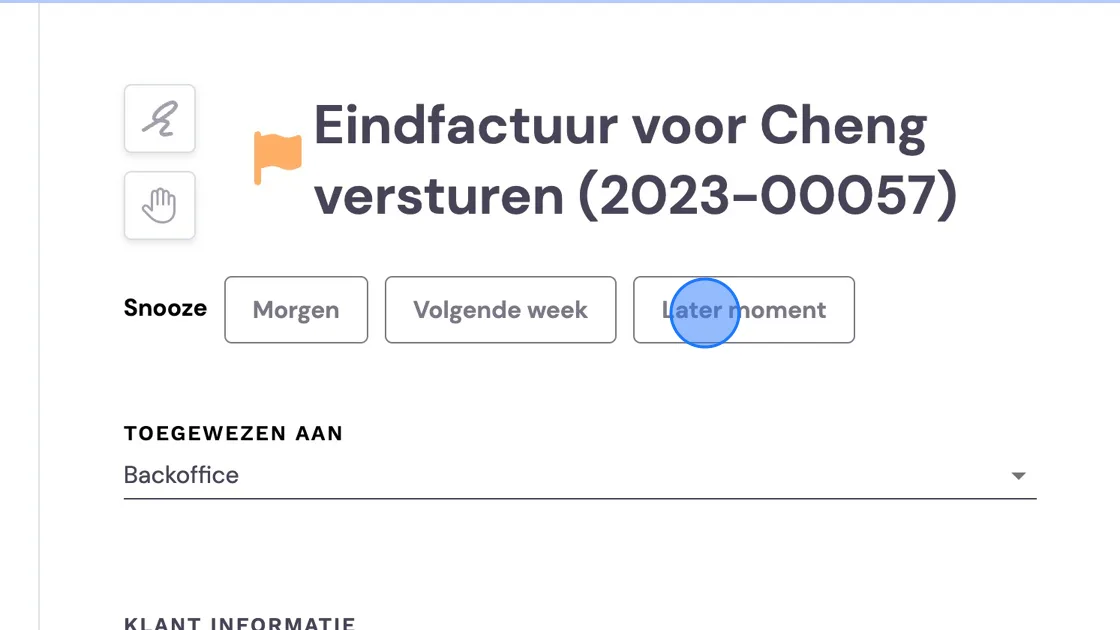
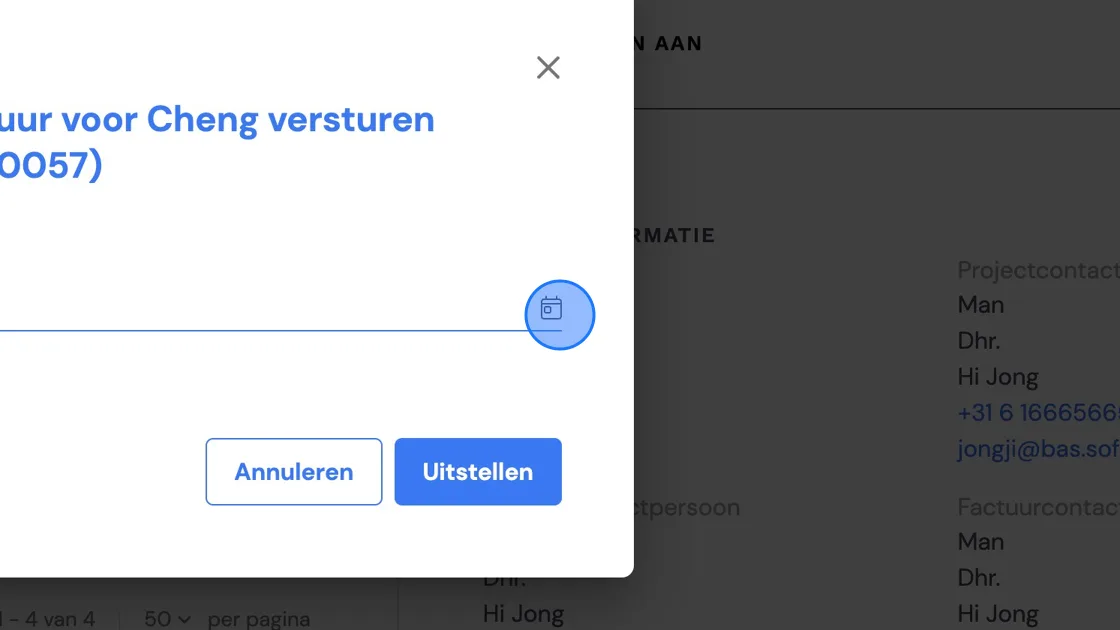
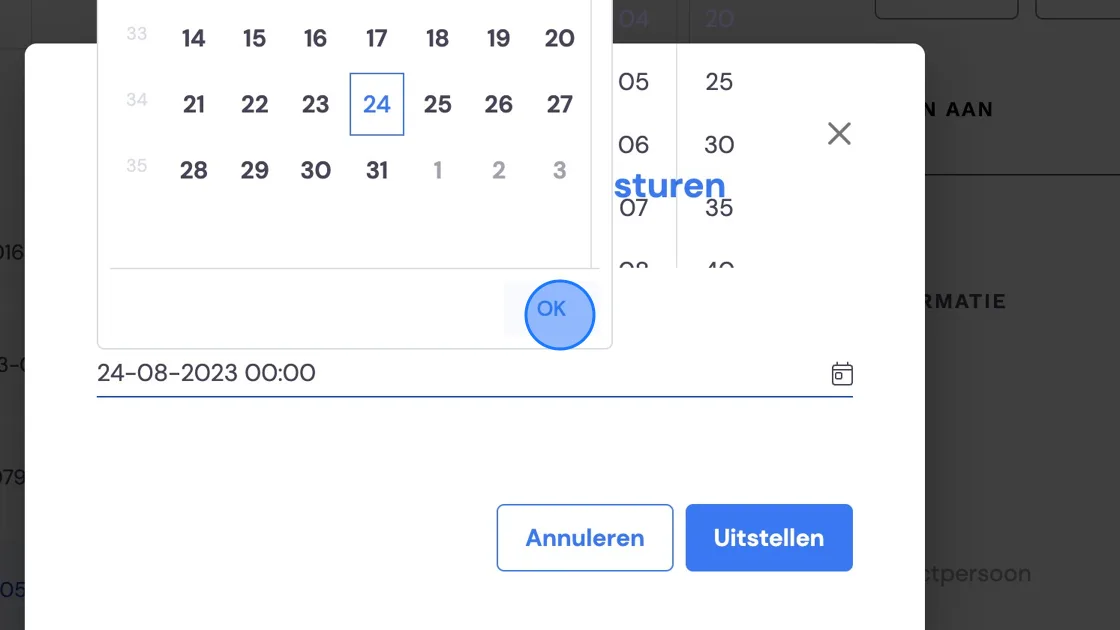
3. If you choose a Later moment, you'll get a calendar to choose the date and time.
4. At the top left you choose years, and at the top right months.
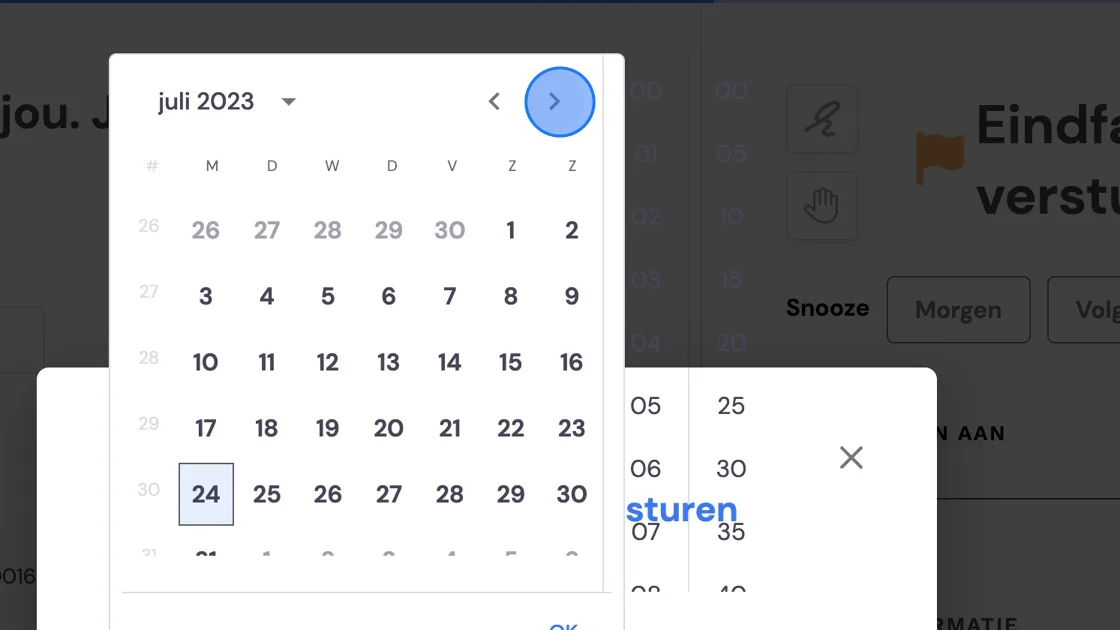
5. You can choose hours to the right of the calendar. Press "ok" when you're happy.
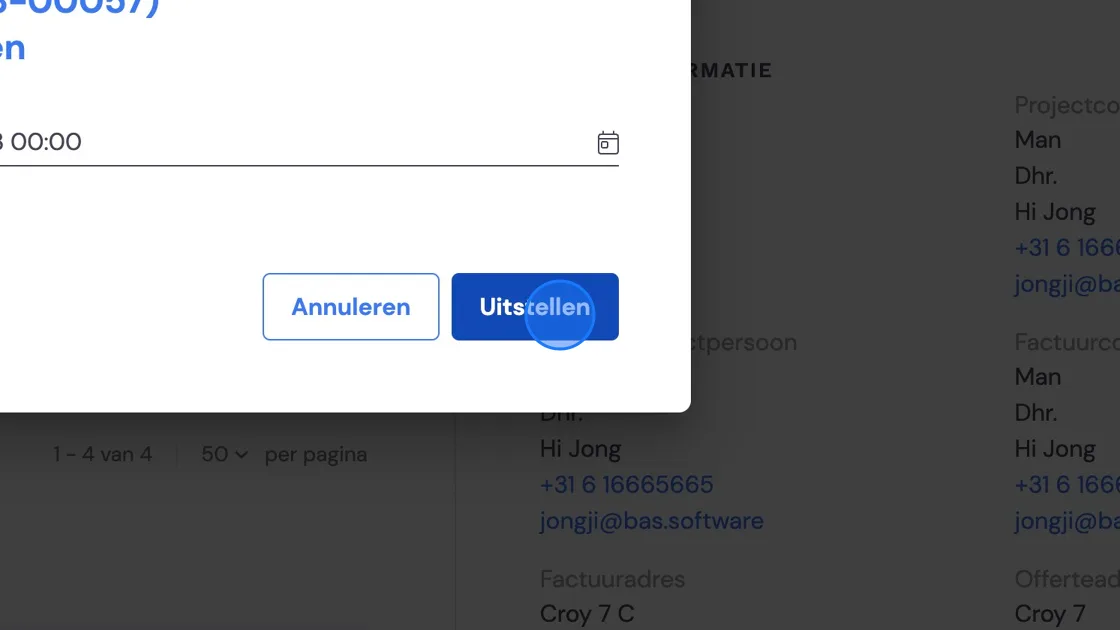
6. Press "Postpone" and your task is postponed until the moment you chose.
7. If you want to deal with a postponed task sooner after all, you can find it under Jobs -> Customer -> Tasks.