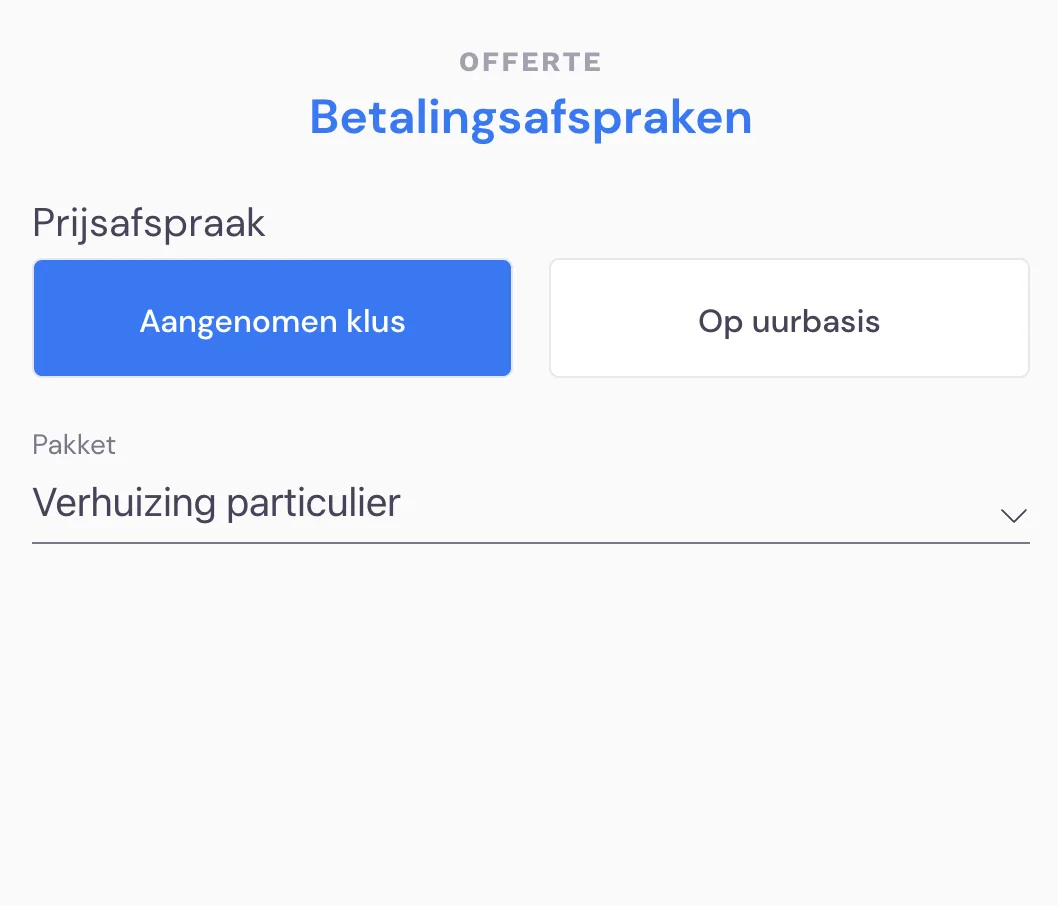
1. A recurring problem is that during the survey a message pops up: "Storage is almost full". This can have many causes, but often there are still many surveys open. What happens is that when you carry out a survey, all the data you enter in the app is stored on your phone. This is for safety: if you have no internet connection, you'll never lose your data. Depending somewhat on how many photos you take during the survey, you can have up to almost 100 surveys stored. However, we strongly recommend keeping your app tidy. Read in step 2 why a survey remains open.
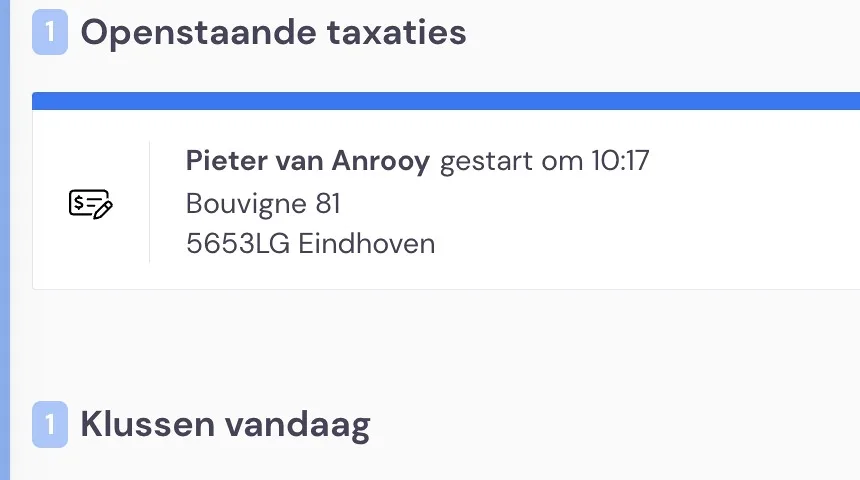
2. If during a survey you reach the stage below and you stop here, the survey remains open. If you continue, all the data you've recorded is sent to the back office and the survey will disappear from the app on your tablet or phone after a day. We therefore recommend always continuing and preparing the quote as a draft. Suppose you leave the survey as it is and handle the rest of the process at the office; then you'll have to delete the surveys manually by dragging them to the left on your tablet or phone. That doesn't work on a computer. If you work with an older phone and via a login in Safari, you'll have to clean up the phone completely. For this, we have the links below for you. Please note: all your data will no longer be retrievable afterwards.
https://appletoolbox.com/why-is-safari-taking-up-so-much-data-on-my-iphone/
https://www.onemorething.nl/2018/03/safari-cache-legen-iphone-mac/