
Which tasks are there?
First, we'll look at which tasks there are.
Go to settings and then to tasks.
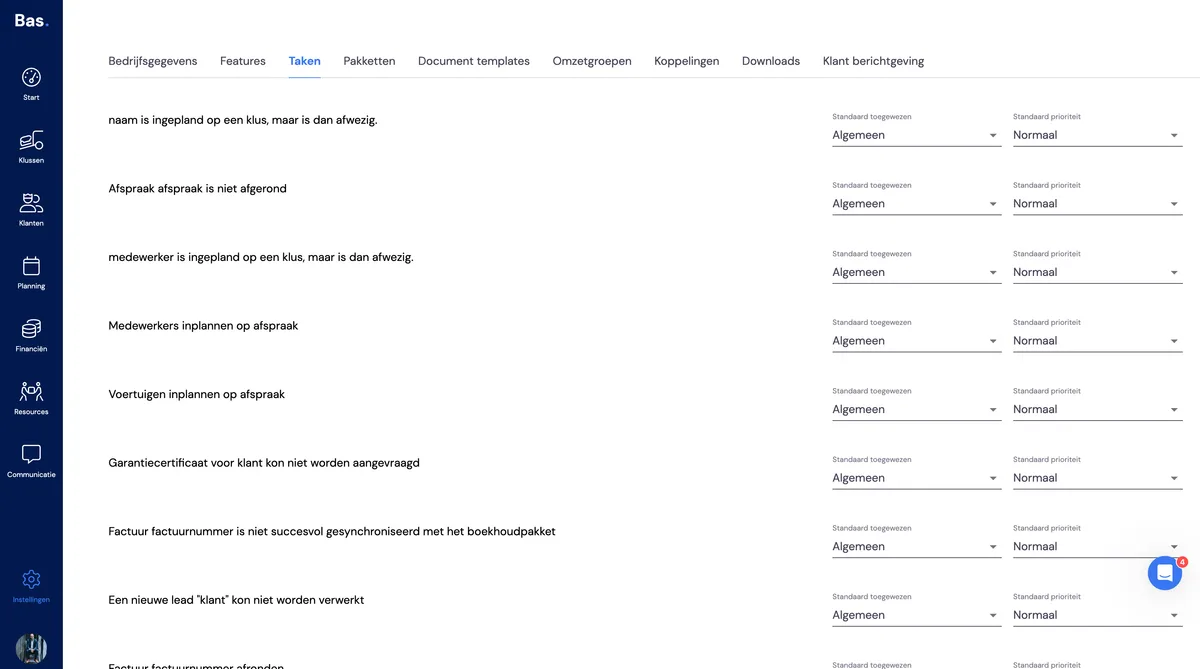
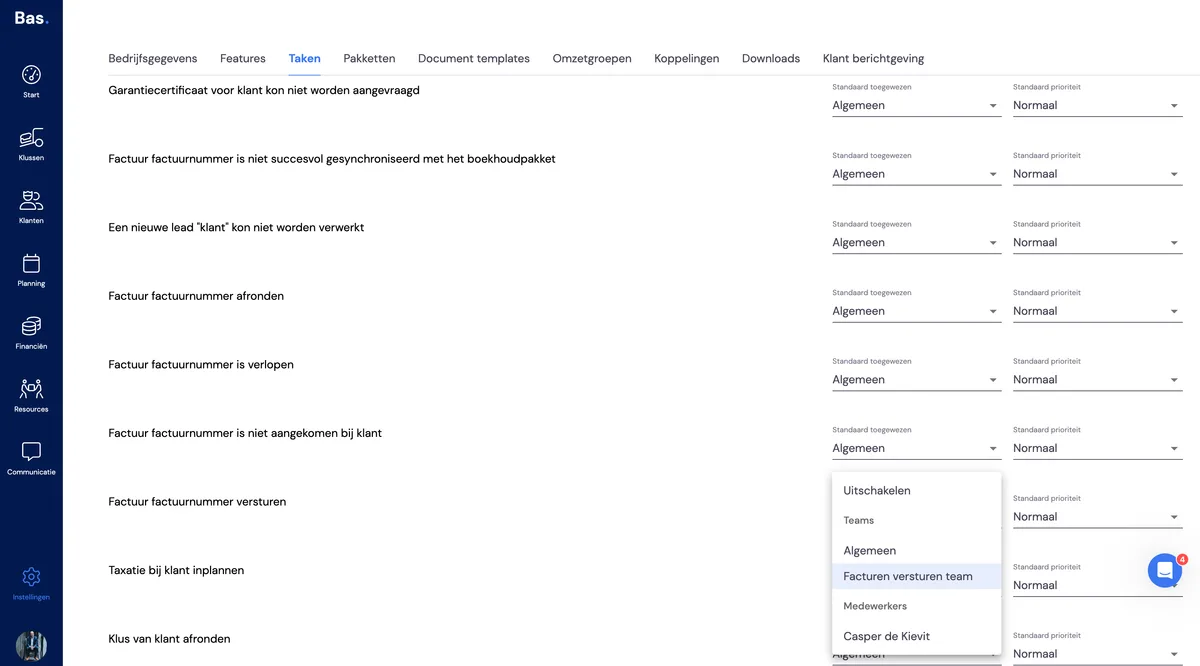
You'll now see all the tasks that exist; you can assign each task to an individual person or team. Now that you have an idea of what you want to assign, we'll create teams.
Creating teams
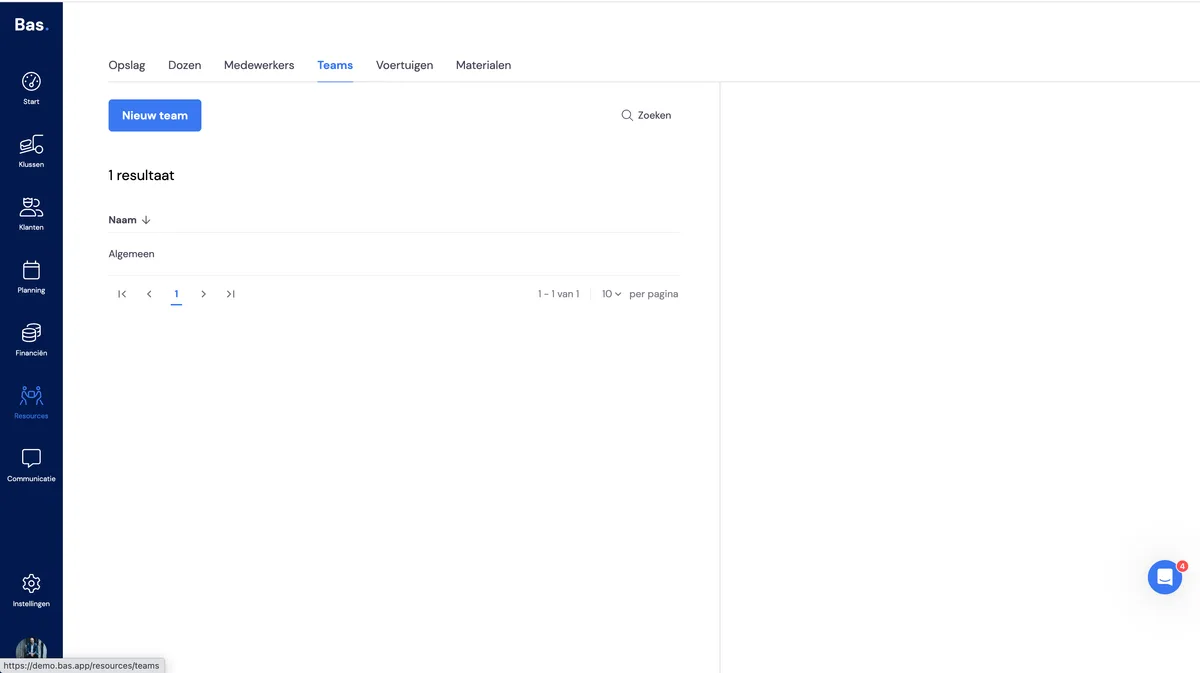
Go to HRM and then to Teams.
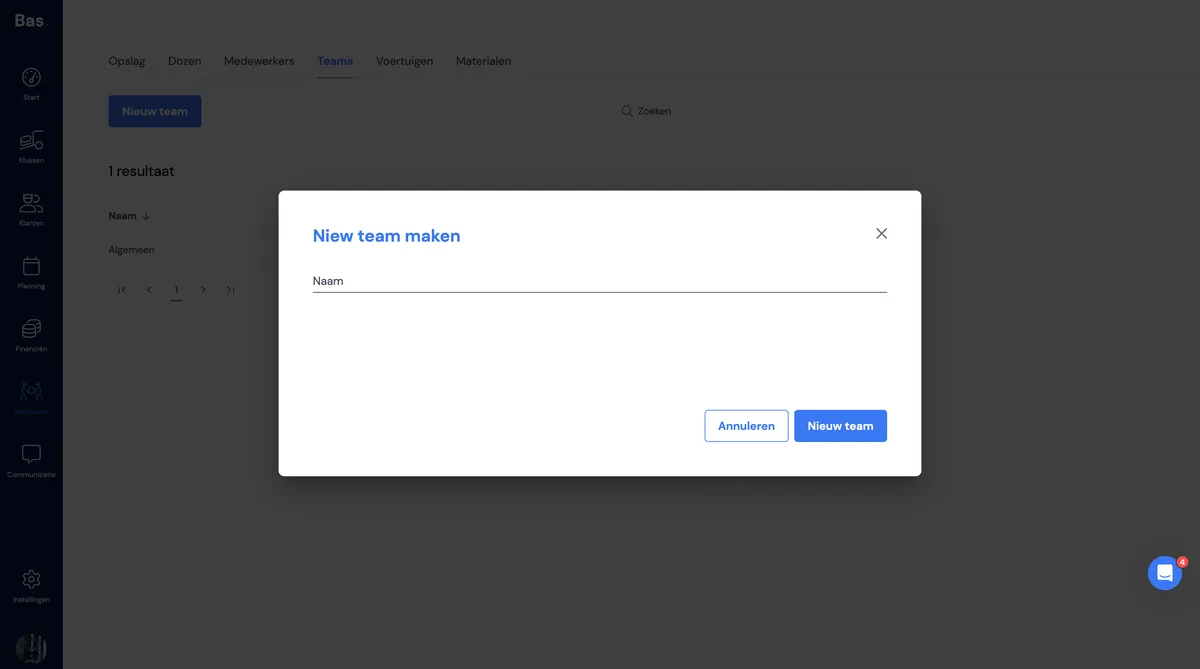
Click New team
Give the team a name
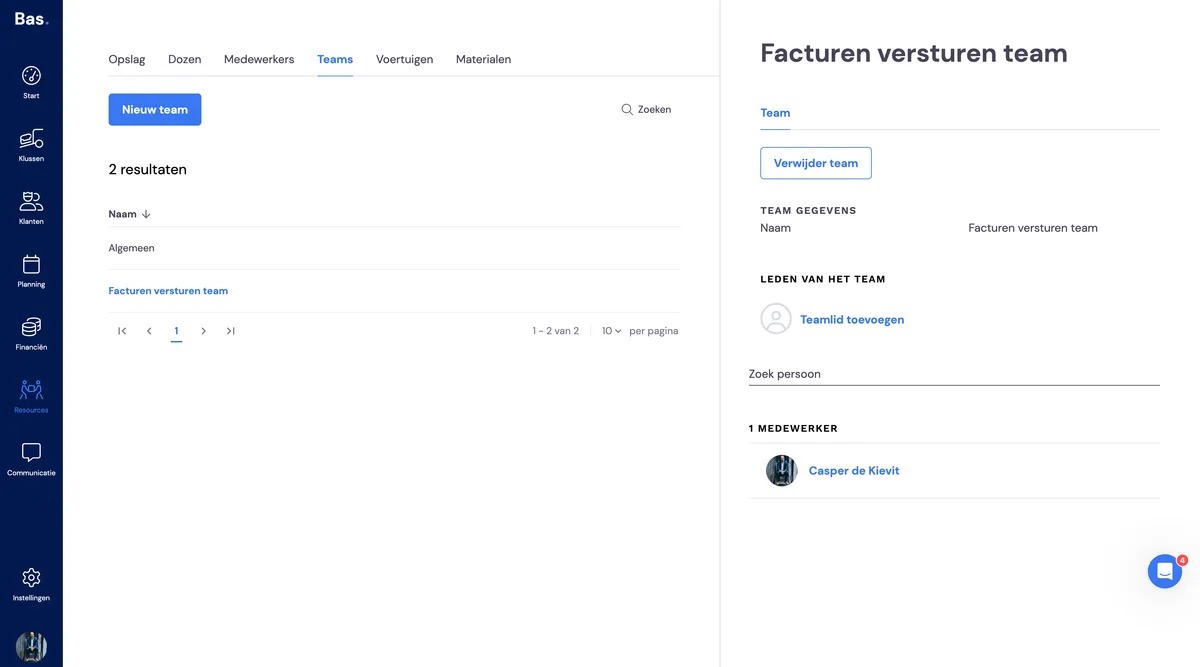
Click add people to add those who are specifically part of this team.
Assigning a task to the team
Now that we've created the team, we'll assign the task to this team.
Go to settings and then to tasks.
I've just created a team that is specifically responsible for invoices.
I'll then look for all tasks related to invoices and assign all of these tasks to this team.
And to top it all off, I can also set the priority of this task!
In closing
I hope this explanation has helped you set up the best possible task dashboard for you.
If you have any questions and/or comments, you can reach me by clicking the chat button.
Kind regards,
Casper