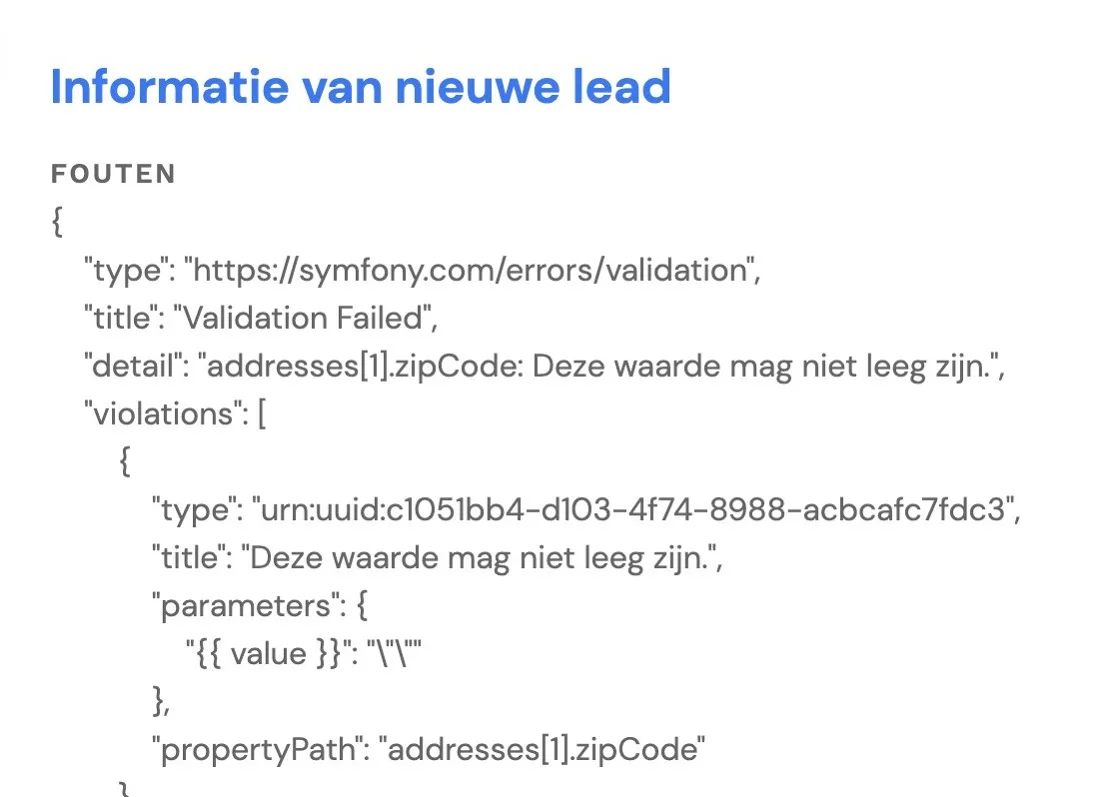
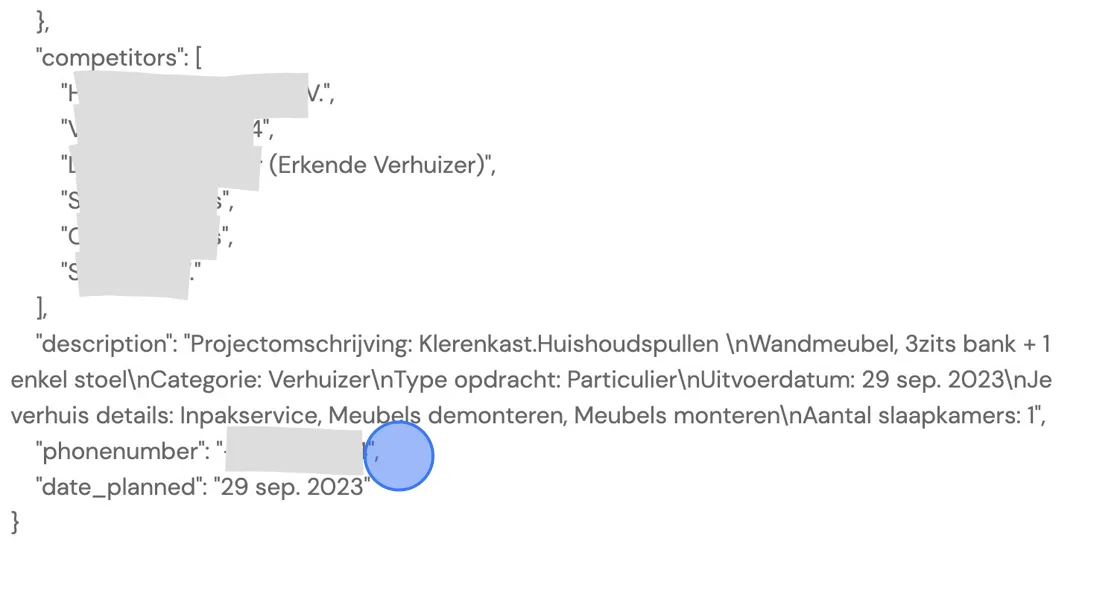
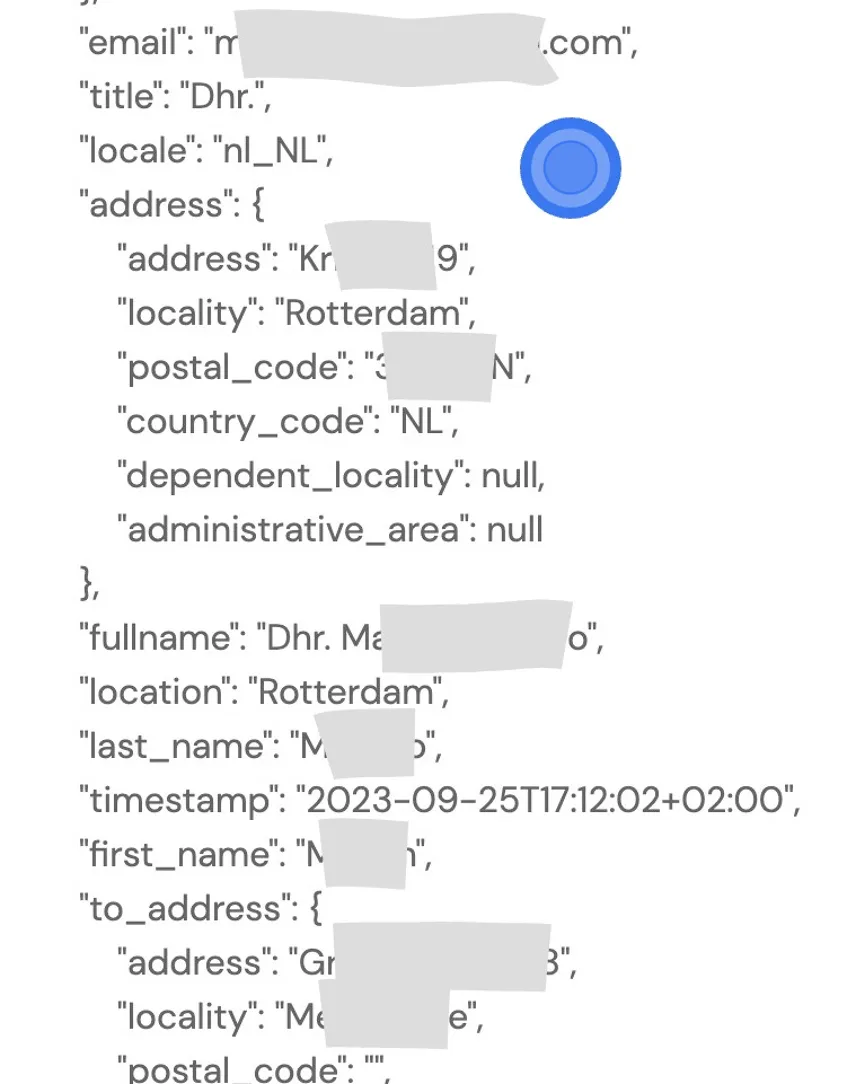
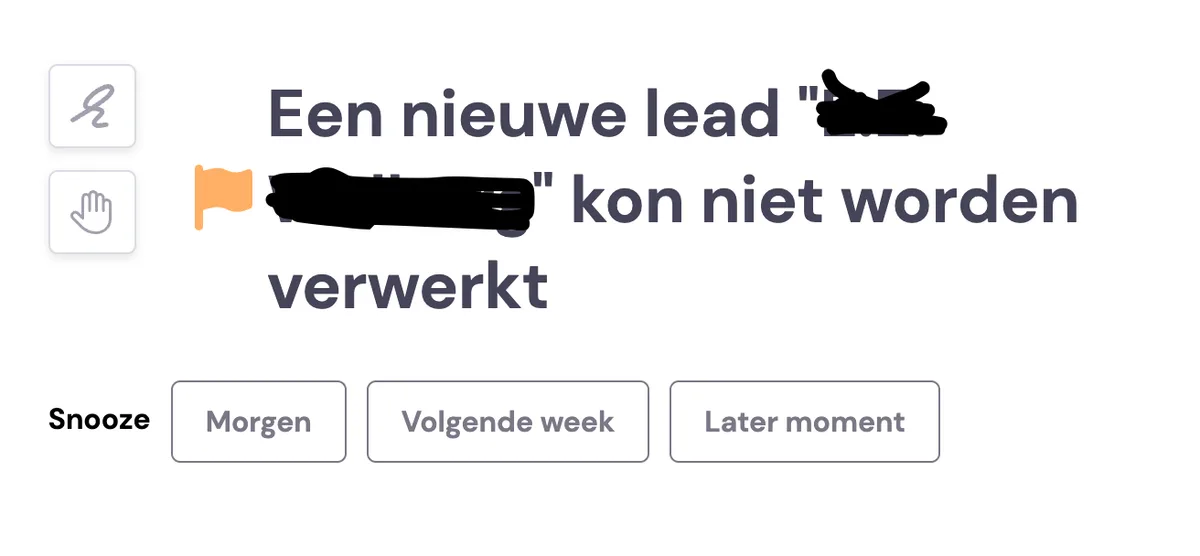
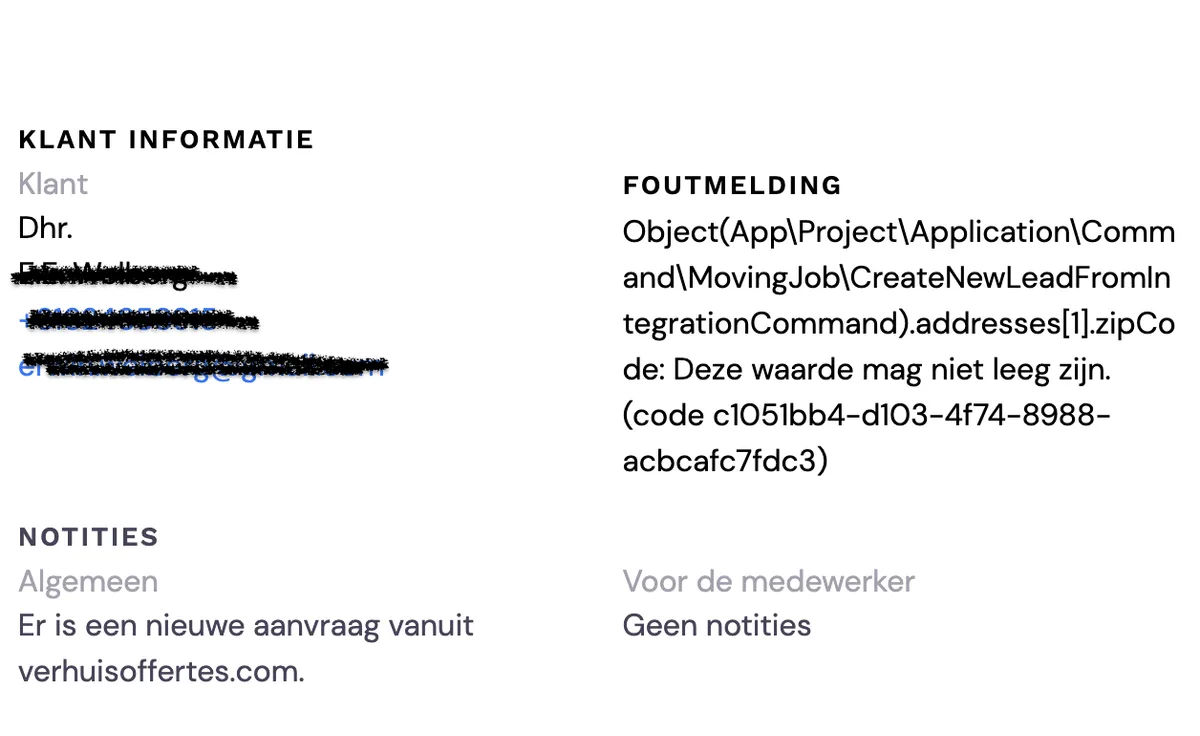
If you have a link with a lead generator, it can sometimes happen that processing it fails. This usually happens because the customer hasn't filled in all the details sufficiently. You can usually find the cause by opening the task and reading further. Usually, you can still find details such as phone numbers and e-mail addresses there to follow up with the customer. If you can't find enough, you can try once more via the integrations.
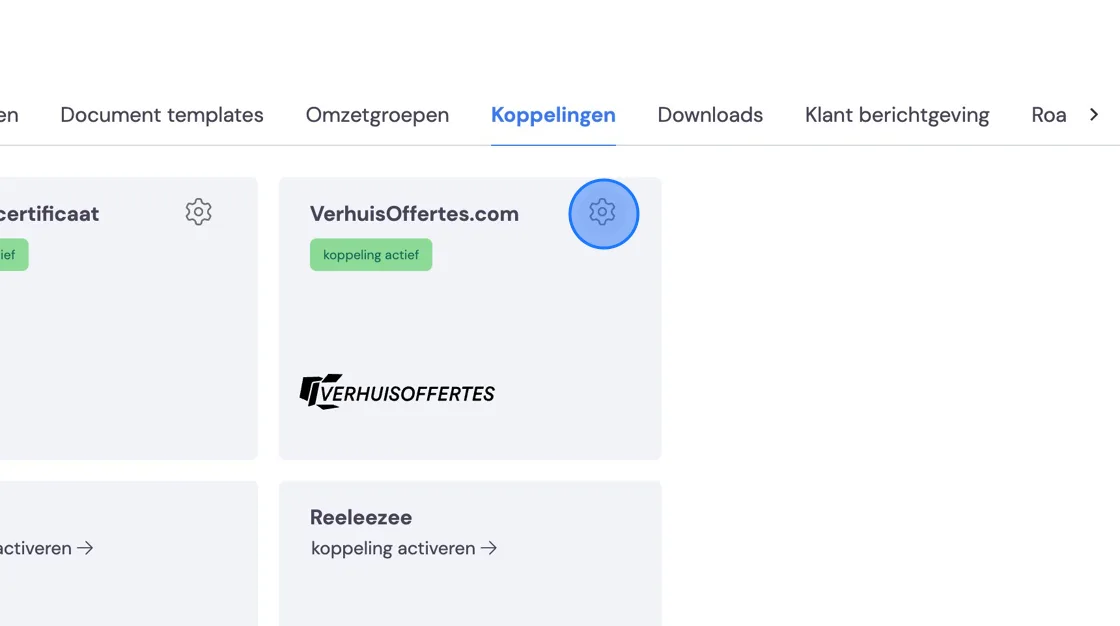
Go to Settings -> Integrations -> your Lead generator
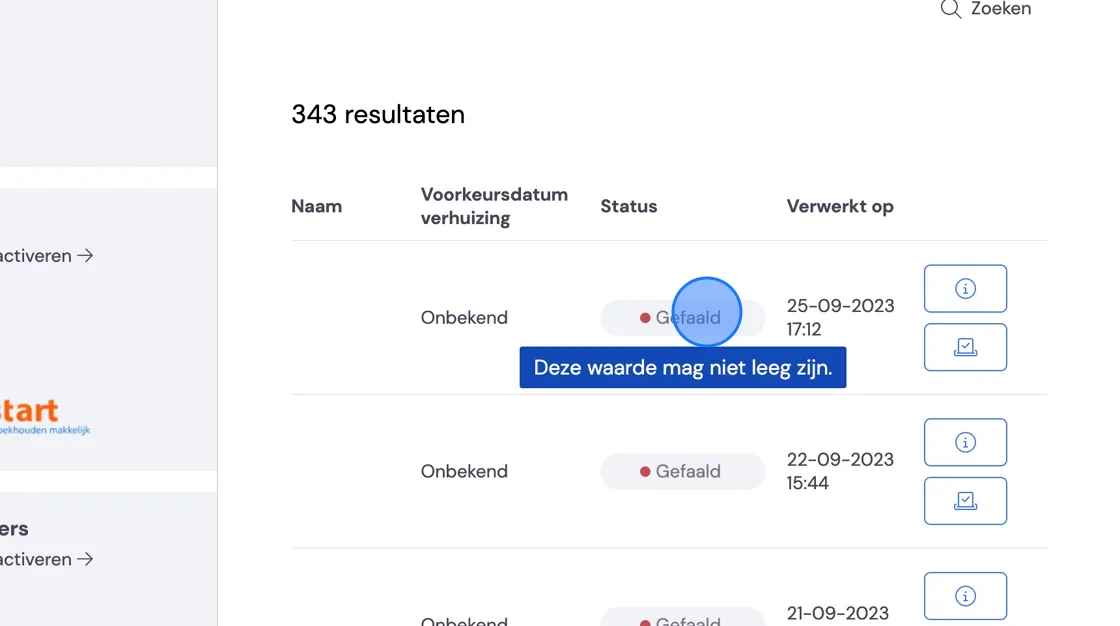
There, you'll get an overview of all the requests that have problems. Hovering your mouse over the status shows you the reason.
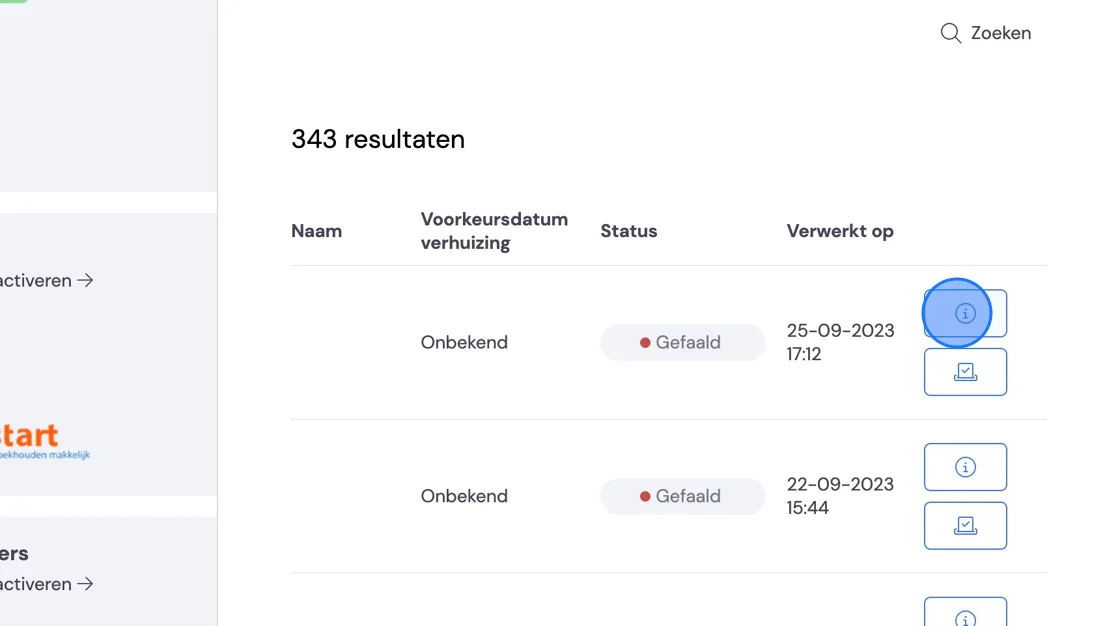
Next to the i icon, you'll get the code sent your way from the lead generator.
You can ignore most of the information here, but if you look closely, right at the bottom you'll find details such as phone numbers and names hidden away.