
You can connect with Schouten en Zekerheid. Once you've done this, requests for the warranty certificate from Bas are forwarded to the Schouten en Zekerheid portal, where you can quickly create the warranty certificate and share it with your customer.
Setting up the integration
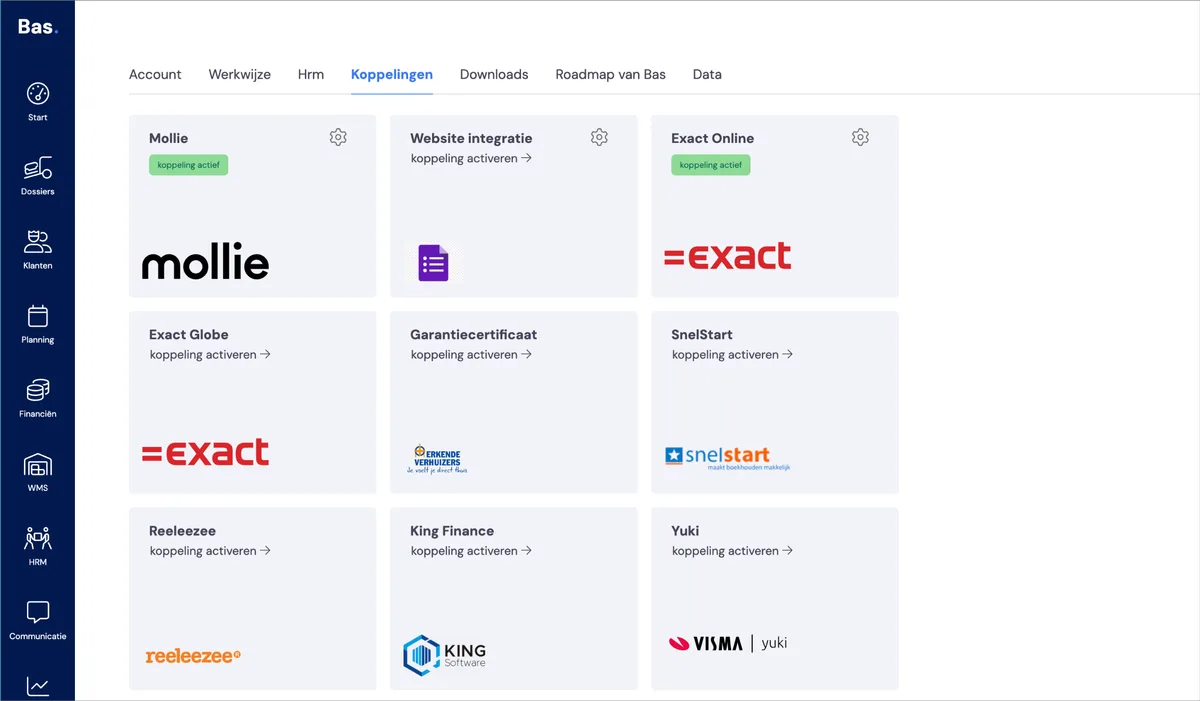
Go to settings > integrations. In the overview, choose the 'Warranty certificate' integration and click 'activate integration'.
Entering the API key
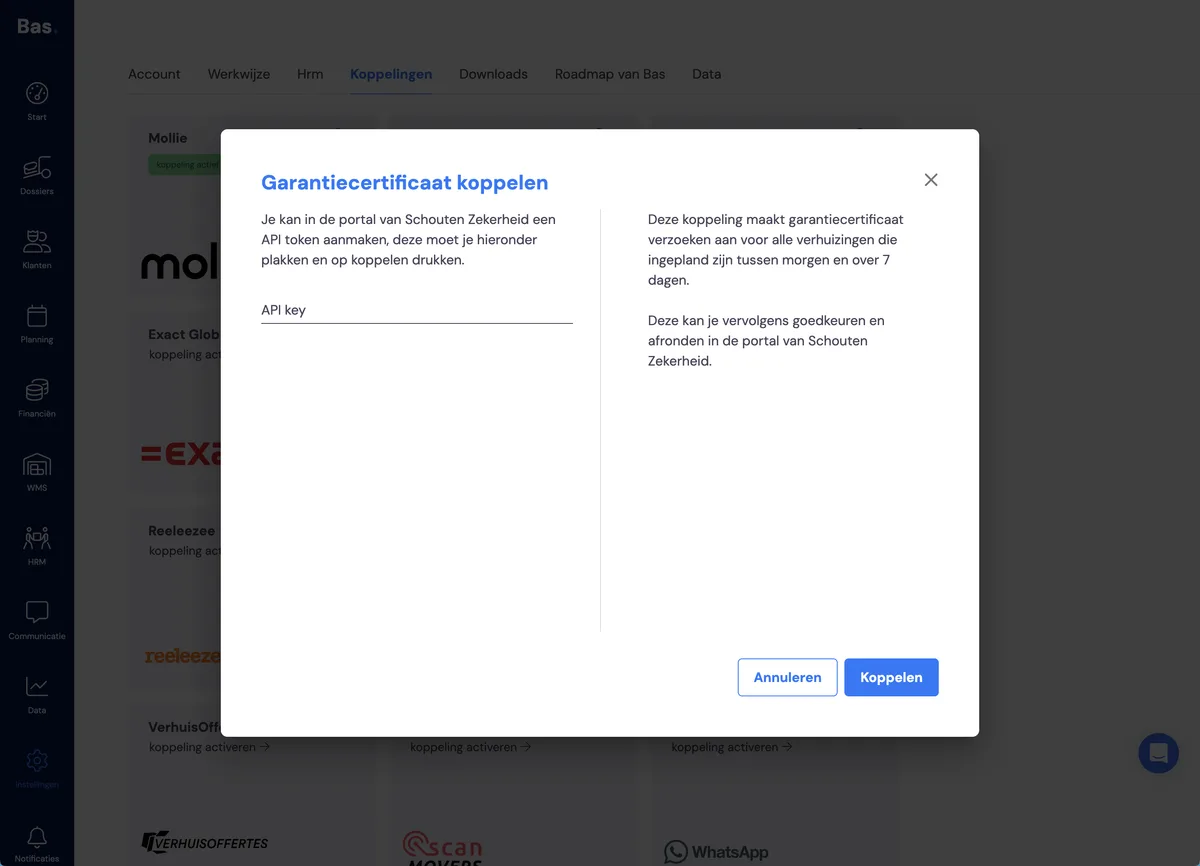
To create the link, enter the API key, which you can create in the Schouten en Zekerheid portal. Then click 'link'. After this, your integration is active and the warranty certificates are requested for you.