
Task 'Warranty certificate for customer could not be requested'
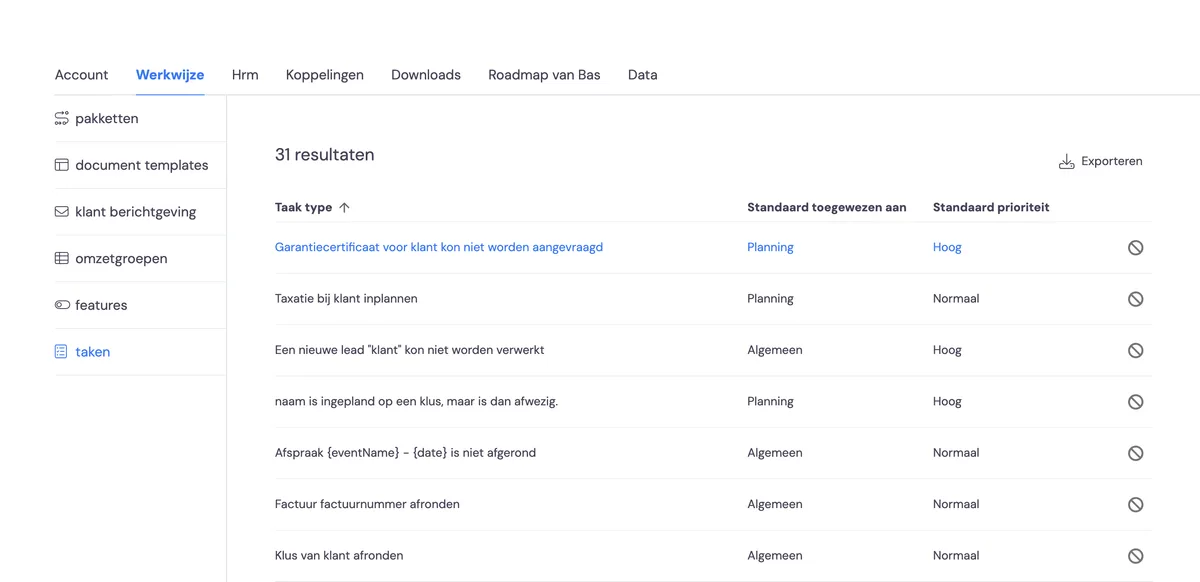
You may get the task 'Warranty certificate for customer could not be requested' on your homepage. This task is activated under 'Settings > Working method > Tasks'. If you get this task, something went wrong with the request. In this article, we'll show you how to resolve this problem.
Checking the customer's details and trying again
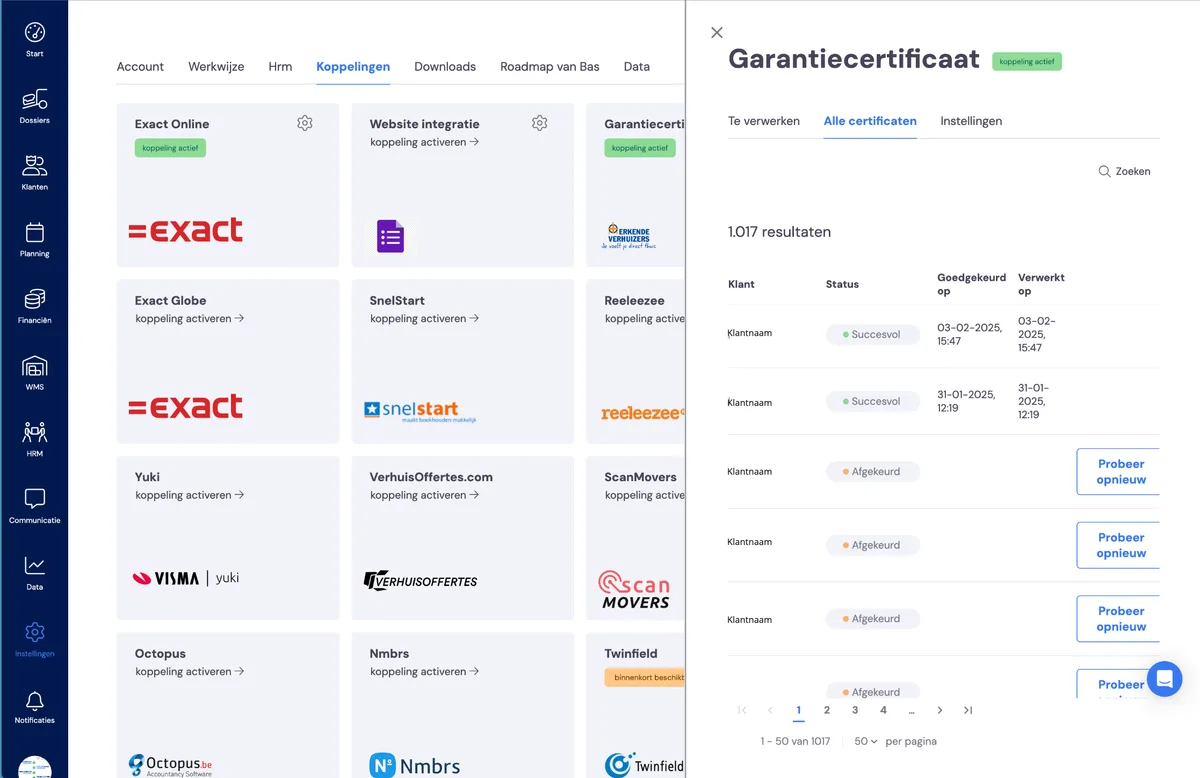
Sometimes, the automatic request for a warranty certificate can fail. You'll see this from the 'Try again' button on the request's row under Settings > Integrations > Warranty certificates, under 'To process'. You'll see the 'Try again' button there.
Resolving the problem
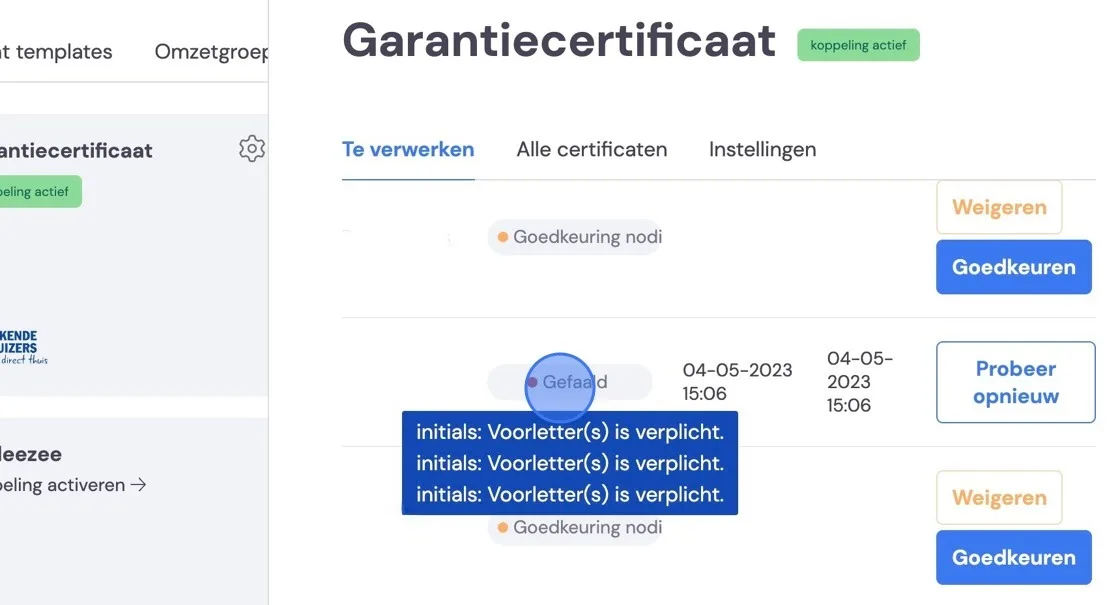
To find out why it's going wrong, go to settings -> integrations -> and select Warranty certificate.
Once you've found the customer with the error message, you can find the problem by hovering your mouse over the failed message. Often, an initial is missing. This is required by Schouten en Zekerheid.
If there are other problems, they'll also appear here. We recommend adding the missing information in Bas and then requesting your certificate again.
If you don't do this and go straight to Schouten to request the certificate there, the error message will remain in the system, and over the years you'll lose track of things.