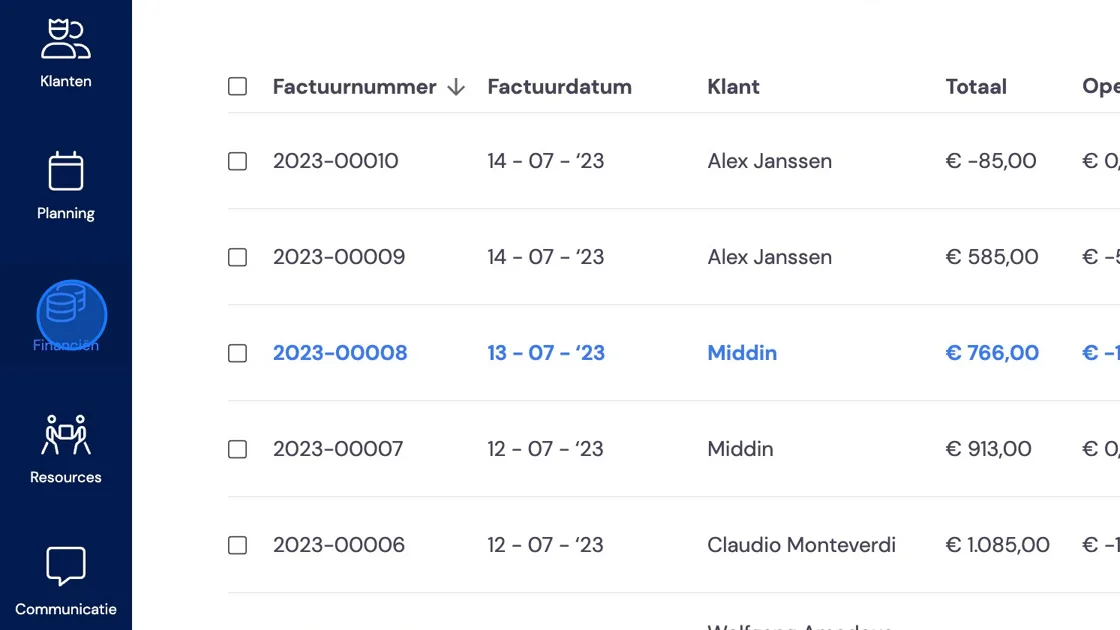
1. To create a credit note, go to the invoice you want to credit in full or in part. You can do this via Finance or via Customers.
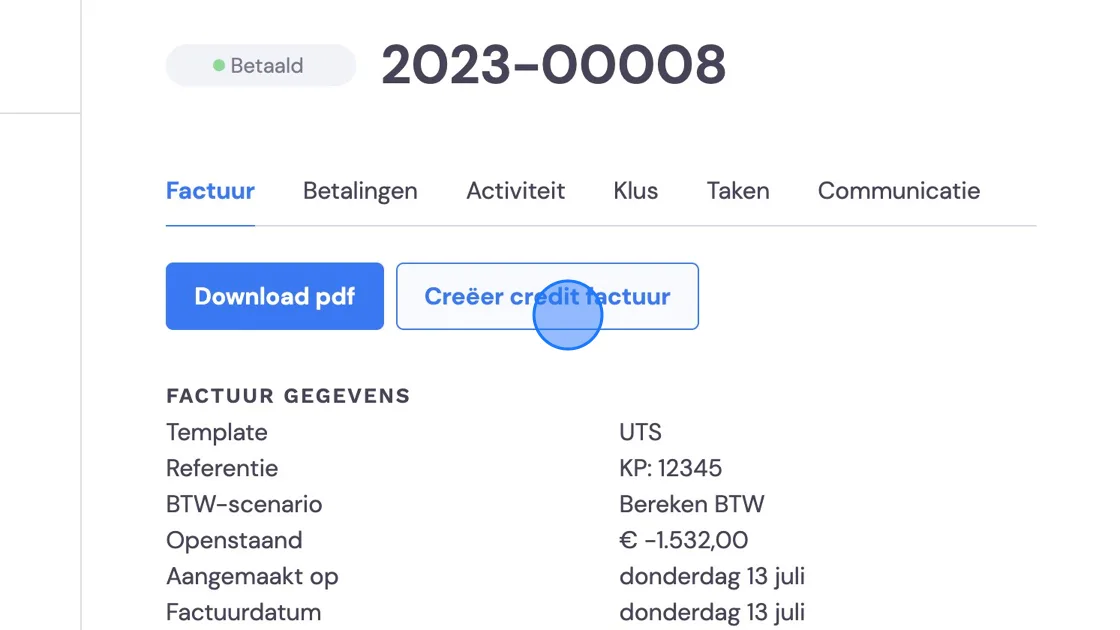
2. Once you've found the invoice, click "Create credit invoice". For some invoices, this may also be found under the "more actions" button. This depends on the status of the invoice.
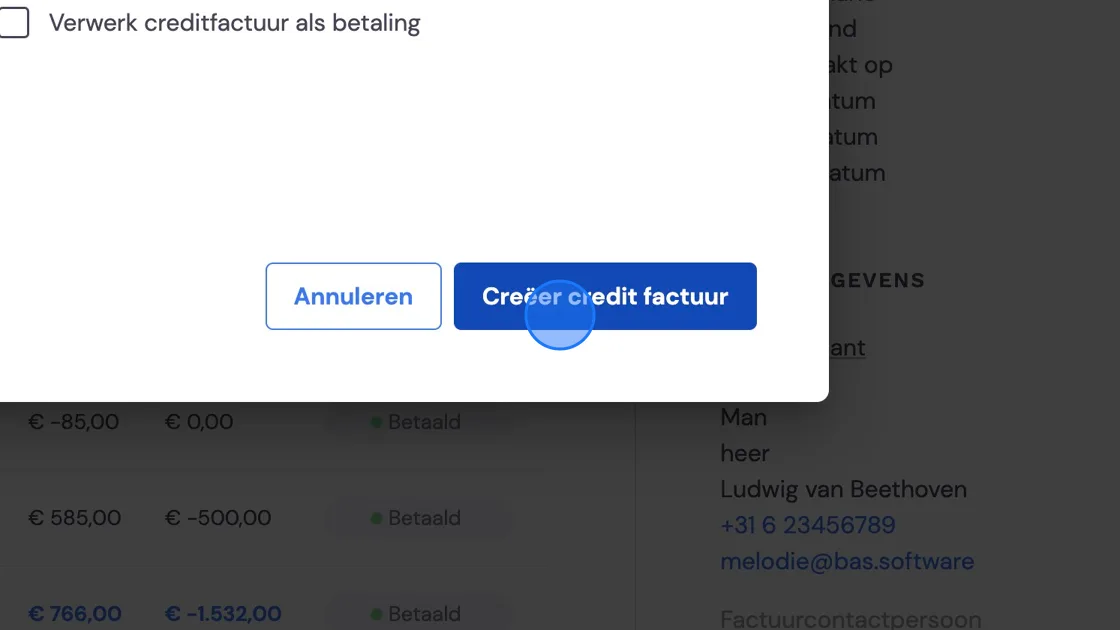
3. Tick "Process credit invoice as payment" if the customer hasn't paid yet.
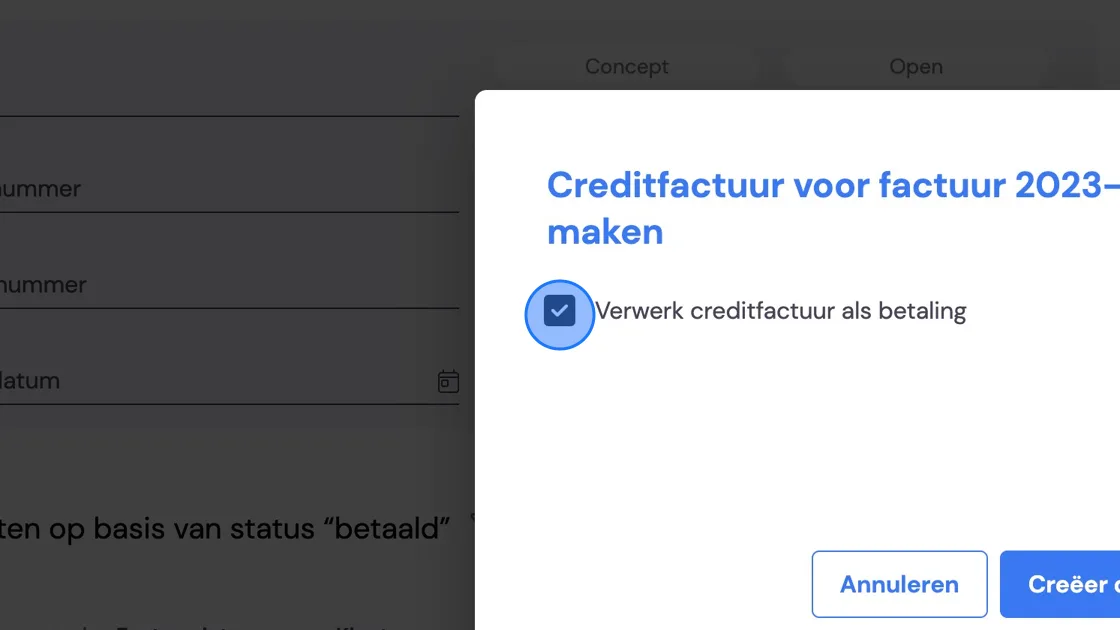
4. Click "Create credit invoice"
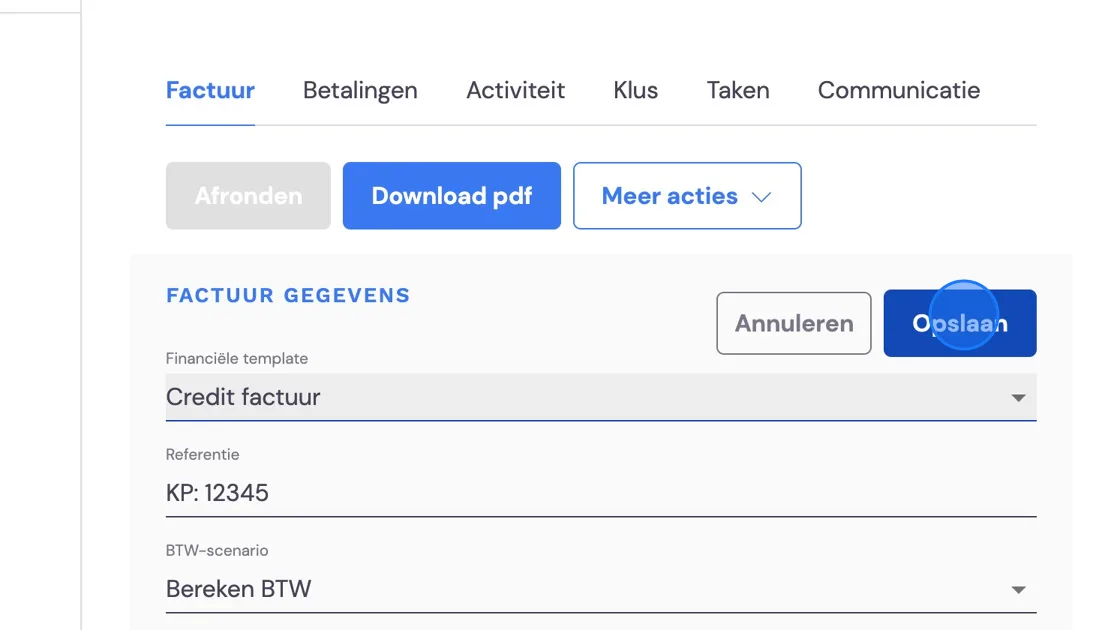
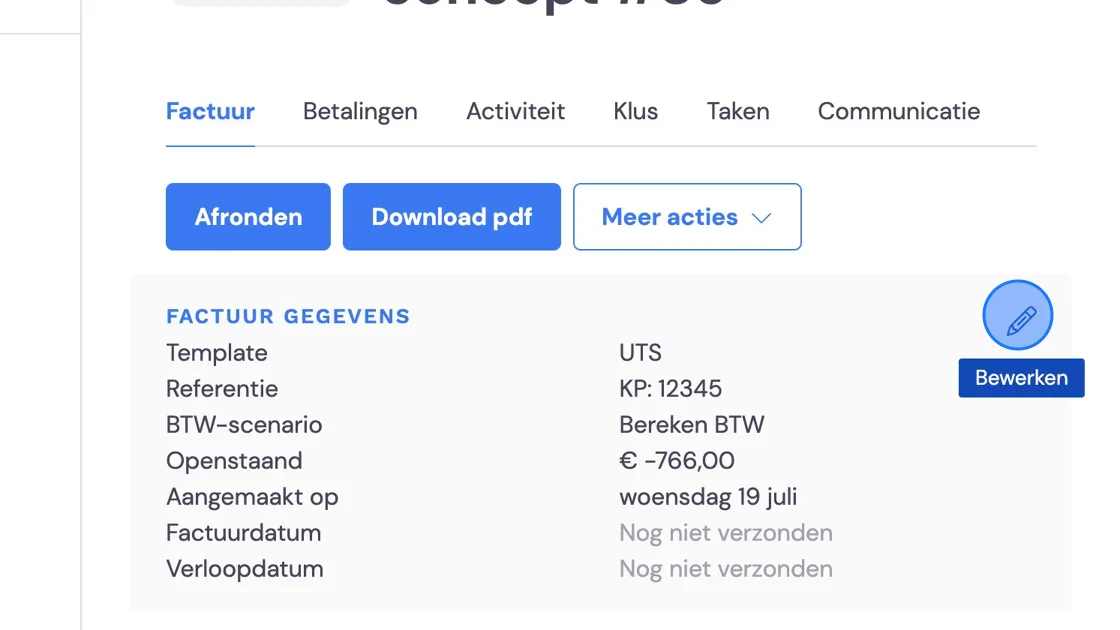
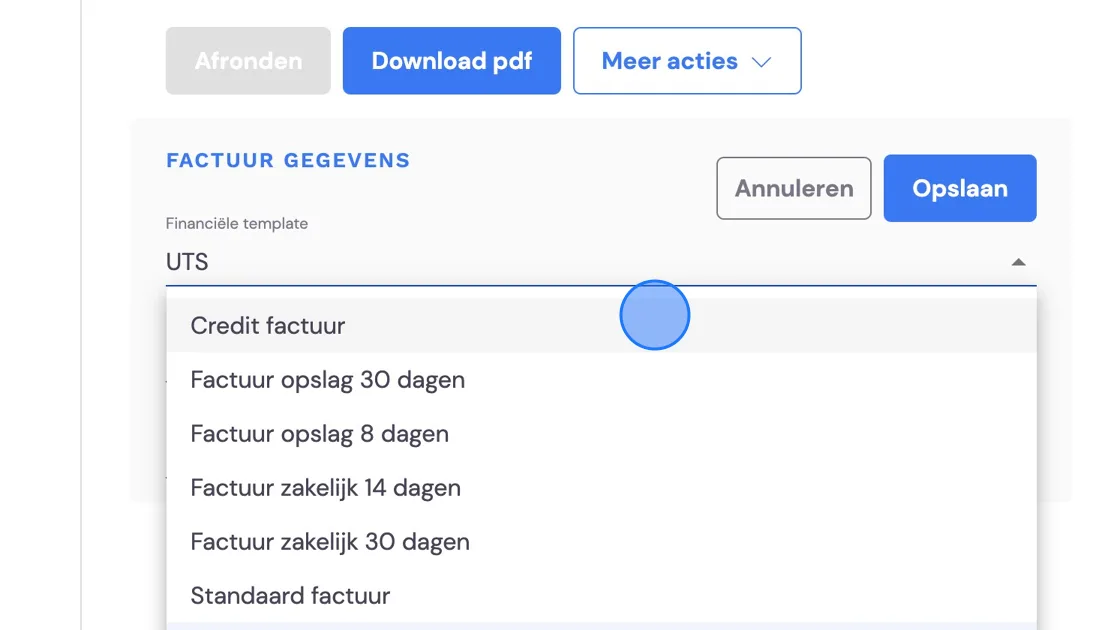
5. Click this icon. Now change the invoice layout to "Credit invoice".
6. You can create this template yourself. For an explanation, see: "Everything about the basic settings of Bas" then "Administration settings" and "Creating or editing quote and invoice templates"
7. Process the invoice now like any other.