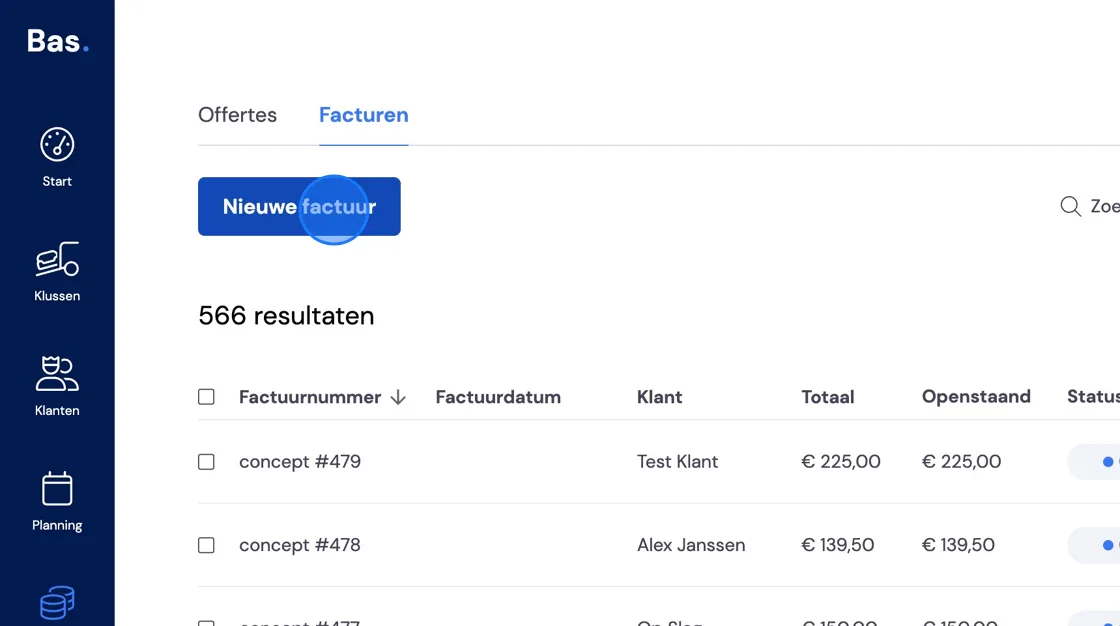
It may happen that, after the fact or for another reason, you want to send a new or additional invoice. Here's how to do this. Go to Finance -> Invoices and select New invoice.
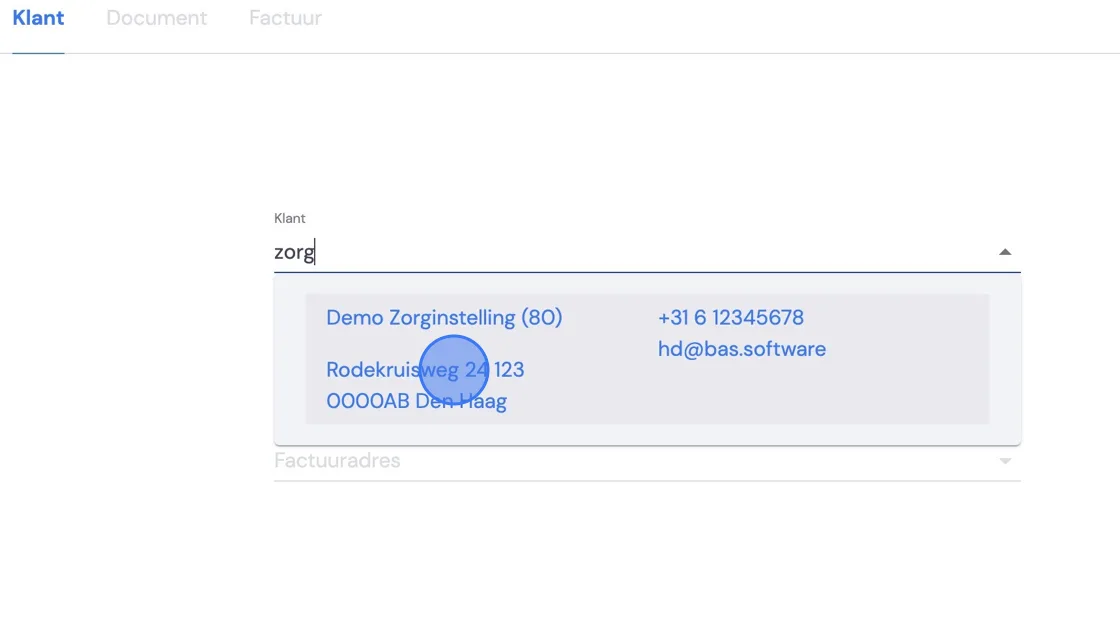
Select the customer you want to send an invoice to.
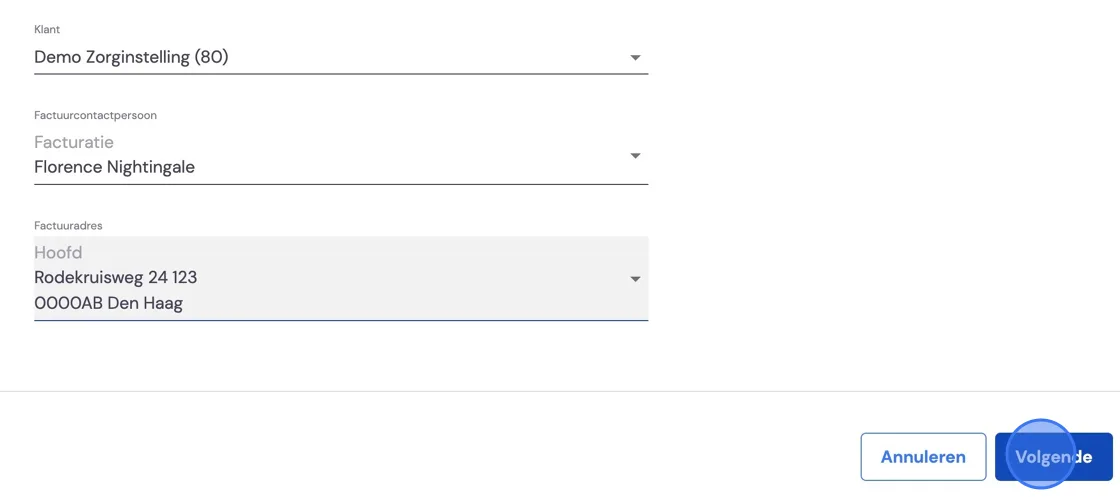
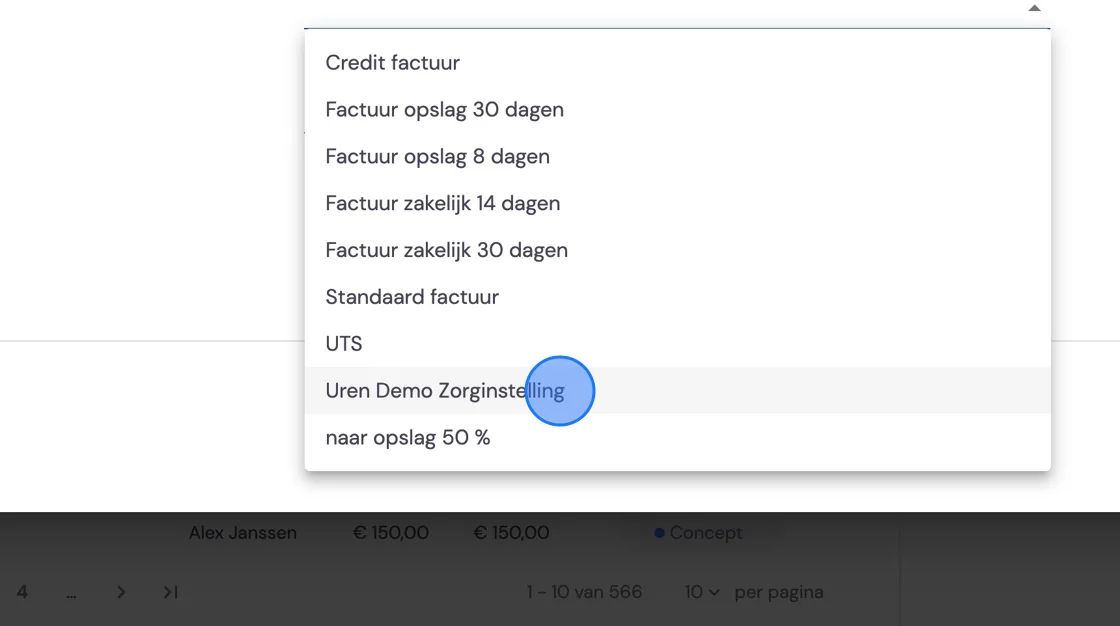
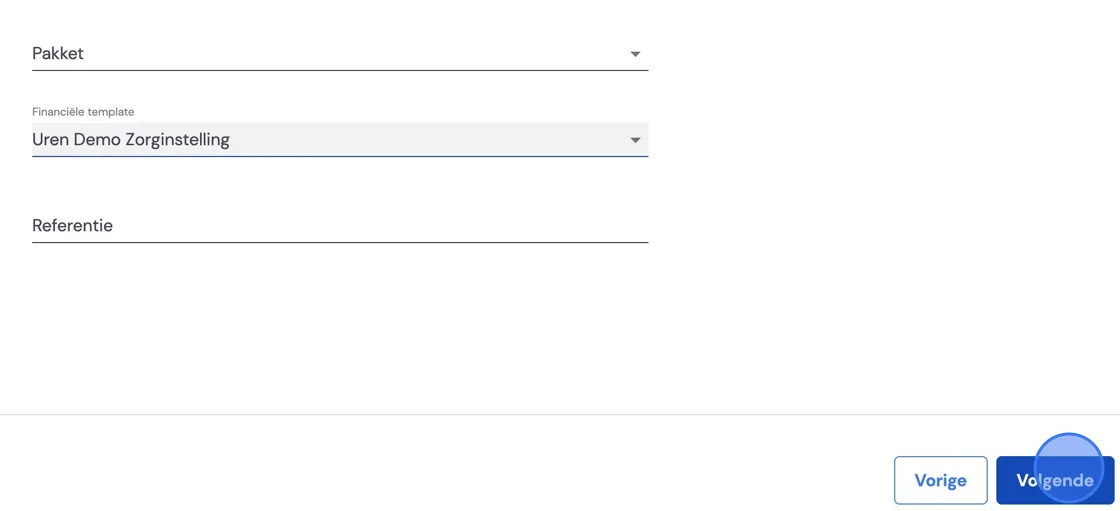
Choose the correct invoice template for your customer. With a reference if you've set that up on your template.
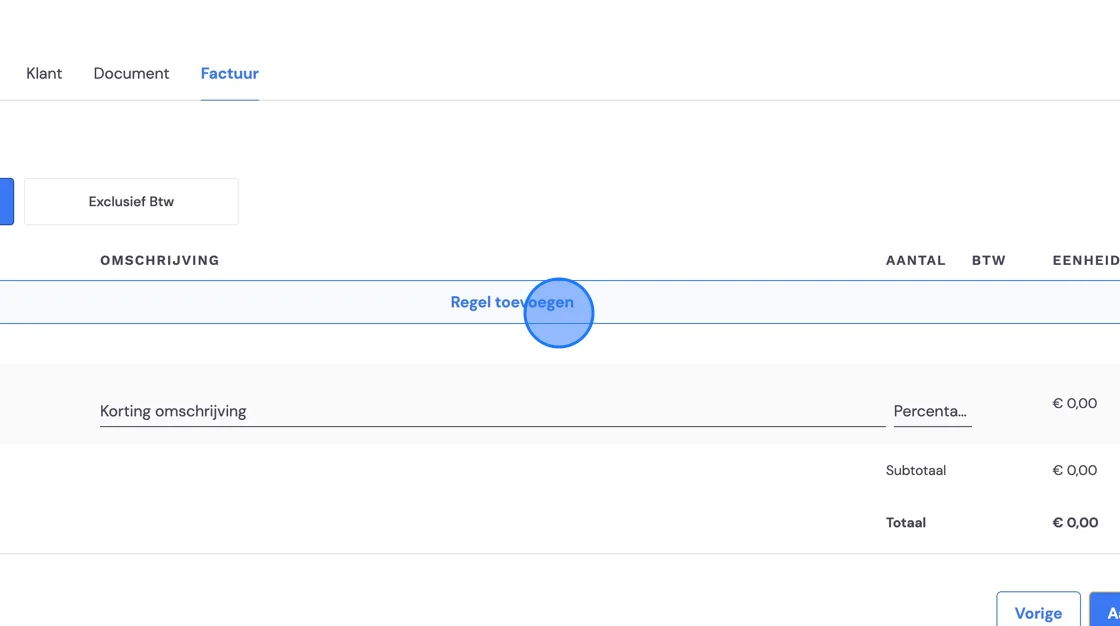
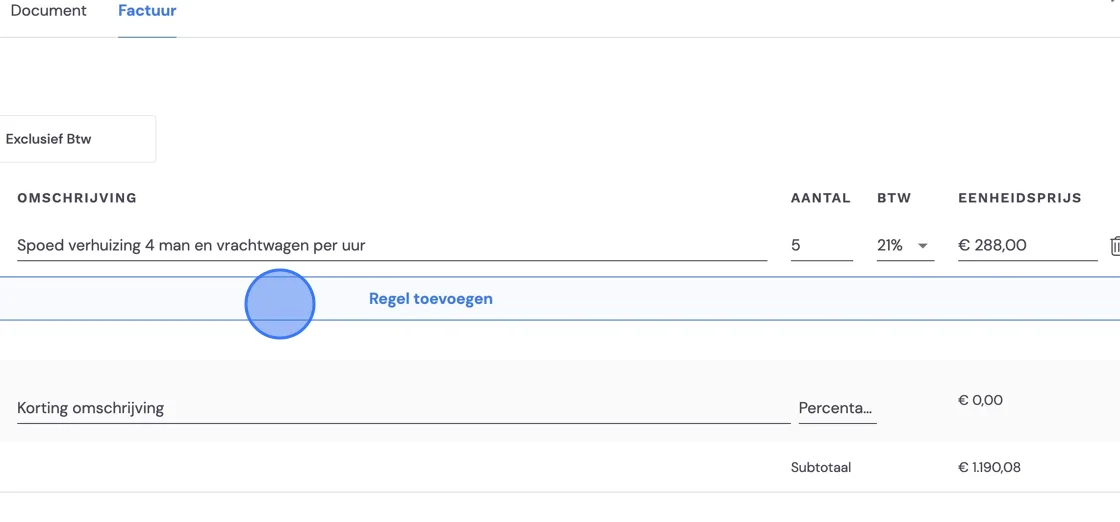
Draw up the invoice as you wish.
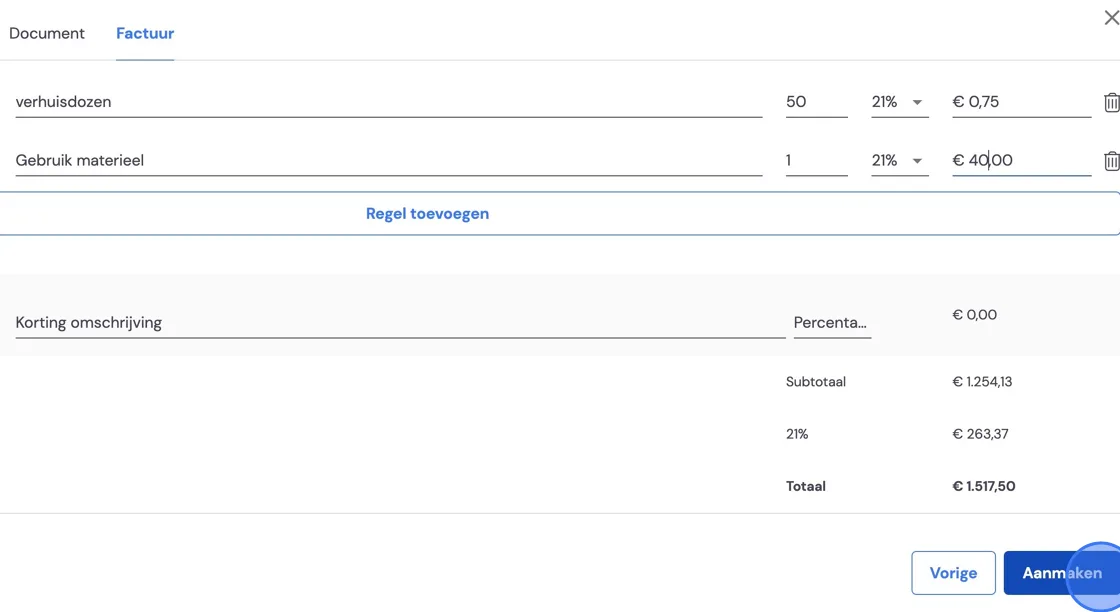
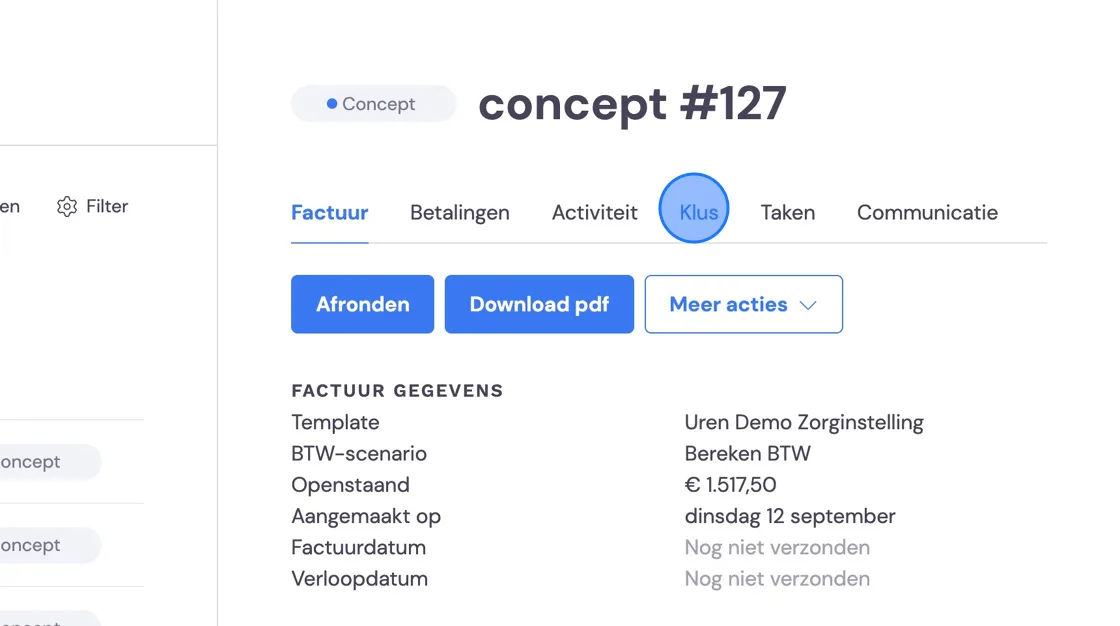
Once you're done, you can link this separate invoice to the job it relates to. You do this under More actions.
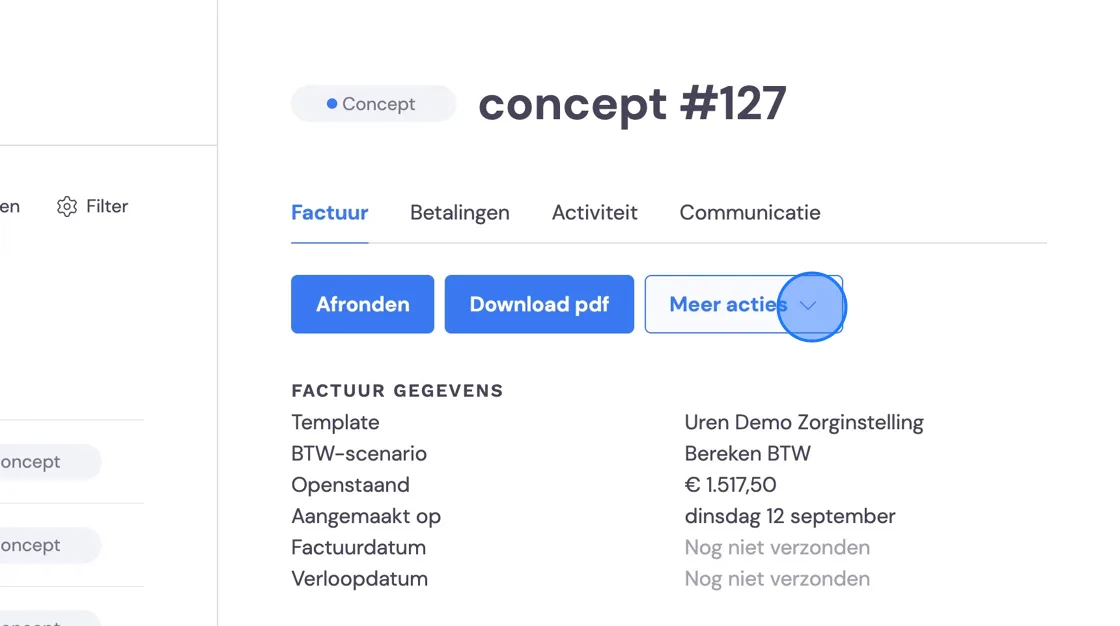
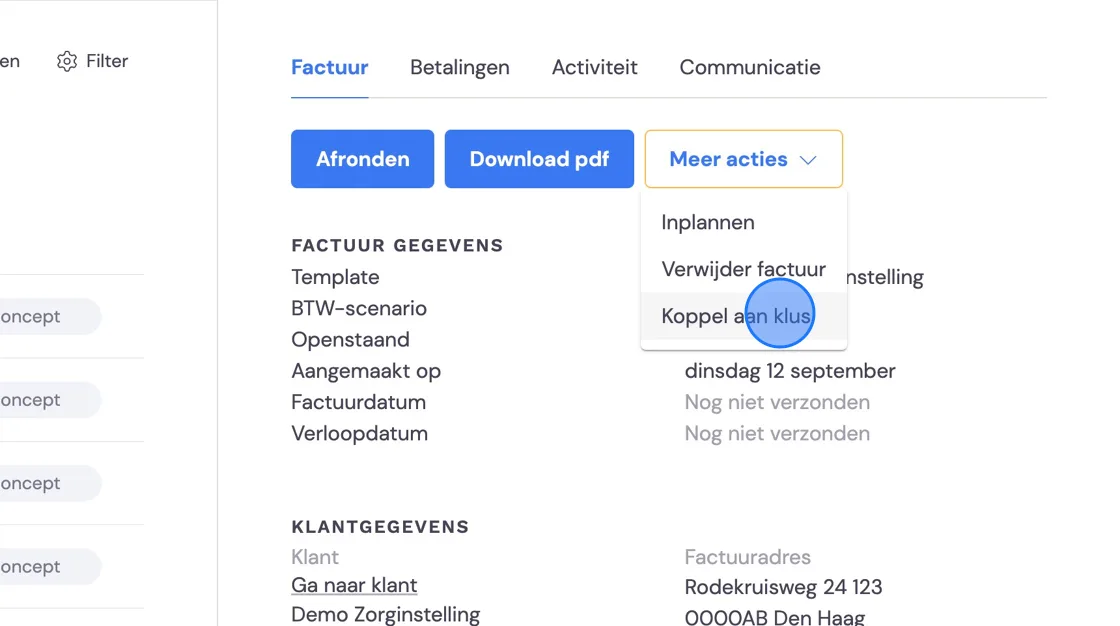
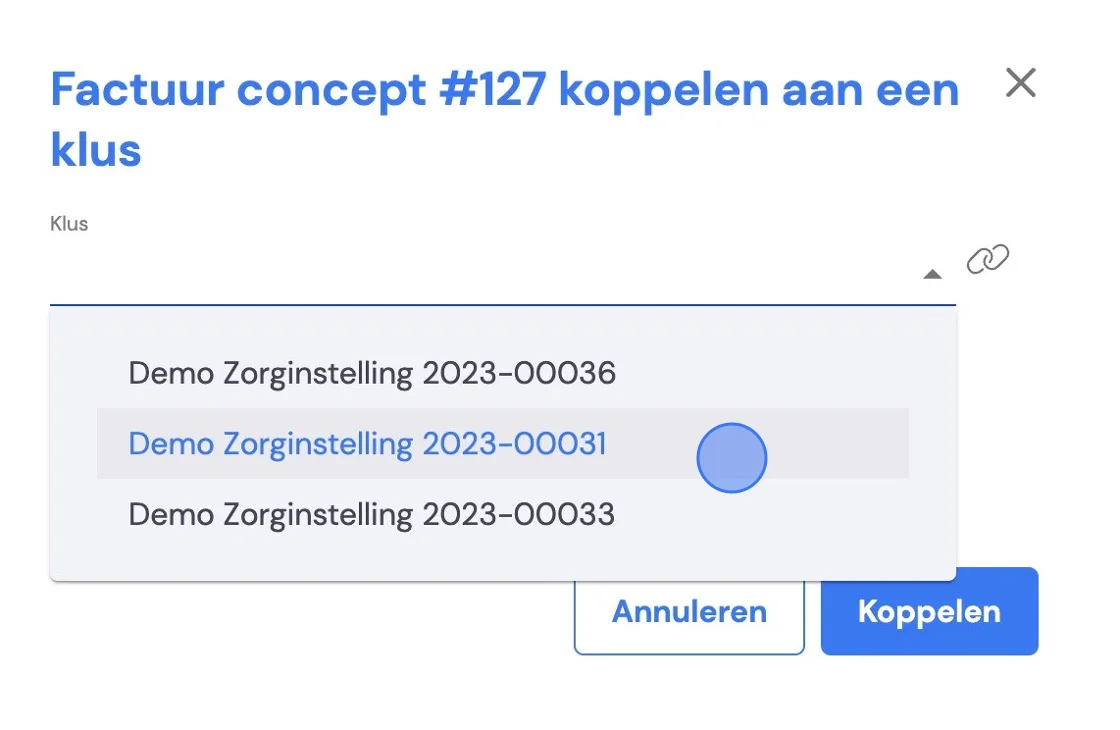
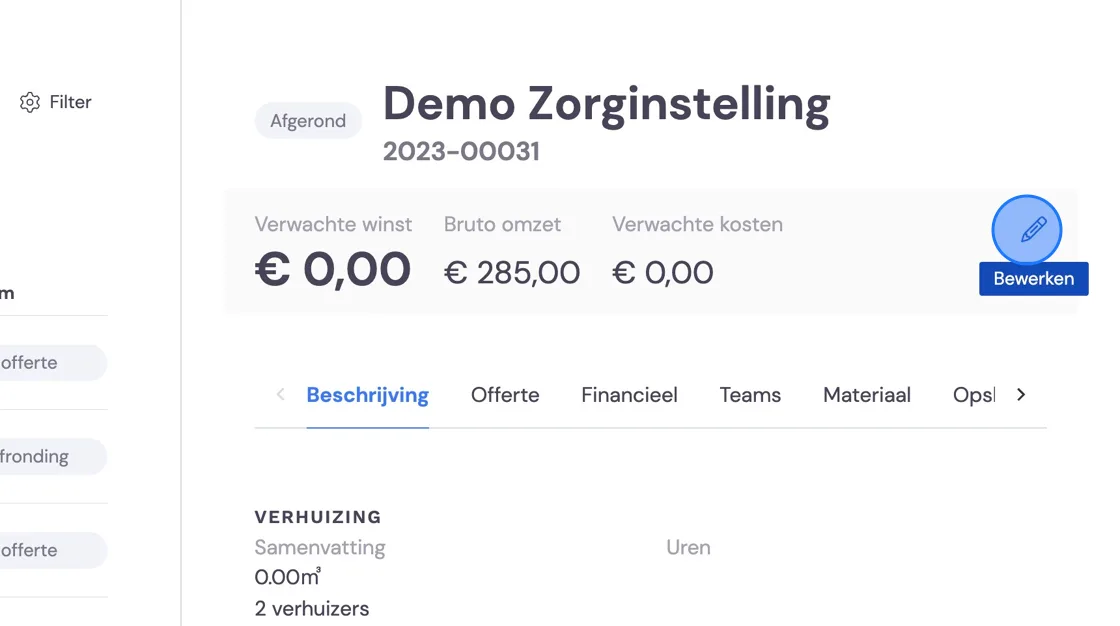
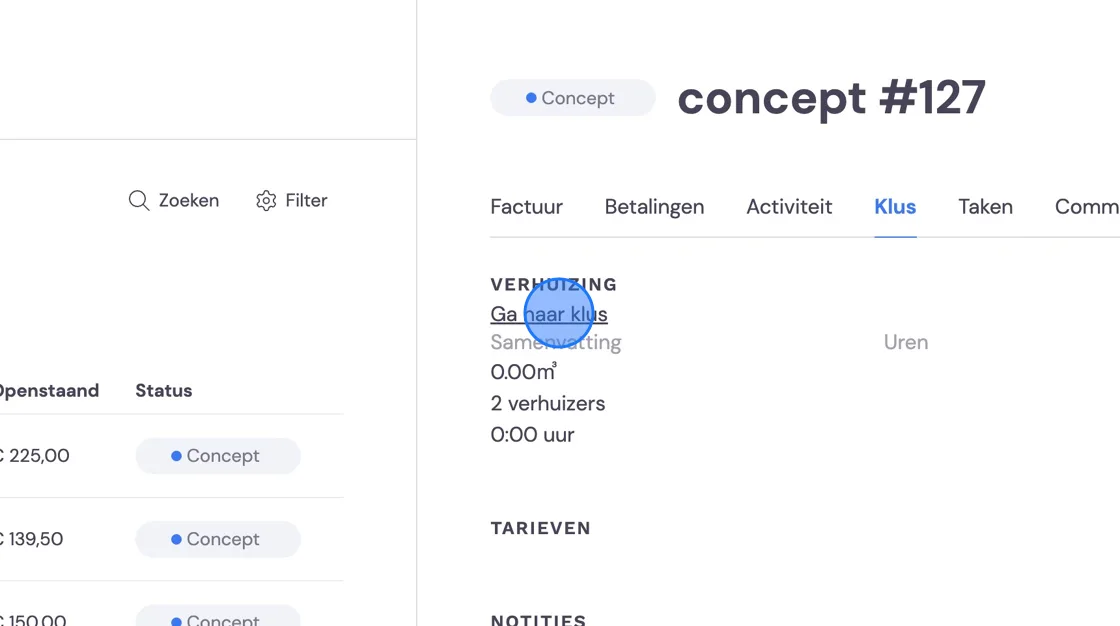
Once you've linked the invoice, you'll still need to update the profit and loss calculation. To do this, go to the job. You can also do this via Jobs.
The profit/loss calculation is usually calculated automatically, but not if you send extra invoices. You'll need to complete this manually. You can do this here using the pencil icon in the top right corner of the calculations.