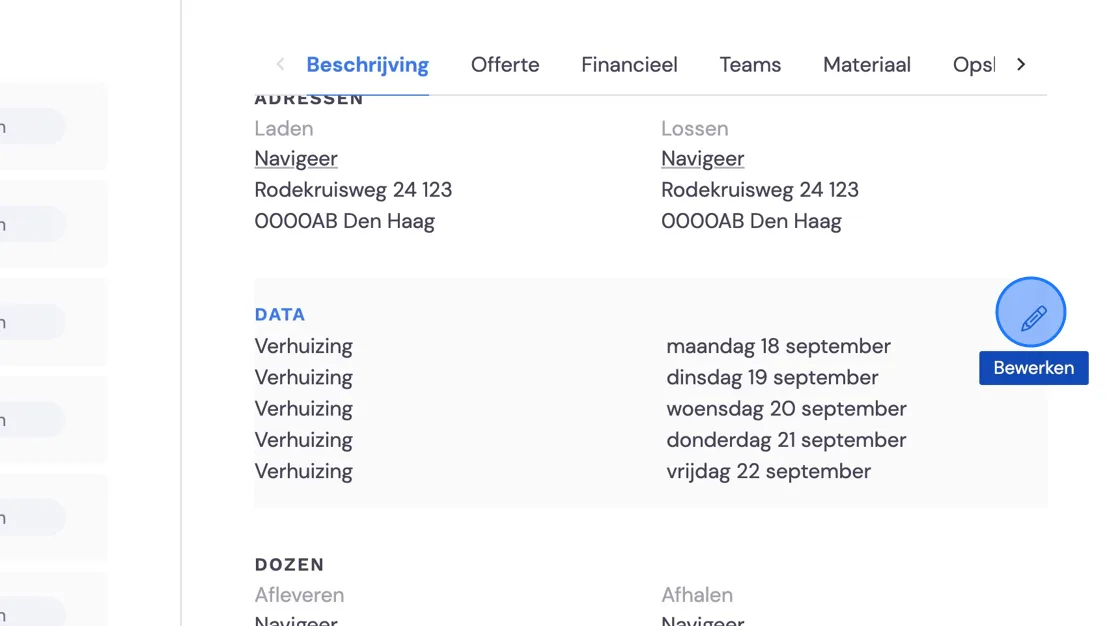
If you have a specific customer with recurring jobs that are invoiced over a certain period (e.g. month/week), you can create these in the following way. You'll need a pre-configured package for this. To see how to create one, take a look at Setting up recurring jobs. You can create a new job/move with an existing customer both at start and under Job.
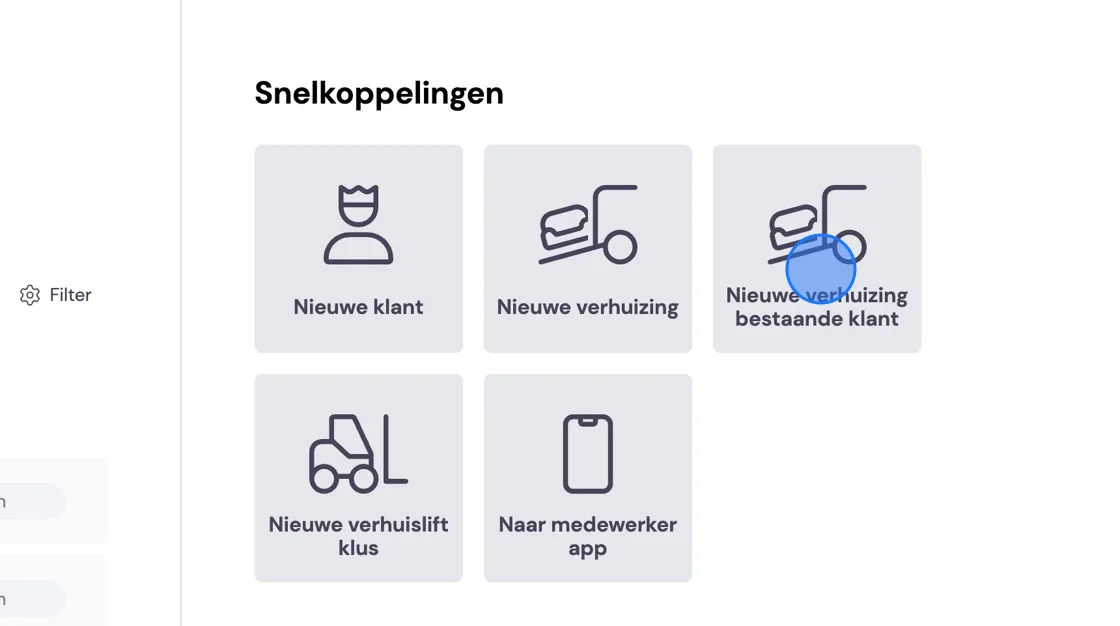
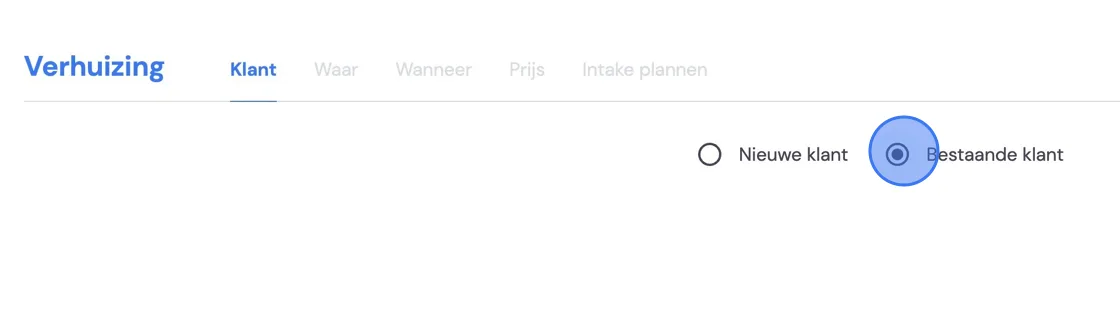
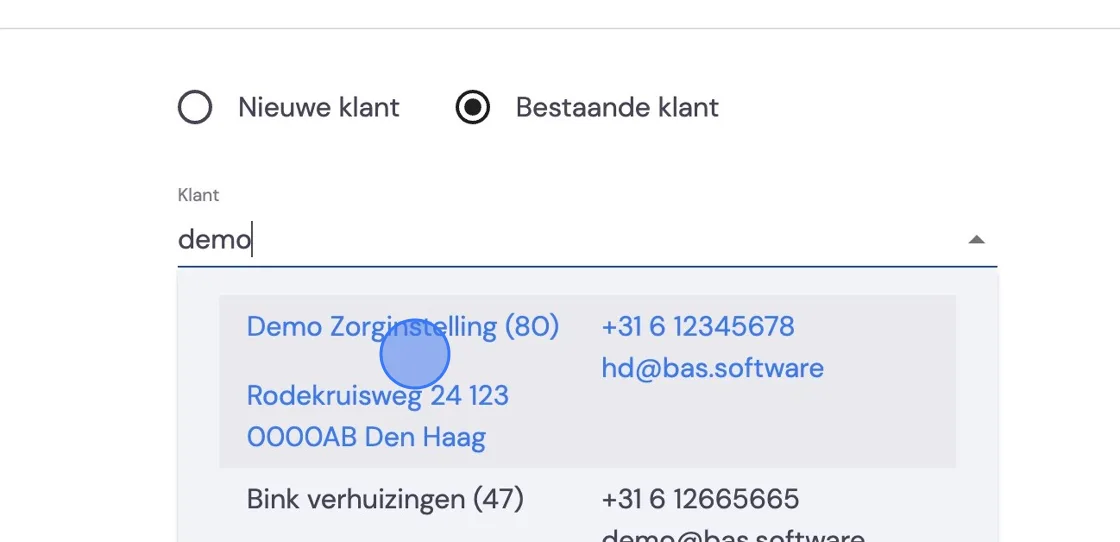
Choose the customer.
Fill in the loading and unloading address. No unloading address needed? Tick address is unknown.
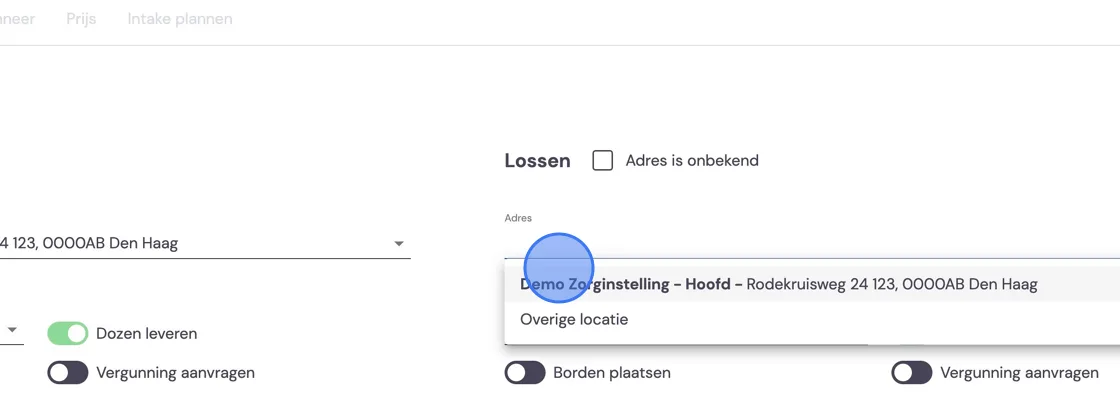
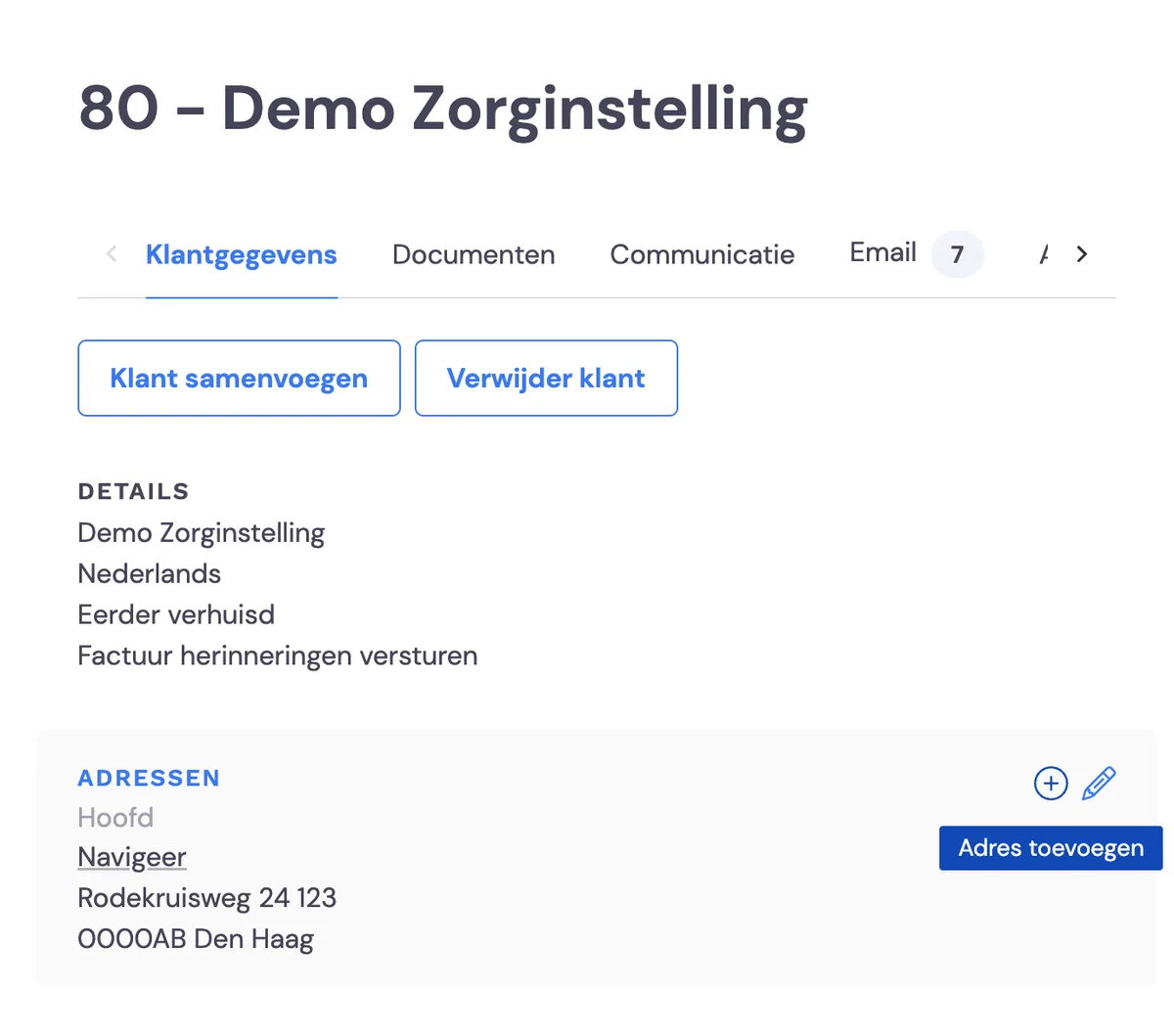
Suppose you often visit certain addresses for this customer; you can then add them under: Customers -> Customer details -> addresses and then press the plus icon. The pencil icon lets you amend an address that already exists. This way, the addresses will come up while scheduling your recurring jobs. If it's a one-off address, you can choose other location here.
Once you've filled in the address details, you schedule per date from and until when work needs to be done.
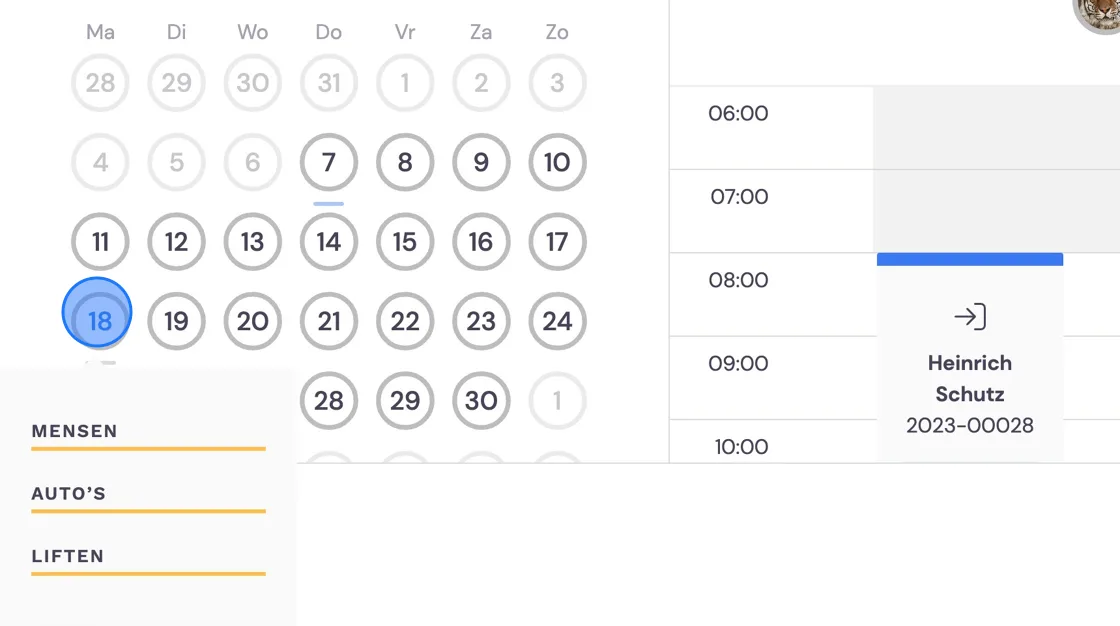
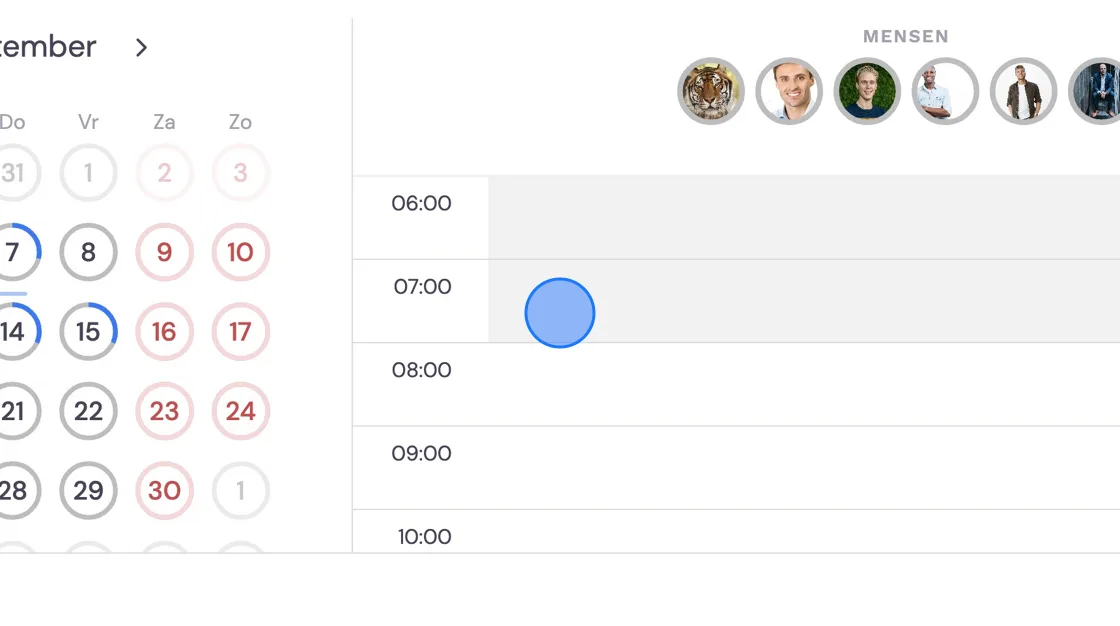
Fill in the appointment type, times and how many people.
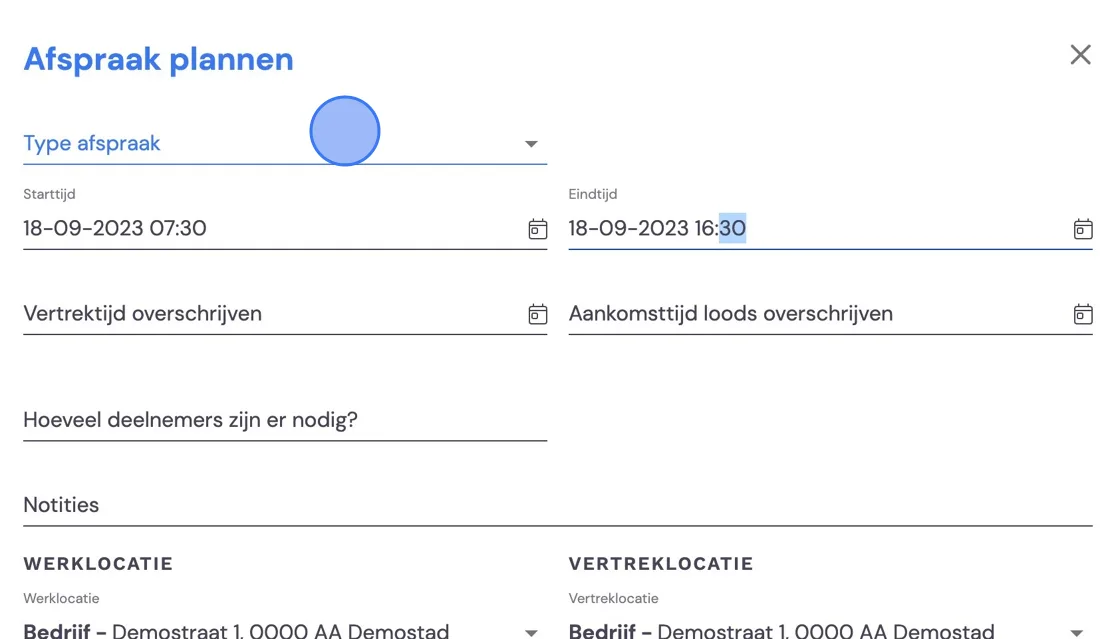
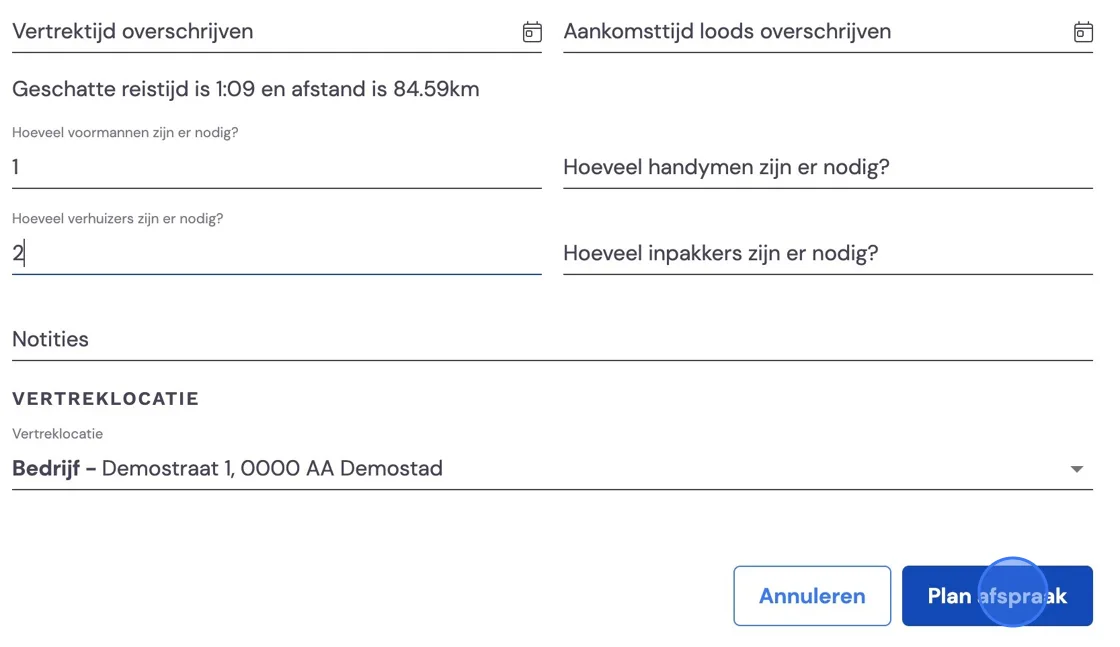
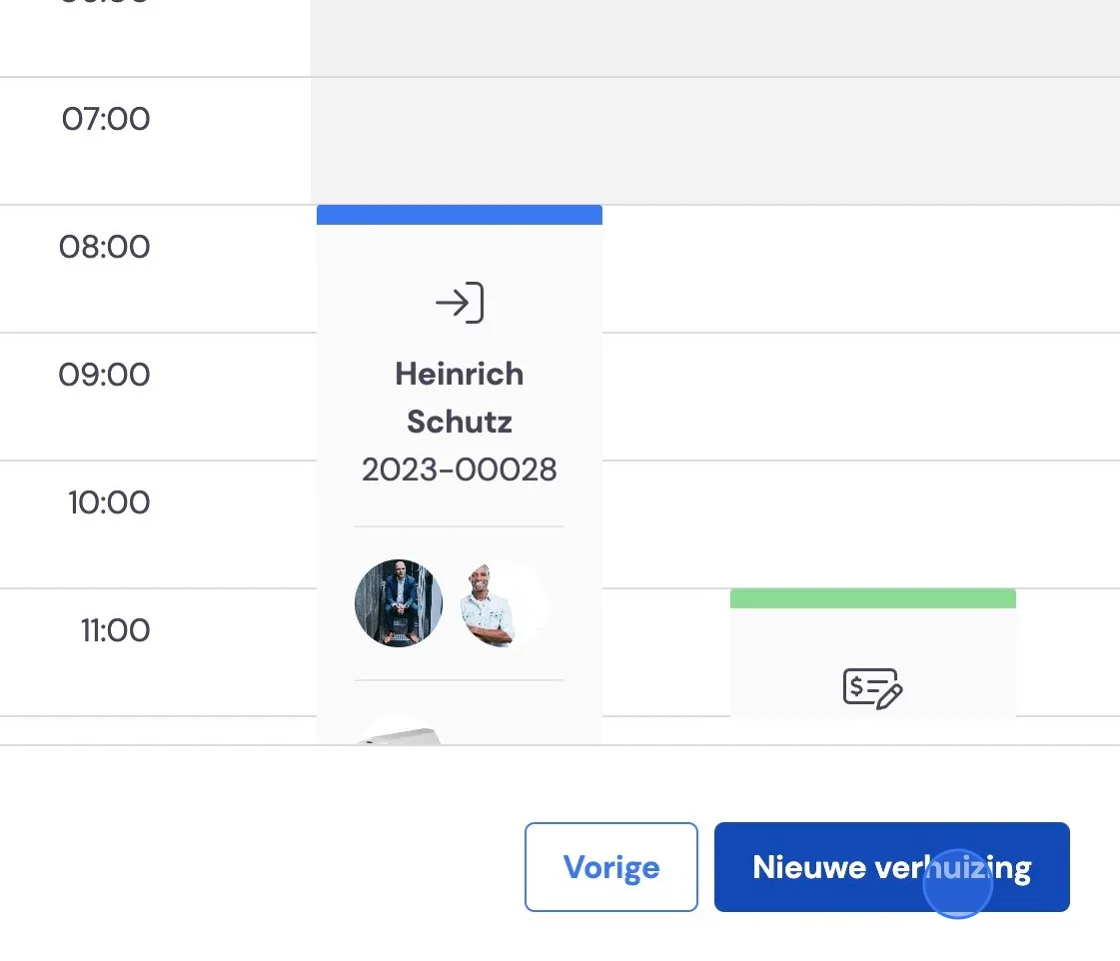
Continue like this for all days in the invoicing period and schedule the appointment at the bottom right. It's of course possible that you have a customer who gives you jobs on demand. You can add moving appointments at any time under job -> Dates. (see also at the bottom of this article).
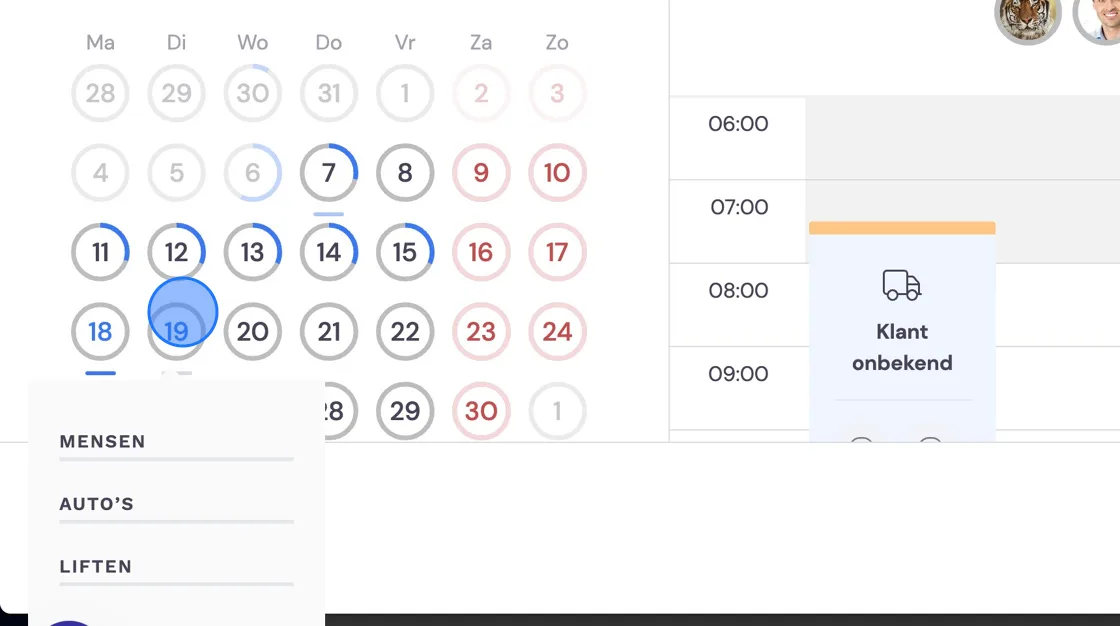
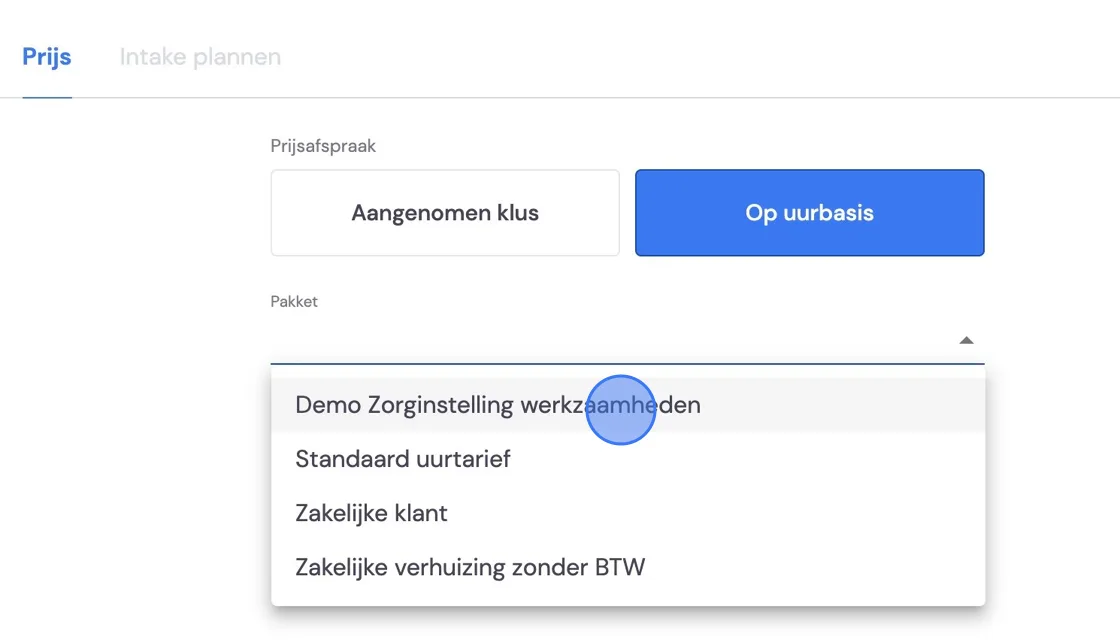
Then set the right package for the correct invoicing.
Close this phase, and the job, with all your details ready, will come up.
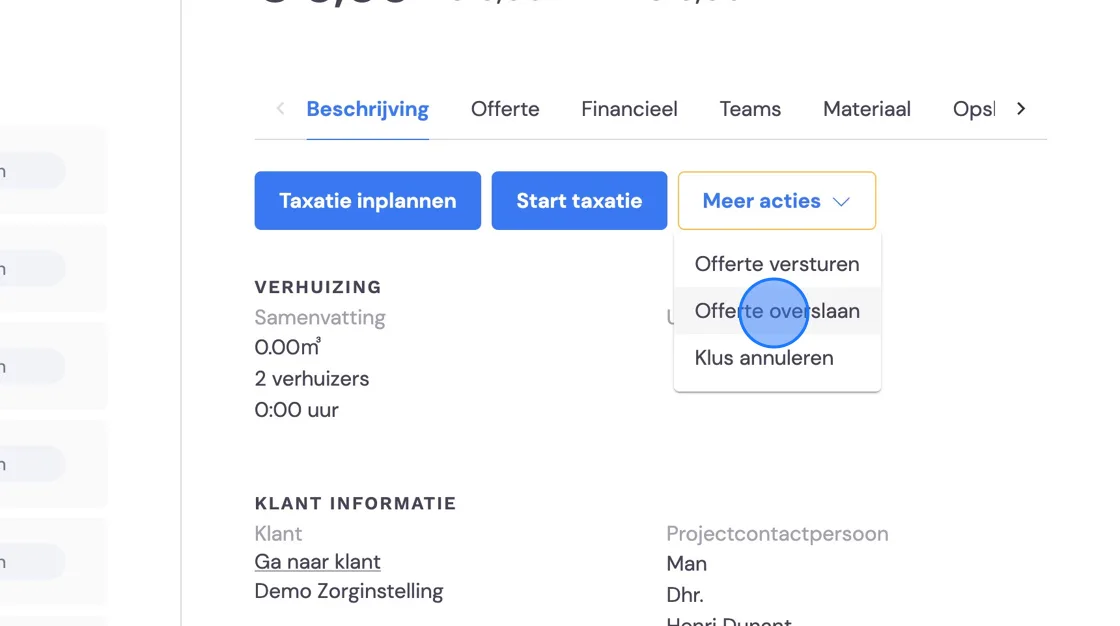
Select more actions and choose to skip the quote.
You can make any adjustments to the planning here. You can then schedule this job like any other move. How this job should be invoiced can be found in Invoicing recurring jobs.