
The planning board is relevant in a different way during three phases of the job:
Sales phase
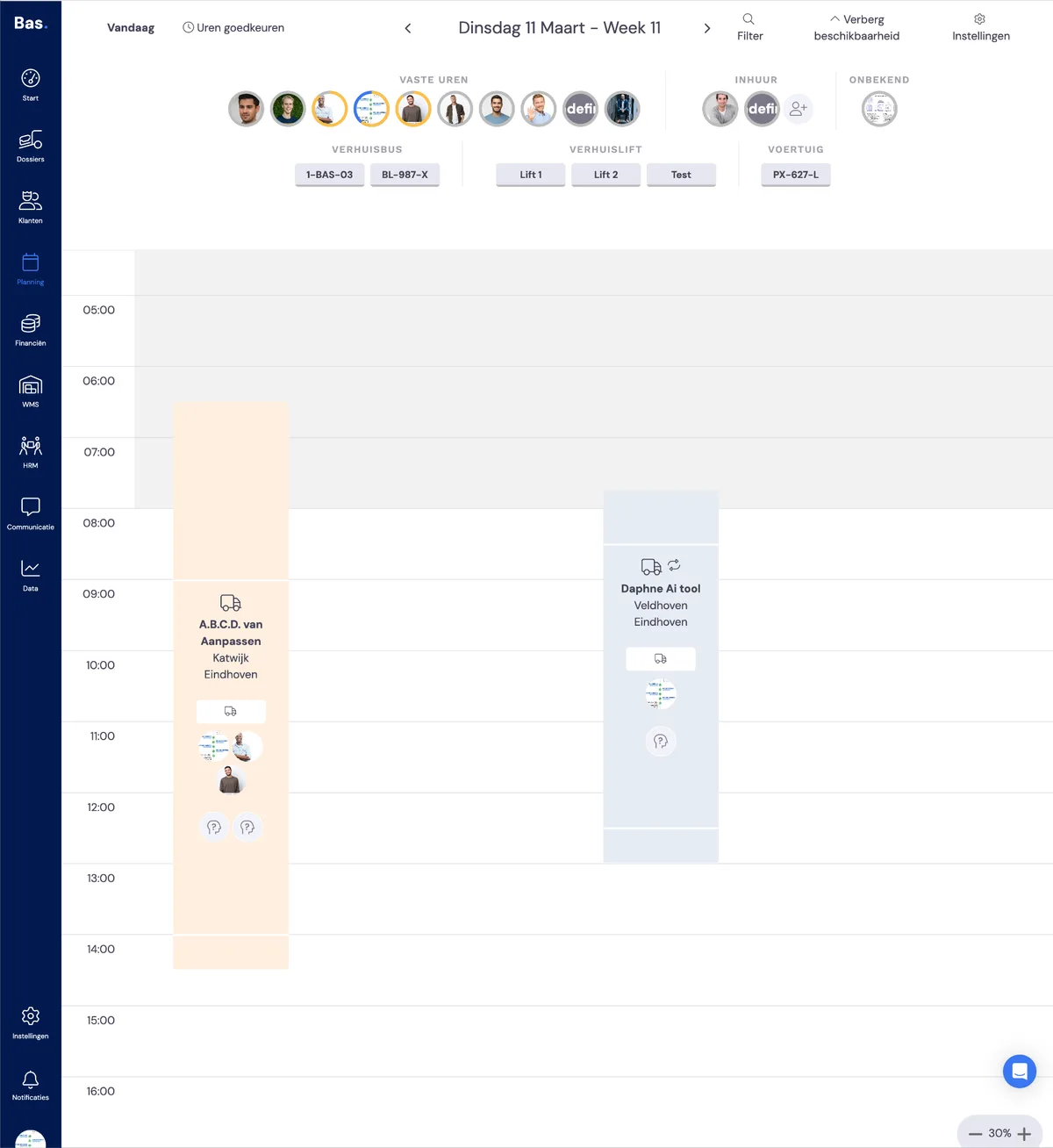
When creating a job, you can already add a number of reservations to the planning. You can recognise these reserved appointments in the planning by their orange colour.
If you drag employees and vehicles onto them, you will see that the employees and vehicles also get an orange border, which indicates that these employees are reserved. Employees will not see these appointments in their app until the job is final and, with it, the appointments.
Planning phase
Once the quote has been accepted (and the deposit processed, if applicable), the job enters the planning phase. You can recognise this by the 'Schedule removal' button under the 'description' tab of the job.
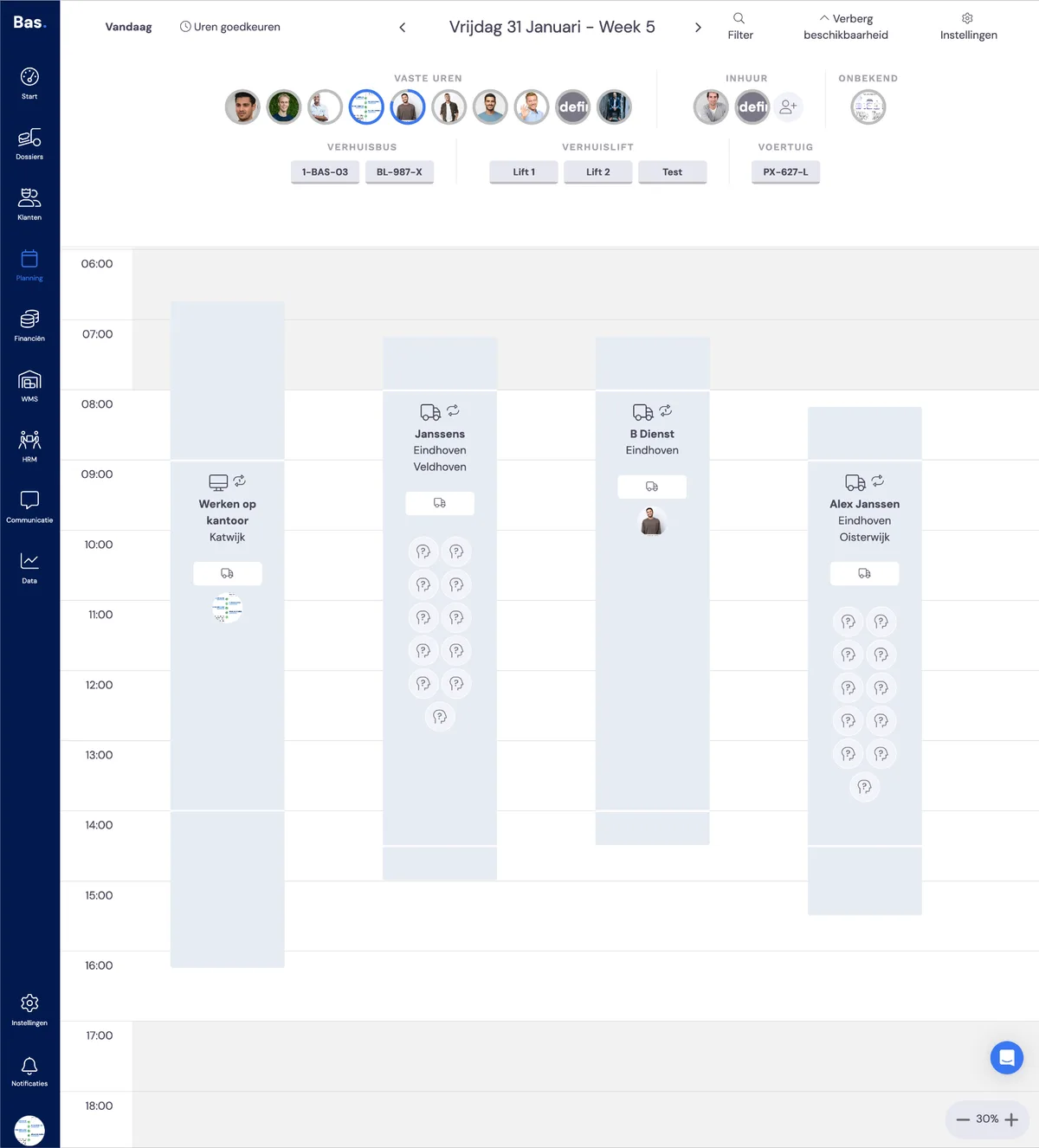
You can recognise the confirmed appointments by their blue colour. Employees and vehicles that have been dragged onto the appointment are now definitively scheduled. You can recognise this by the blue border around the employees and vehicles. From this moment on, employees will also see the appointments in the app.
Execution phase
During the execution phase, the planning board gives you information about
the phase of the appointment (completed)
the start of the work
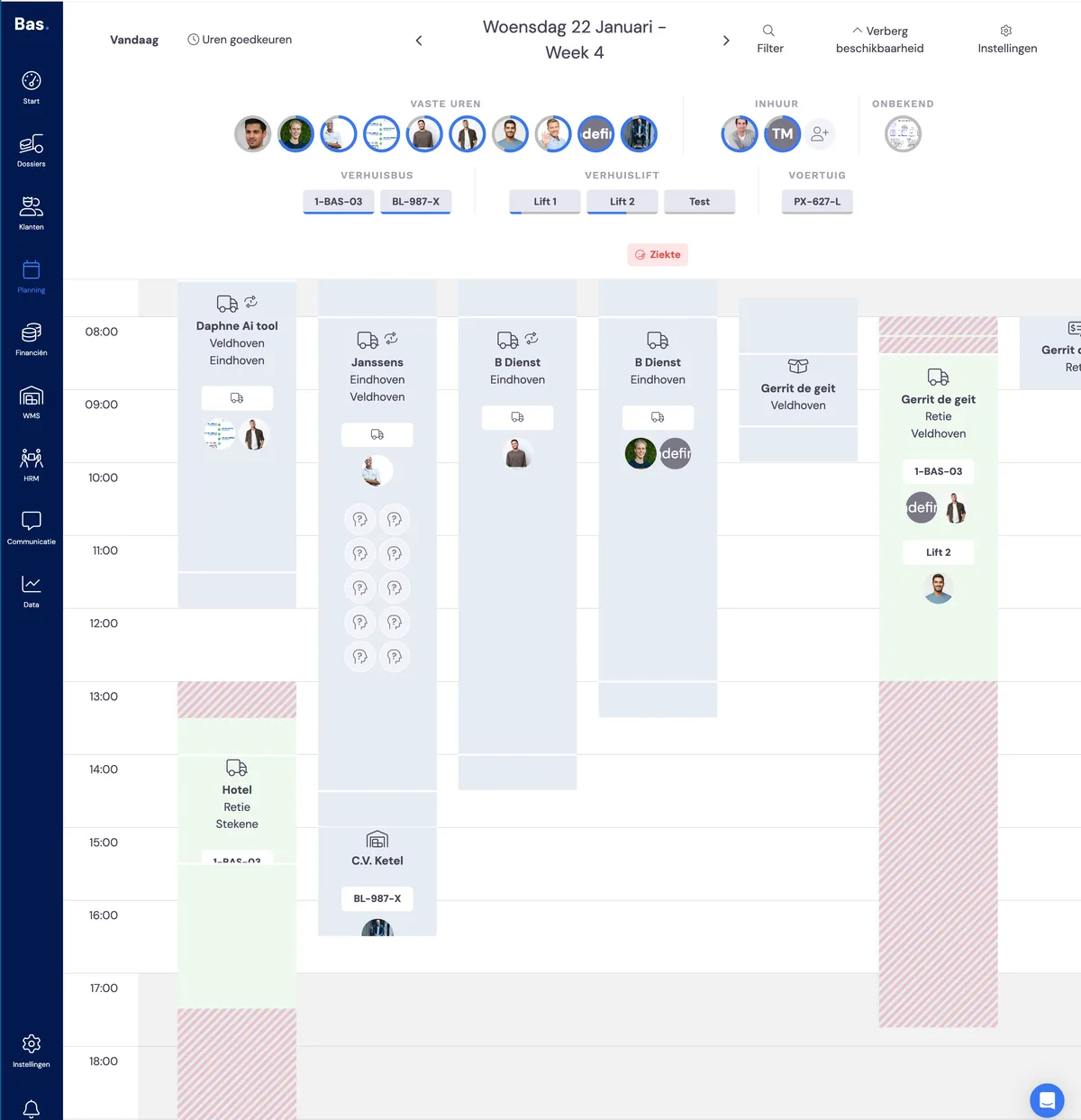
You can recognise a completed appointment by its green colour. Information about the start and end time of the appointment is shown by the red hatching: these are the actual start and end times. If you double-click on the appointment, you will see the appointment details on the detail screen on the right-hand side.