
We regularly release updates to our software. To find out which version you're using, you can check this via profile > Software version. And check straight away whether this is the latest version.
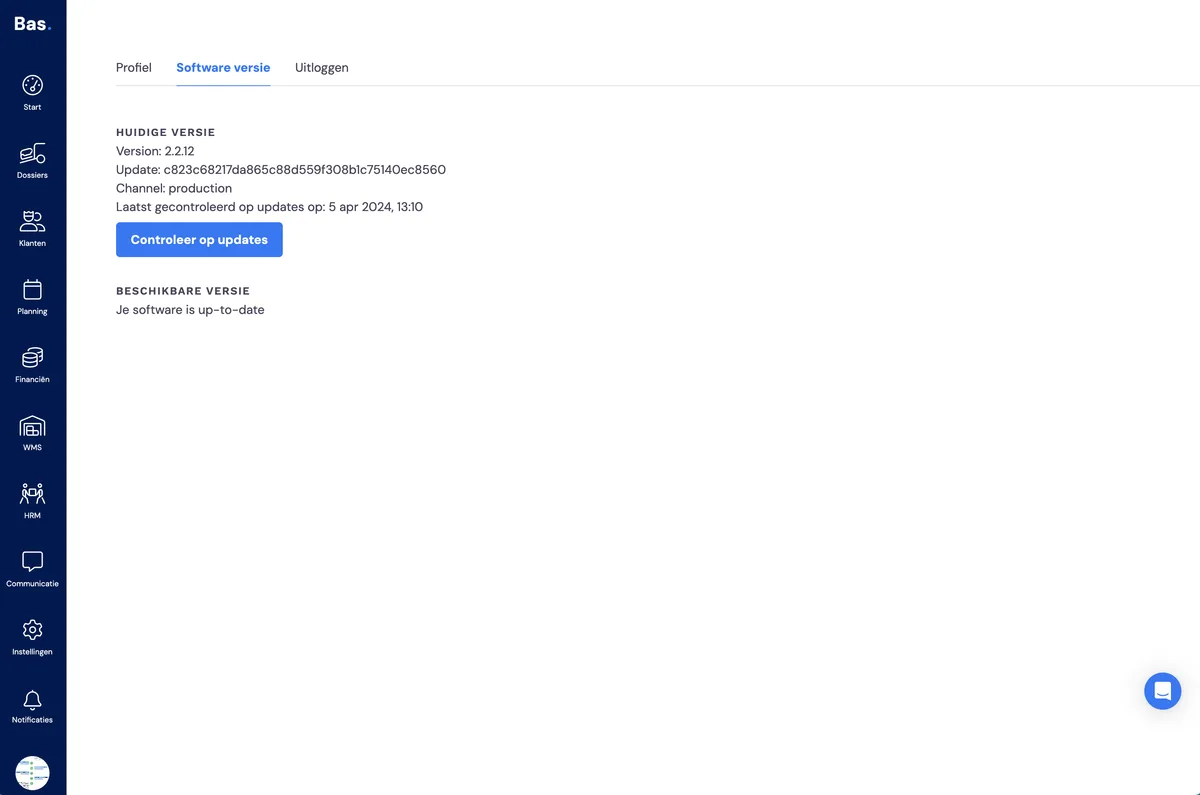
Current version
Every version has a sequence number, in the example this is 2.2.0.
Check for updates
Want to be sure you're using the latest version? Then press [Check for updates]. Your version will then be updated straight away.