
Everything related to your customers can be found under 'Customers'. For each customer, you'll find:
the contact details
marketing information
the emails sent
all activities
jobs
quotes and invoices
storage
materials
damages
You can also do the following here yourself:
add documents
log communication
Customer information
The information you find here is automatically linked to the customer from the job. You can also click through to the relevant part of the job.
Contact details and marketing information
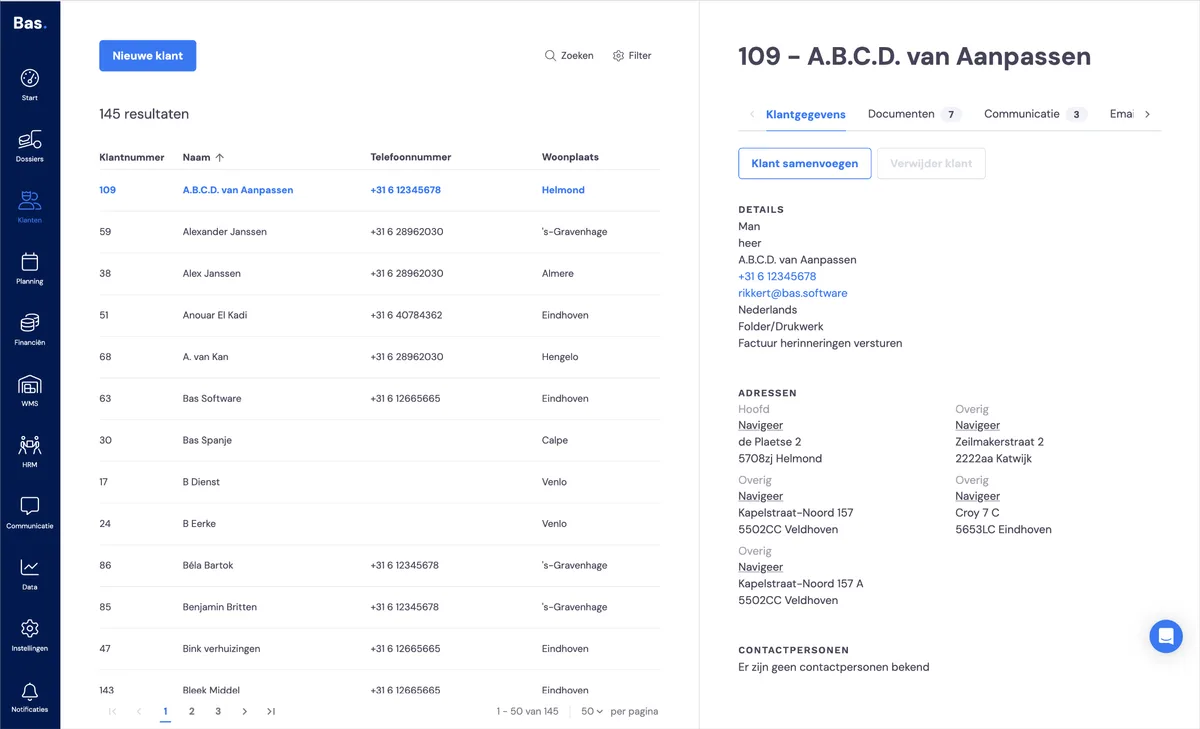
You'll find the customer details (name and address details and contact persons) under Customer and then the 'Customer details' tab. You can also add an extra contact person to the customer here.
Automatically saved information
The items below are filled in automatically as you use Bas. For example, if you send a quote to the customer, you can find it under the customer. In many cases, you can click straight through to more information.
Emails sent
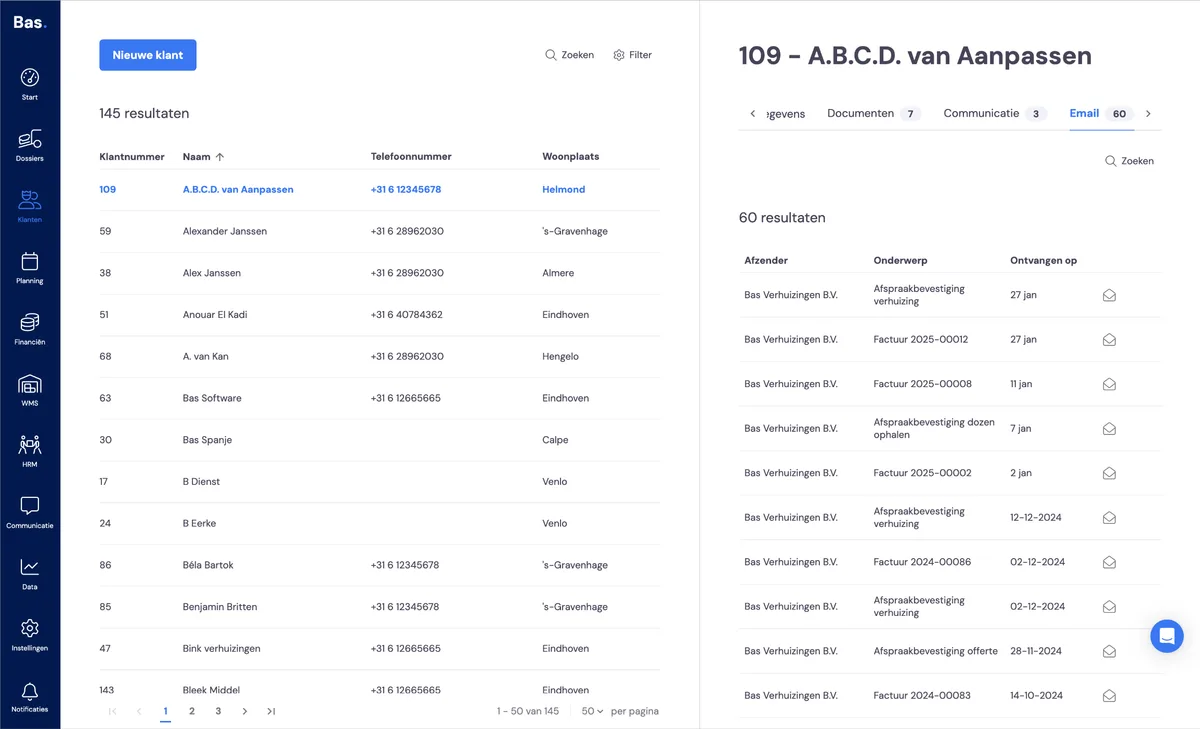
Under Customer and then the 'Email' tab, you'll find all emails sent from Bas. Think of quotes, appointments, invoices, etc.
All activities
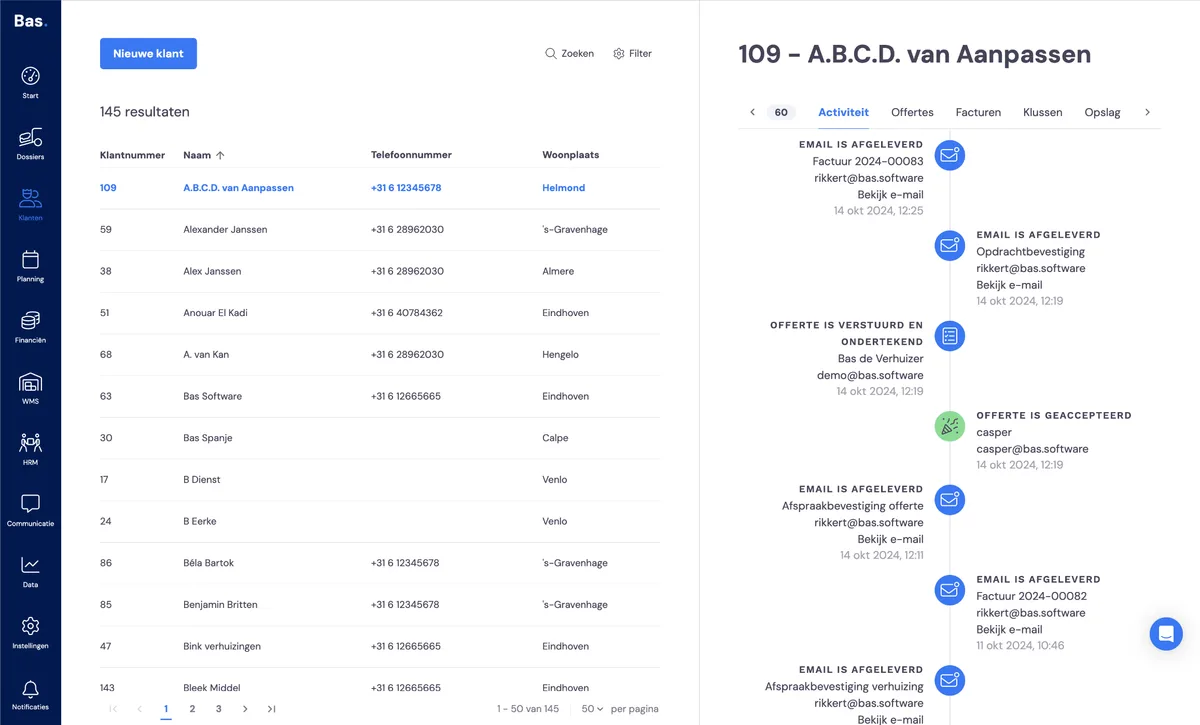
Under Customer and then 'Activity', you'll find when the customer was created and by whom, which emails were sent and whether they arrived and were opened. You'll also find the moments the job changed status, such as 'Quote accepted' or 'Quote declined'.
Jobs
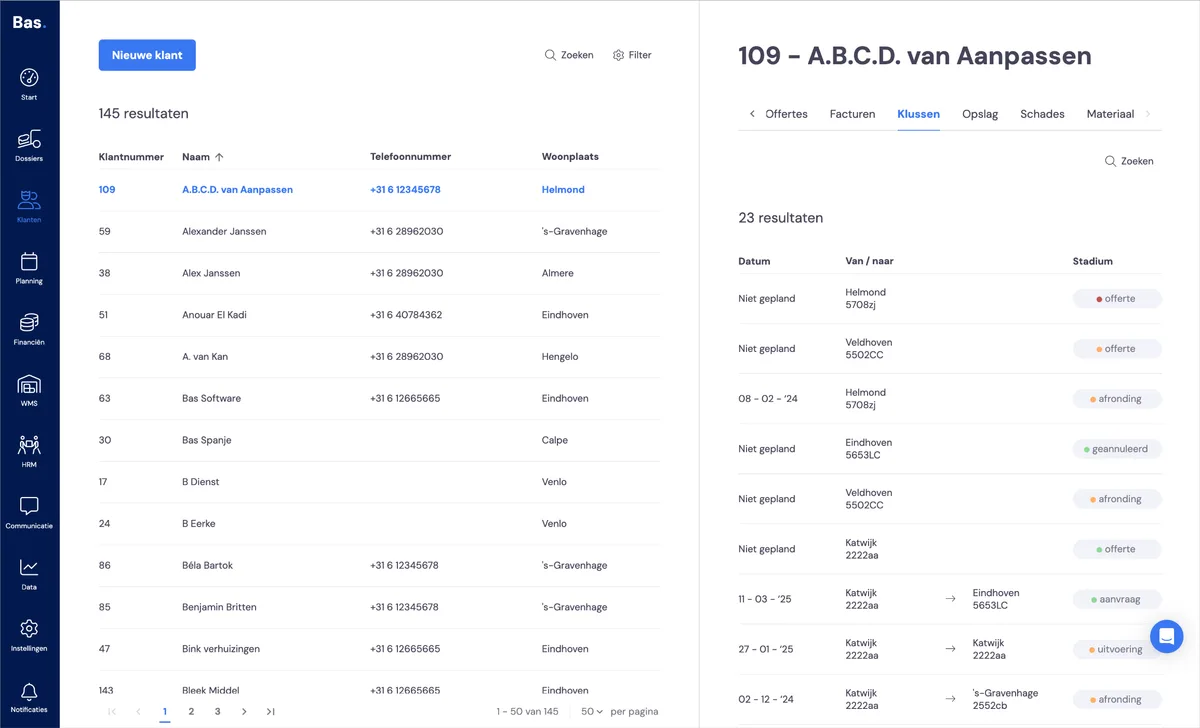
All jobs linked to the customer can be found under Customer and the 'Jobs' tab. You can also click straight through to the job,
Quotes and invoices
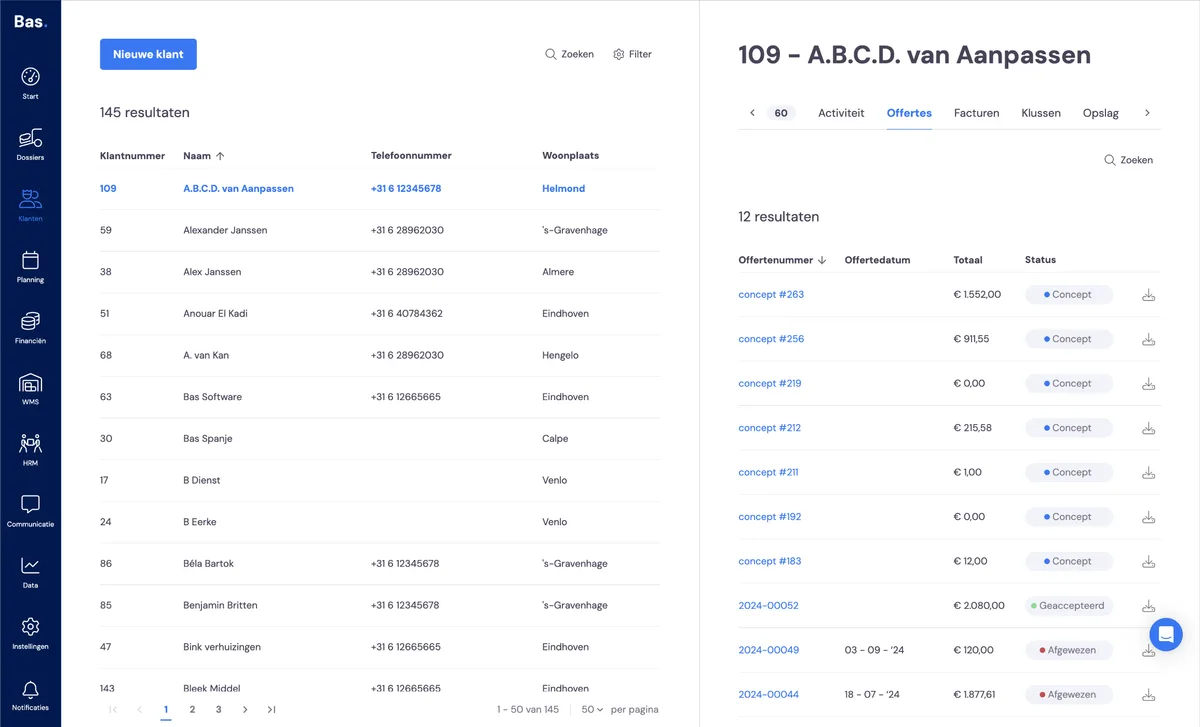
Storage
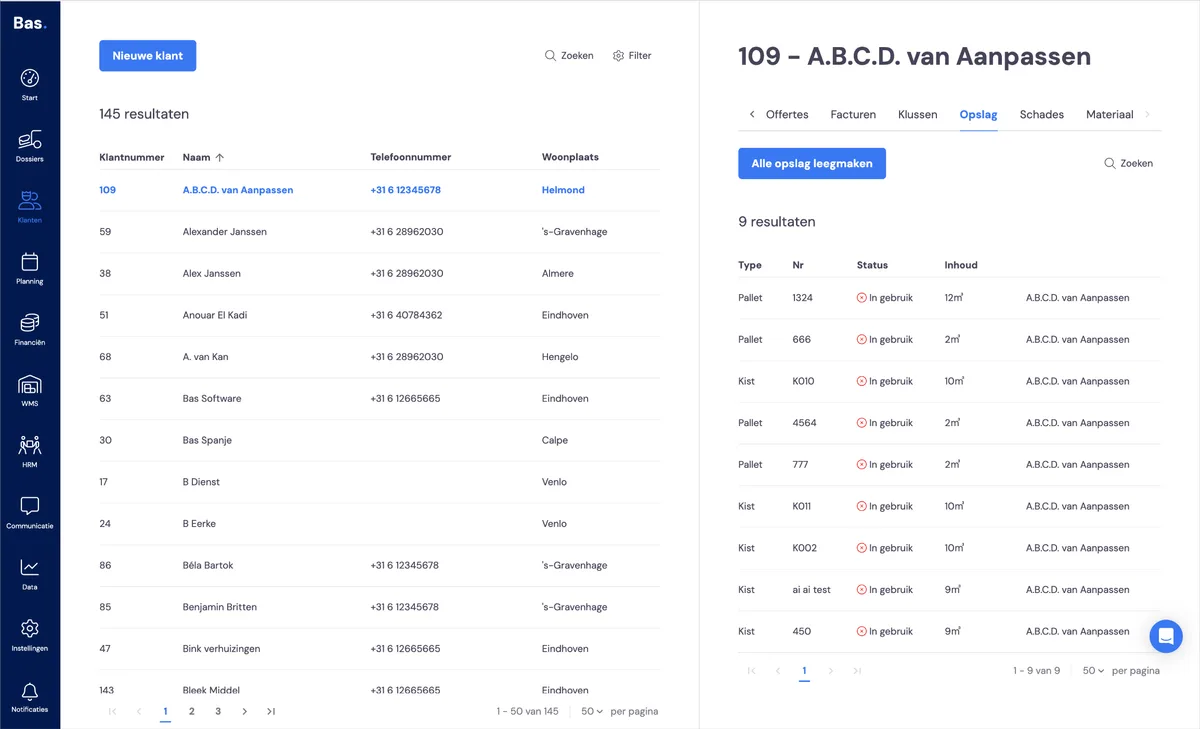
Under customer and then storage, you can see directly what is stored for the customer. It's also possible to empty the storage directly from this tab. You'll then get a series of forms to arrange the invoicing.
Materials
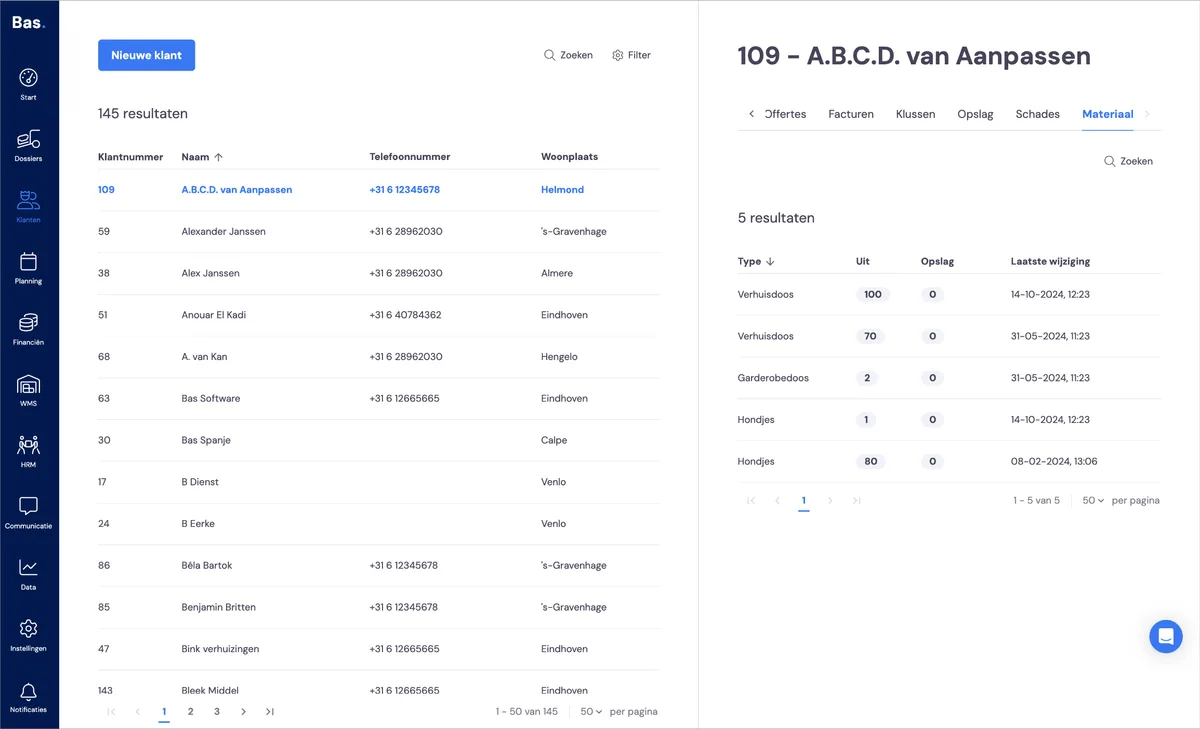
Under Customers and then the 'Materials' tab, you'll find all materials out with the customer. So if you want to know whether a customer still has packing boxes out, you can quickly find that here.
Damages
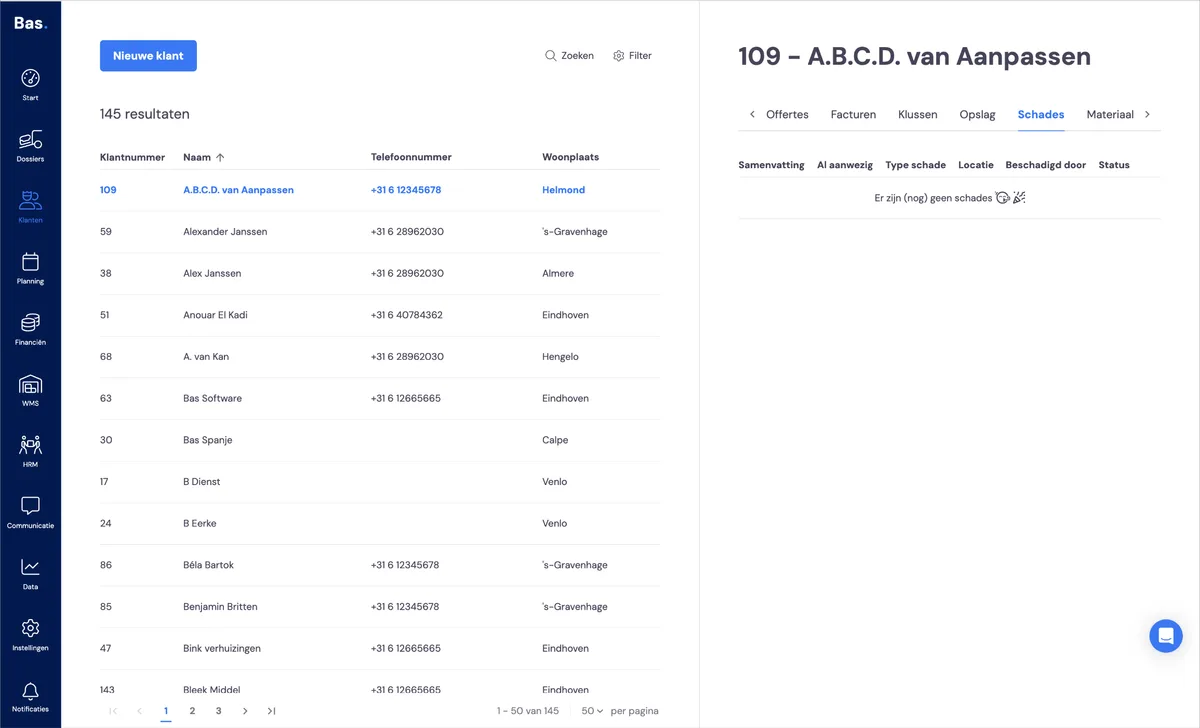
All registered damages per customer can be found under Customer and then the 'Damages' tab. You cannot report damages here; you do this under Case files and then the 'Damages' tab.
Adding information yourself
Documents
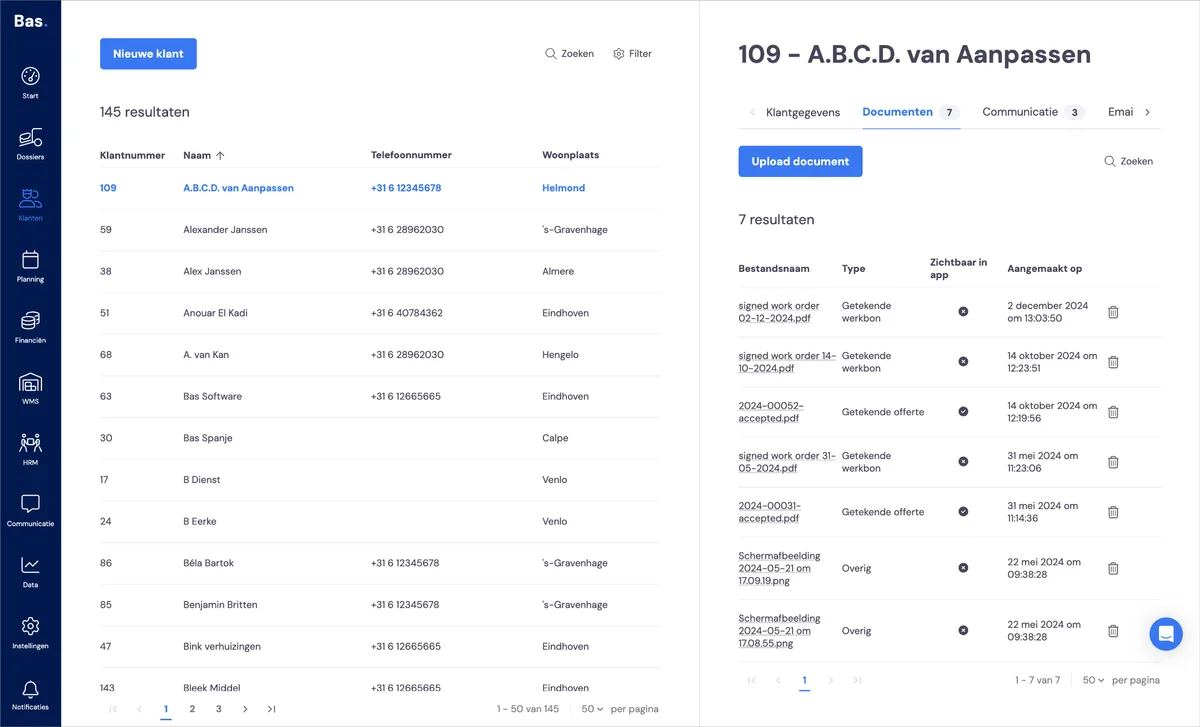
You can upload documents under 'documents' for a customer. We've added a multi-upload here so you can quickly add multiple documents.
Logging communication
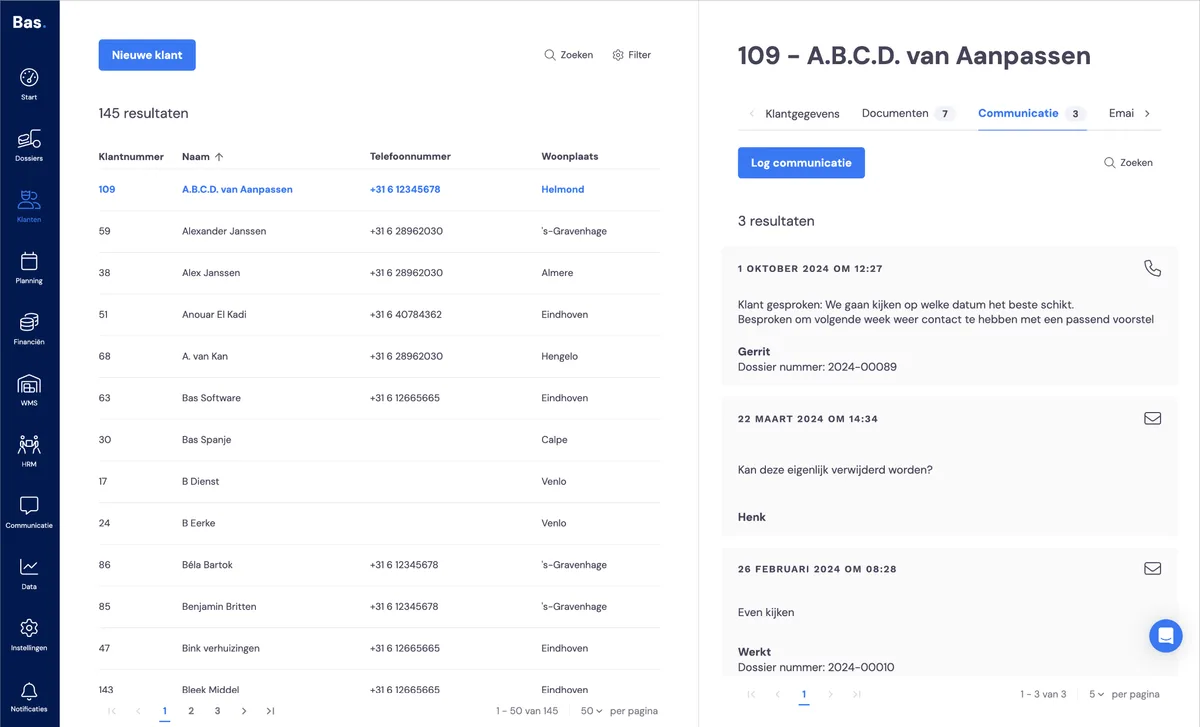
You can log communication that doesn't go through Bas under the customer and then the 'Communication' tab. This tab is not filled in automatically; this is a place for you to save, for example, agreements made by phone.