
You can set e-mail addresses for automatic messages.
Go to "Settings" and then to "Messaging".
Click on a message you want to set up.
You'll see the message on the right-hand side.
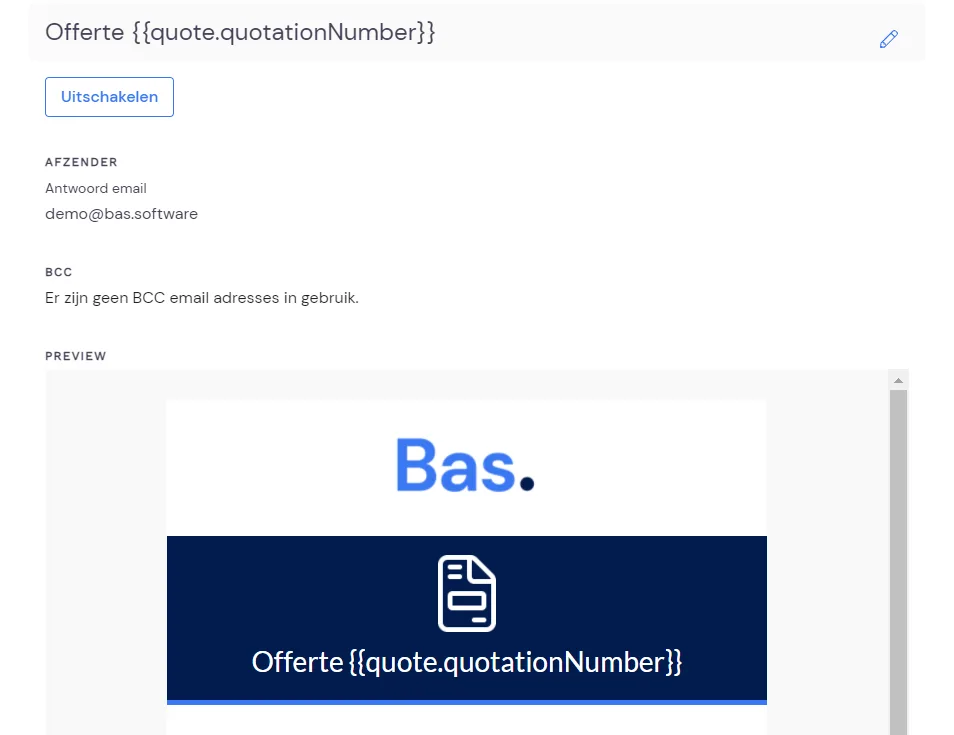
Under "Sender", you can enter an e-mail address you want customers to be able to reply to.
Under "BCC", you can enter an e-mail address where you want to receive a copy.
You do this by entering an e-mail address and then pressing "Enter". You can add multiple e-mail addresses here. Once you've added them, click Save.