How can I also receive certain e-mails myself?

If you'd also like to receive a copy of quotes yourself, for example, you can set this up with the following steps.

Click here for an interactive guide

1. Go to your backoffice environment

2. Go to "settings"
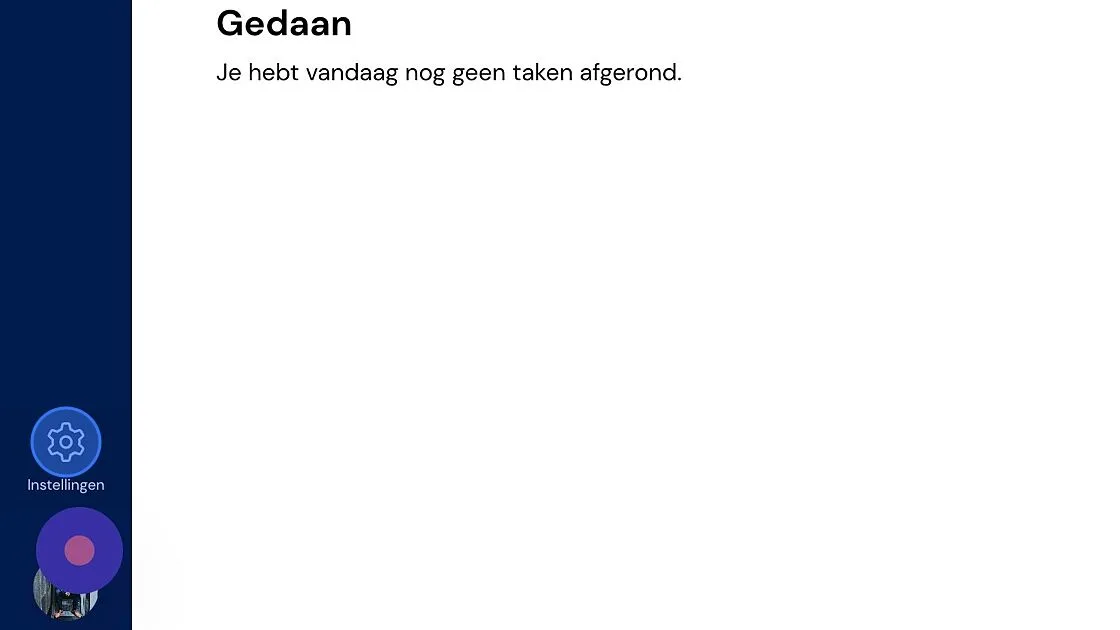
Screenshot of: Go to

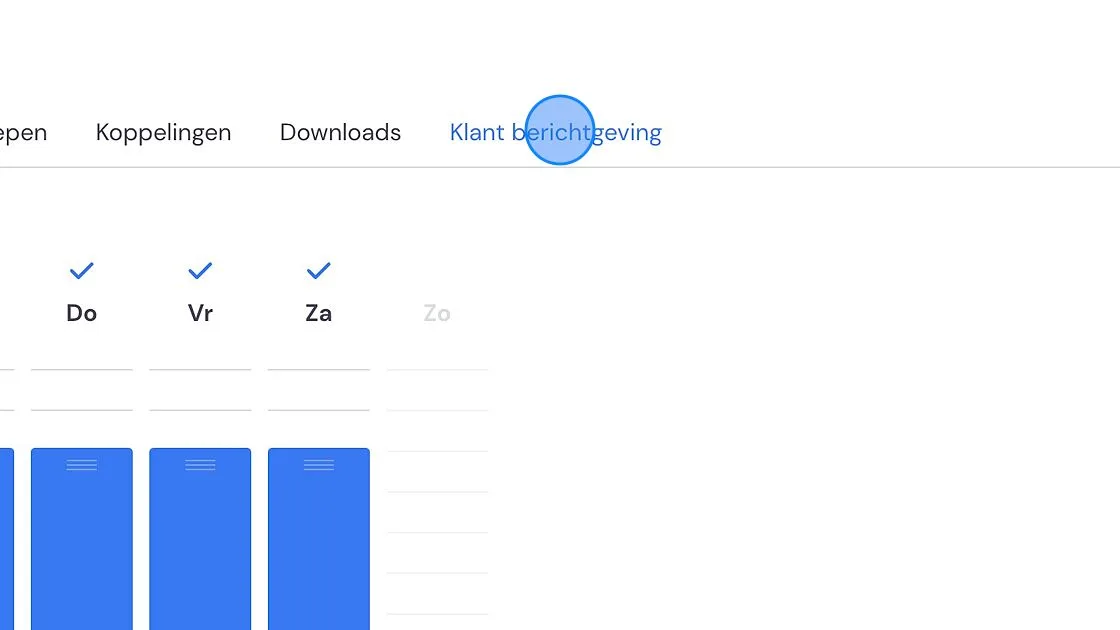
3. Click "Customer messaging"

Screenshot of: Click

4. Find and click on the e-mail for which you want to receive a copy.
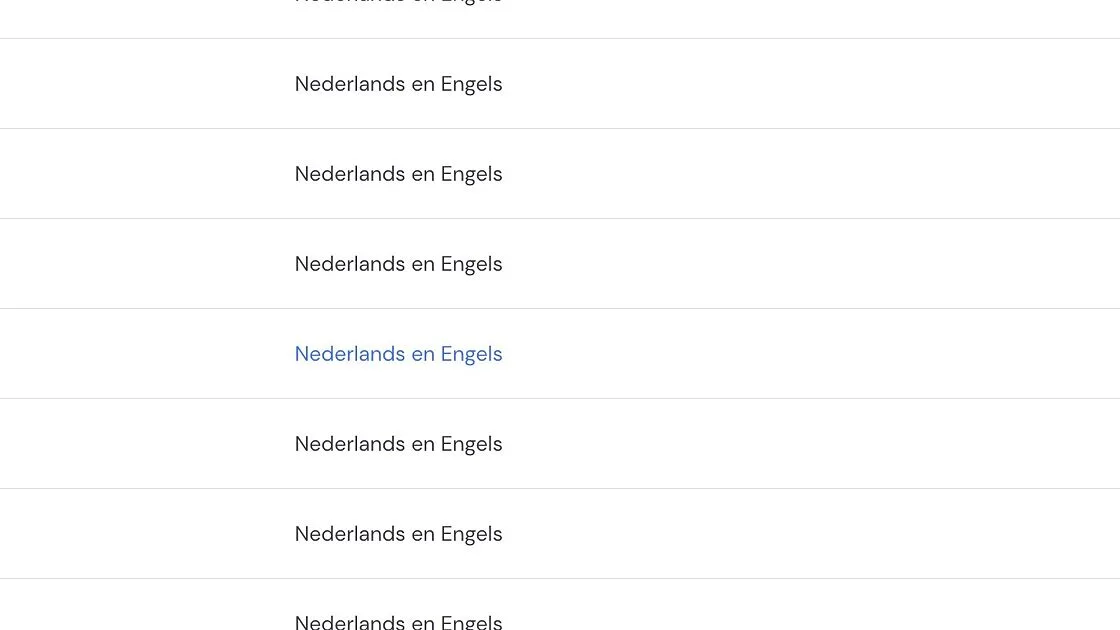
Screenshot of: Find and click on the e-mail for which you want to receive a copy.

5. Hover your mouse over the first block and click edit.
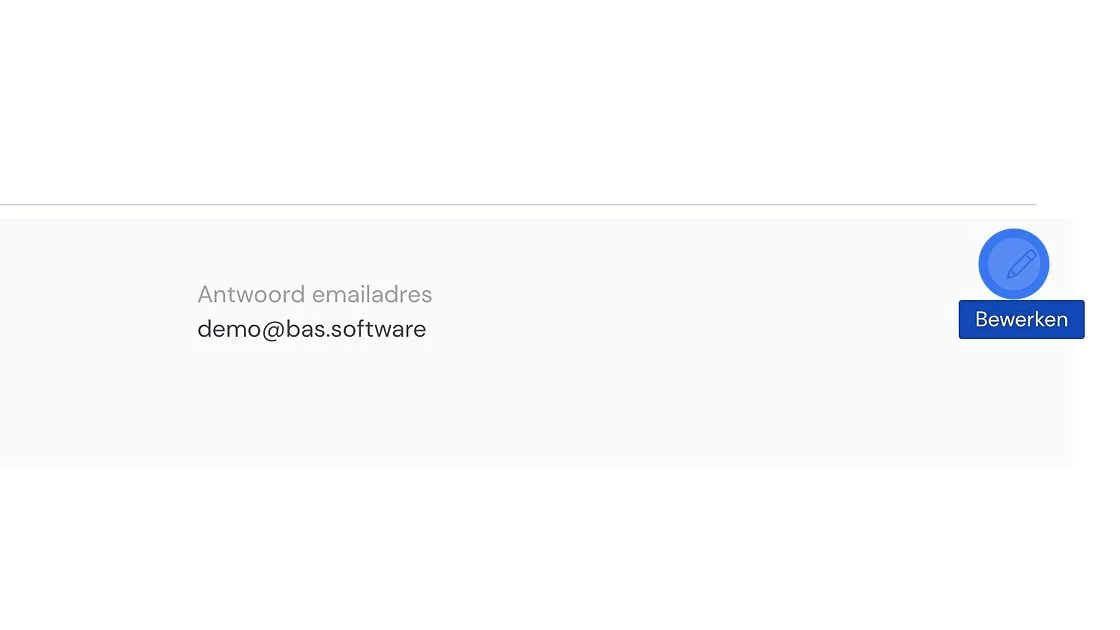
Screenshot of: Hover your mouse over the first block and click edit.

6. Click the "BCC e-mail addresses" field.
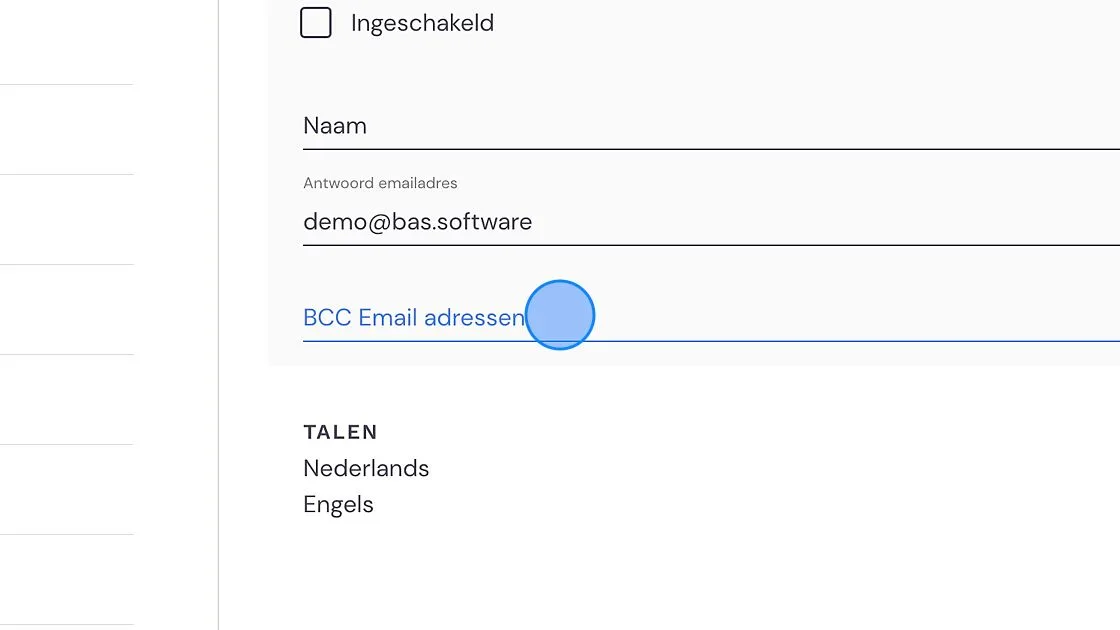
Screenshot of: Click

7. Type the e-mail address on which you want to receive a copy here, and then press enter

8. Then click "Save".
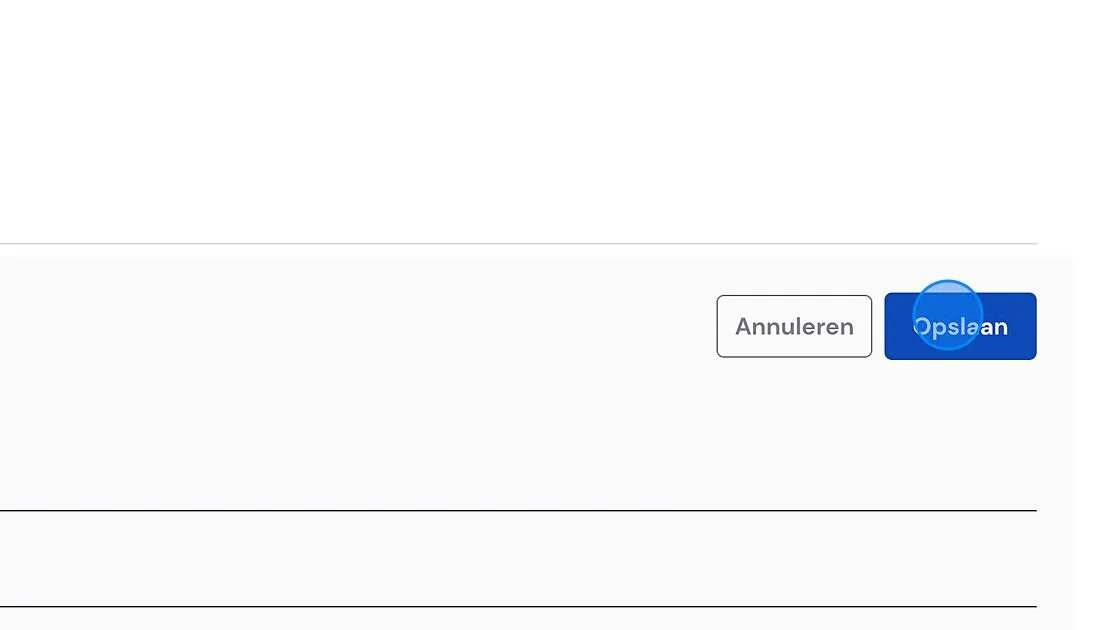
Screenshot of: Then click

9. You've now successfully added an extra e-mail address! You can adjust more e-mails if needed.

Screenshot of: You've now successfully added an extra e-mail address! You can adjust more e-mails if needed.

Did this answer your question?