
Everything related to your customers can be found under 'Customers'. Here you'll find, for each customer:
the contact details
marketing information
the e-mails sent
all activities
jobs
quotes and invoices
storage
materials
You can also, here, yourself:
add documents
log communication
Customer overview
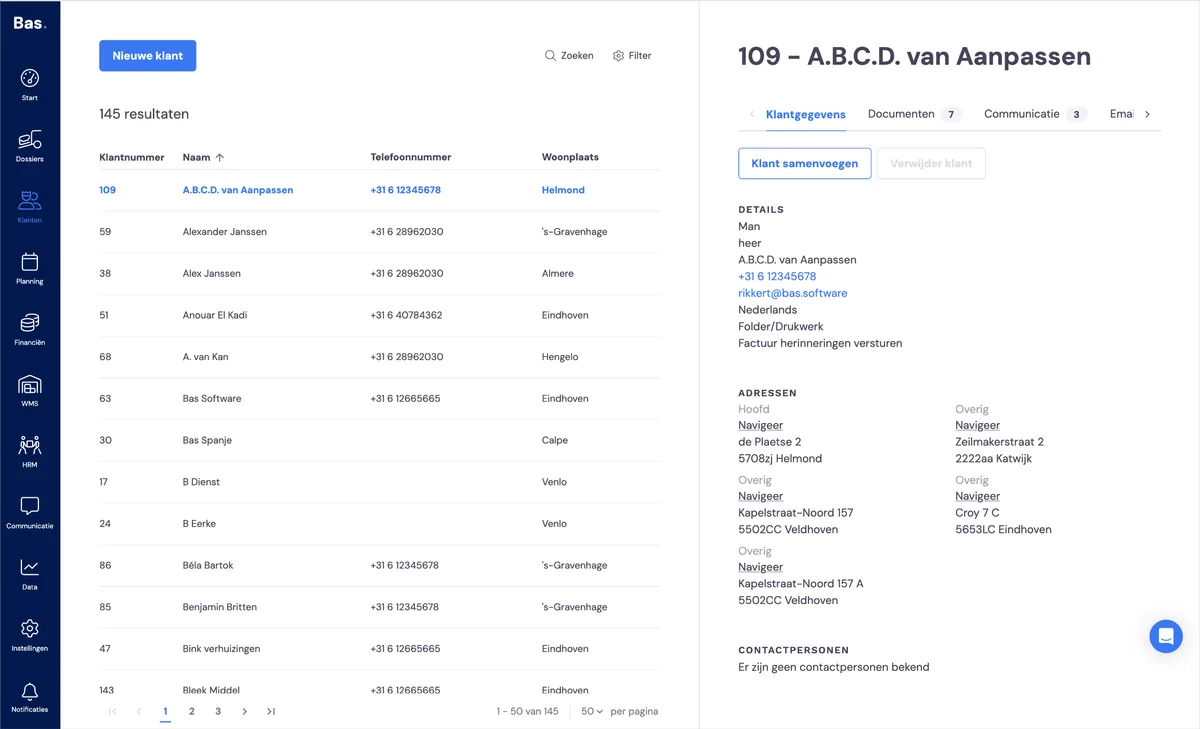
You'll find all customer information under 'Customers'. When you click on a customer, you'll see all information related to that customer on the detail screen on the right-hand side.
Creating a new business customer
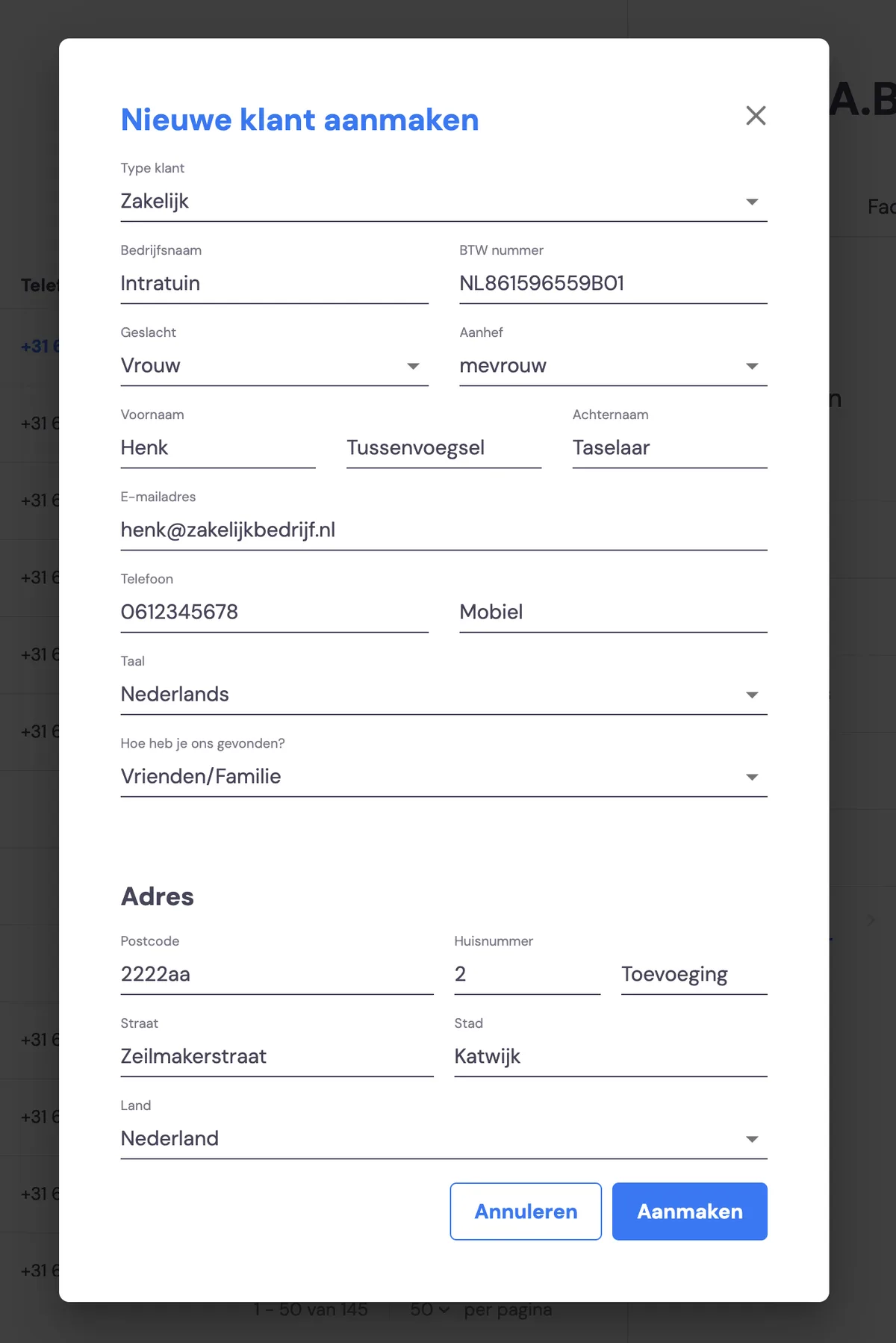
You create a new business customer via Customers and then the 'New customer' button. You enter the details in the form and your customer is added.
Creating a new private customer
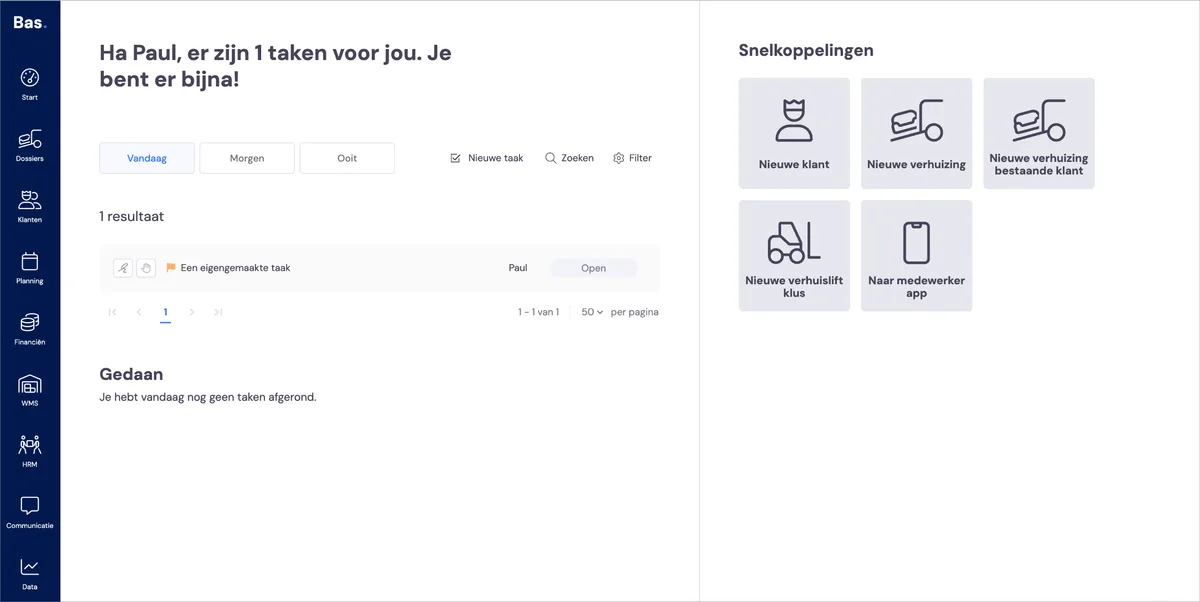
If you're going to carry out a removal for a new private customer, we recommend using the 'new removal' option. During one of the steps in creating the new removal, you'll be asked to add the new customer.
This is the quickest way to create a new removal along with the associated private customer.
Merging customers
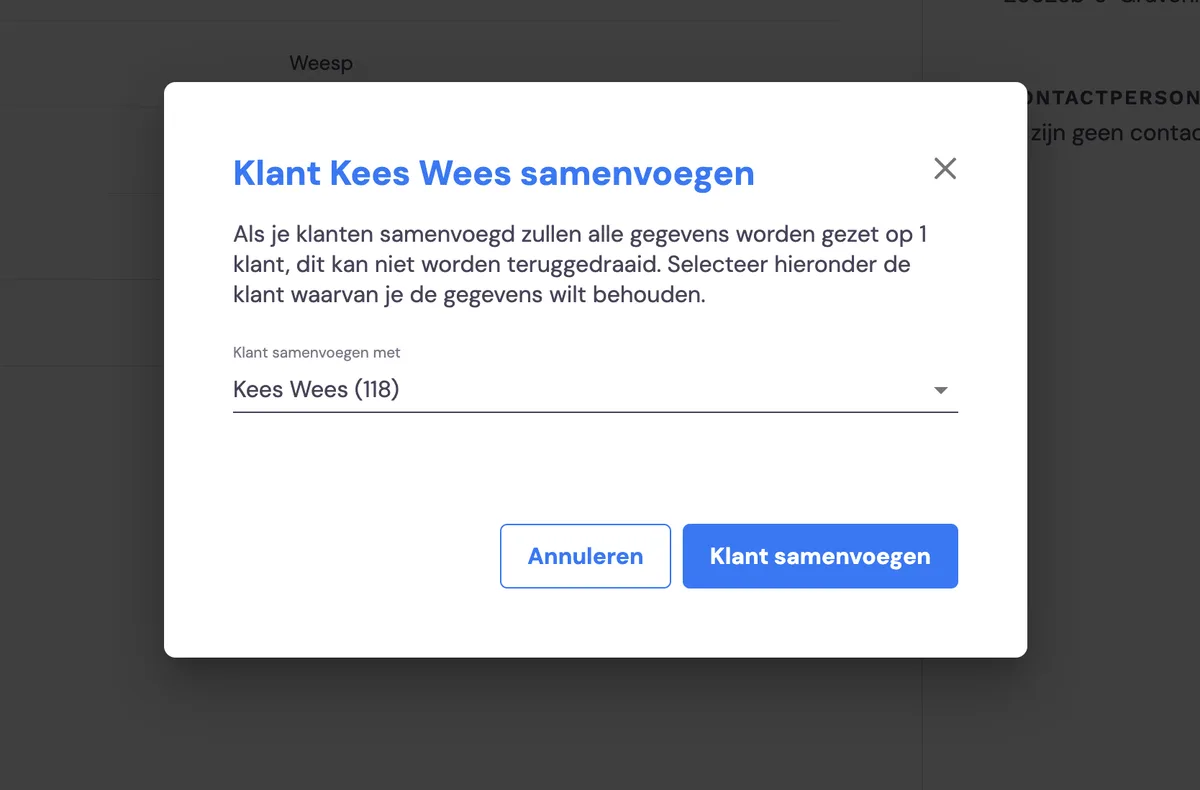
If you've accidentally created a company multiple times, you can merge the information for these companies. First select a customer you want to merge with another customer. Then use the 'Merge customer' button
This action cannot be undone!
Deleting customers
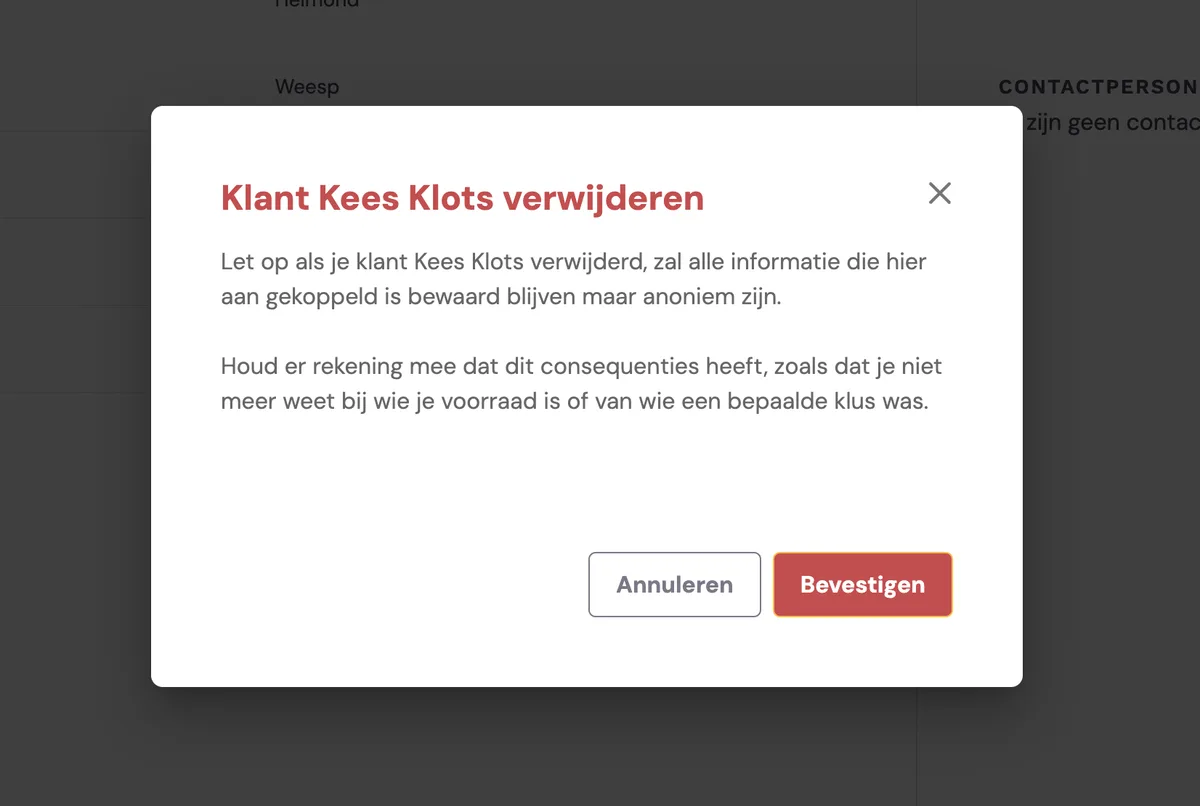
You can delete a customer. We recommend only doing this in exceptional cases. The data linked to the customer will be retained, but it will no longer be possible to trace which customer the information was linked to.