
To properly synchronise with your accounting software, it's important to create the correct revenue groups - you use the revenue groups to link them to your general ledger accounts in your accounting software. No revenue groups, no link!
Revenue groups
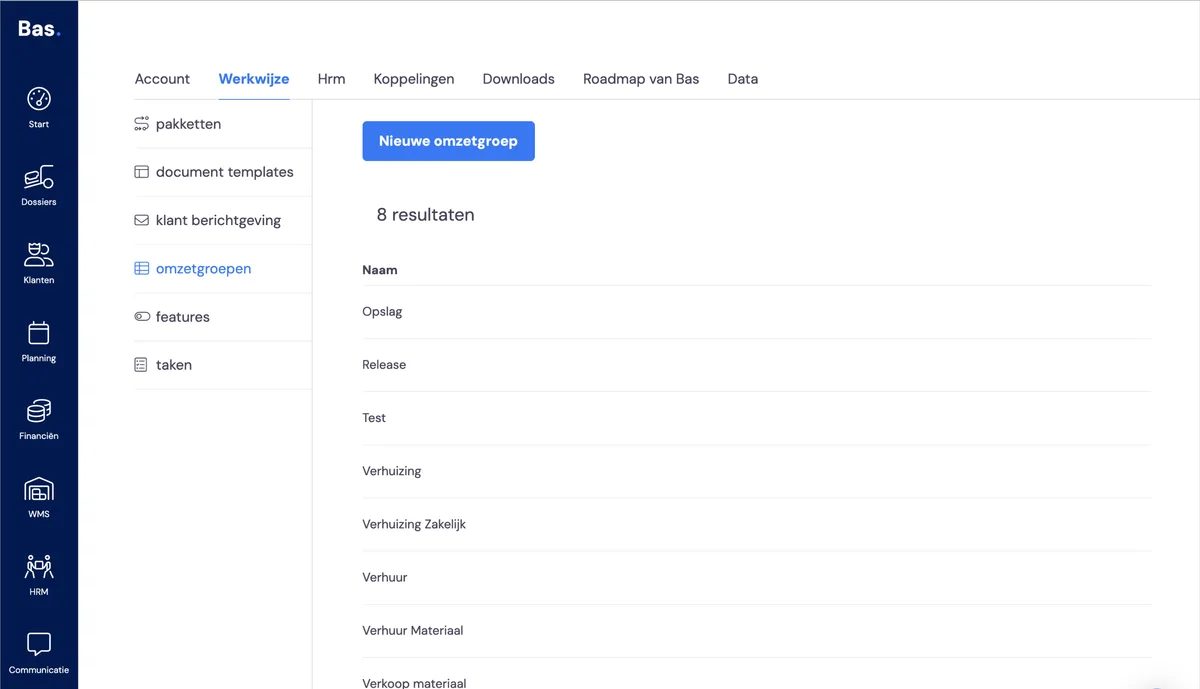
For an overview of your revenue groups, go to settings > working method > revenue groups. Here you'll find all the revenue groups you can use in your link with your accounting software.
Creating a new revenue group
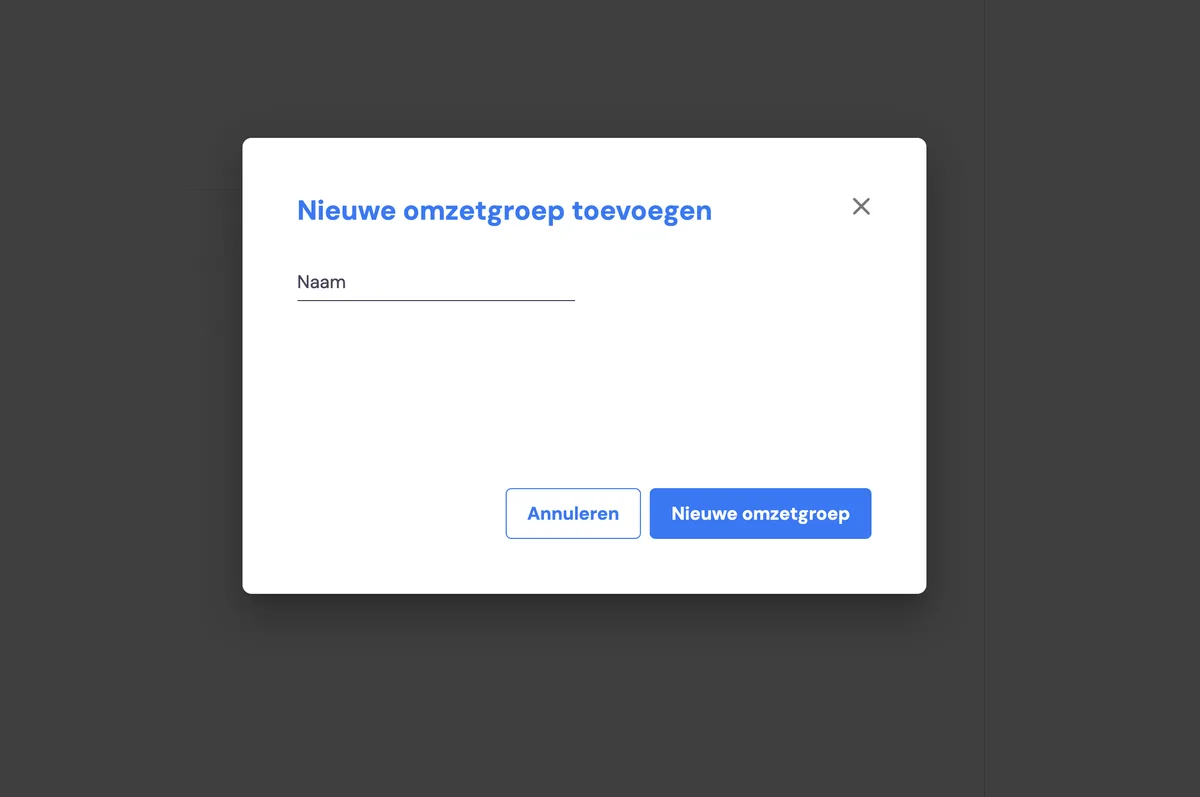
1. Click "New revenue group"
2. Enter your revenue group here.
3. Click "New revenue group" and you're done.
Adjusting a revenue group
You can adjust a revenue group by clicking on the name of the revenue group. You can then adjust the name on the right-hand side of the screen.
Deleting a revenue group
You cannot delete a revenue group yourself. You can request this via [email protected] or via the chat bubble.