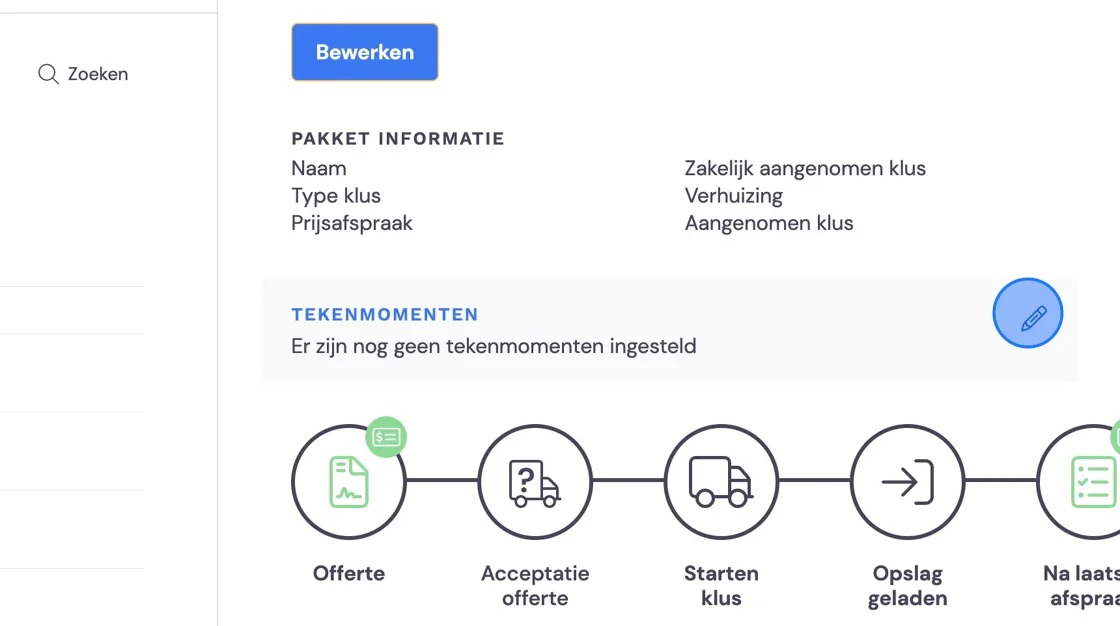
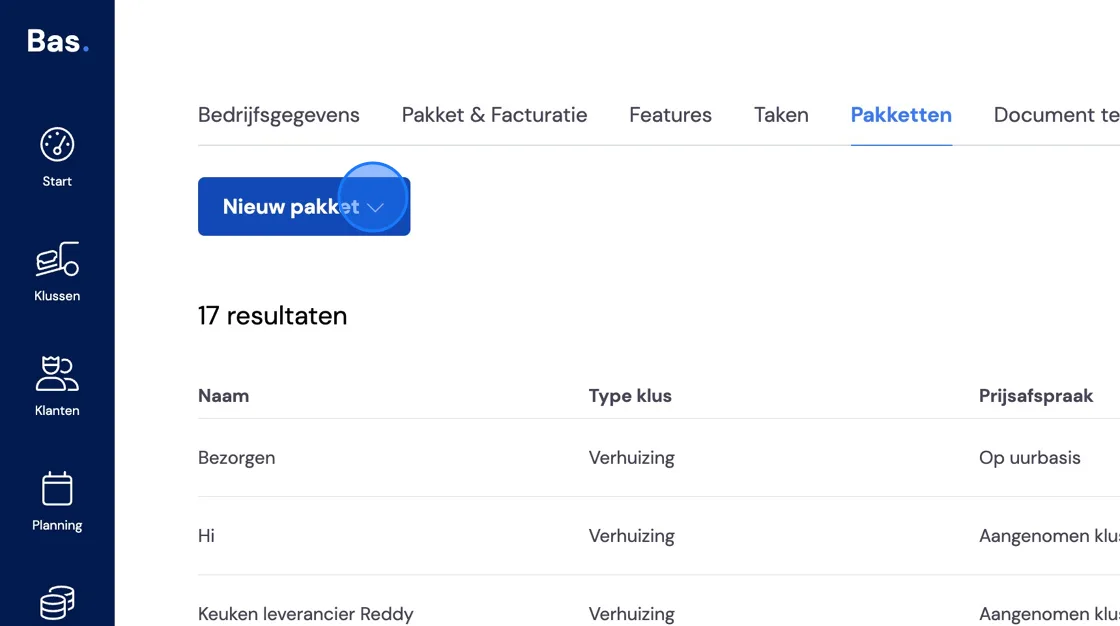
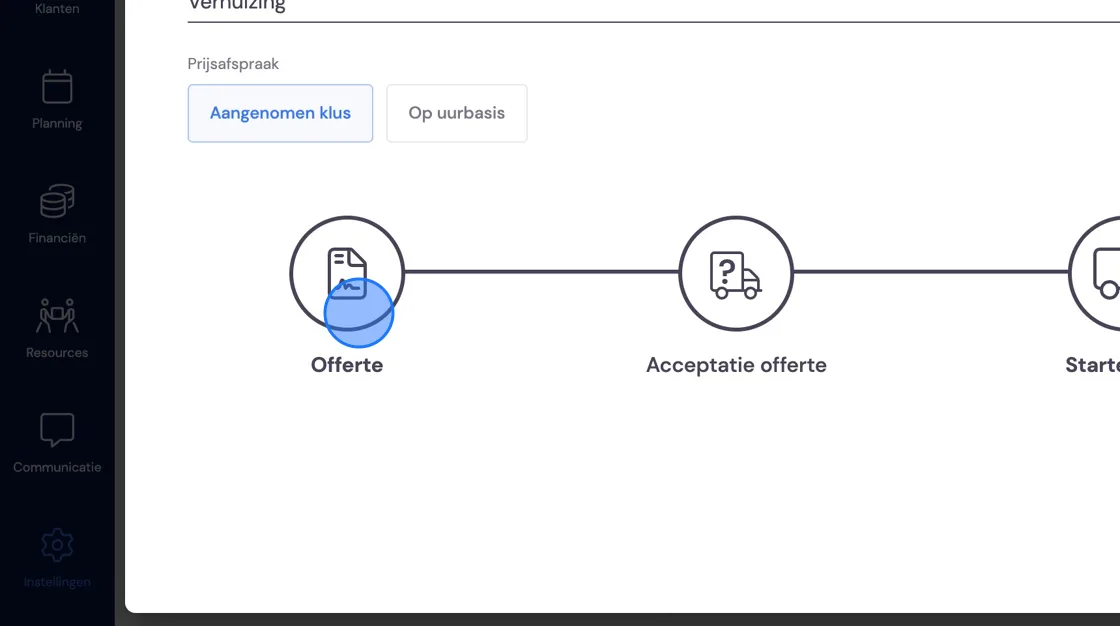
1. Setting up a business move at a pre-agreed price broadly works the same as a private move. In the "Settings" tab "Packages", go to "New package".
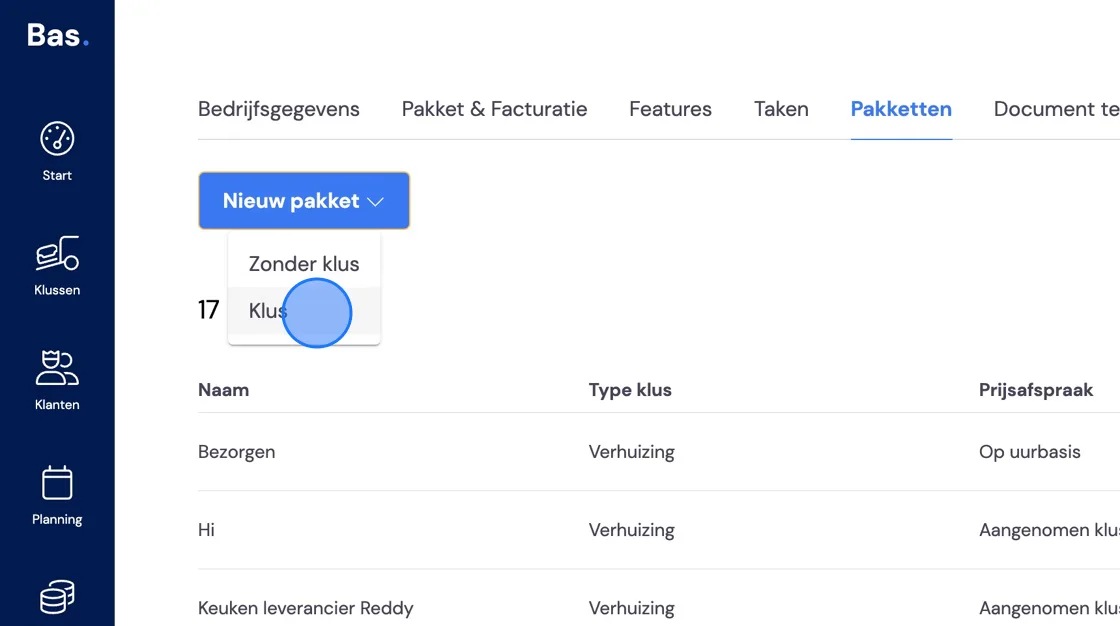
2. Choose "Job"
3. Click "Fixed-price job".
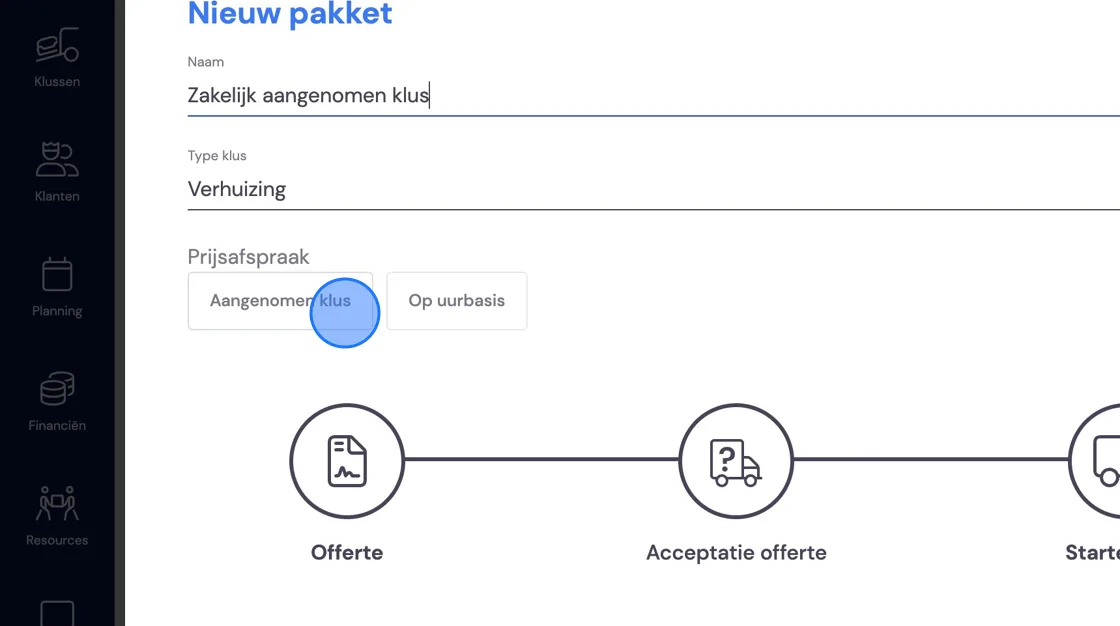
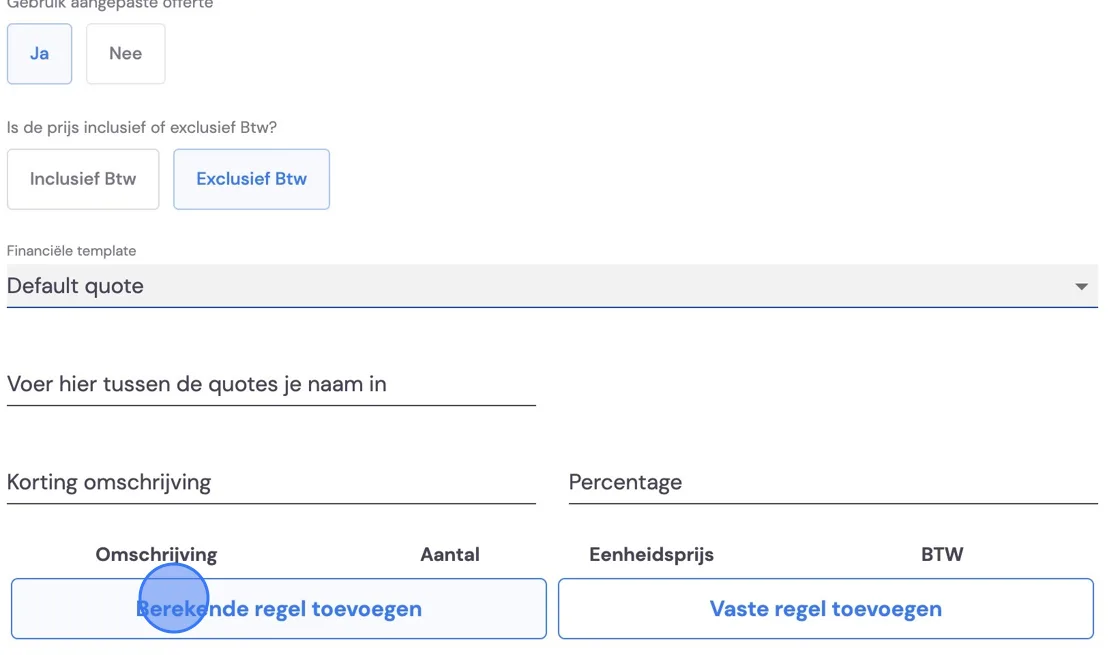
4. Set up the quote. You should have already created a template. If not, follow the instructions in the help menu: Creating or editing quote and invoice templates.
5. Once you're happy with the settings, we'll now add calculated lines. These provide a pre-calculation during the survey.
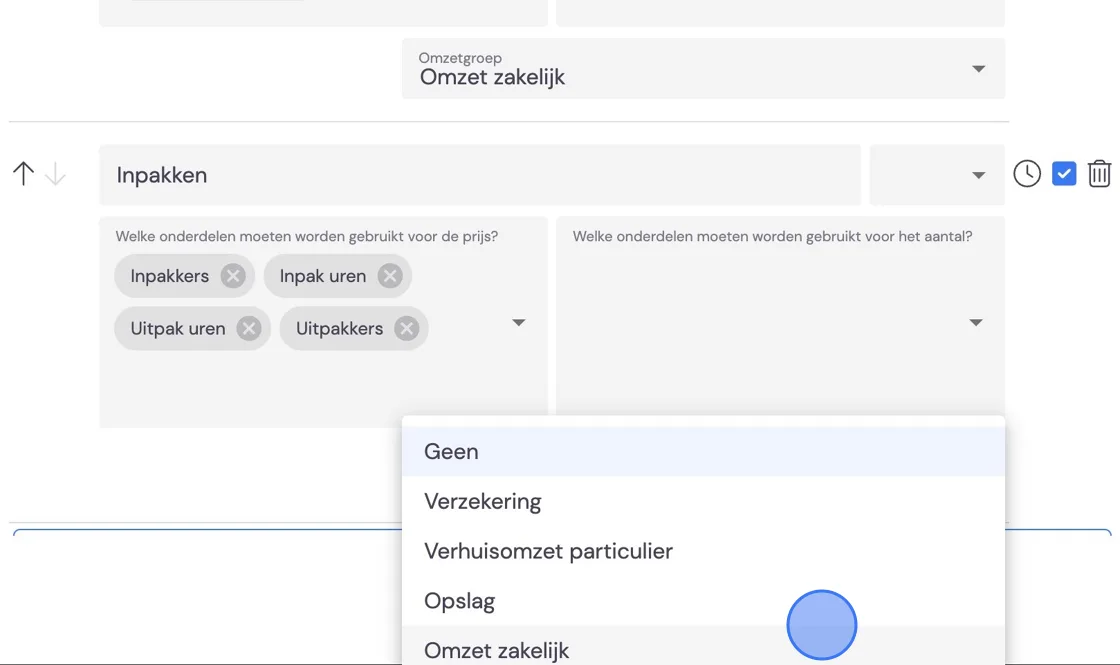
6. Don't forget to indicate VAT rates and revenue groups here, otherwise you can't continue. Just as with private moves, you can choose here to make certain sections optional. All of this can be adjusted during the survey or later in the draft quote.
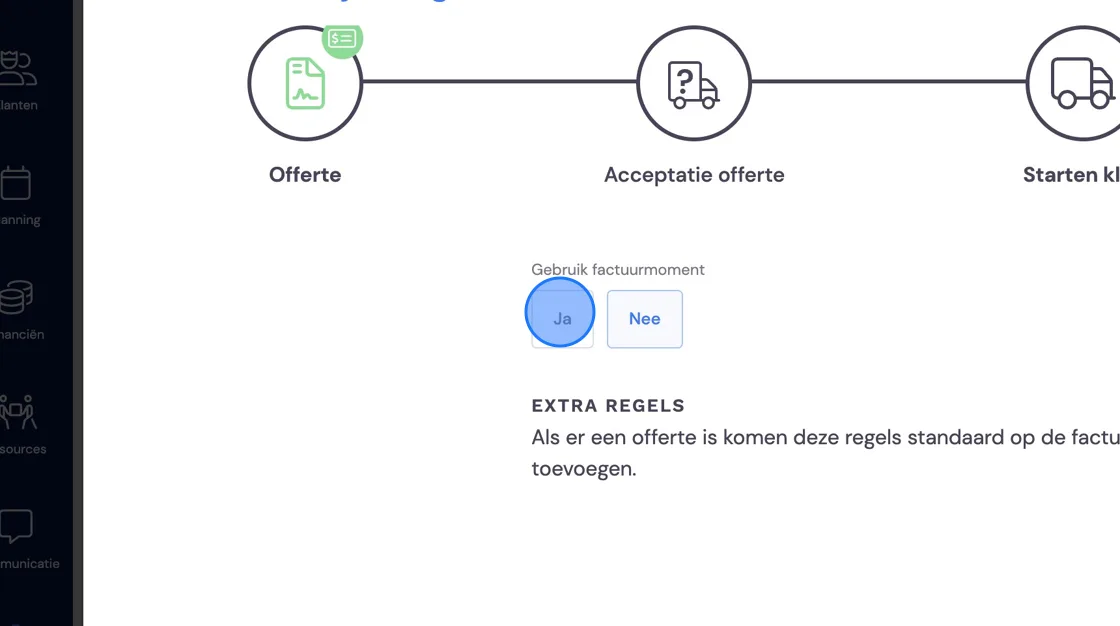
7. Set the invoice moment. For business this is usually afterwards.
8. Again, everything you set up for costs at the quote stage comes up here automatically, and you don't need to fill it in. If you fill something in here, it's added on top of the lines already created at the quote.
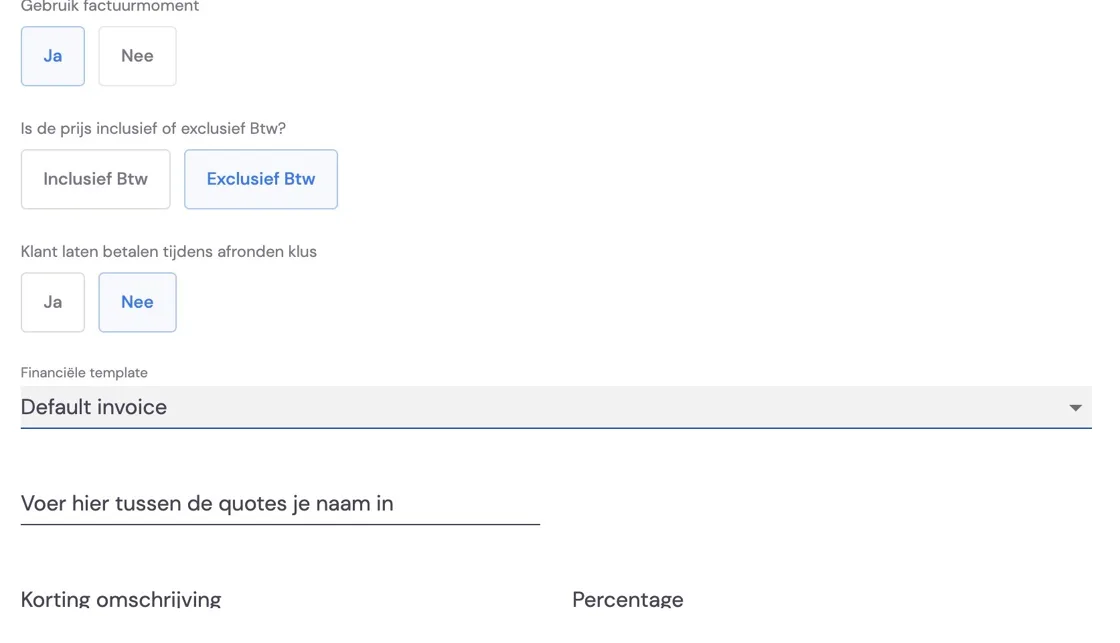
9. Choose the invoice template. Any commission owed to third parties can be set under discount description. For example fee 5%. Save the package and don't forget the last step.
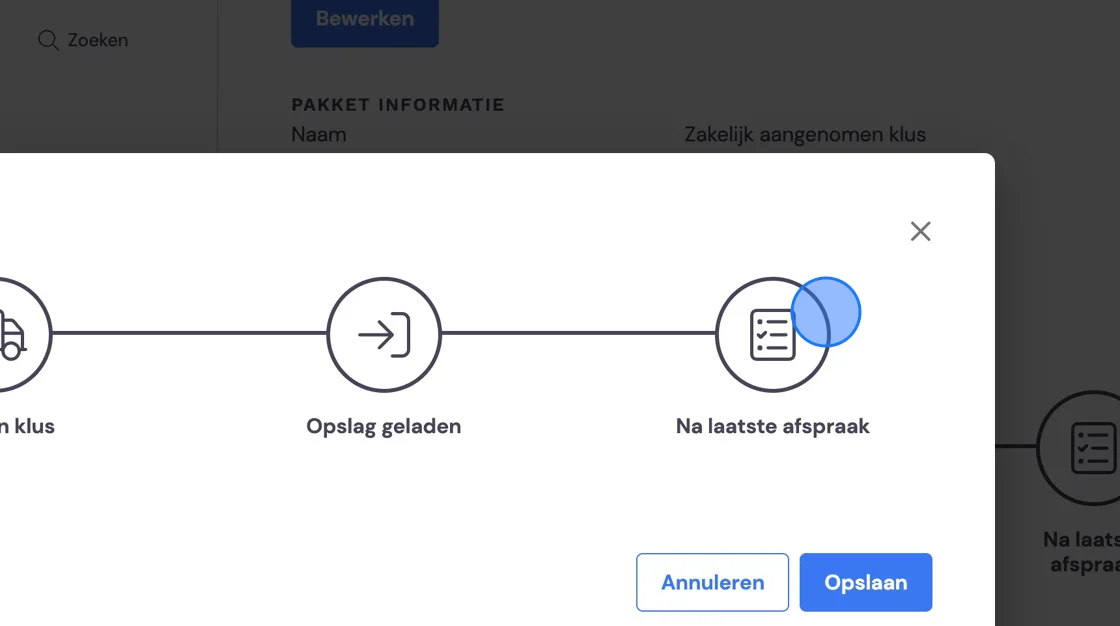
13. Set when you want the removal crew to ask for a signature and whether this is mandatory. Thank you for your attention.