Emptying storage
Suppose you're going to empty a storage unit, but for your records it's a good idea to keep the necessary customer details about this storage. In the following steps, we explain how best to do this. Look up the storage in question via WMS -> Storage.
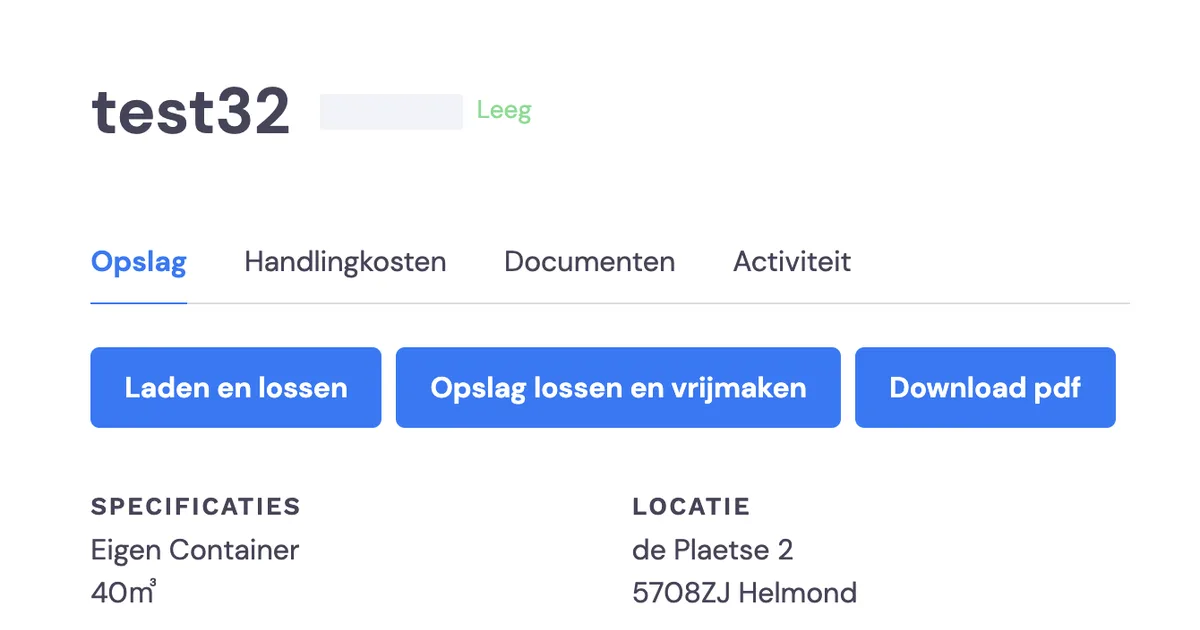
Download the PDF before unloading the storage unit!
Before you start unloading, it's important that you download the PDF with all the details about this storage unit. Once you unload the storage, you will lose all this information!
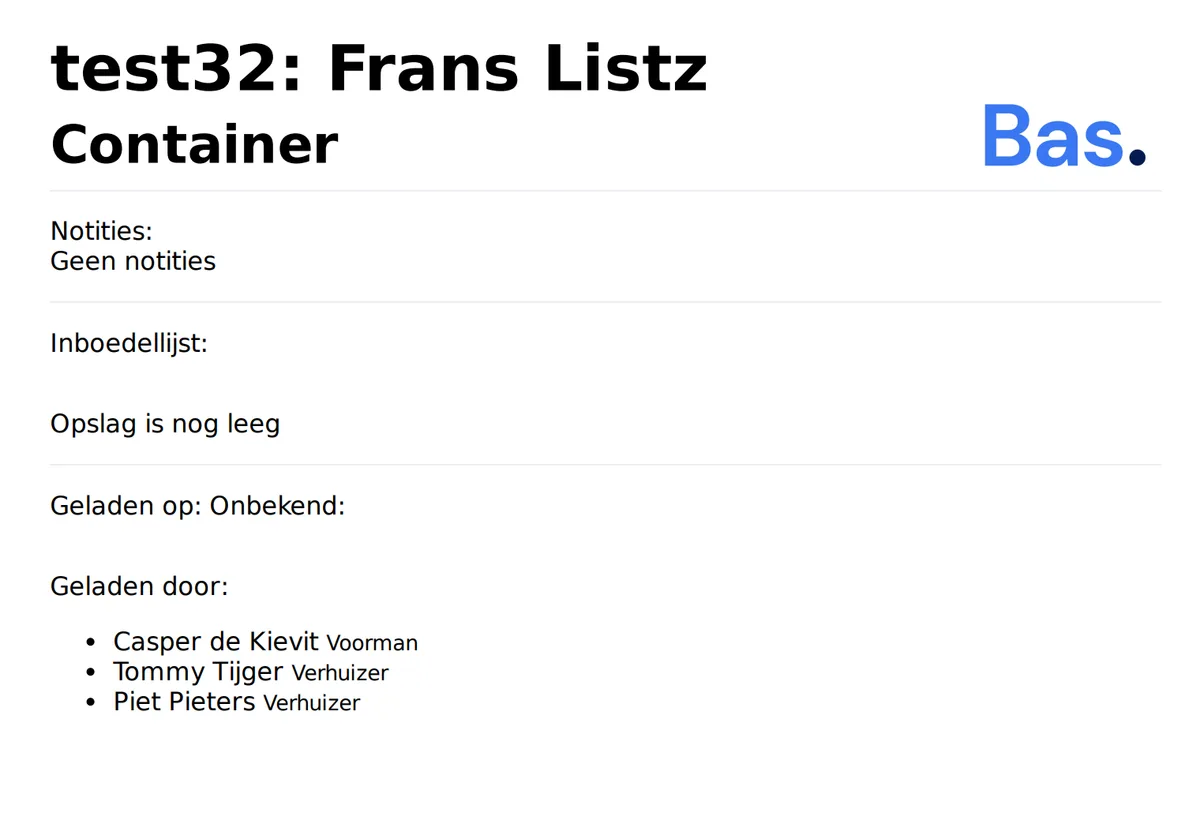
Upload and link history to the storage unit
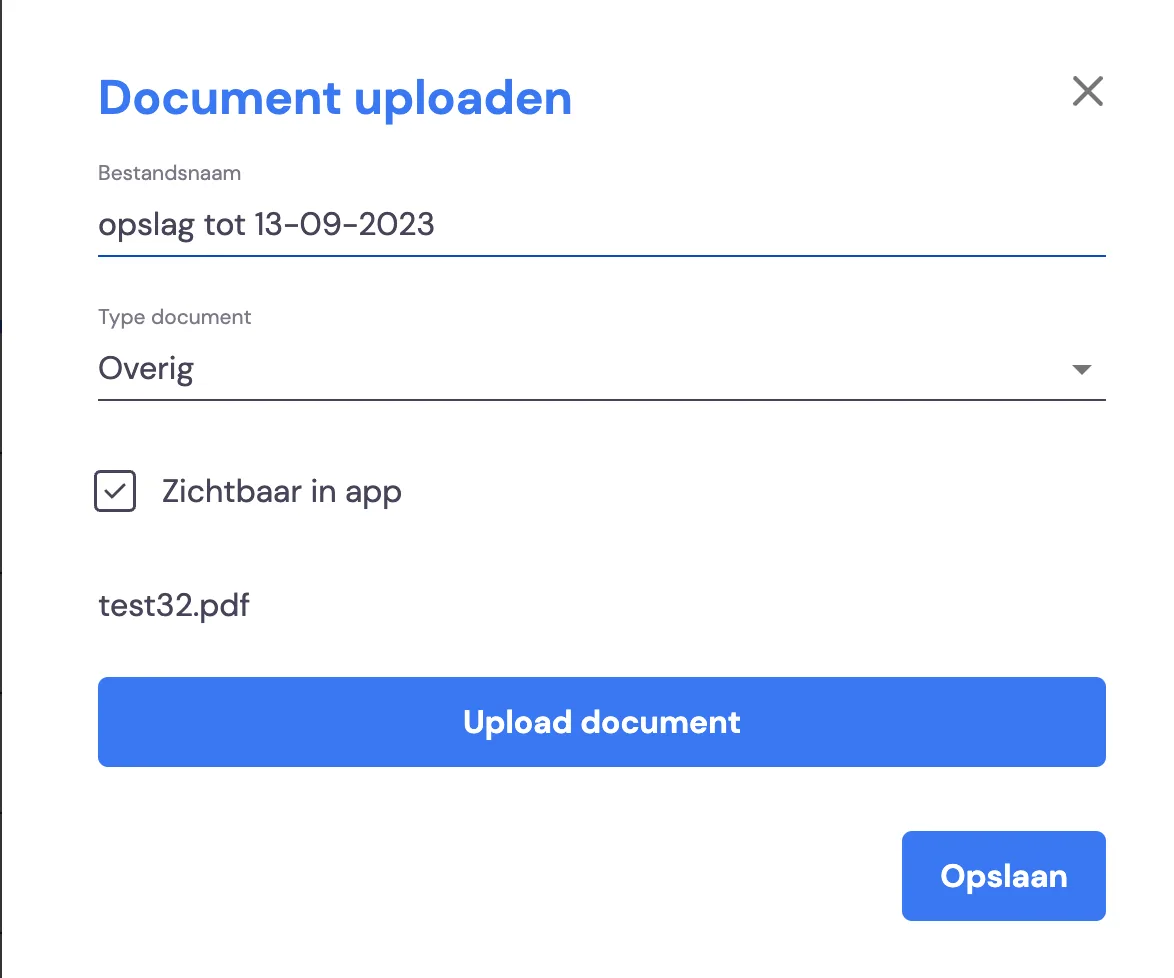
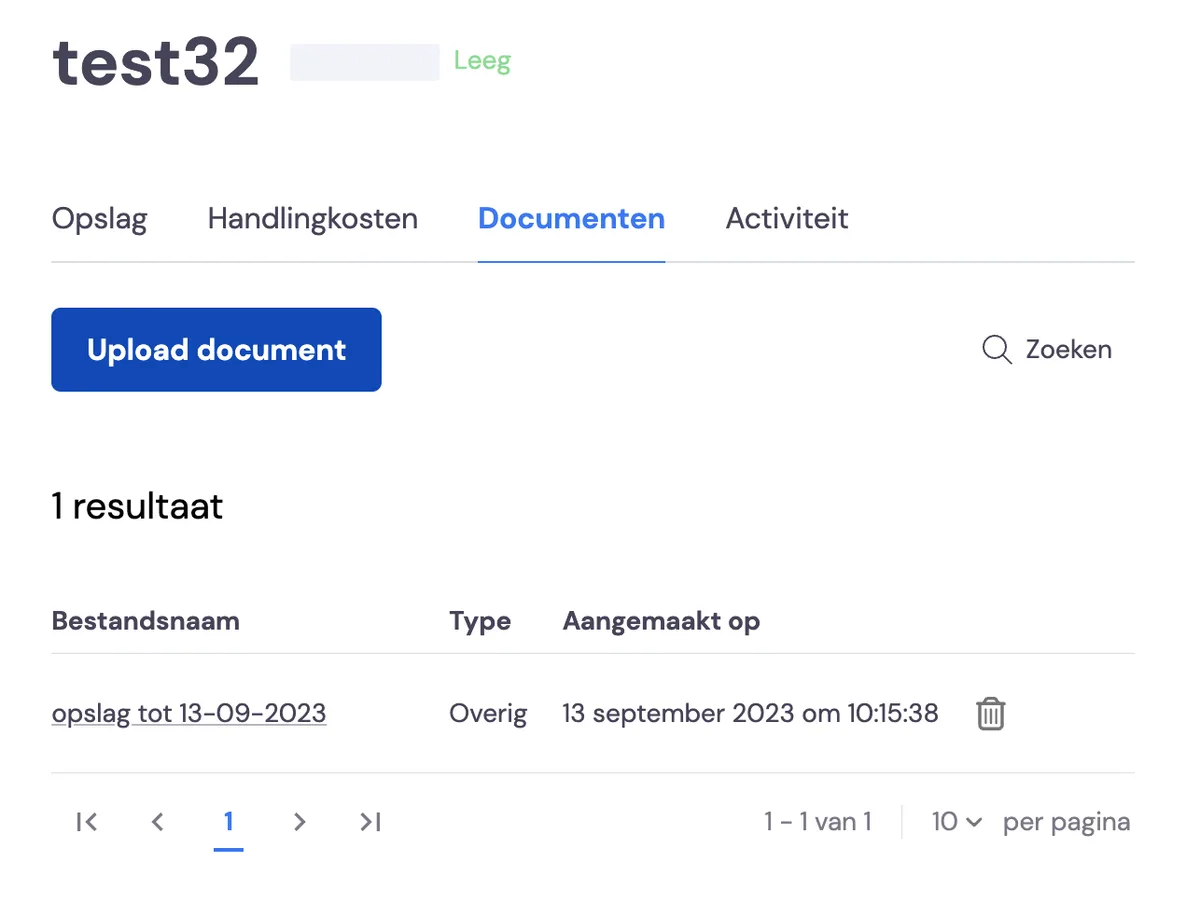
If you now want this information to stay with the storage unit, you can add this PDF as a document to this storage. You do this under Documents.
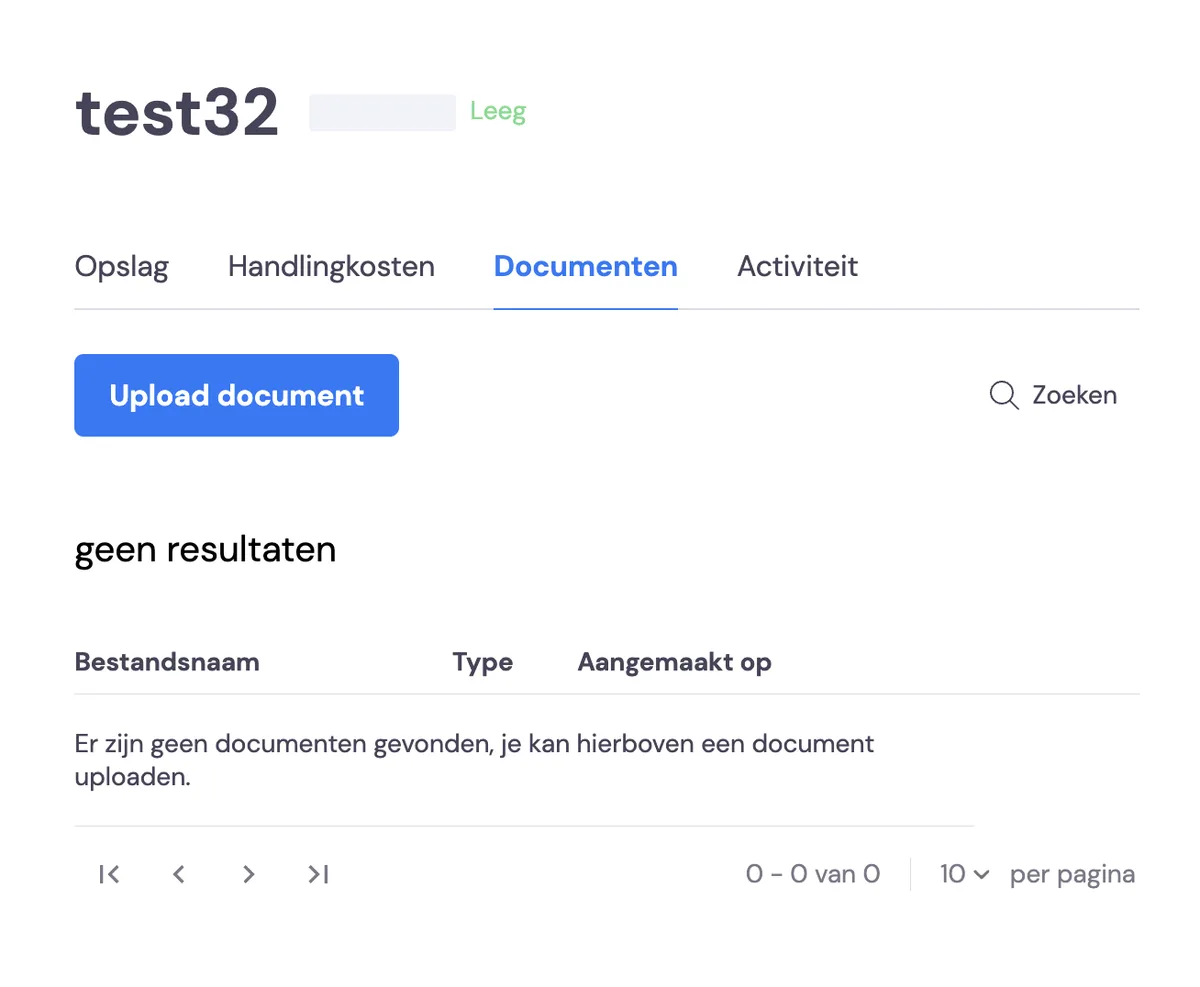
Document visible to staff
Below, you can also choose whether the removal crew can or cannot see the old storage documents the next time they use this storage unit.