
With the new Nmbrs integration, you can import employees from Nmbrs. This way your employee records are always up to date and you don't have to enter data twice. That saves time and leads to fewer errors!
Setting up the integration
You'll find the integration under settings > integrations. At the moment, you can't activate the integration yourself yet; we do this on request.
When requesting it, you also indicate the start date of the integration; employees who left employment before the start date will then not be imported.
Adding a new employee
If you want to add an employee, do this in Nmbrs first, wait until they are available in Bas and add the required details there.
Employees are synchronised once an hour. When a new employee has been imported, they will automatically appear in the integration under 'needs attention'.
Data taken over from Nmbrs
The data taken over from Nmbrs is:
employee number
name and address details
contact details
date of birth
employment (start and end dates)
probation period
contracts (all contracts are taken over)
work schedule
salary details
Data you still need to add
In Bas, you still add:
skills
driving licence
Imported employee data cannot be edited in Bas.
The data taken over from Nmbrs can no longer be edited in Bas. You can of course always edit this data in Nmbrs, and the changes will then be processed automatically in Bas.
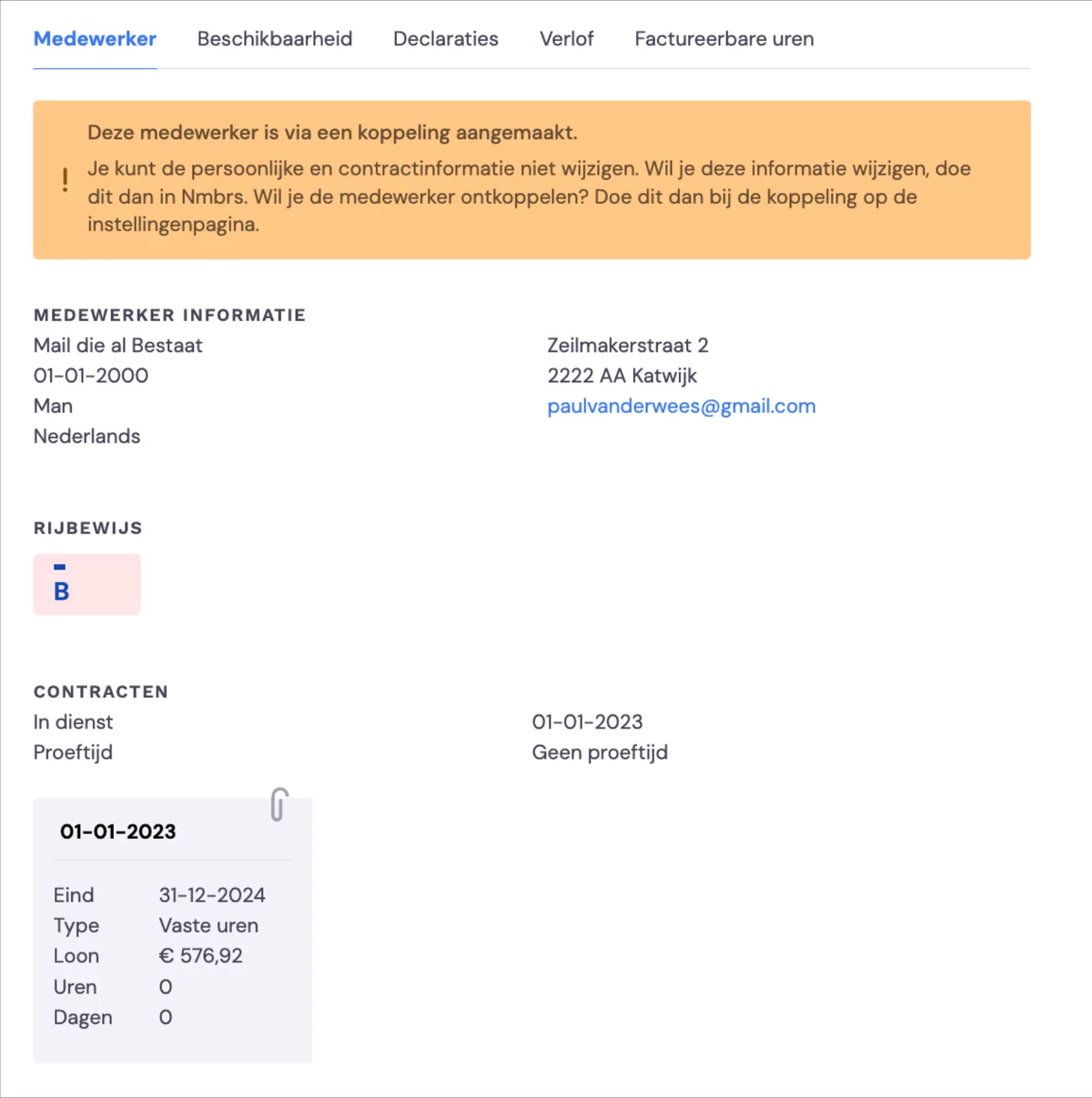
Employees who are (not) imported via the integration
Not all employees registered in Nmbrs are imported via the integration.
in Nmbrs, applicants are also registered as employees; these are not loaded into Bas
employees with an employment end date before the start date of the integration
employees with an email address that has already been imported
Creating a new employee or linking to an existing employee
Under 'needs attention', you'll find two options for new employees. The first option is creating a new employee. With this option, a new employee is created and also invited straight away, as is usual for a new employee. The second option is linking an imported employee to an existing employee. After linking, the data from Nmbrs is linked to the employee.
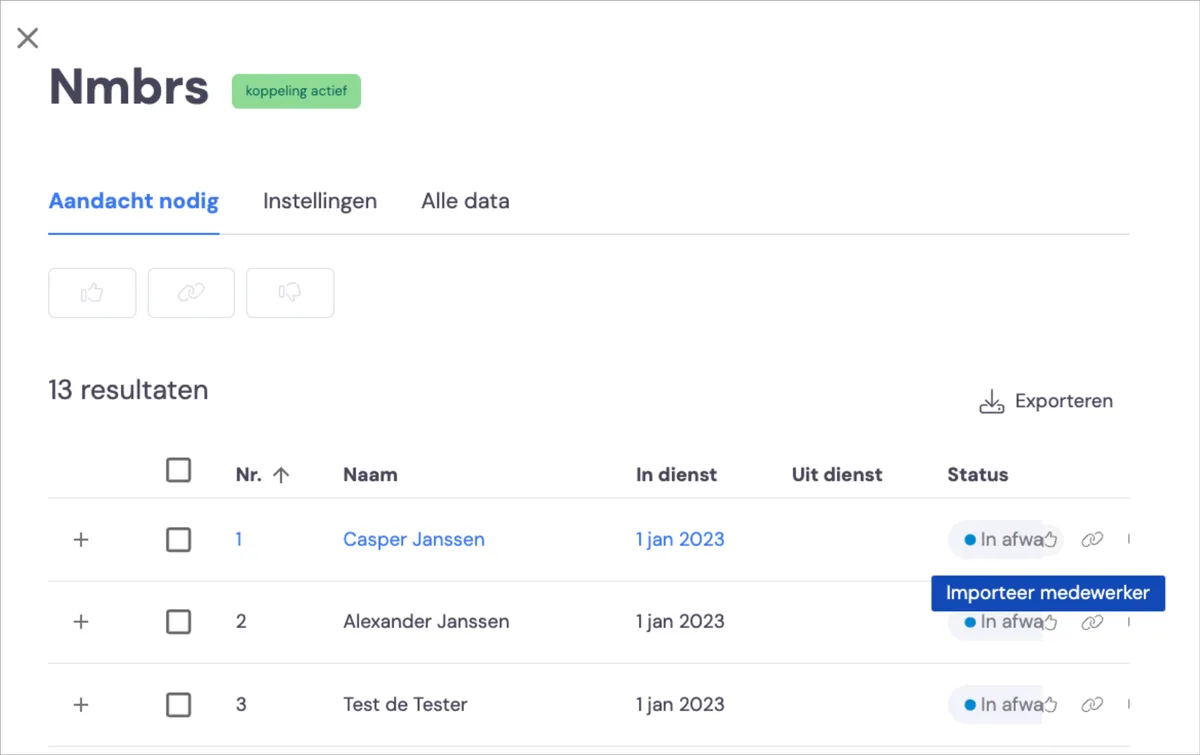
Import employee: creates a new employee.
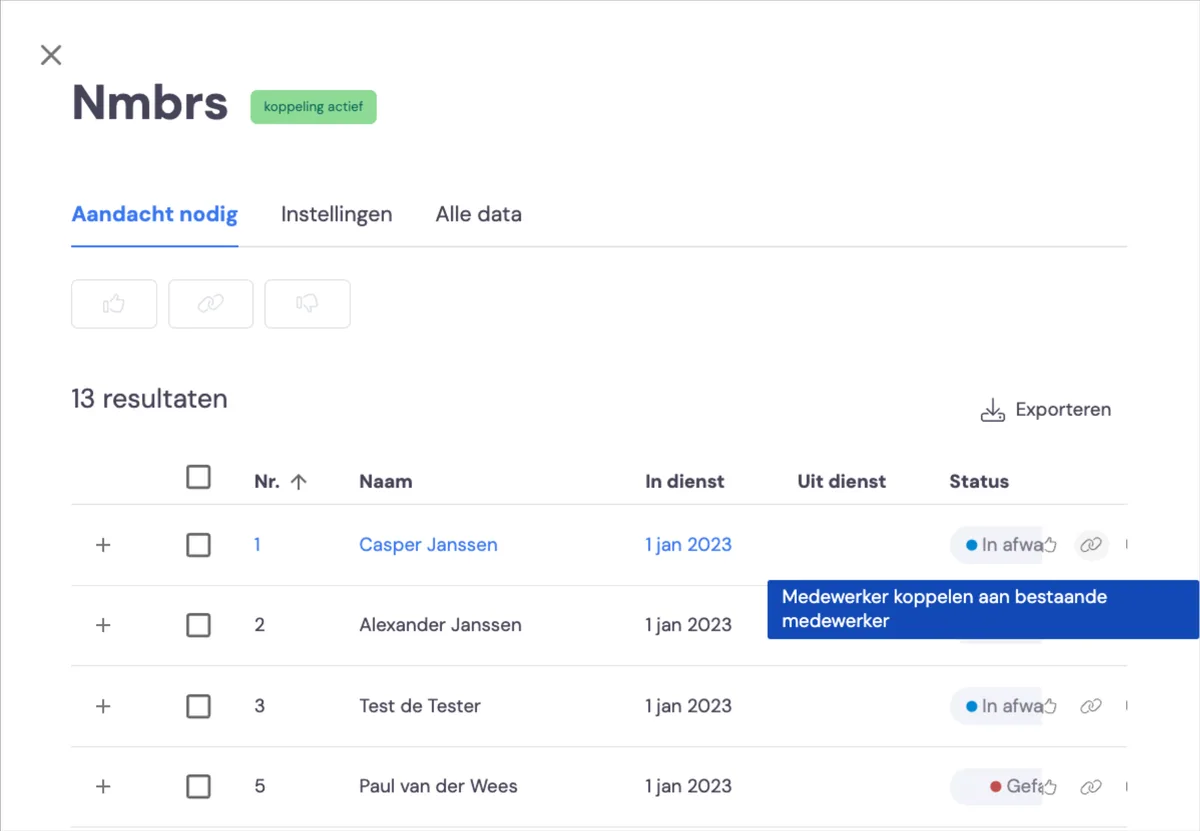
Link employee to existing employee: takes over the data from Nmbrs for the existing employee.
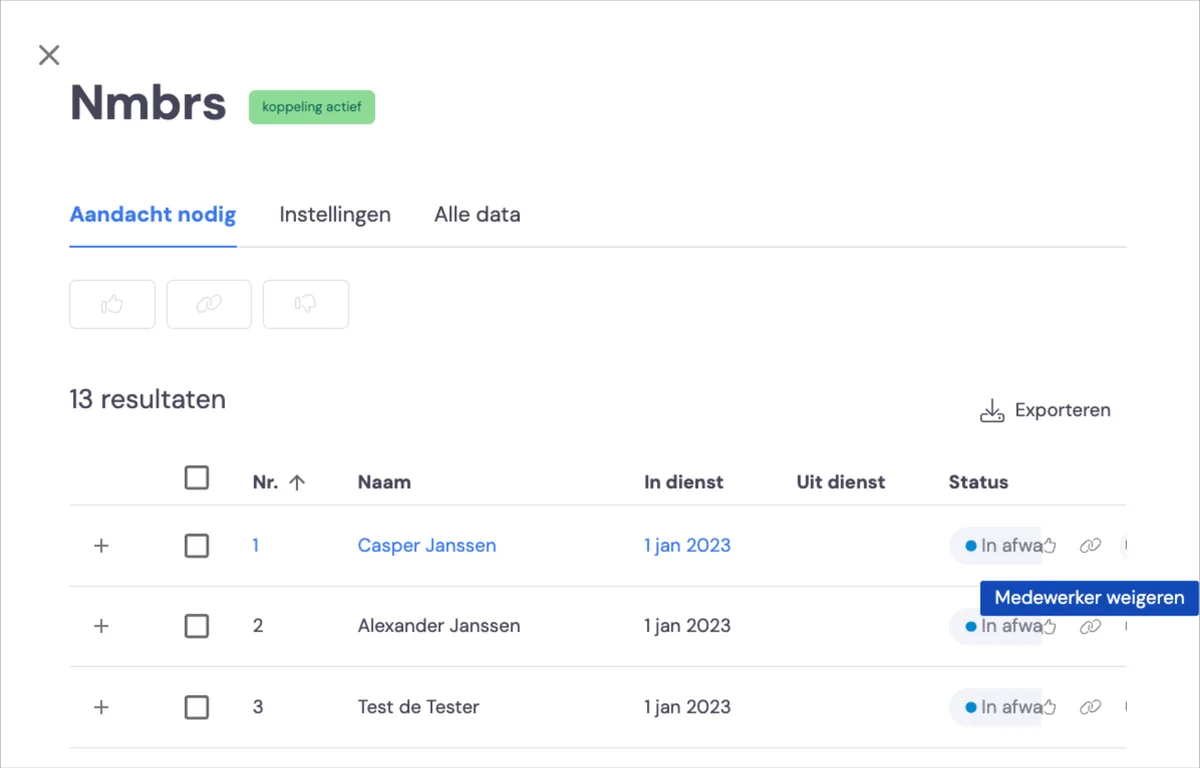
Reject employee: this employee is not added to Bas.
Synchronisation failed
If an employee cannot be imported, a task is created for this too, and you can find more information under 'needs attention'.

One cause may be that not all data has been entered in Nmbrs. For example, the email address must be unique; you'll see the error message when you move your mouse over the status.
