
Features relating to jobs

Under features > jobs, you can adjust a number of settings if this better suits your work process. Check the settings and adjust them if necessary.
Start by scheduling an intake for a new job
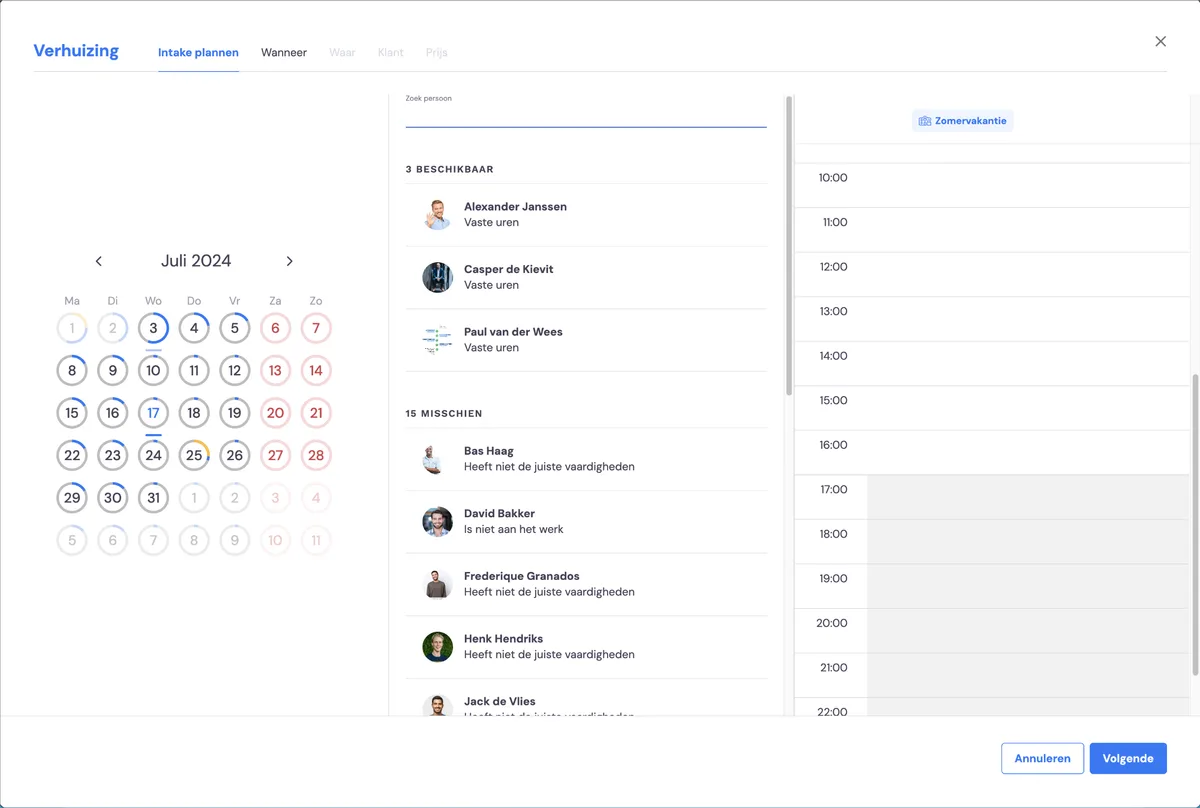
If your jobs don't start with an intake (survey) by default, you can adjust this in the flow when creating a new job by switching off this option.
Description always as the first tab
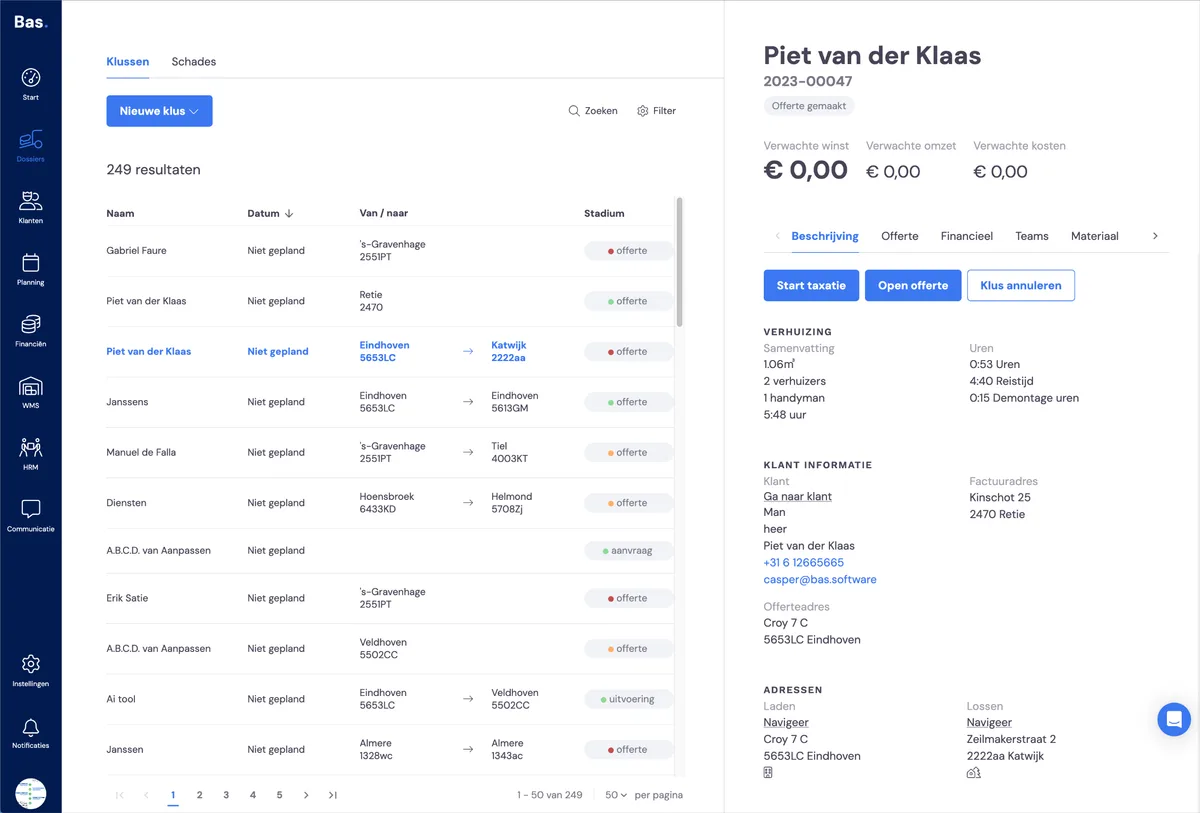
If you want to see the description as the first tab in the jobs overview, you can activate this option.
No boxes delivered by default
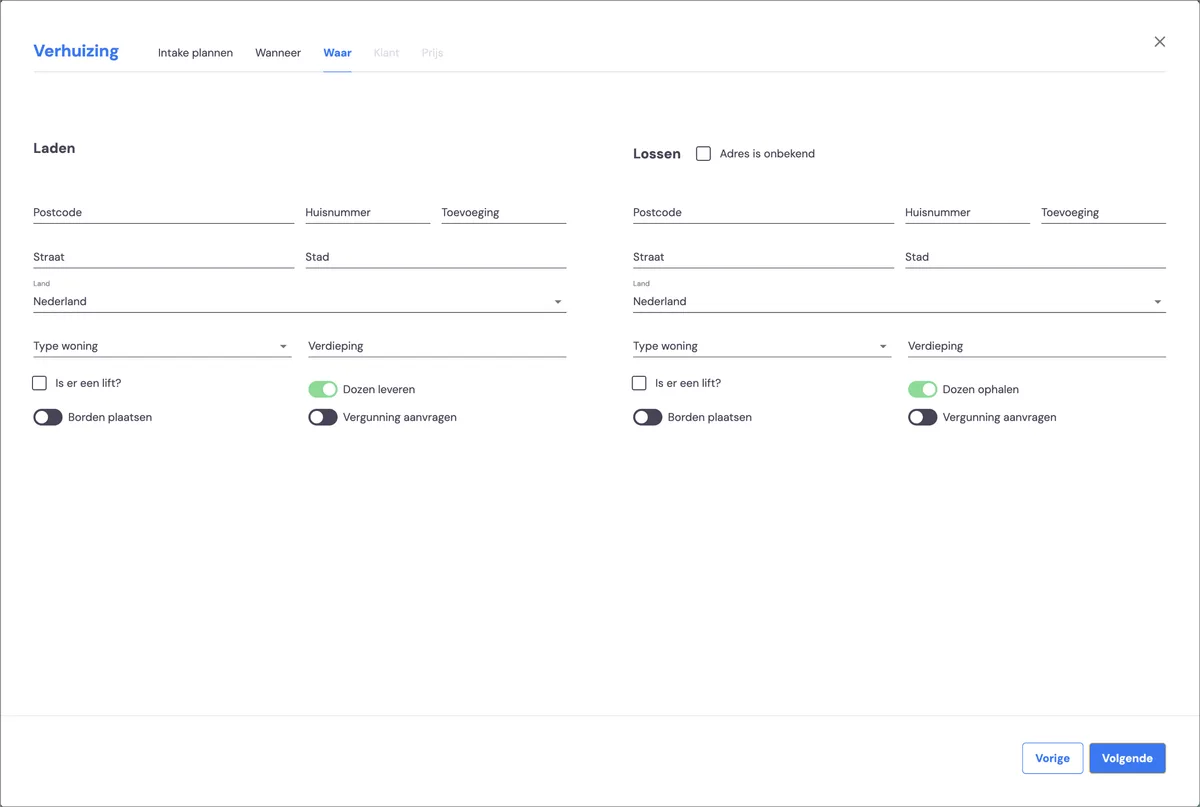
If you don't deliver boxes by default with a job, you can activate this option.
Next step
The next step is setting the timing of tasks >