
Via features, you can adjust the layout of quotes and the calculation of the costs included in the quote based on the survey that has been carried out.
When you start with Bas, the standard values for layout and rates have already been entered; you only need to check them and correct them if necessary.
Layout
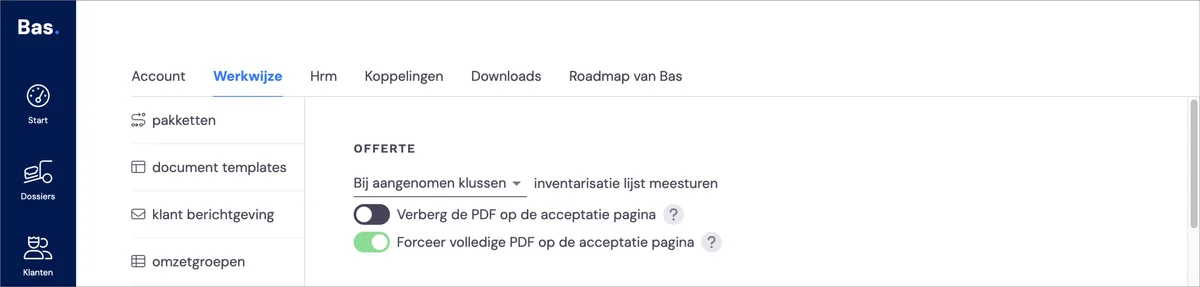
Inventory list: if you want to include this with the quote, you can indicate here for which type of jobs you want this.
Rates
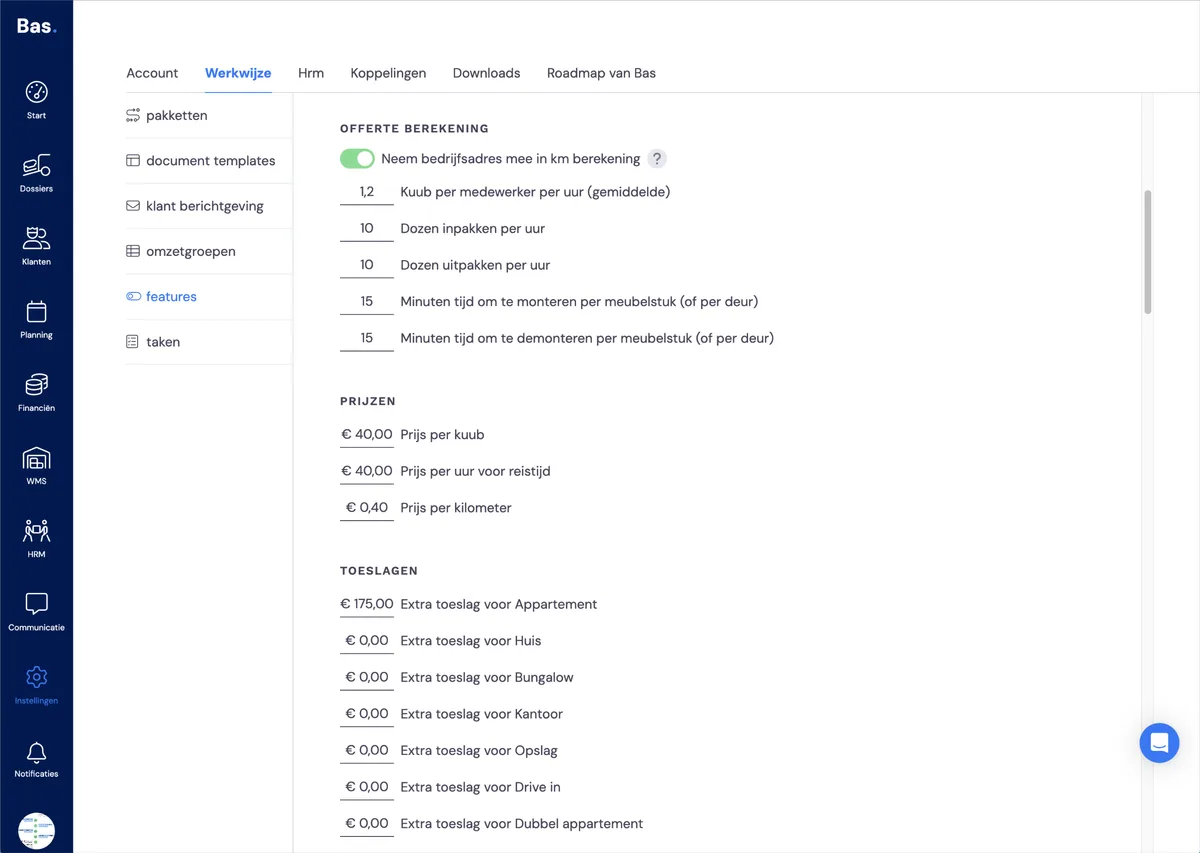
Check here whether the data used to calculate the costs on the quote matches the values you expect.
Quote calculation: productivity
In the quote calculation, you enter the productivity of your employees.
How many cubic metres does an employee move on average per hour, how many boxes are packed per hour, etc. If a survey has been carried out, the expected working time based on this data is shown in the description of the job.Prices: per cubic metre, per kilometre, per hour of travel time
The survey determines the number of cubic metres, the number of travel hours, and the number of kilometres. The rate for moving a cubic metre, travel time and kilometres determine the costs included in the quote.
Surcharges: per building type
In the survey, you indicate which type of building you are moving from and to. Here you can add a surcharge to the costs based on the building types.
Services
For services you provide, you can enter the rates here.
Next step
In the next step, you check the settings for the features related to invoicing >