
Employee roles give access to certain features in Bas. This feature is currently under development, and roles are added regularly.
Viewing roles
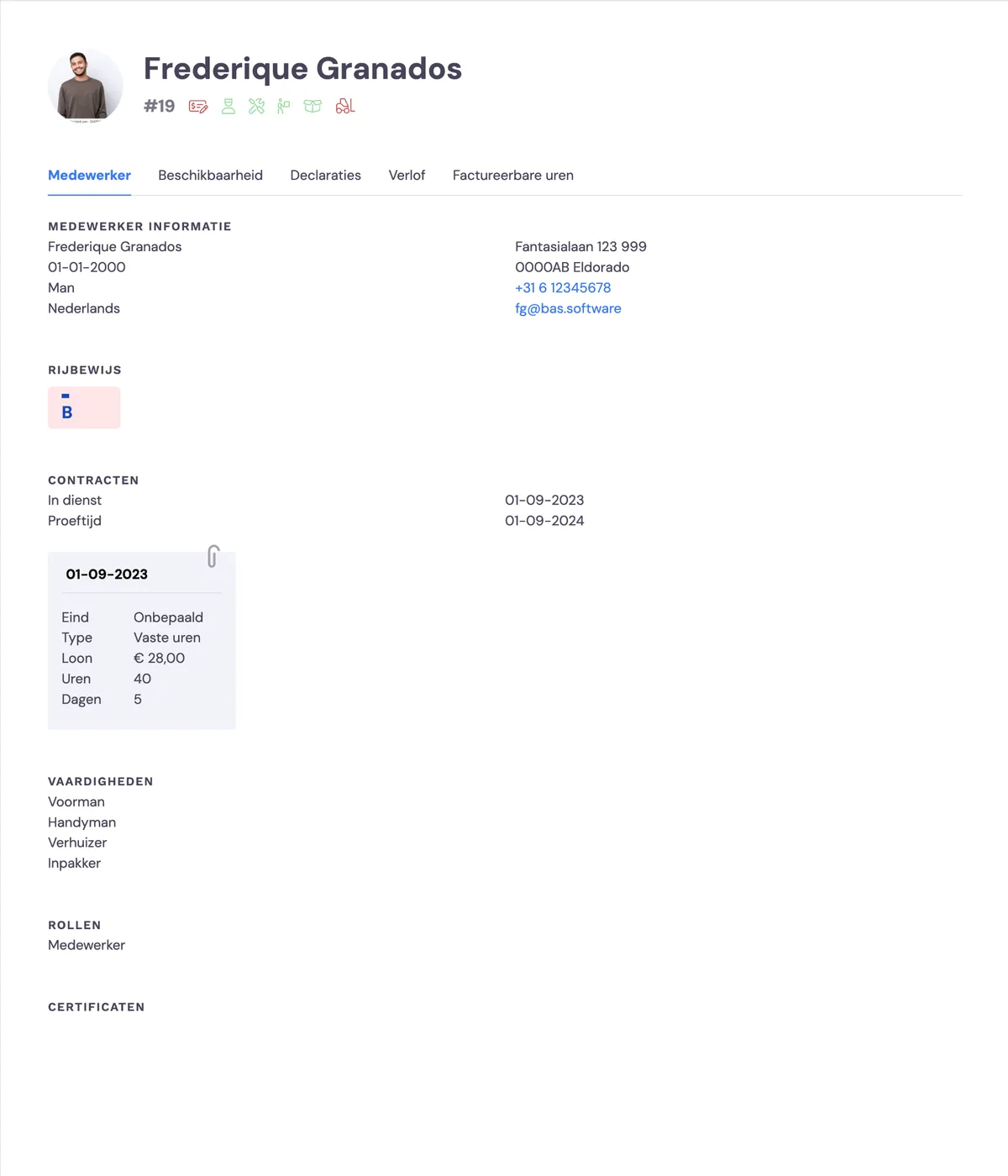
You can view an employee's role via HRM > Employees. Click on an employee and you'll see the roles activated for this employee under the heading 'Roles'.
Managing an employee's role
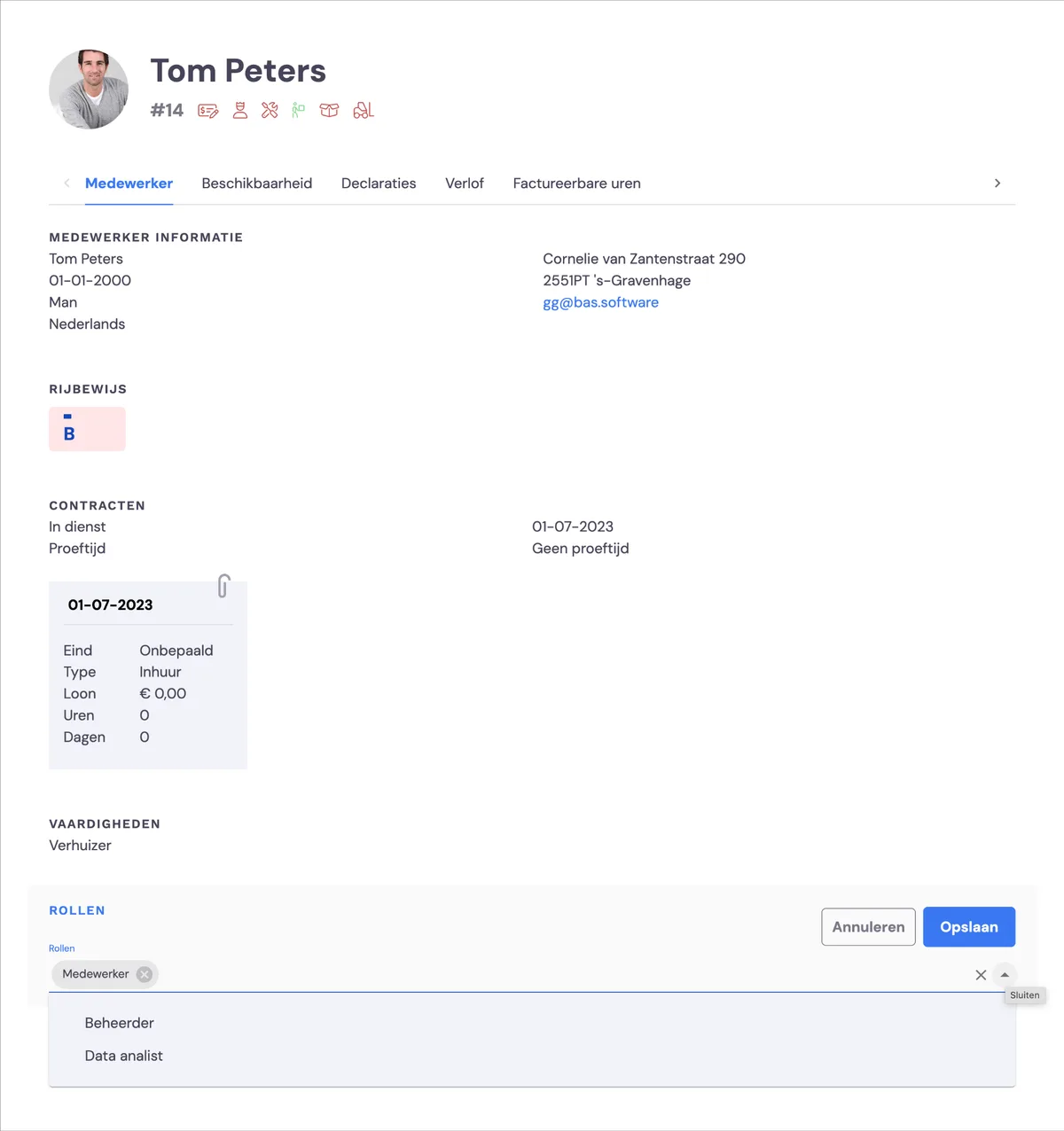
You can view an employee's role via HRM > Employees. Click on an employee and you'll see the roles activated for this employee under the heading 'Roles'.
Roles
An employee's role gives access to certain features.
employee
the default role for every employee, does not give access to specific features
administrator
can assign roles to employees and has access to all features
HR manager
has access to the new CLA feature
data analyst
has access to the data dashboard