
Are you or your employee seeing the screen below?
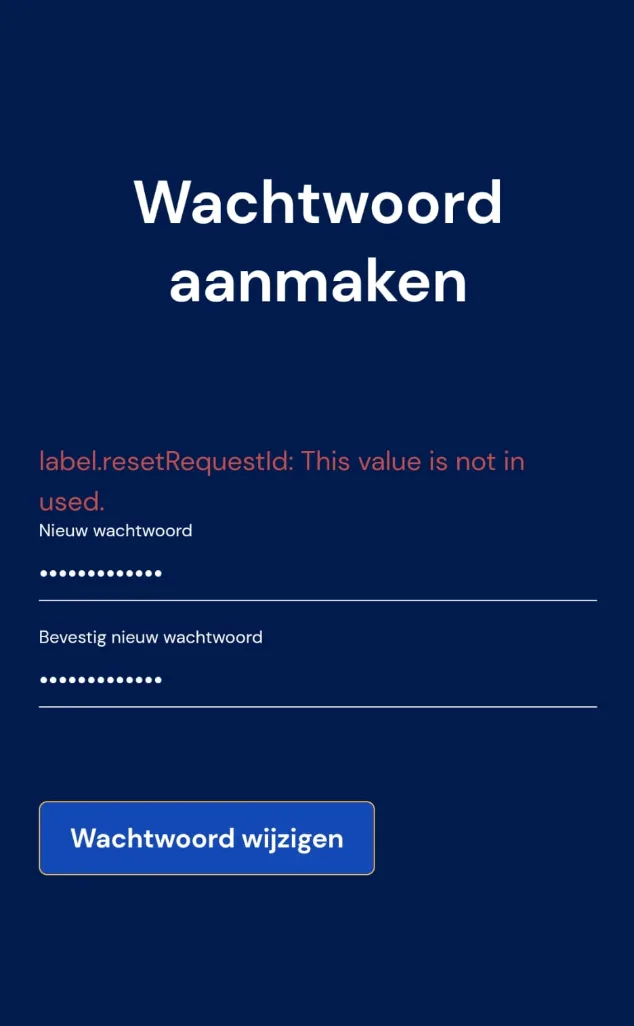
Then there's a good chance you haven't created a password within 24 hours of your account being created. In other words, as soon as you create an employee in Bas, that employee has 24 hours to log in. After that, you'll need to follow the steps below. Go back to the app's home screen. (If that doesn't work, you can also do this on a computer using any web browser.)
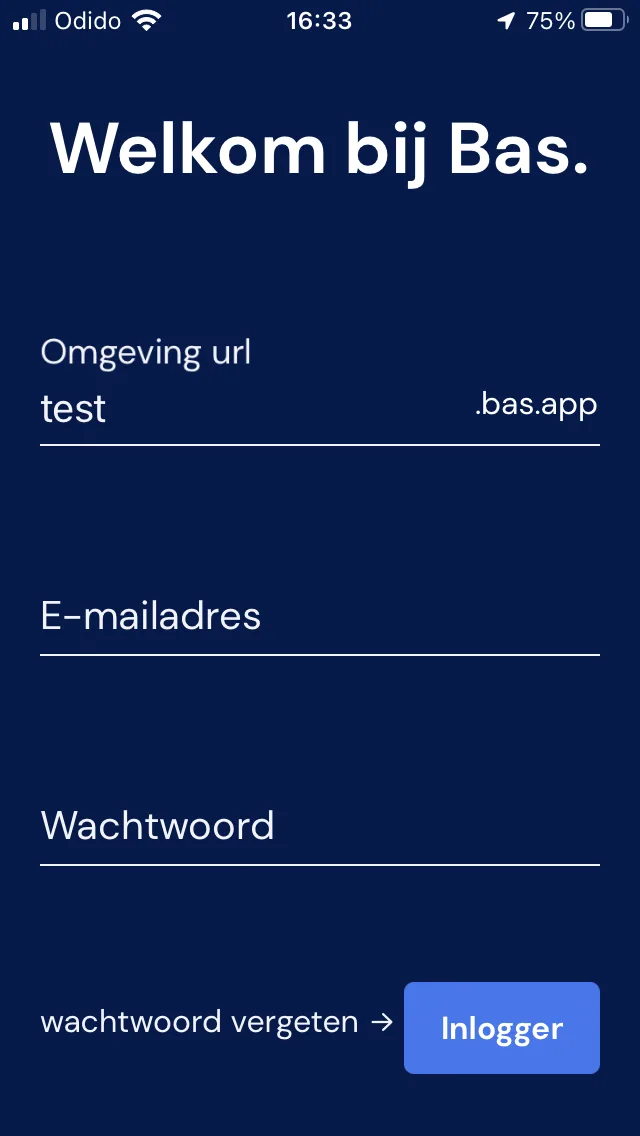
Enter your company's URL here. Then click 'Forgot password' and follow all the steps.
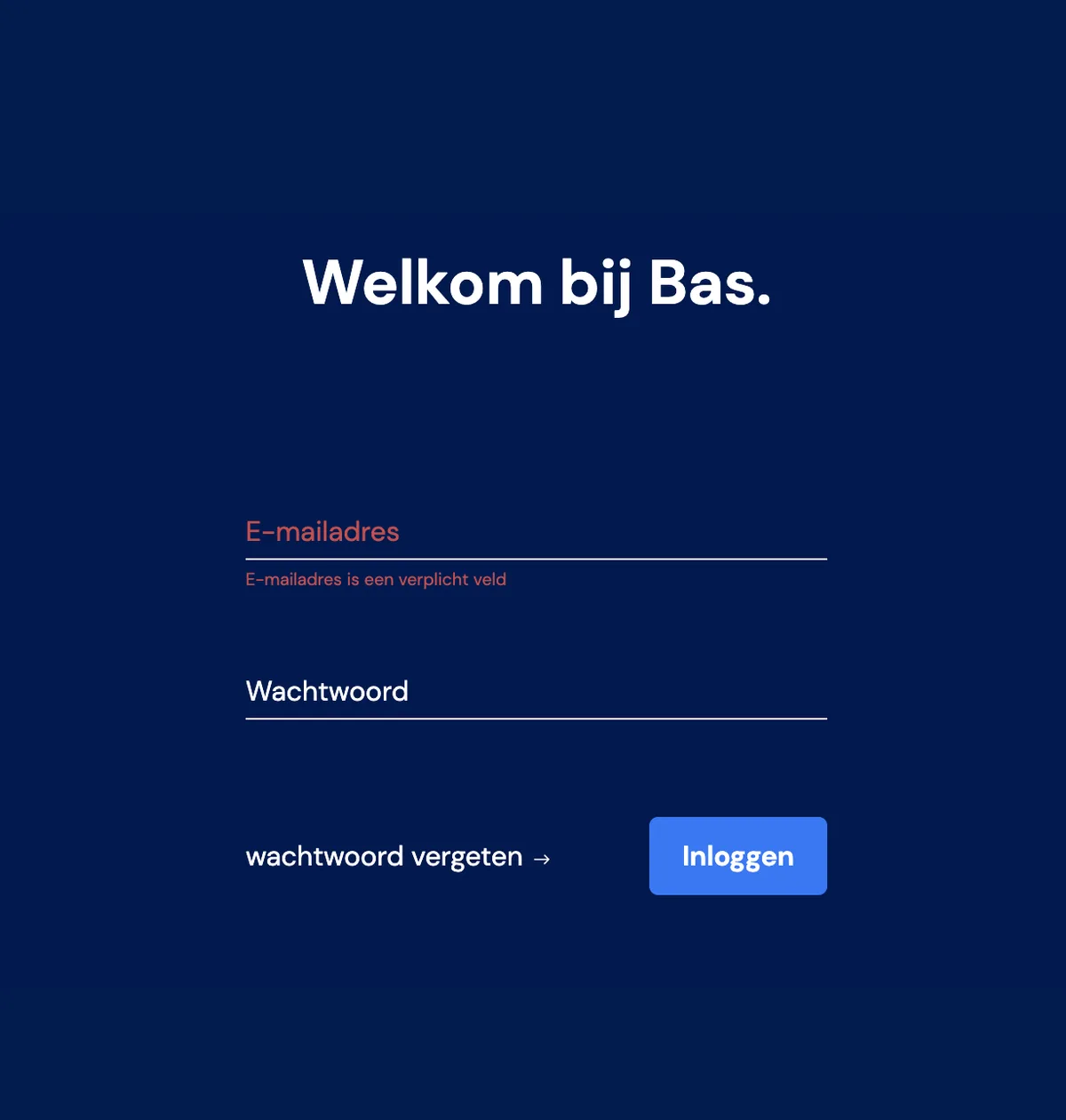
If you want to set the password from a computer, go to the login screen using your own URL and click 'Forgot password'. (You can also do this if you're setting it up on behalf of someone else.)
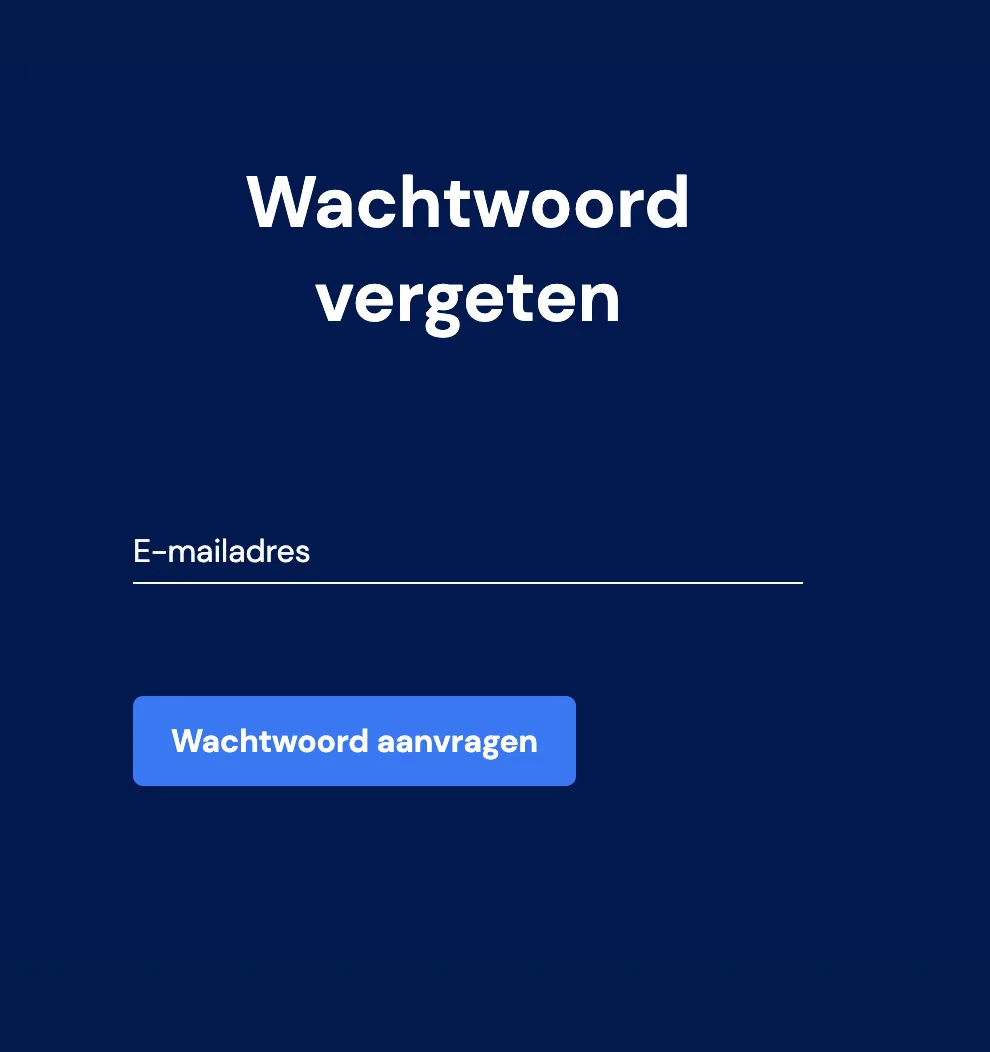
Then enter the e-mail address of you or your employee, and a new e-mail with a request to log in will be sent. If you did this for a colleague, you can simply go back to the login page afterwards and log in again with your own login details. Good luck