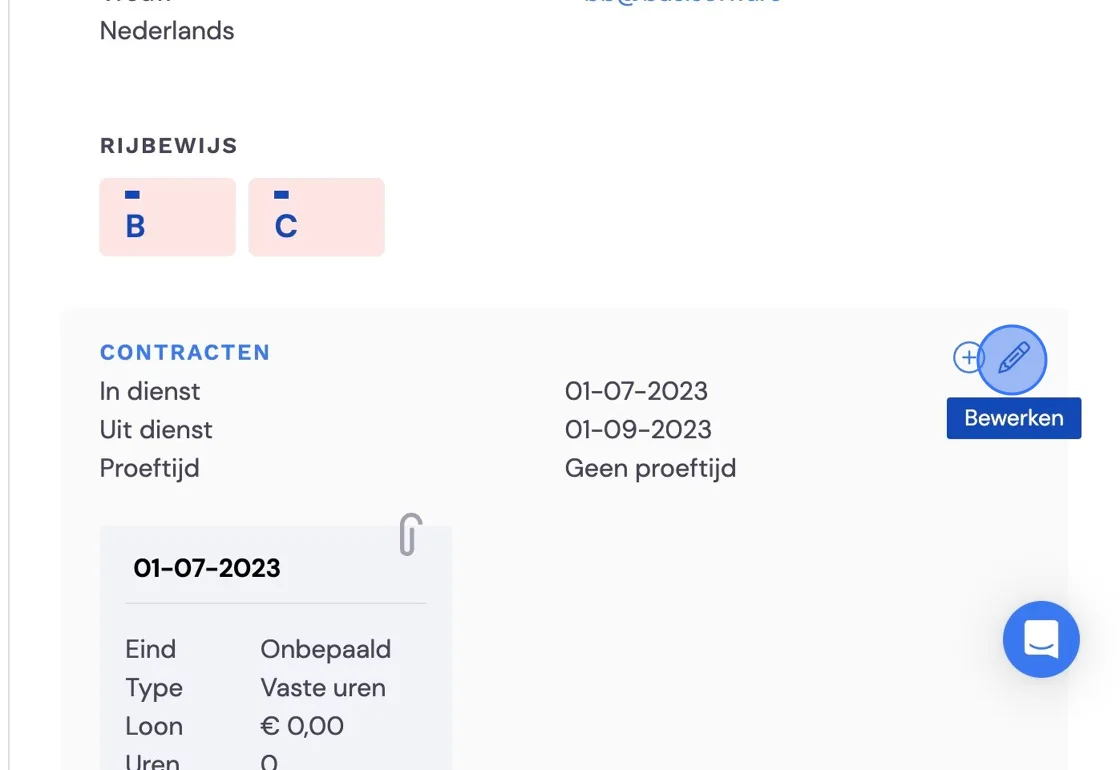
Suppose your employee left the company a while ago and you want to retrieve information from Bas or make changes. However, once an employee is marked as having left, they disappear from the employee list. Here's how you can find the employee again.
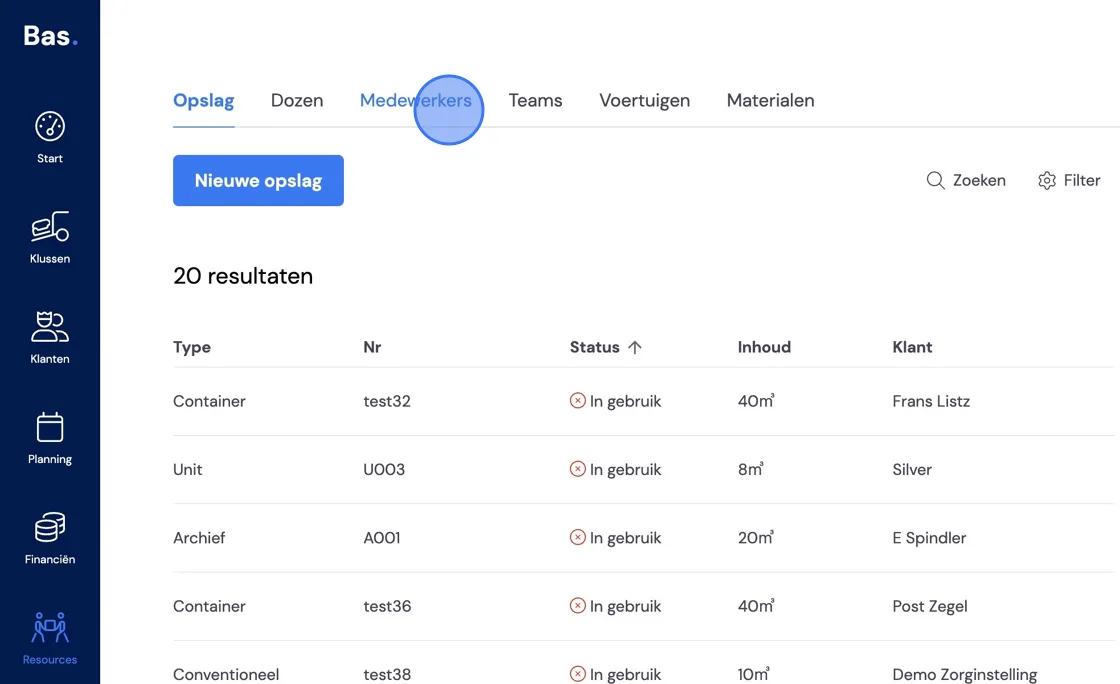
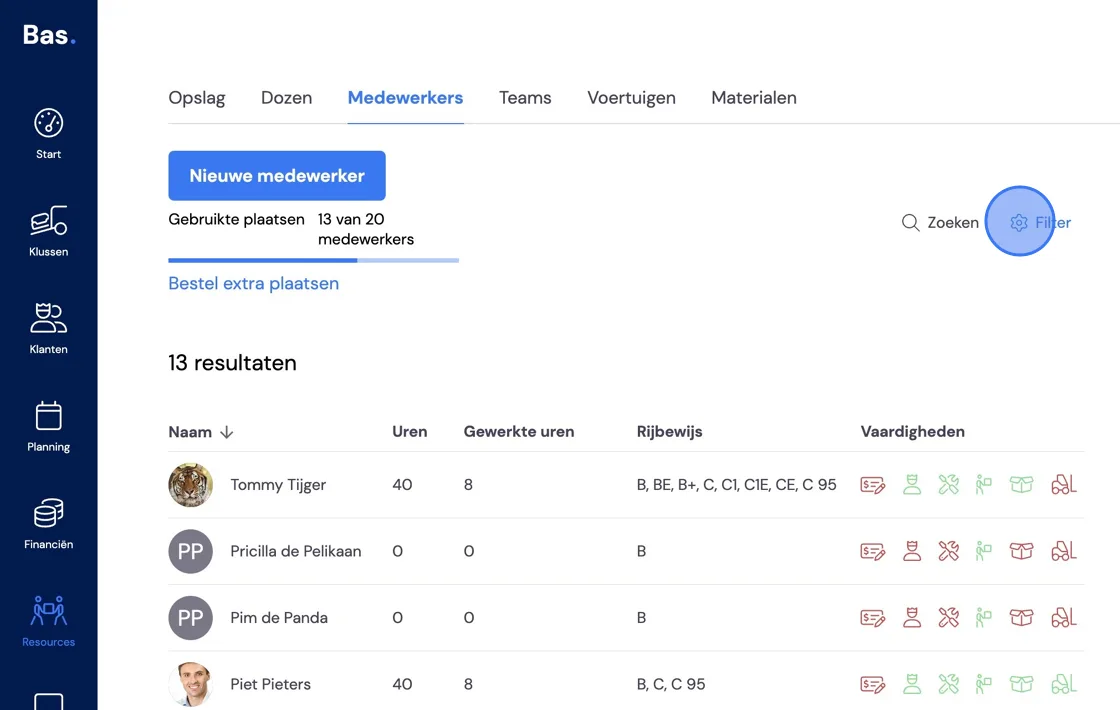
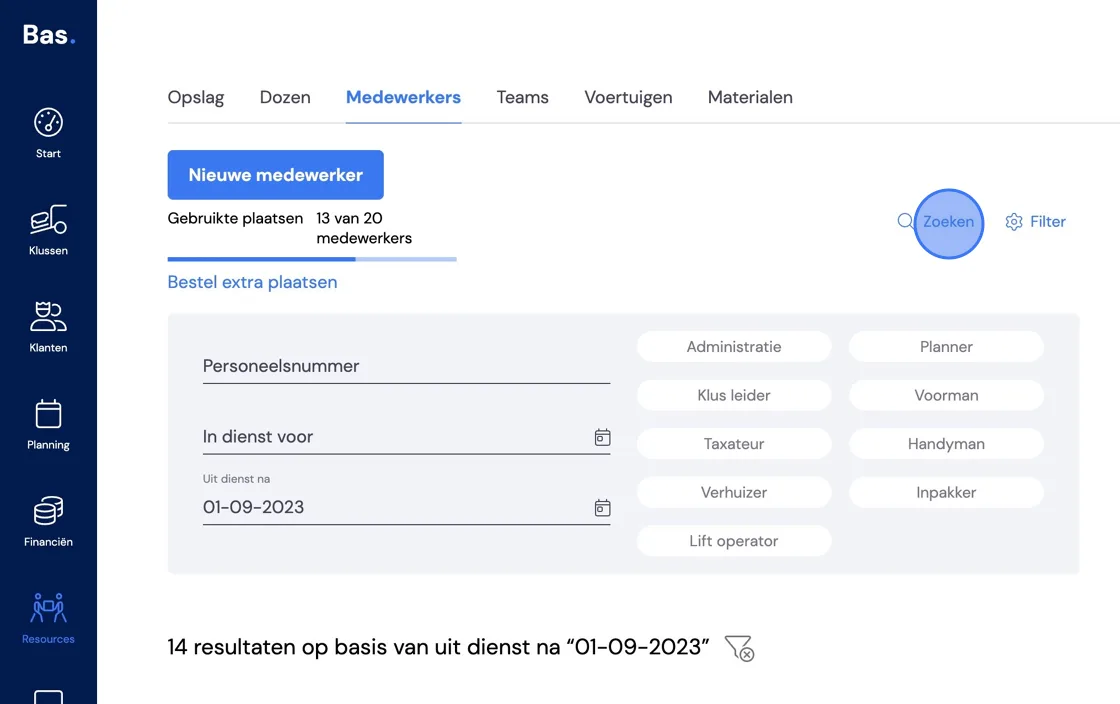
Go to Resources -> Employees -> and select the Filter.
You will need to know roughly when the employee left the company.
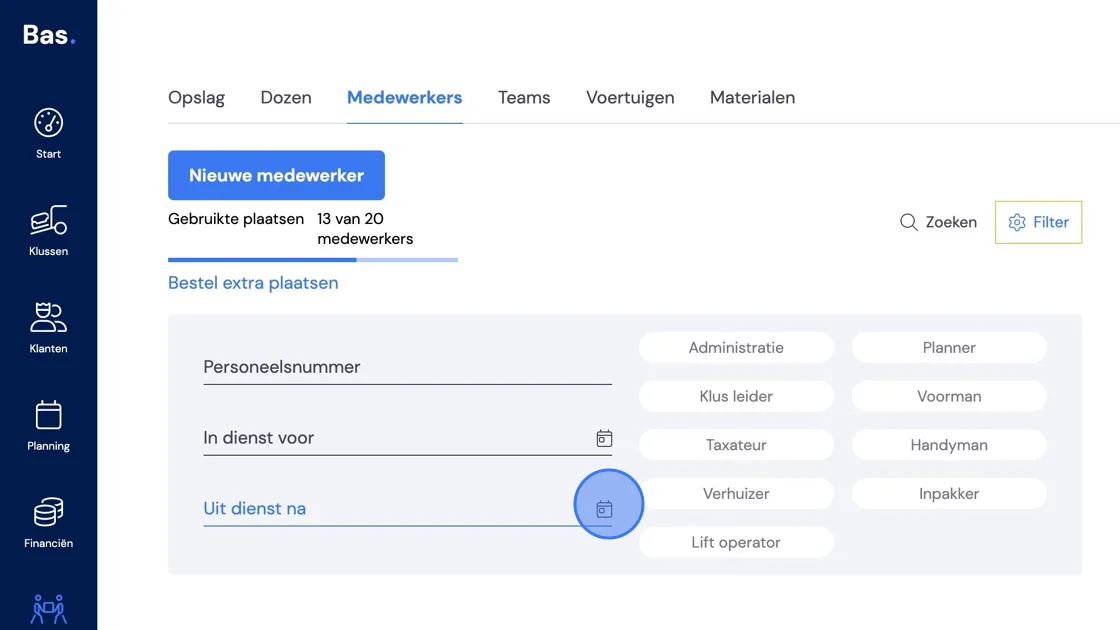
You can make searching easier by typing in the name.
Your former employee is visible again.
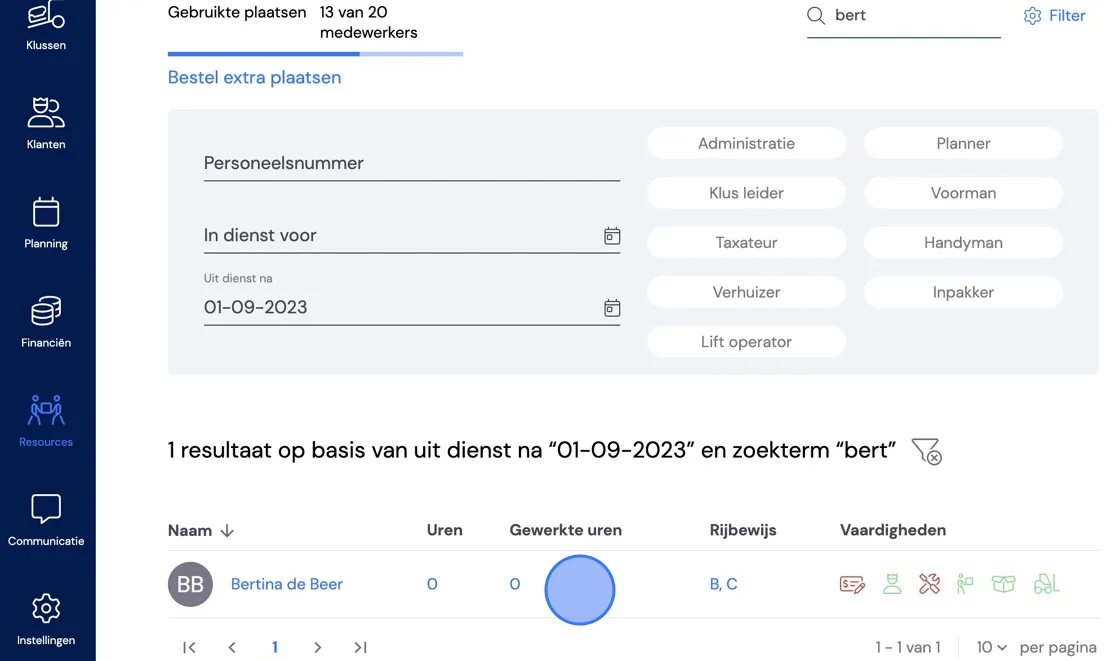
You can then view all the details again.