As soon as employees have submitted their hours to the back office, they’re ready to be checked and adjusted by the administration. In the article below we explain how to do this.
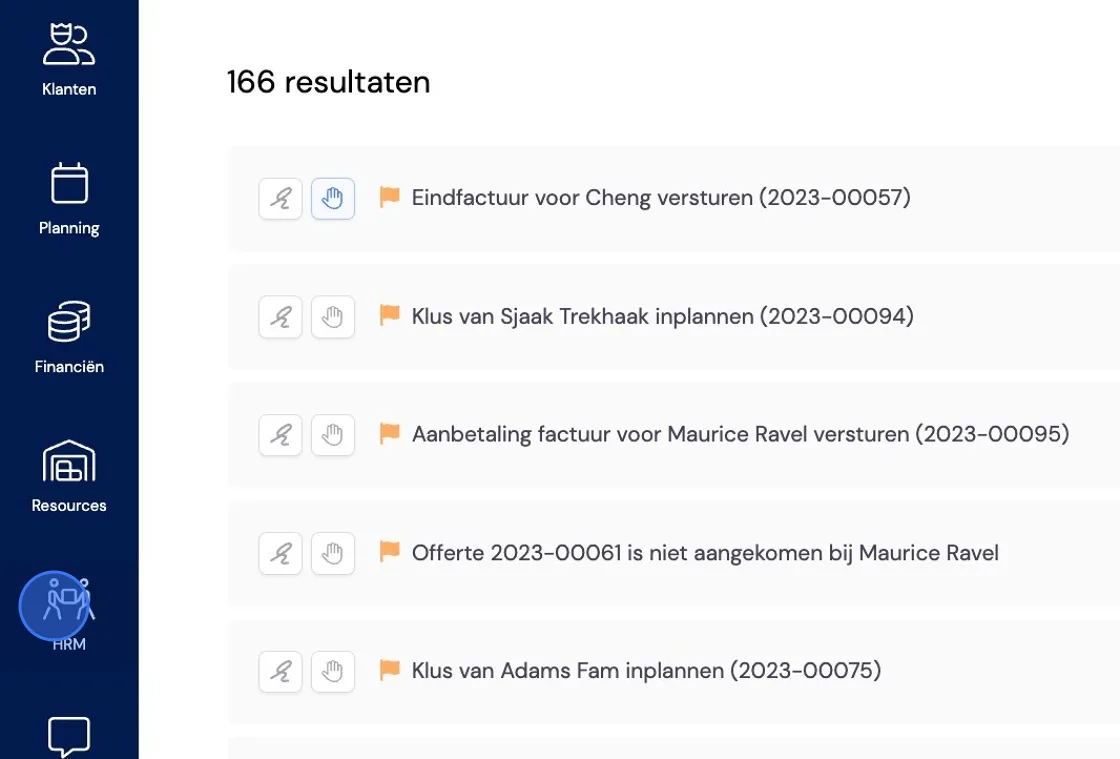
Go to HRM.
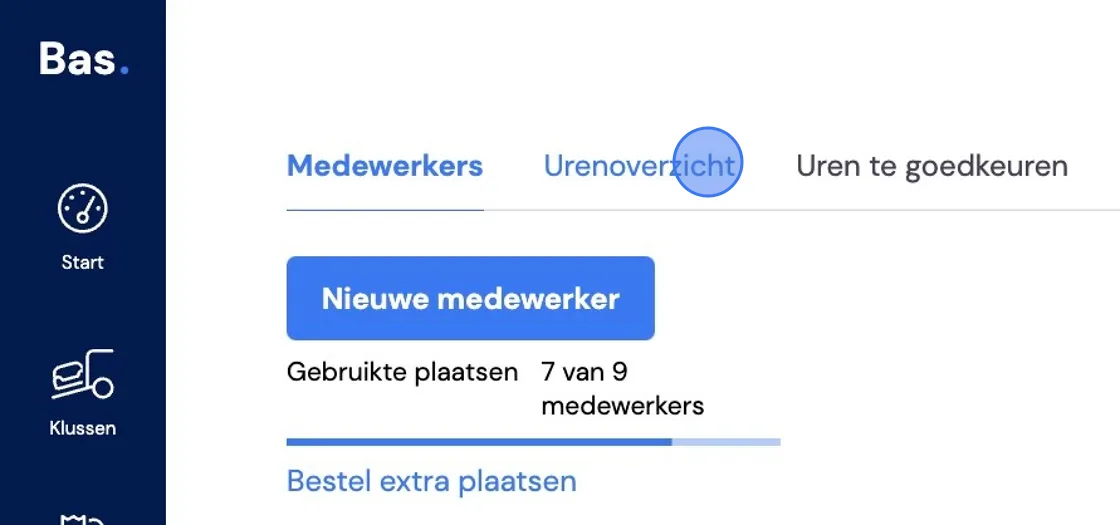
Click on Hours overview
In the "Hours overview" you’ll find all already approved hours of both agency workers and own staff.
Period
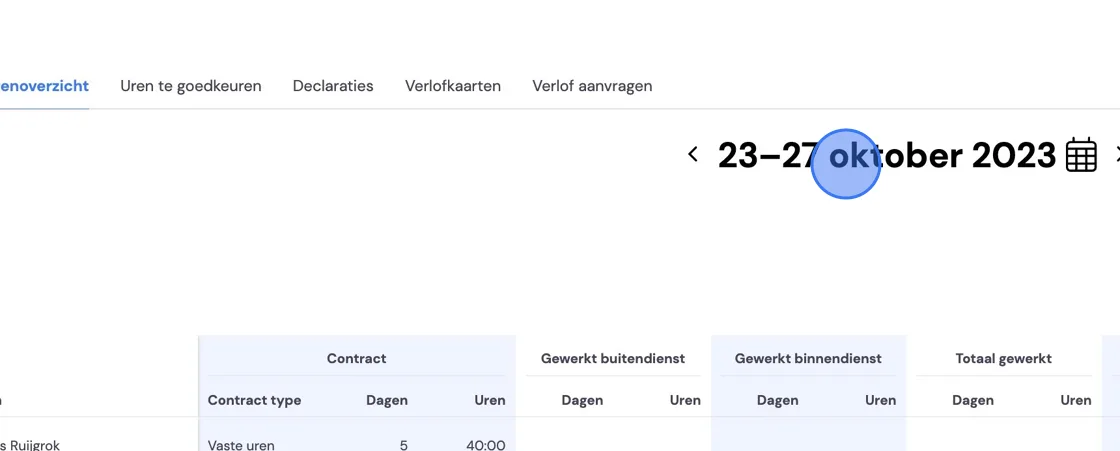
At the top of the page you can select the desired period for which you want to view the overview.
Export
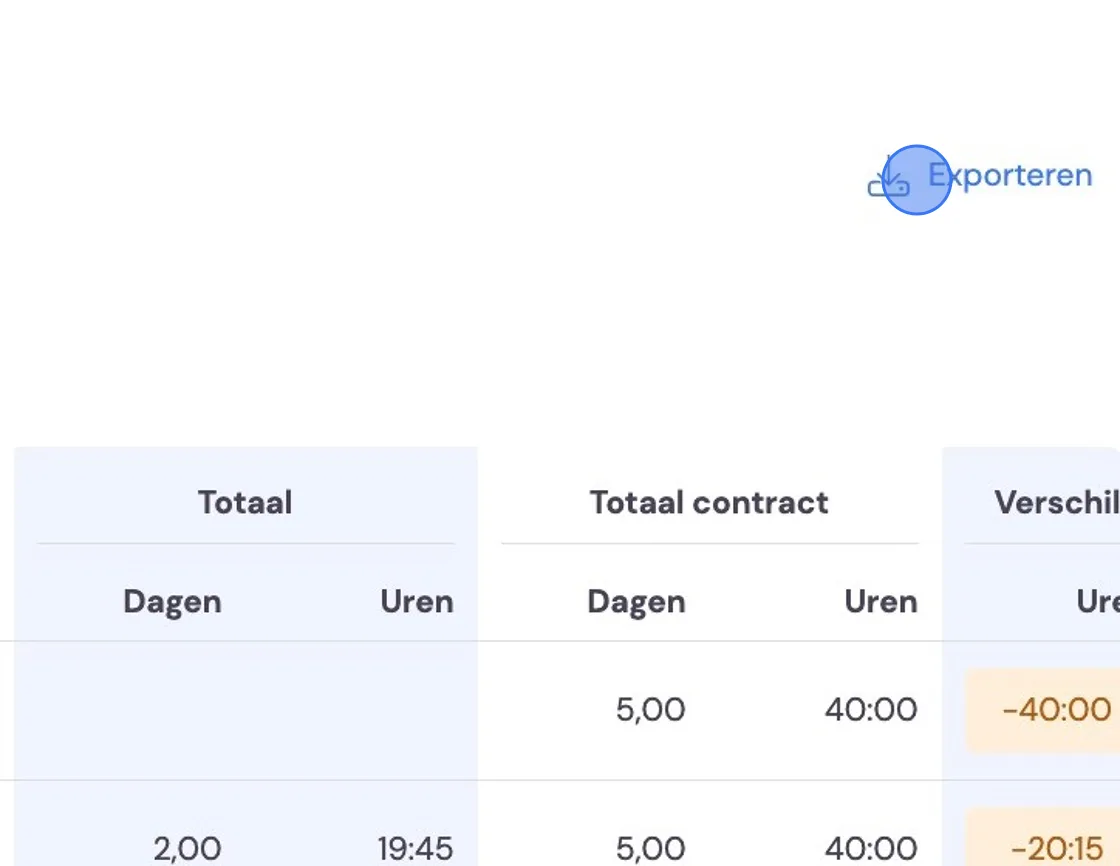
In the top right corner you’ll find the "Export" button. This lets you export an overview of the hours for the selected period in the form of a table with all employees.
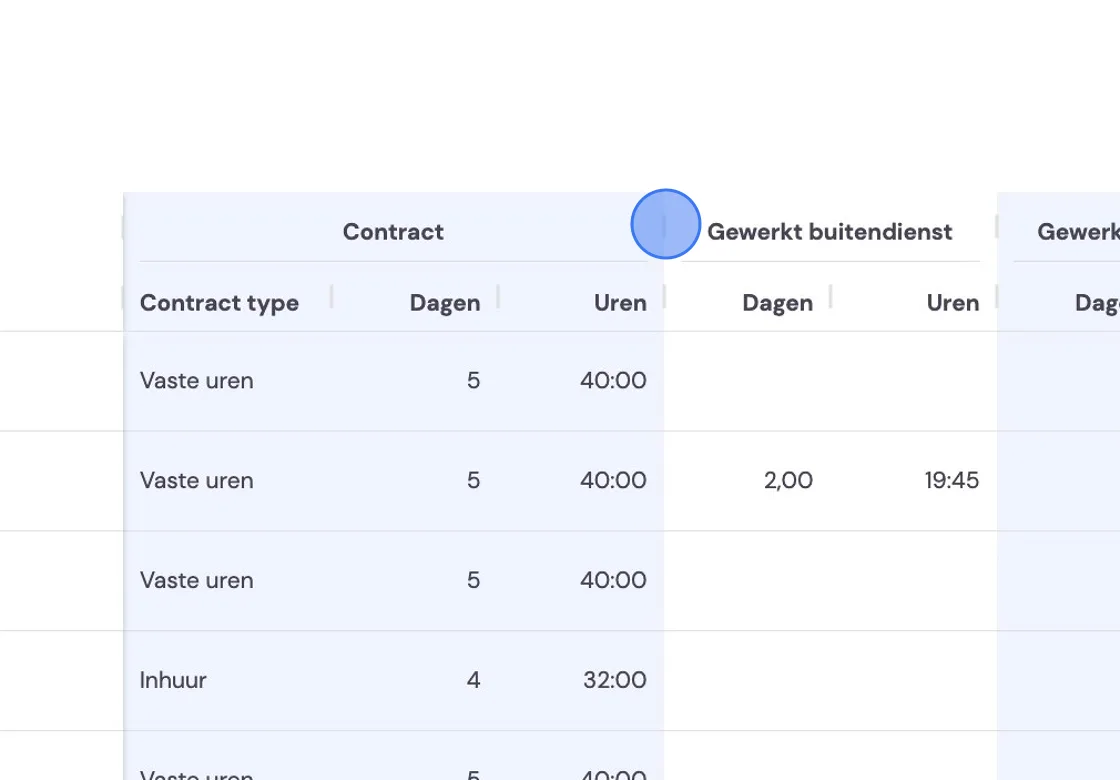
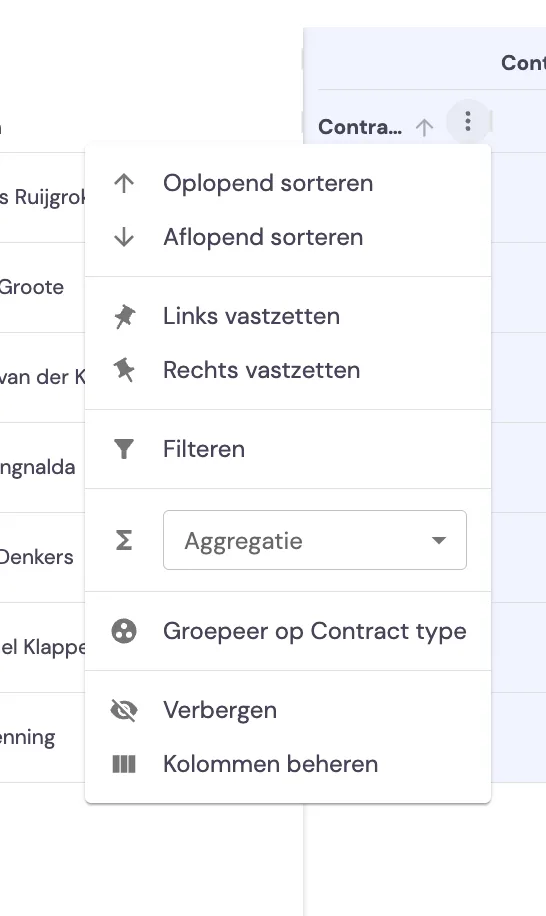
You have the option to adjust the display of the overview in terms of width, order and position (left and right).