
On public holidays such as Christmas, most removal companies aren't working. Bas already takes this into account. The public holidays have already been entered for you, and employees are shown as 'unavailable' in the schedule by default.
Overview of public holidays
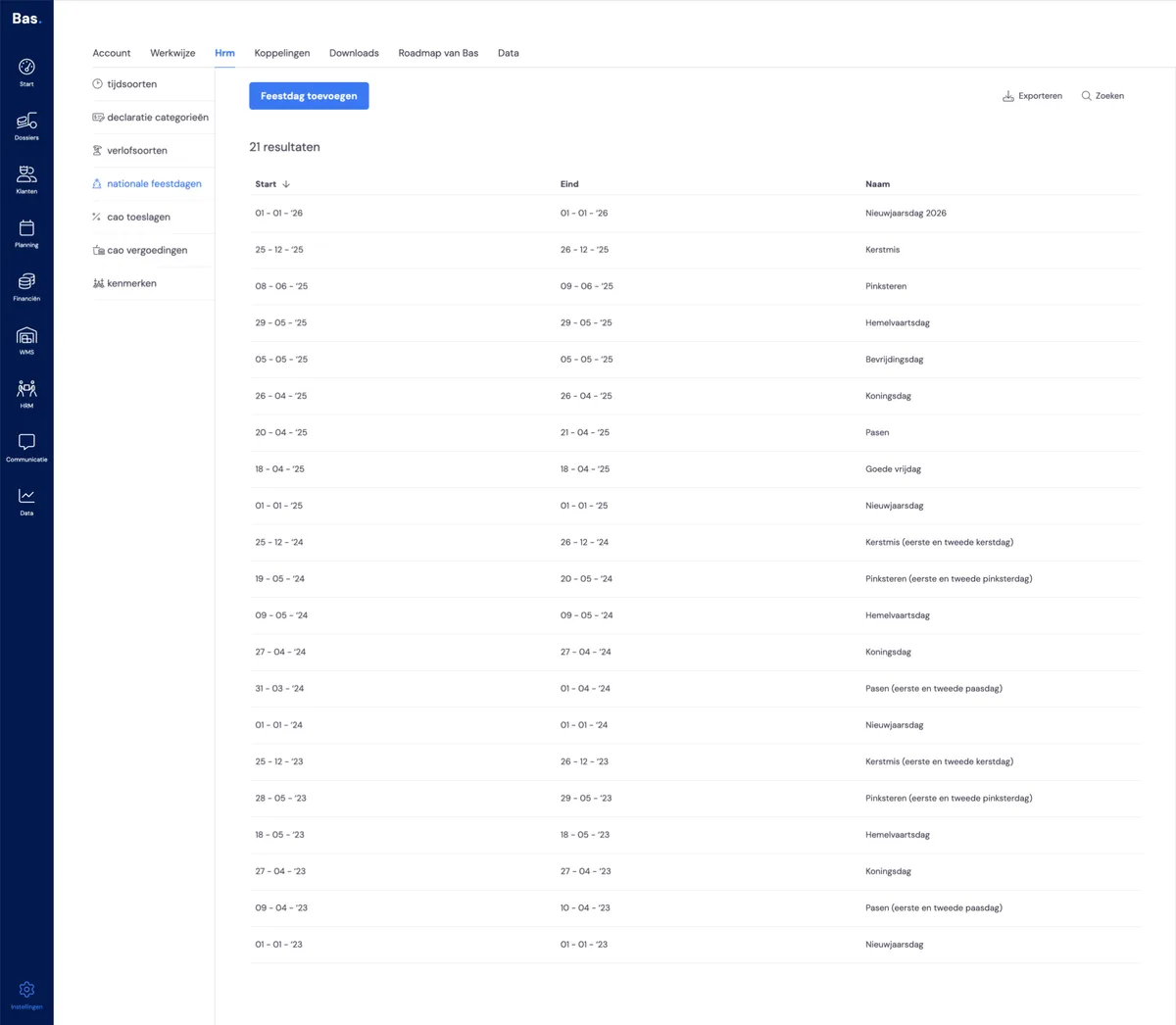
You'll find the overview of all public holidays under settings > hrm > public holidays.
Schedule
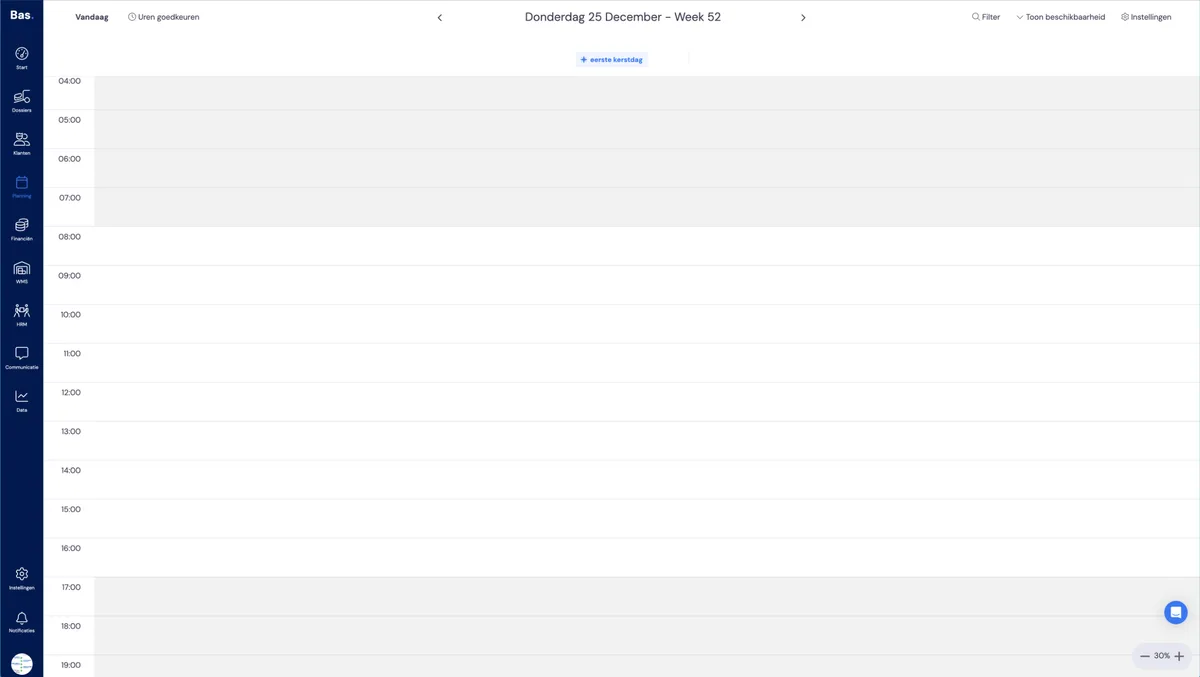
On the public holiday, you'll see in the schedule that no employees are available. You'll also see that the holiday is displayed directly below the date.
Removing a public holiday
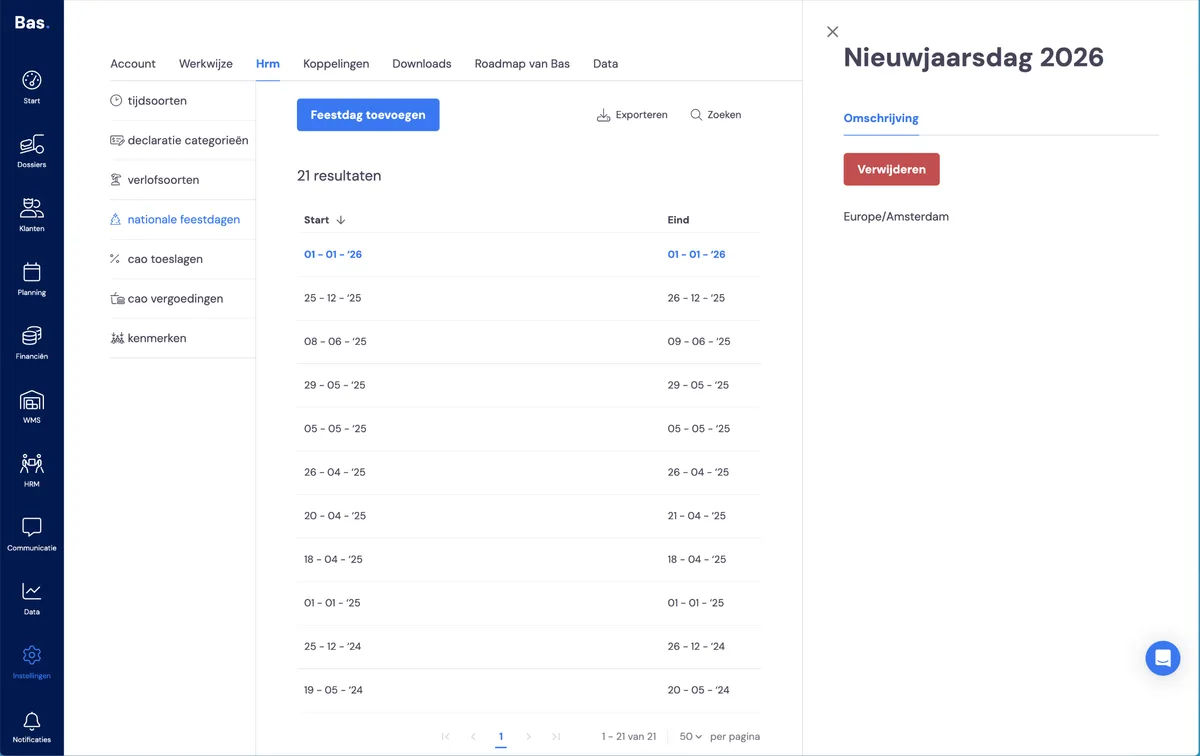
If there's a public holiday that's set as available by default in Bas but doesn't apply to your company (for example, a Good Friday when your company works as usual), you can simply remove the holiday from the list. Employees will then immediately become available again in your schedule.
Adding a public holiday
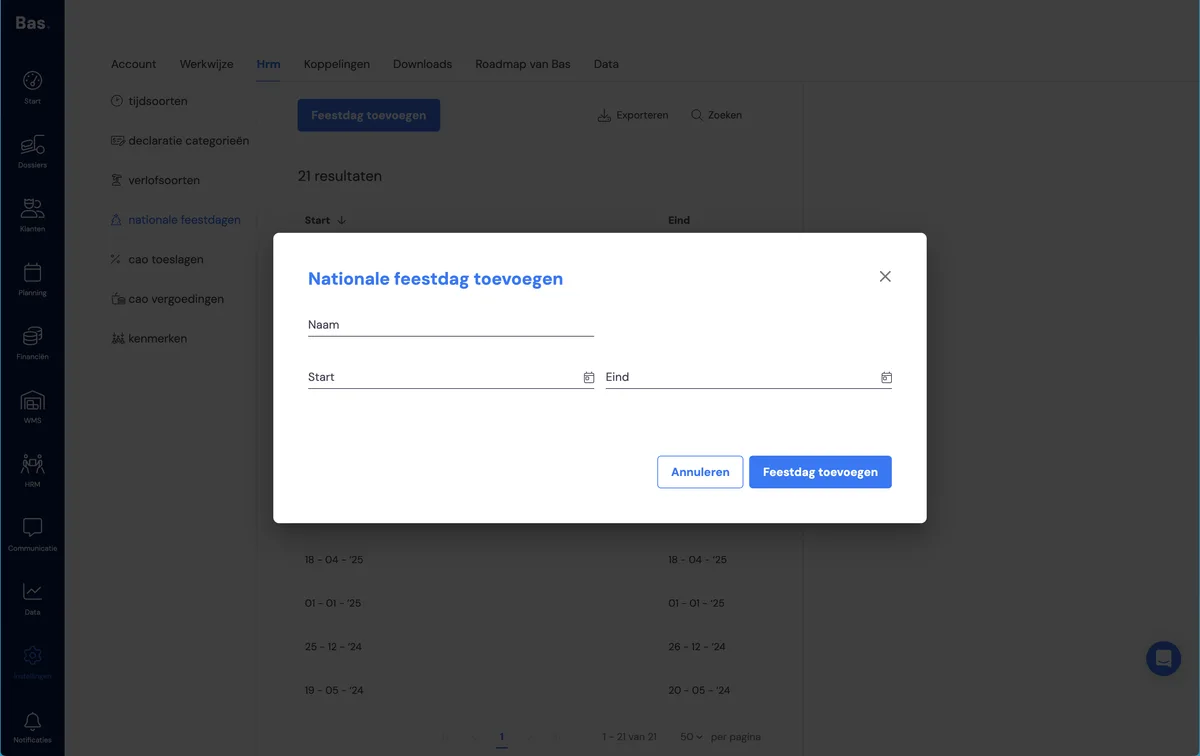
You can also add a public holiday to the list in the same way. Simply click the 'add public holiday' button. Employees will then no longer be shown as available in the schedule.