
Draft
Once you've done a survey and you don't send the quote straight away, you can have it ready as a draft. You can then make changes to it in the Back Office.

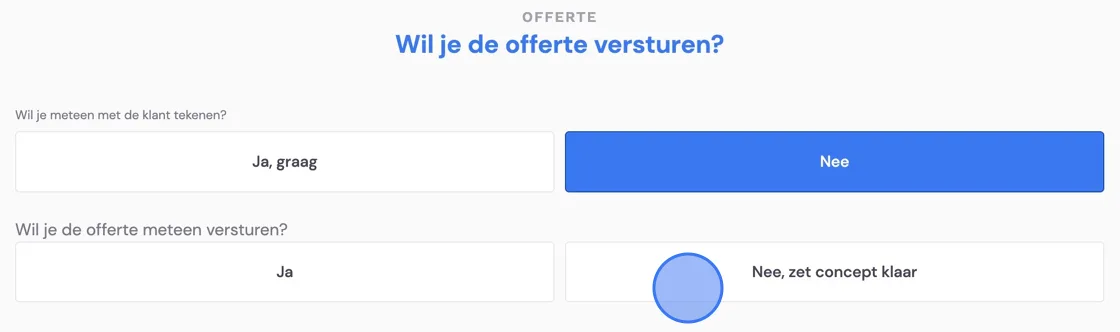
Please note: if you start the survey again and go through all the steps once more, with or without changes, you'll get a new draft quote. You can manually delete any redundant draft quotes.
Sent
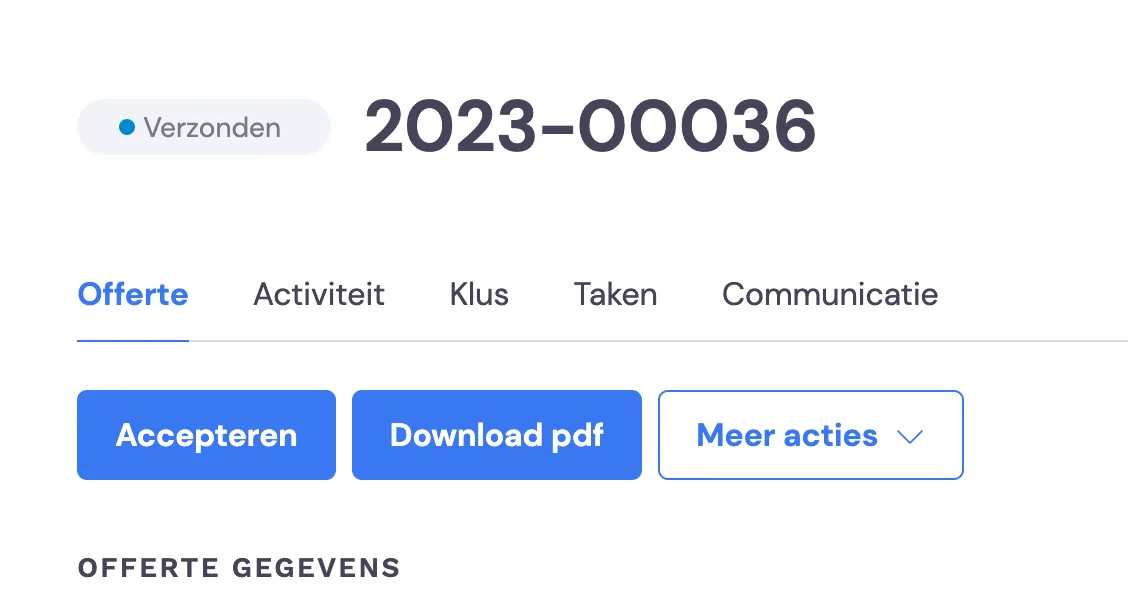
Once the quote has been sent, it will be listed as such. It stays that way until the customer agrees to the quote. The customer can do this in the email, where they can select all the options you've offered and add a signature. It's also possible for you to manually set the quote to accepted after a phone call.
Expired
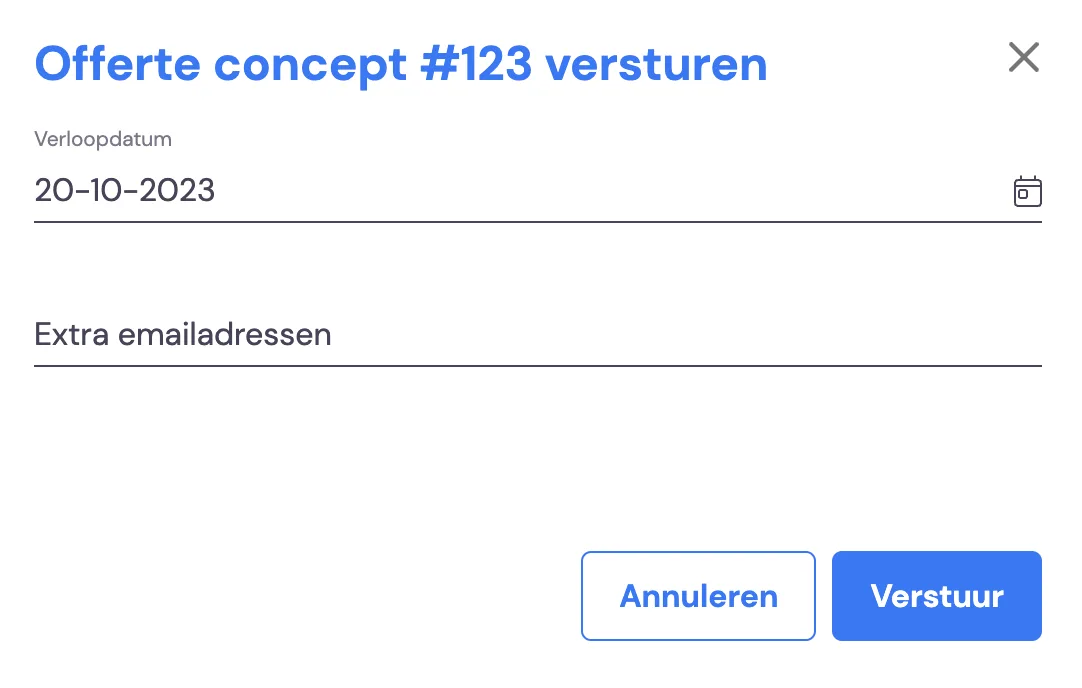
If the customer doesn't respond to your quote, the quote gets the status expired after the date on which you indicated it is no longer valid. (You can set this here when sending)
You'll then get a task to follow up on this quote. You can then decide what is best to do with this quote.
Declined
There are several reasons why a quote gets the status Declined. This may be because the customer doesn't agree to it, or when a change is needed in the quote. Bas works on the principle that if changes have been agreed, the original quote is no longer valid and so a new one has to be created. You can read the steps for this in the article below:
Reminder
If you've set Bas to send a reminder of a quote to a customer, the quote will get the status Reminder as soon as it has been sent.
You can set this reminder under Settings -> Customer notifications -> Quote reminder. The moment it is sent is set when sending, where the expiry date of the quote is indicated. Many of our customers set the date on which the quote expires in their quote to, for example, 60 days, but the expiry date when sending to 1 week. This way, the customer is automatically reminded of their quote. If you'd rather call the customer yourself to follow up on the quote, you can create a manual task to remind yourself.
Accepted
Once a customer has approved a quote, it will get the status accepted. Immediately afterwards, a number of tasks go out to other employees to get started on it. The planner will need to schedule everything. and the administration receives, depending on the chosen package, a task to prepare an invoice
Cancelled
If a customer, after first agreeing, then decides they don't want to or can't move with you after all. The quote then gets the status Cancelled.
Invoiced
Once the customer has received an invoice relating to this quote, it will be listed as Invoiced.