
Entering a customer, private and business

Entering contact persons and invoice contacts

1. We'll now explain how you can create a customer. Only use this function if you're adding a customer for whom you won't be carrying out a survey, or who is already an existing customer. If you want to schedule a survey for a new removal, we refer you to:

There, you'll be guided through all the steps, and the new customer is created there.
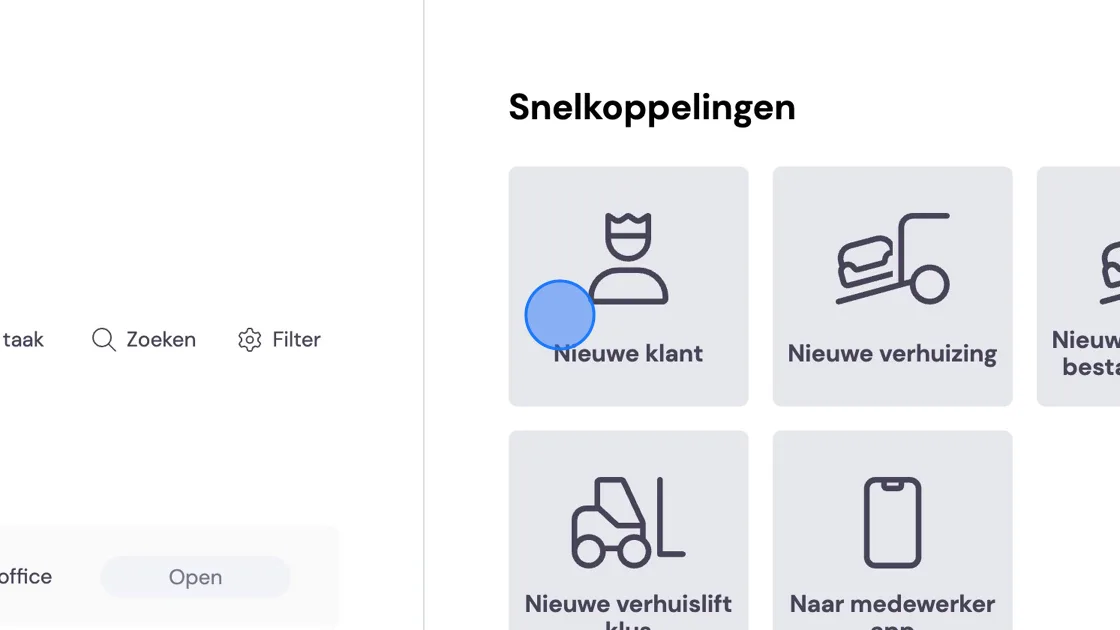
Screenshot of: We'll now explain how you can create a customer. Only use this function if you're adding a customer for whom you won't be carrying out a survey, or who is already an existing customer. If you want to schedule a survey for a new removal, we refer you to:ARTIKEL where you'll be guided through all the steps and the new customer is created there.

2. Fill in all the details. If you have a business customer, you can add contact persons in the following steps. First complete the creation of the customer.
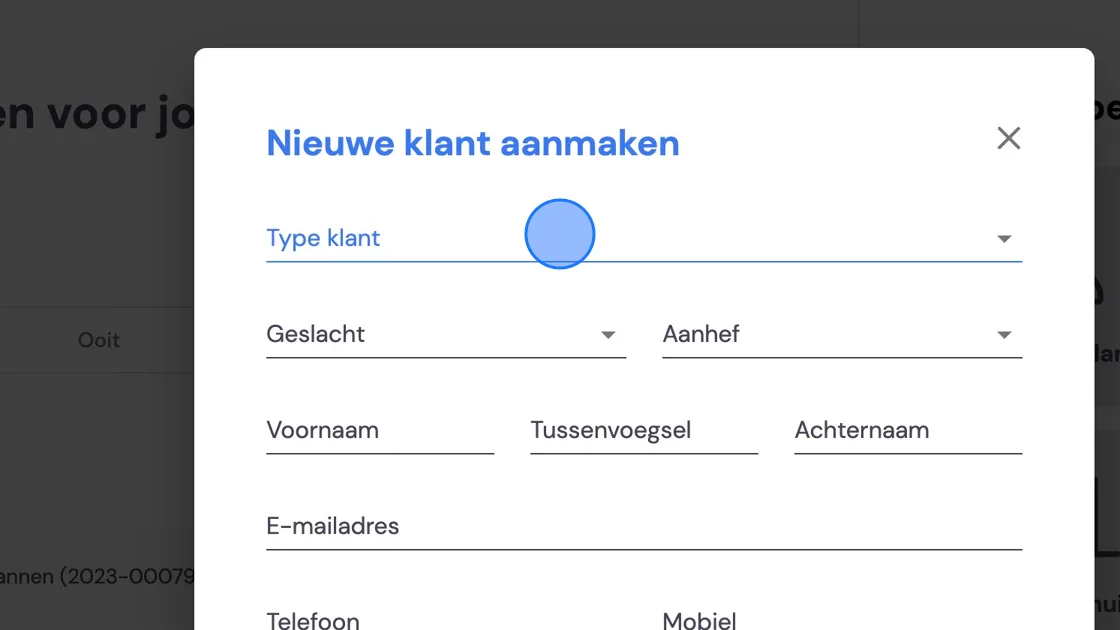
Screenshot of: Fill in all the details. If you have a business customer, you can add contact persons in the following steps. First complete the creation of the customer.

3. To create contact persons, go to Customers.
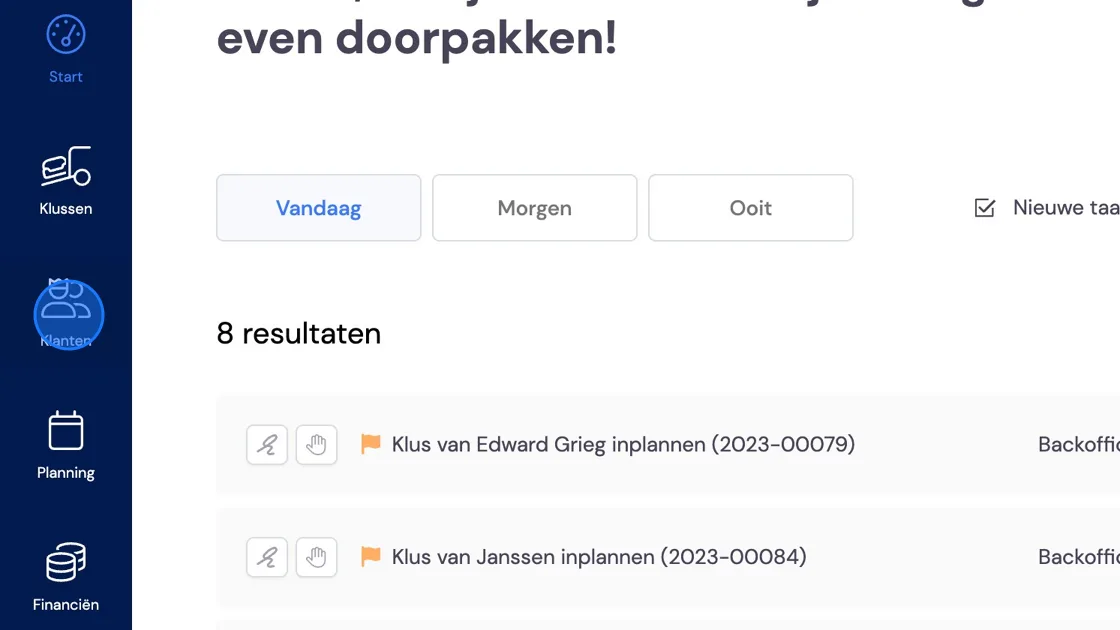
Screenshot of: To create contact persons, go to Customers.

4. Search for your business customer.
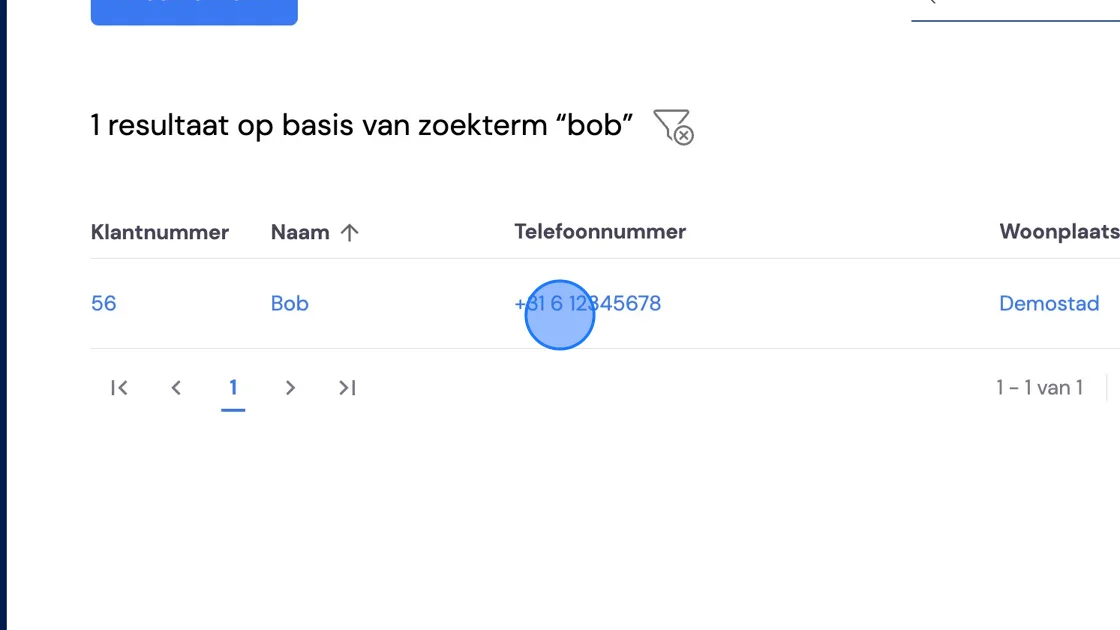
Screenshot of: Search for your business customer.

5. On the right of the screen you'll see the contact person you created in step 2. If you want to change anything here, you can click the pencil icon. To add a contact person, click the plus icon.
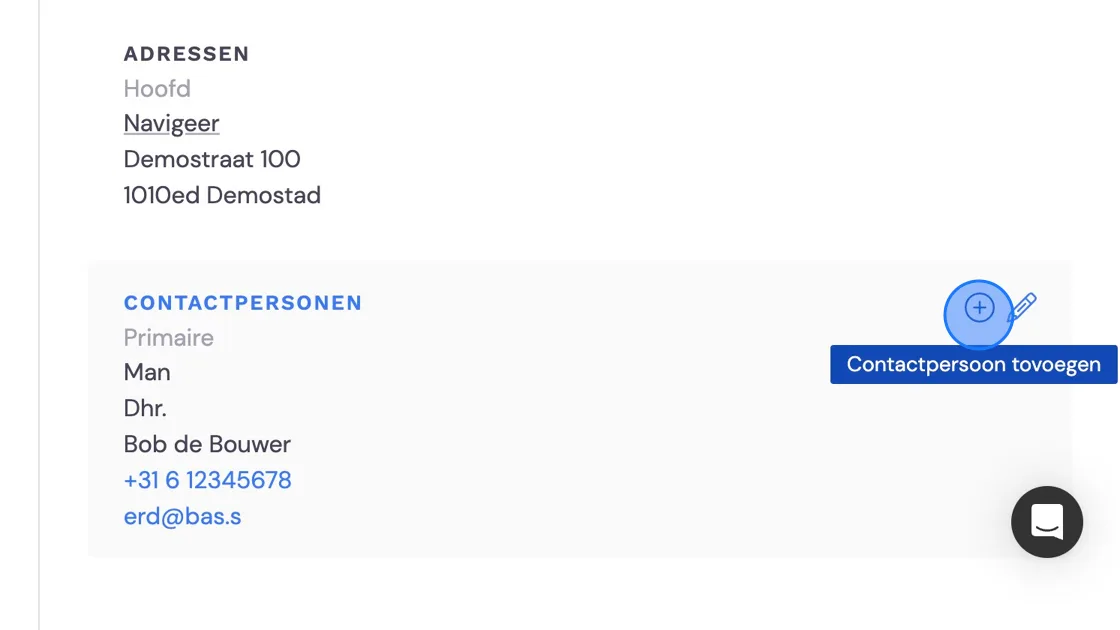
Screenshot of: On the right of the screen you'll see the contact person you created in step 2. If you want to change anything here, you can click the pencil icon. To add a contact person, click the plus icon.

6. Here you enter whether this person is responsible for invoicing or, for example, is the person requesting a job.
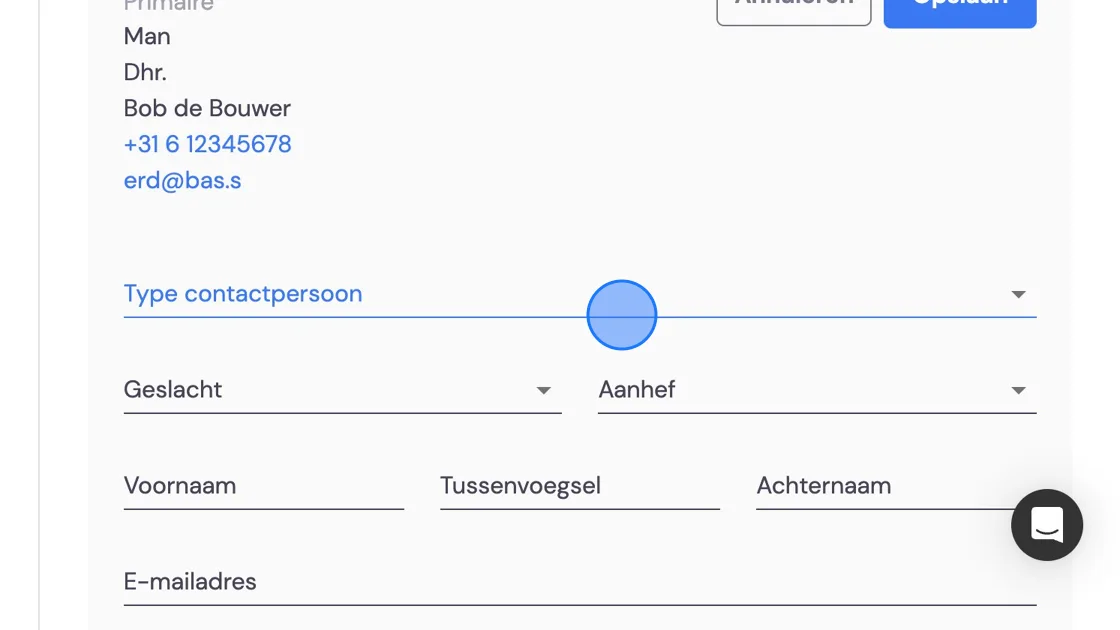
Screenshot of: Here you enter whether this person is responsible for invoicing or, for example, is the person requesting a job.

7. Click "Save" and you're ready to continue.
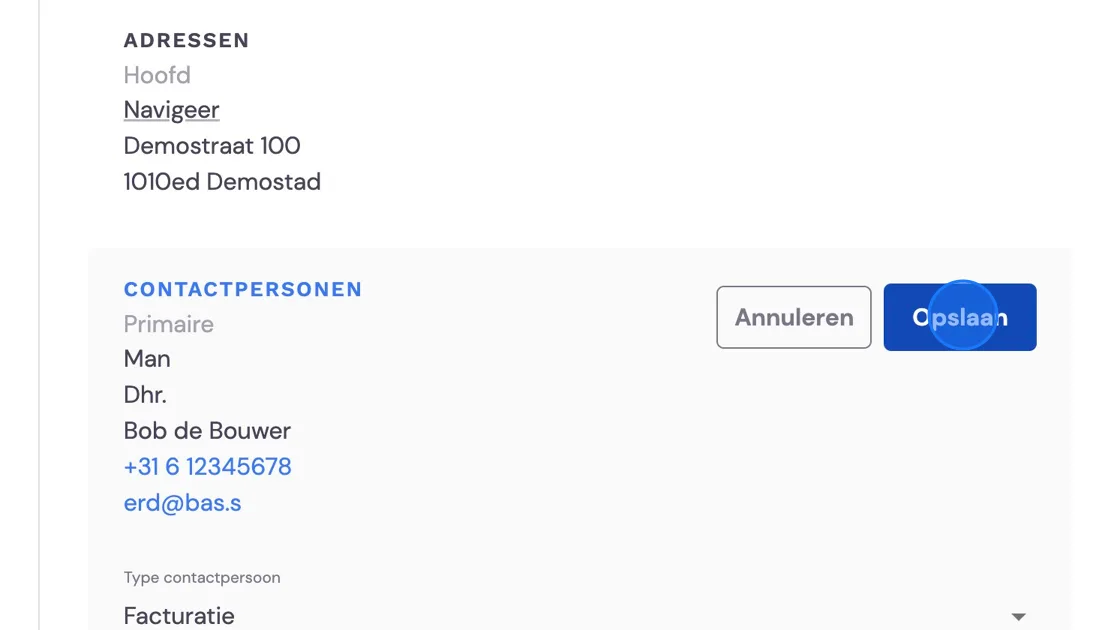
Screenshot of: Click


Did this answer your question?