
In Bas, you have the option to keep track of the boxes you use on jobs. You can enter the box types yourself. If you also enter the supplier of the boxes, you can create orders, log orders as received, and set up your box stock this way.
In this step, you'll create the box types, create the suppliers and book in a first order so that you have a stock of boxes.
Entering box types
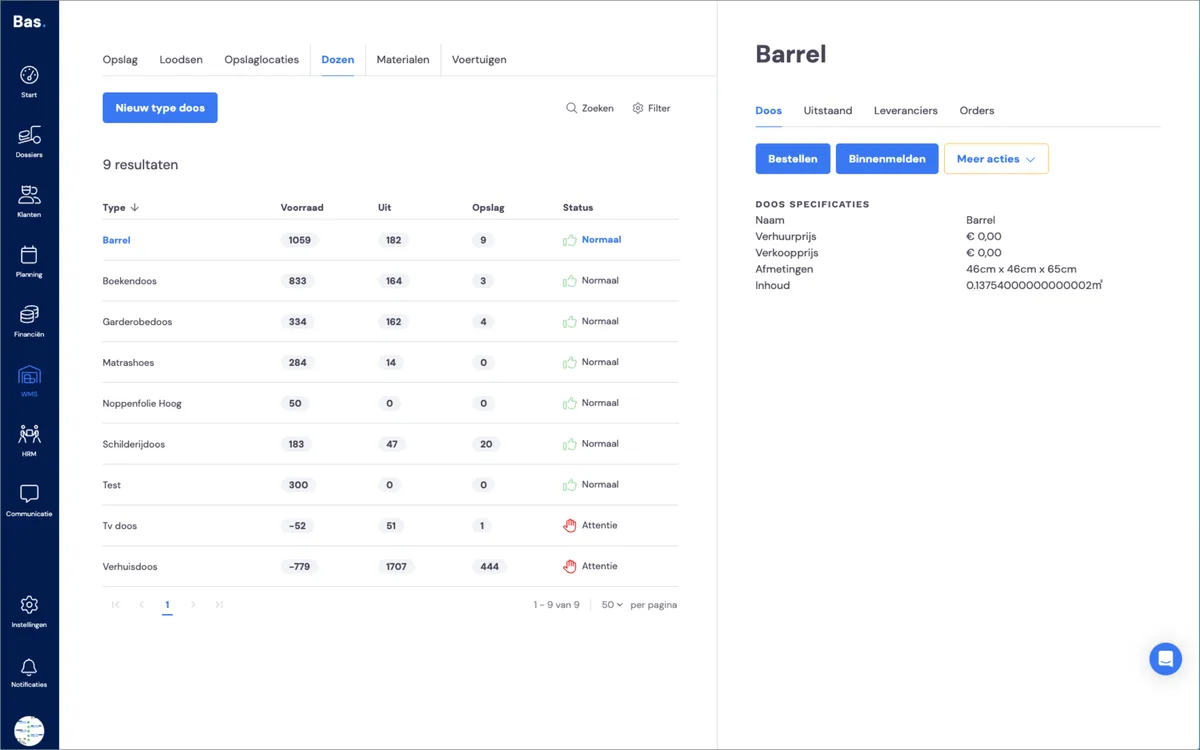
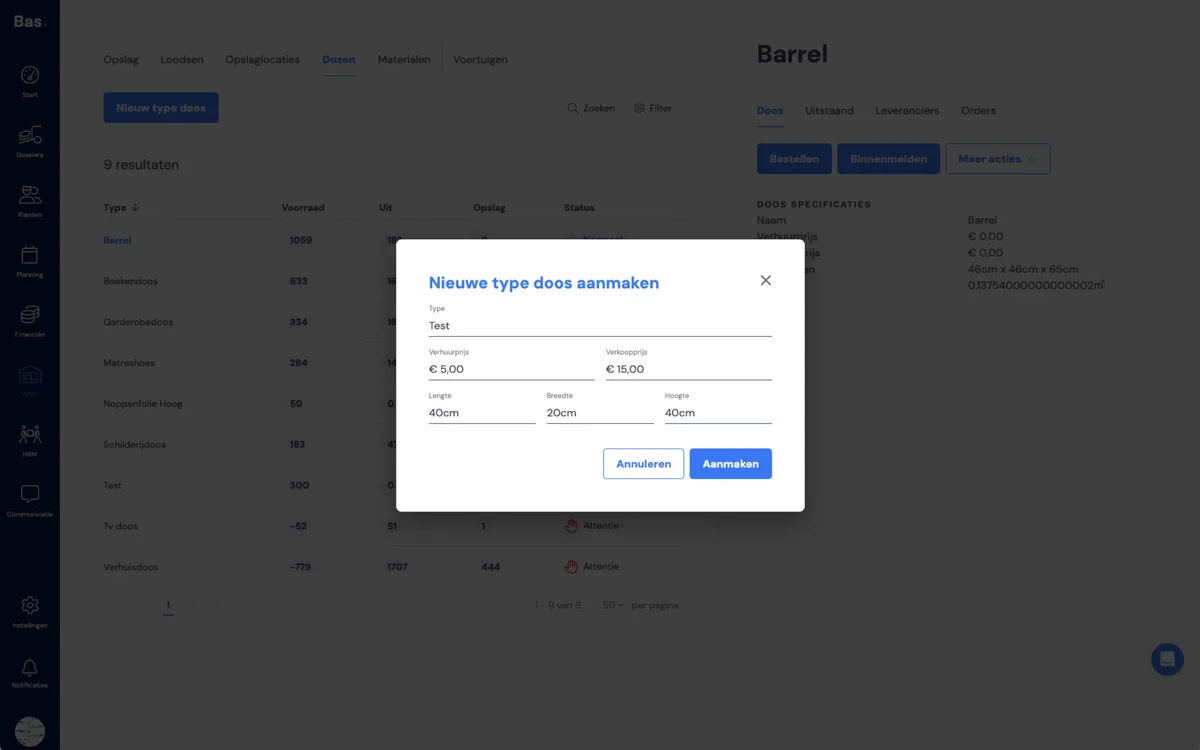
To add a new box type, go to WMS and then to Boxes. Then use the 'New box type' button. This opens a dialog box where you enter the name, hire price, selling price and size. The size of the box is important because it's used to calculate the volume of the removal!
Entering a box supplier per type
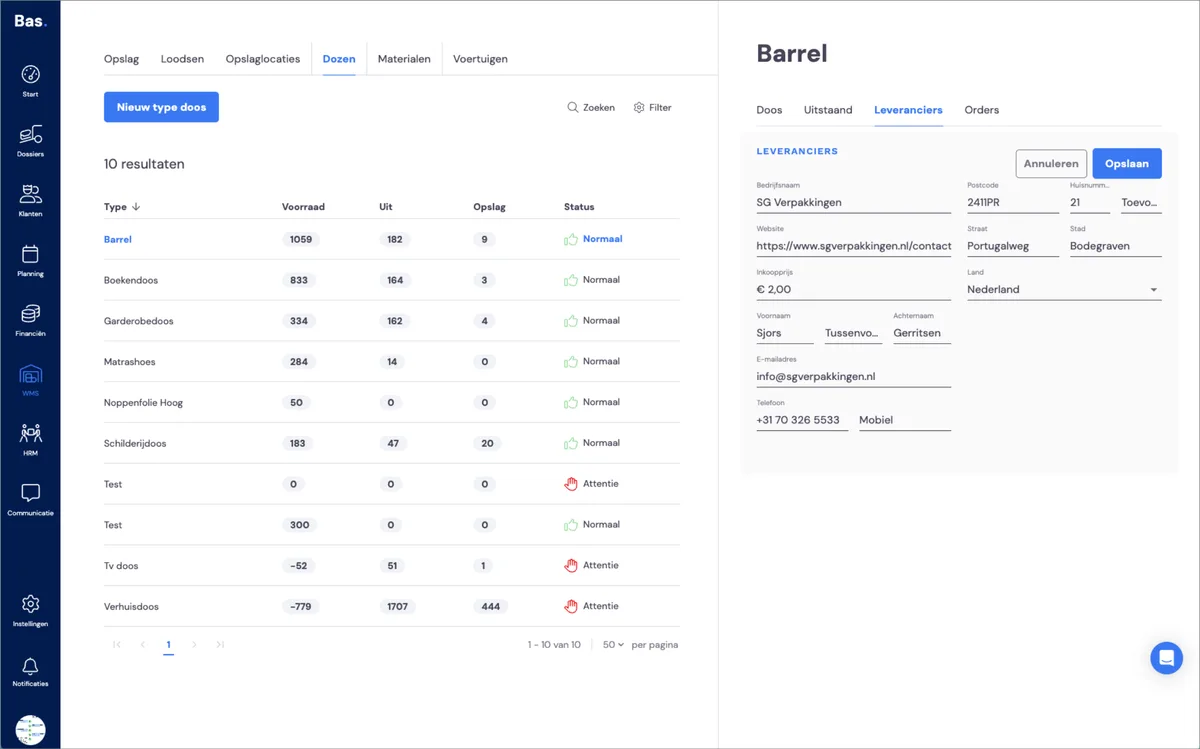
Then add a supplier to manage the stock of the new box type.
Placing a box order
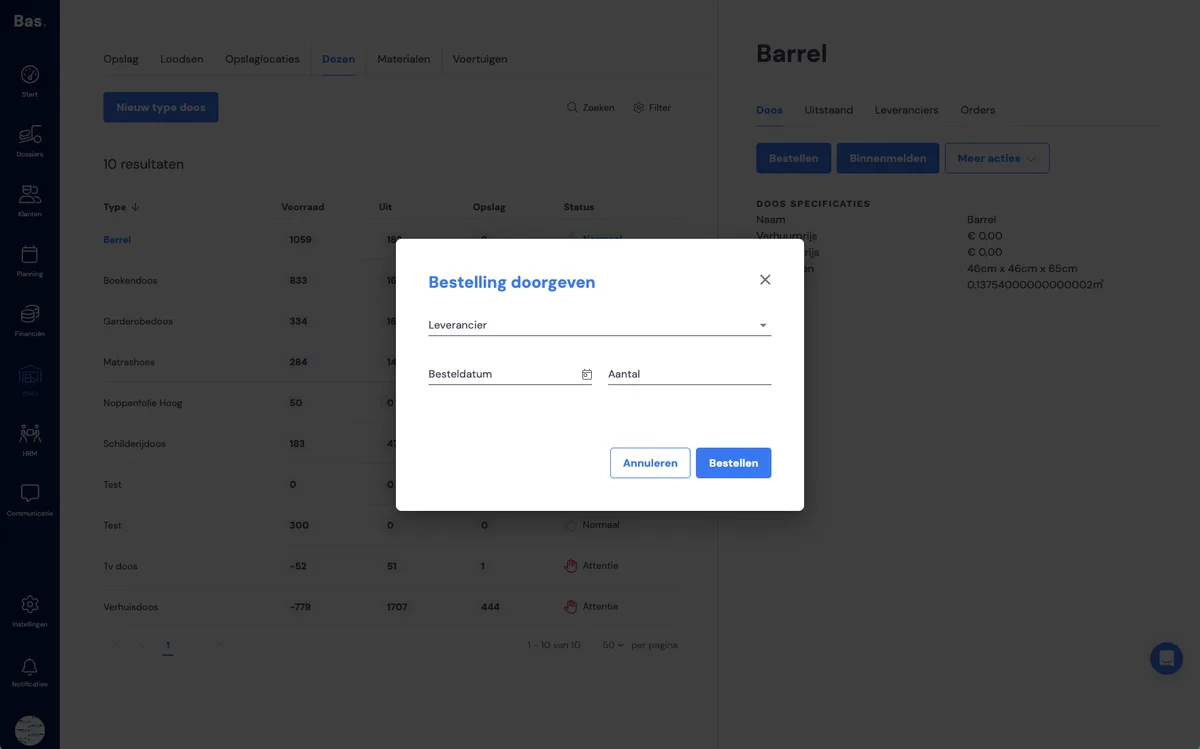
Then enter a first order. The number of boxes in this order is the quantity you'll have in stock.
Logging the order as received
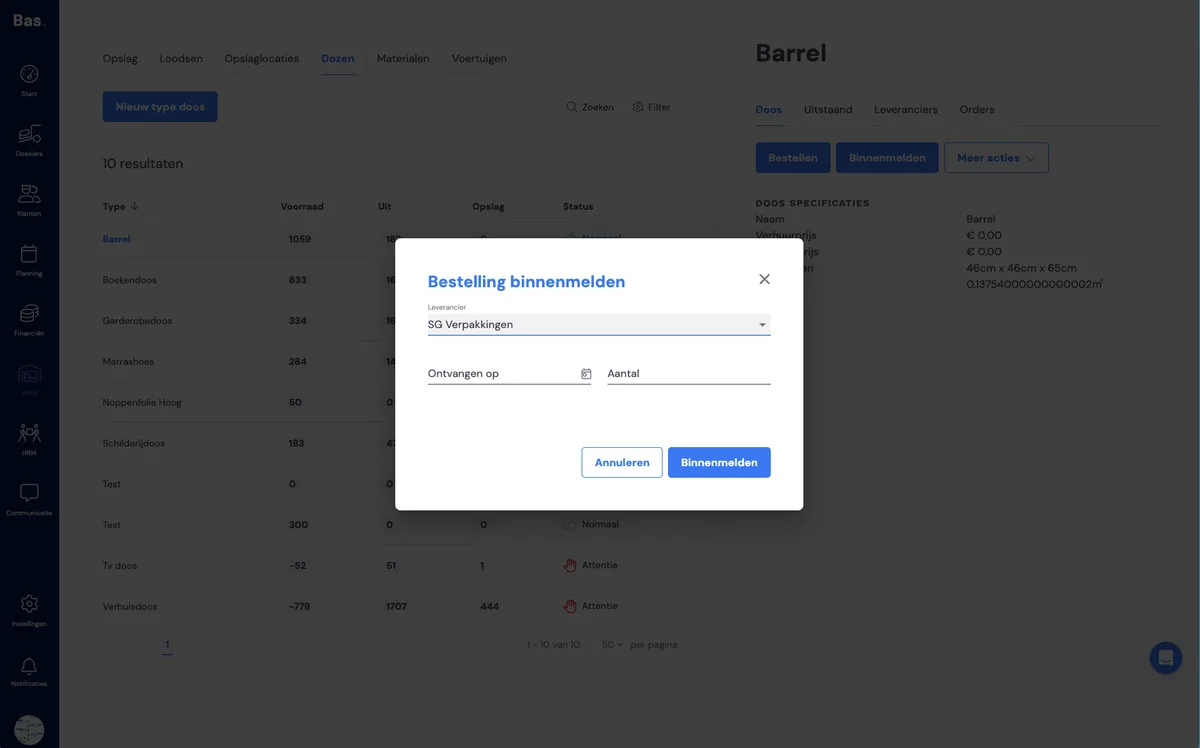
Once you've saved the supplier, you can log the stock as received. Your stock is now set up.
Next step
The next step is to enter the materials (such as dollies) you use when carrying out jobs >