
With features, you can configure various settings that adjust Bas's standard behaviour to match the way you like to work.
For example, you can set employee rates and productivity so that your quotes are calculated correctly based on the surveys you carry out. But you can also set whether a job always starts with a survey, or whether this isn't necessary.
In this phase, we're going to check the most important features and adjust them if necessary. You can, of course, adjust these at a later stage if you want to.
Features
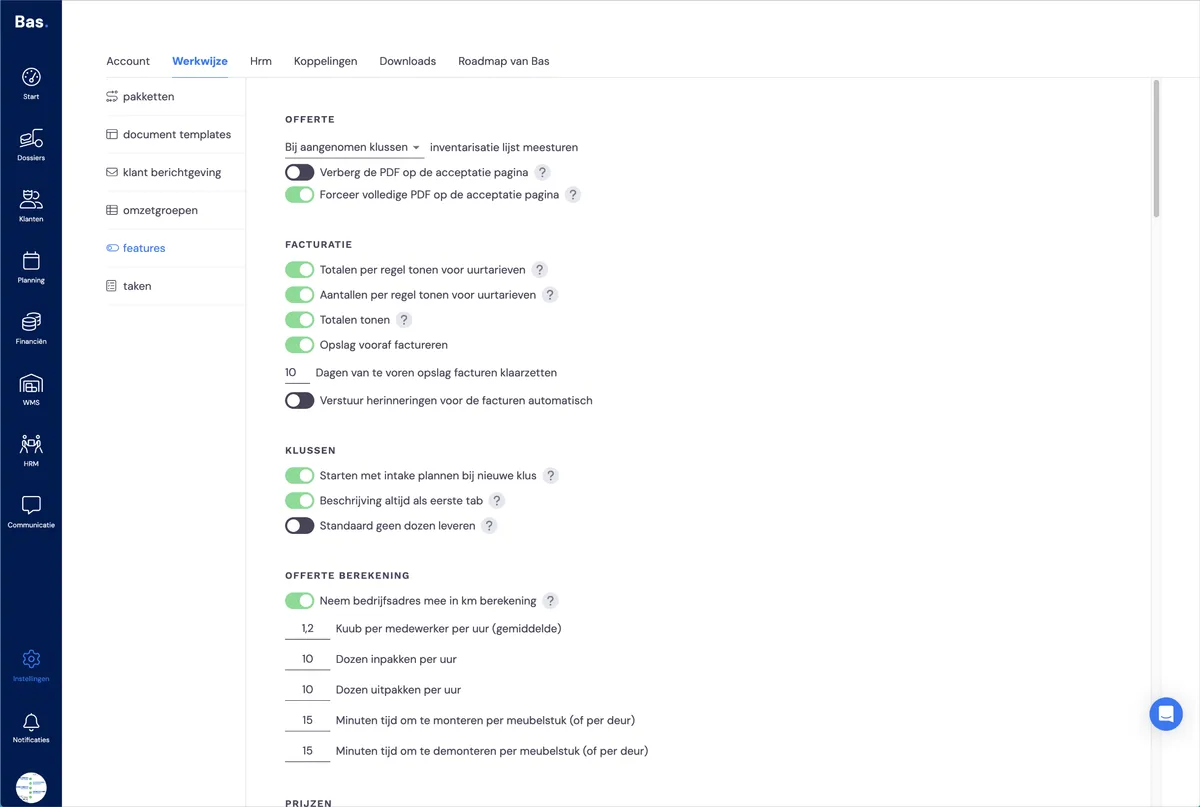
You'll find all features under settings > workflow > features
Next step
The next step is checking the settings for quote layout and rates >