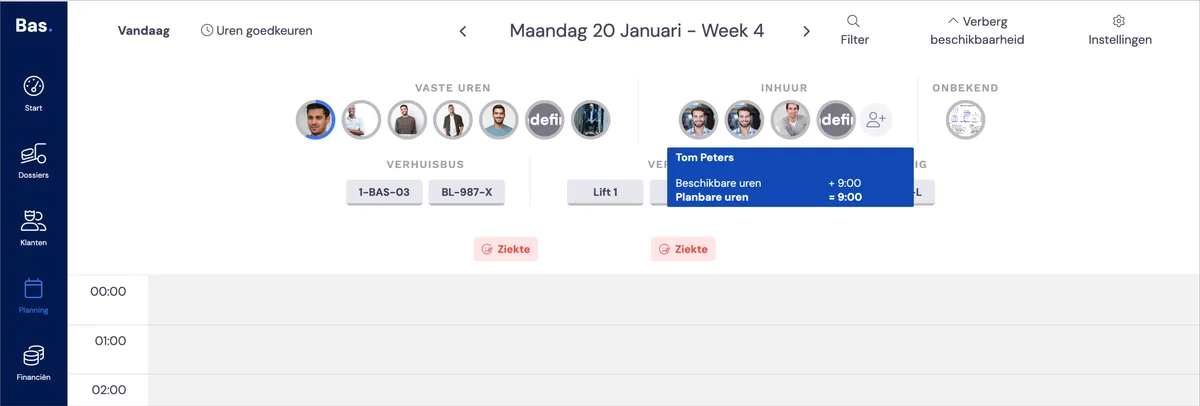
Agency worker availability from the planning

For 1 day at a time

If you want to make an employee available for one day, you can arrange this directly via the planning. Simply click on 'agency worker' in the planning.
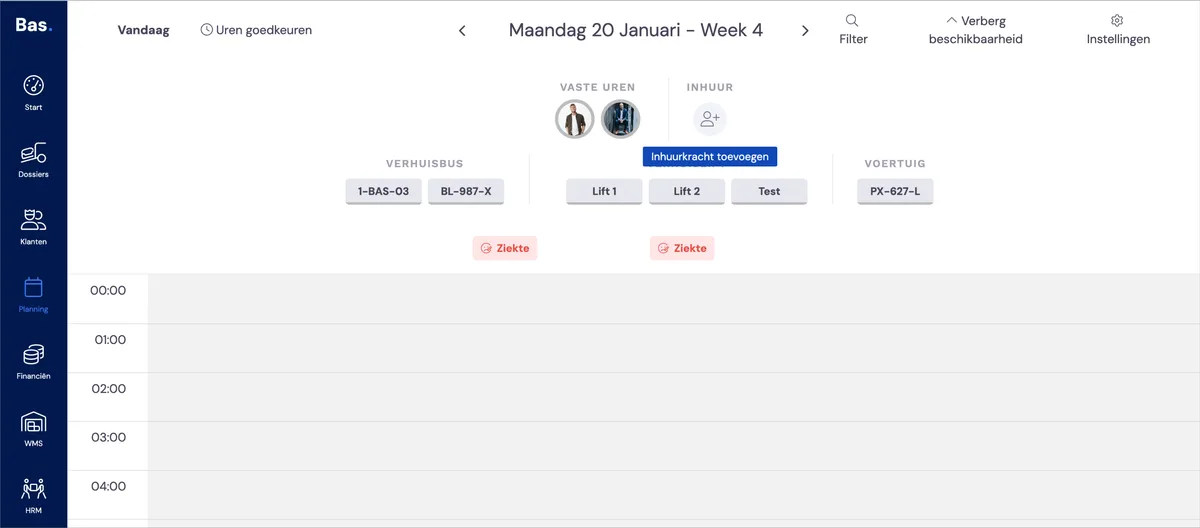
Agency worker availability from the planning: screenshot 1


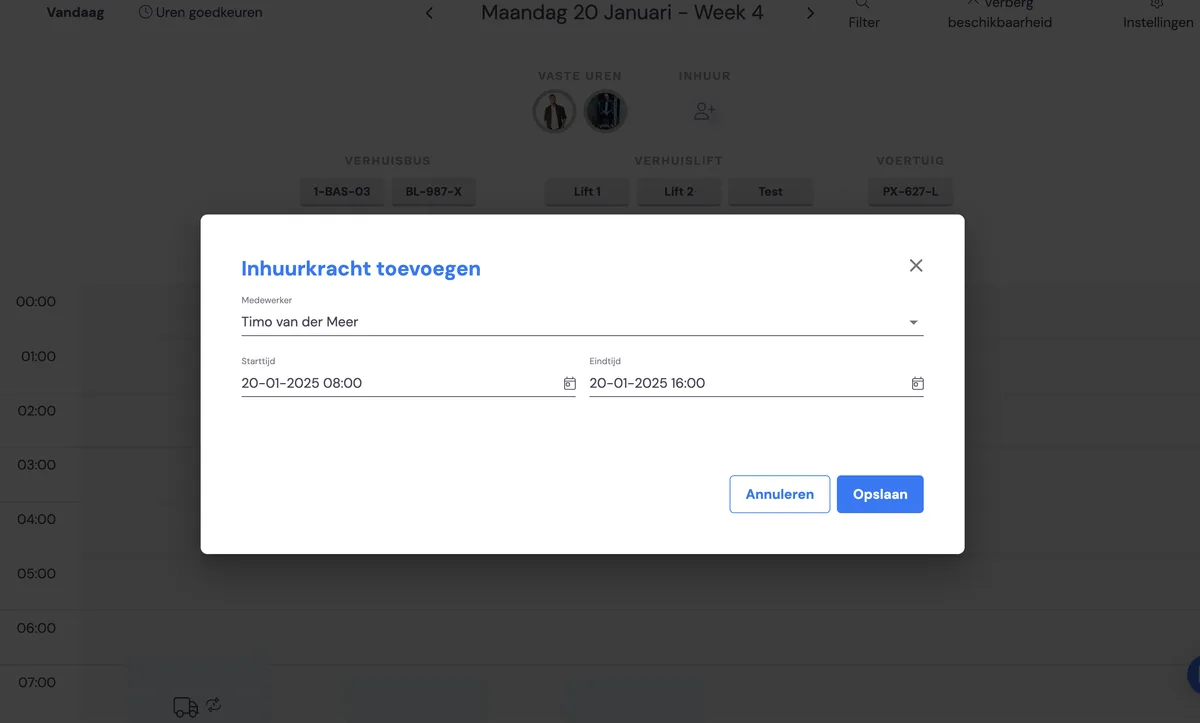
Agency worker availability from the planning: screenshot 2


Scheduling an agency worker​

Agency worker availability from the planning: screenshot 3

The agency worker now appears among the available employees and can now be scheduled.

Related articles

Making an agency worker available for a longer period

Setting the availability of permanent staff

Did this answer your question?