
To be able to schedule your employees, you first need to set the availability of these employees.
Overview of available employees in the planning
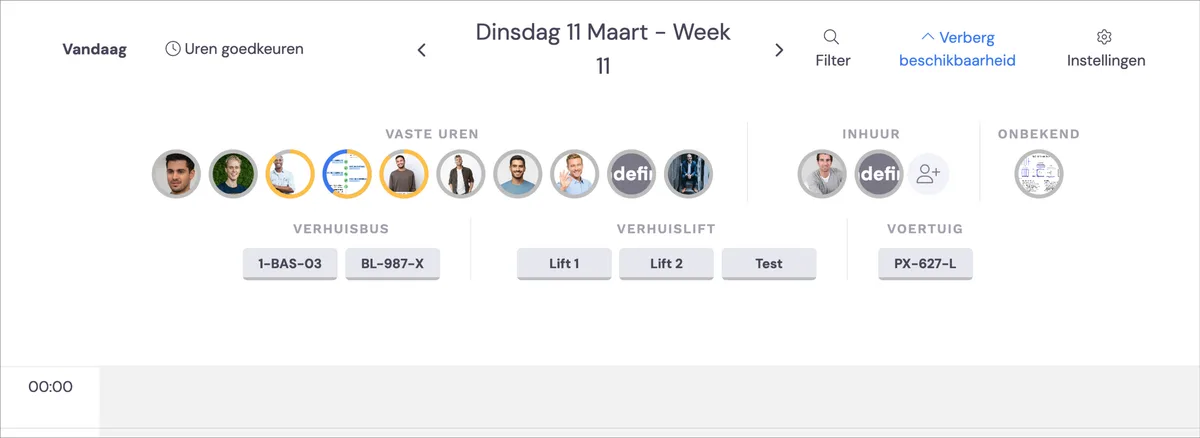
Go to planning to view employee availability. You will see the employees as circles above the planning screen, sorted by contract type.
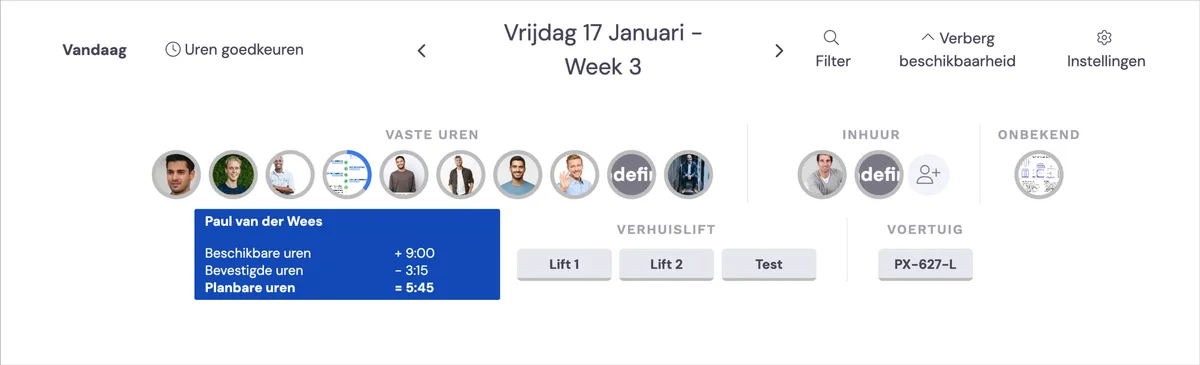
If you move the cursor over the circles, you will see the details of the employee's availability.
Setting the default availability of permanent staff
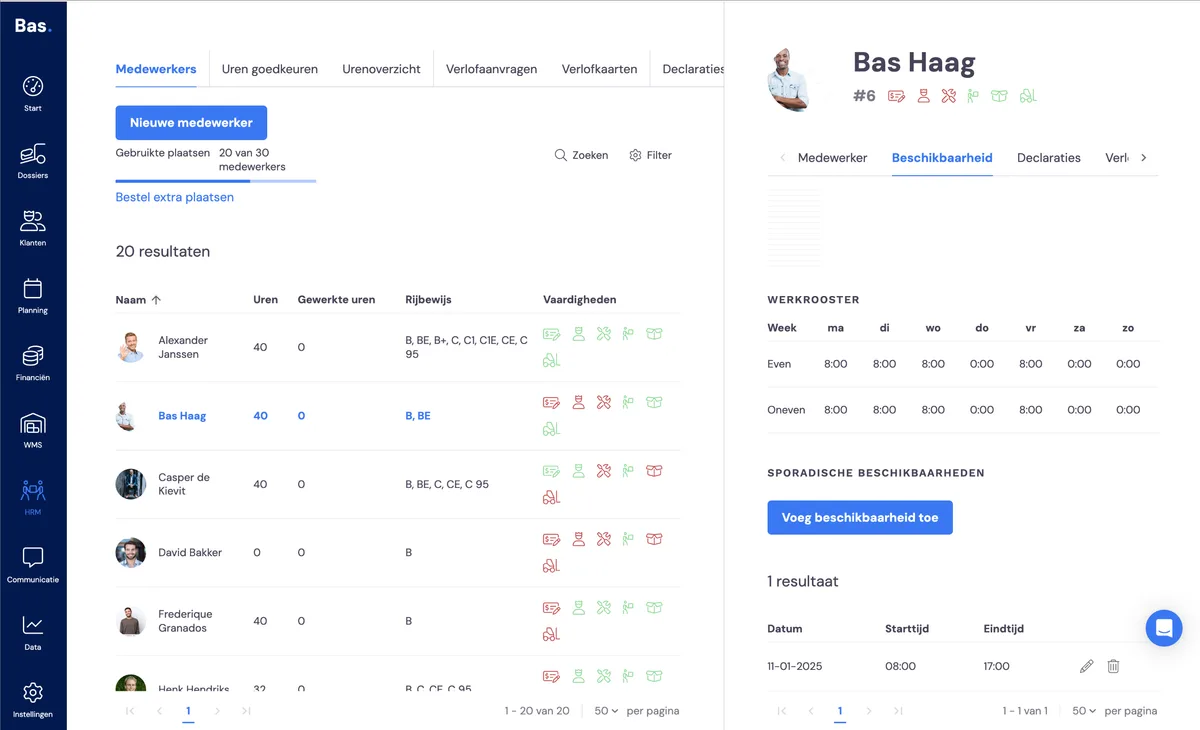
You set the default availability of each employee via HRM > employees. Select an employee there and click on availability.
Work schedule
The work schedule determines availability in the planning. Set the number of hours for each day that an employee is available. You do this by moving your cursor over the work schedule and then clicking on the pencil icon.
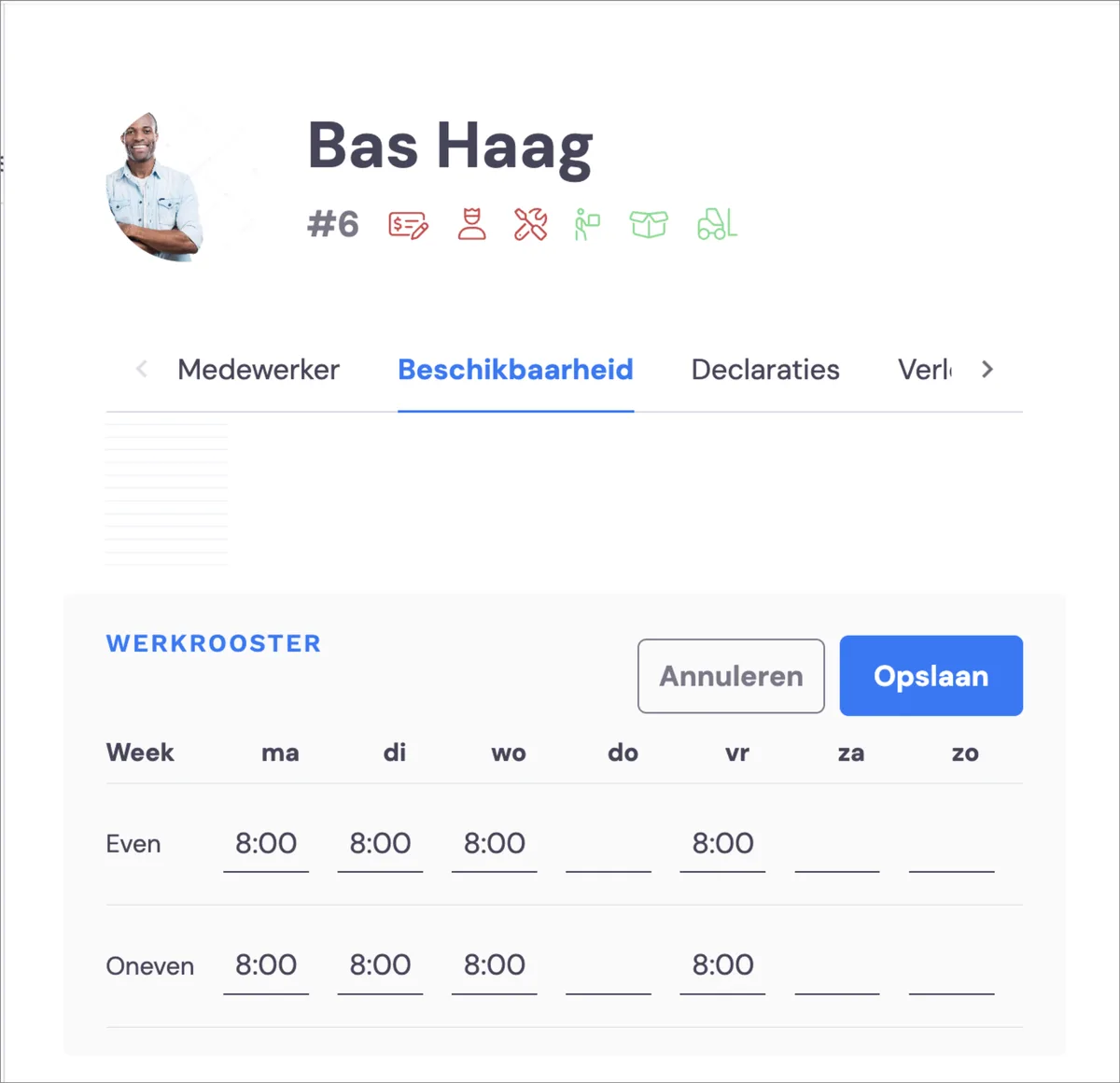
This concerns the working hours; you do not need to take the break into account. In the planning, the employee is made available for the number of hours in the work schedule + the standard break.
Please note: set the hours for both weeks in the weekly schedule. If you do not, the employee will not be available for the week for which no hours have been set.
Sickness and leave
The planning takes sickness and leave into account. The employee will not appear in the list of available employees. The leave or sickness is also shown in the planning.
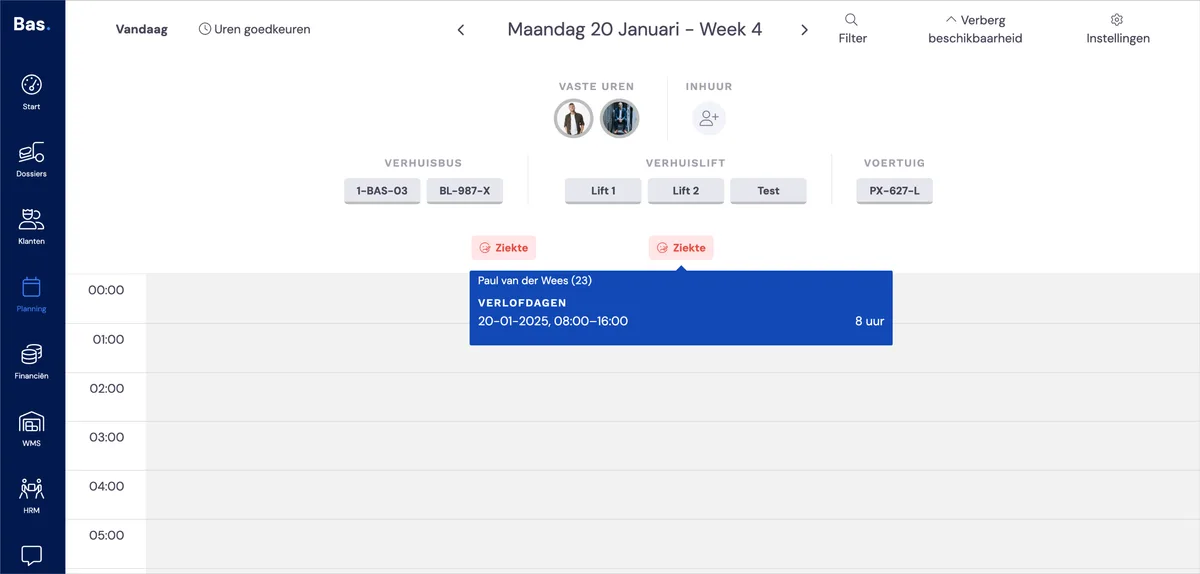
Do you still want to make an employee available? Then use the 'hire' button. This way you can add the employee to the list of available employees.
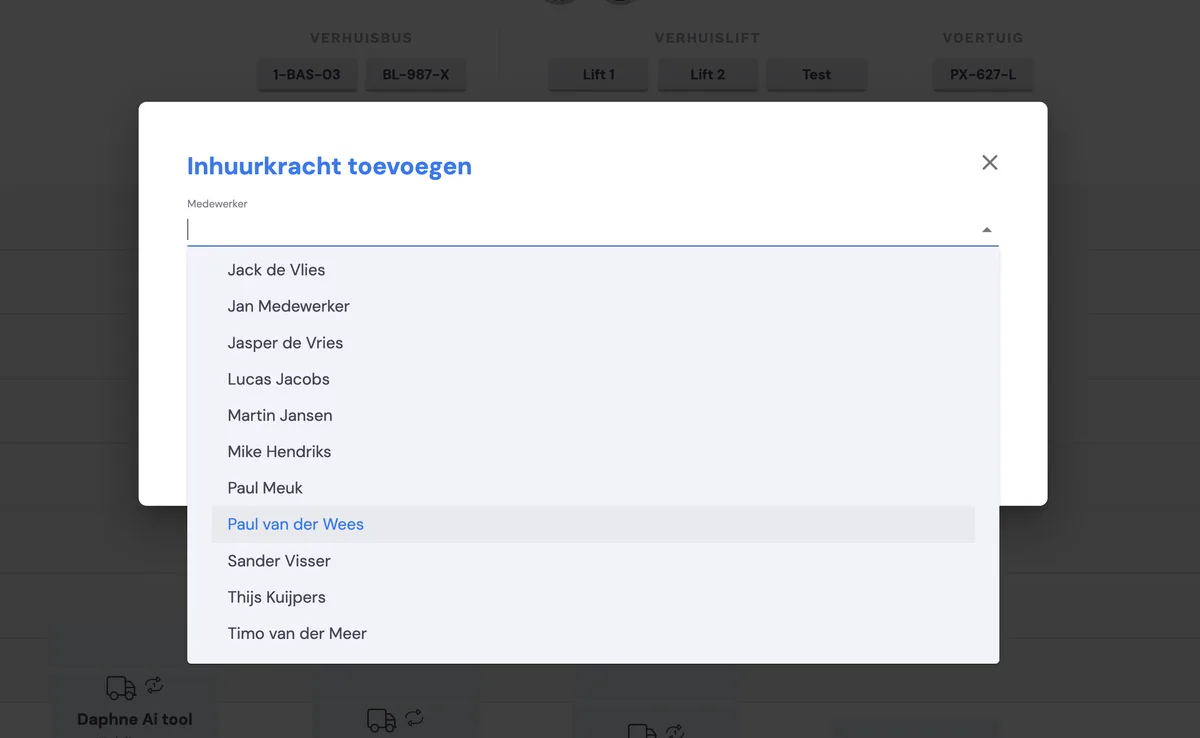
Occasional availability
Do you have a permanent employee who does not normally work on a particular day of the week, but you still want to schedule them? Then you can use occasional availability. You will find this with the employee, directly below the work schedule.
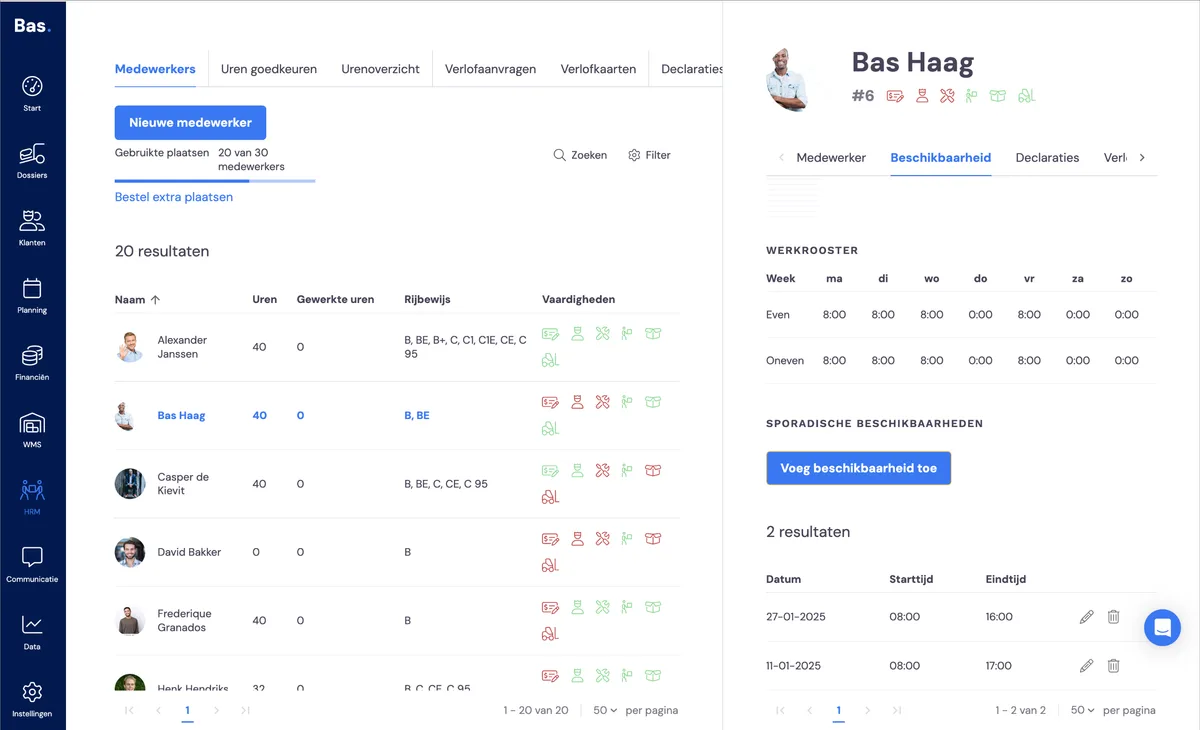
Adding occasional availability
Click the 'add availability' button. You can now use the form to add the days and hours on which the employee is available.
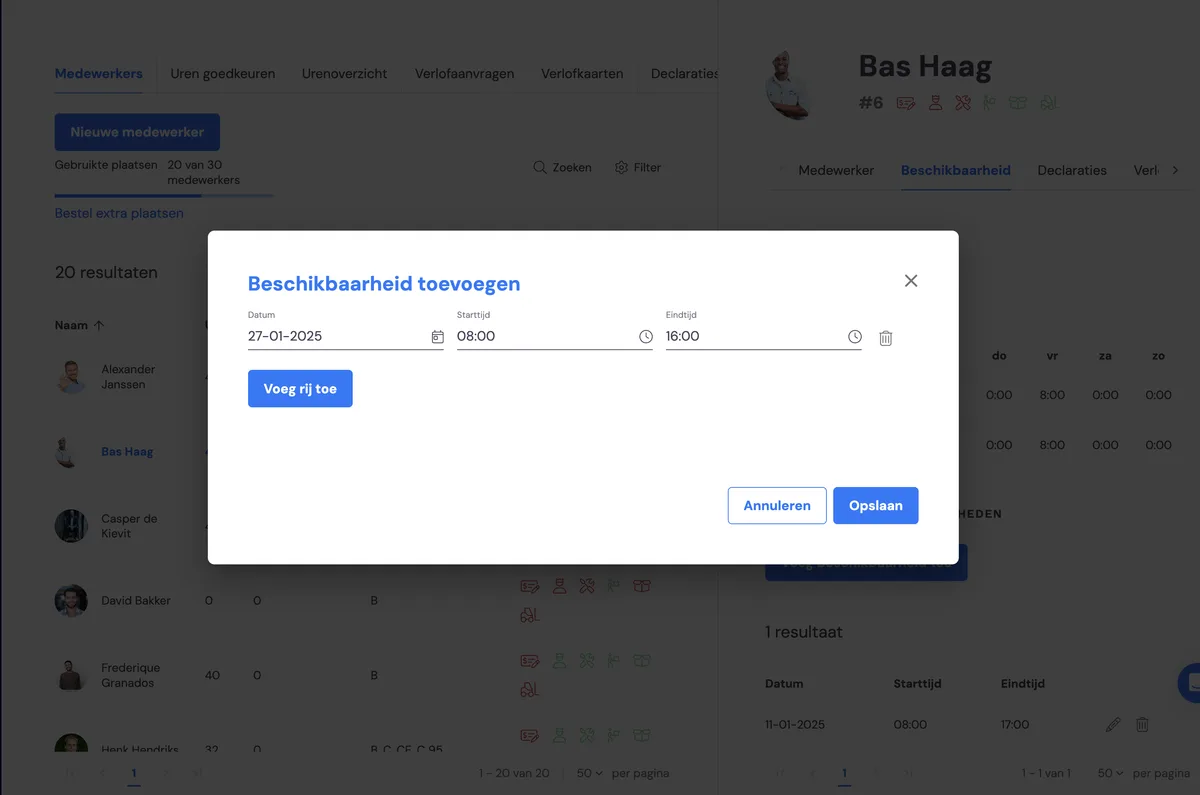
Start and end time
It is not yet possible to enter the start and end time per employee. This will be made possible in the future.
Related articles
Setting the availability of agency workers via the planning